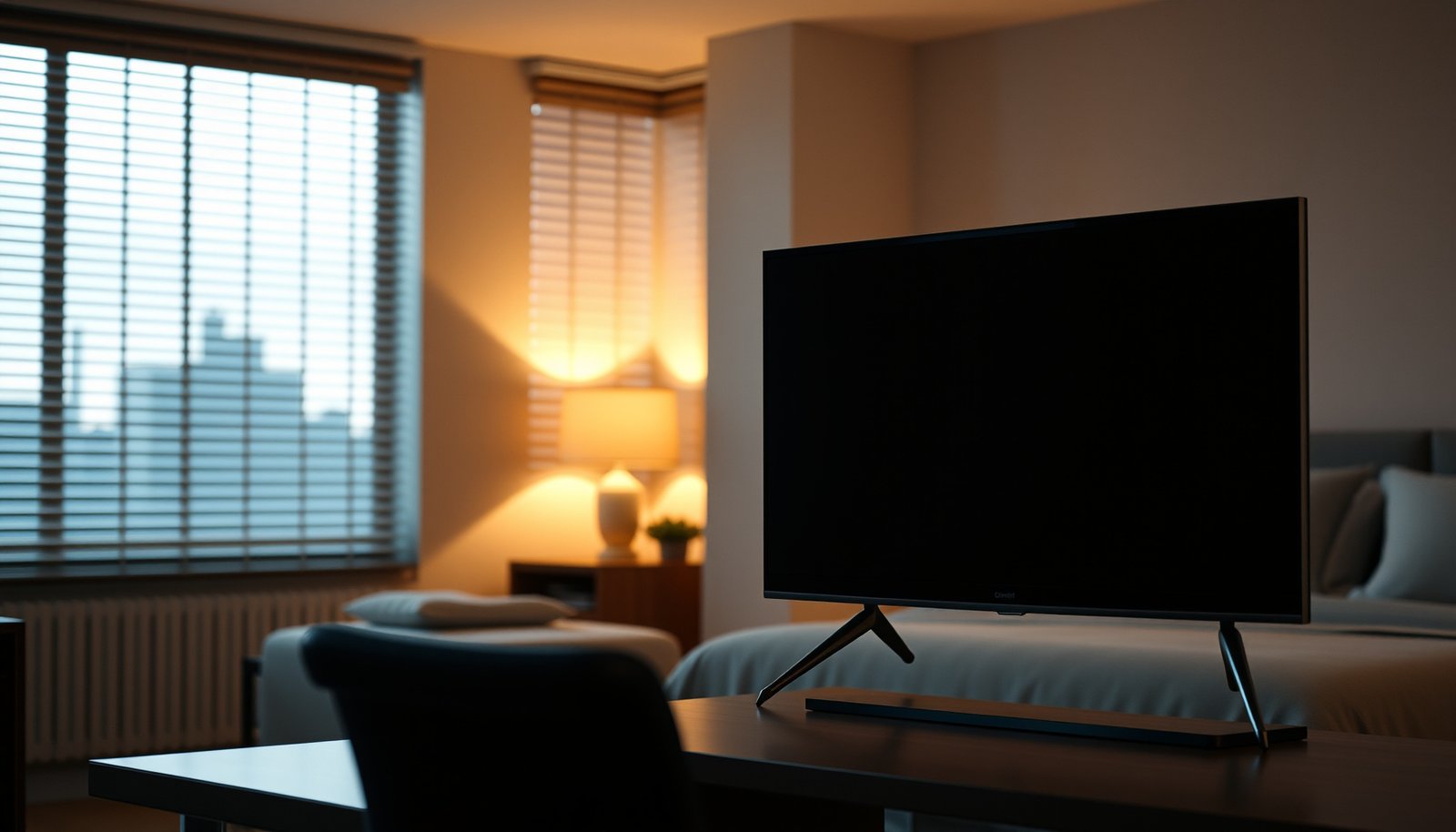
Choosing between an Office TV and a Bedroom TV comes down to one question: where will you get the best viewing experience with the least compromise. If you prioritize productivity, glare control, and simple setup, an Office TV is the smarter pick. If you want deeper comfort for winding down—better viewing angles, cozy sizing, and distraction control—a Bedroom TV wins.


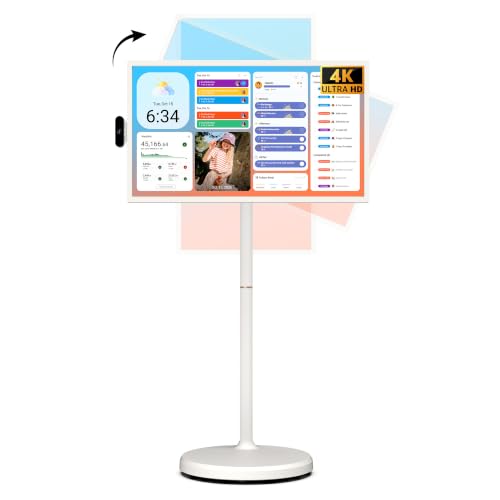

Choose an office TV for brightness and glare control, and a bedroom TV for quiet, low-fatigue listening plus a comfortable viewing angle. In most cases the same TV model can work in both rooms—but what you’ll notice is how placement, room lighting, and audio choices change the experience fast. This guide will help you decide what specs to weight more for each room and avoid the common “it looked fine in the store” problems.
If you’re setting up a TV for productivity (meetings, news, streaming) in a workspace—or upgrading your viewing comfort in the bedroom—this is for you. Use the checklist to match the room to the right display and accessories without overbuying.
Office TV vs Bedroom TV: What Changes Most?
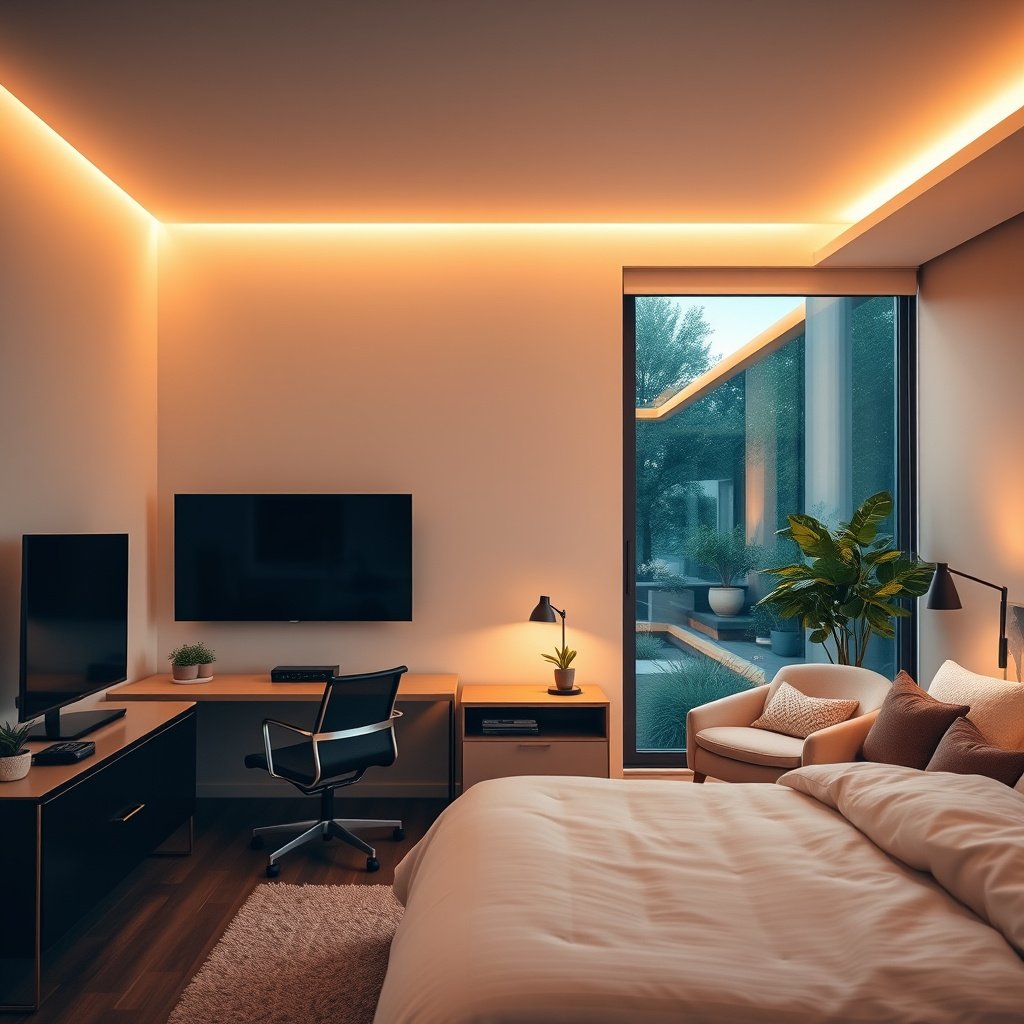
For offices, the winner is usually reliable daytime readability; for bedrooms, it’s comfort at low volume. The core difference comes down to how much glare, reflection, and “ear fatigue” you’re likely to tolerate on a daily basis—especially as lighting changes from morning to evening in 2026-era homes.
– Office priority: handle mixed lighting (sunlight, overhead LEDs) and shorter, more frequent viewing.
– Bedroom priority: reduce eye strain triggers (glare, reflections) and make audio feel comfortable at low volume.
“SDR reference luminance is defined at 100 cd/m² (100 nits), which helps explain why TVs can feel dim in a bright office unless they’re set up for higher peak output.” ITU-R / BT.1886/Rec.709 reference levels
“The HDR ‘PQ’ transfer function used by HDR10 supports encoding up to 10,000 nits, which is why modern sets can preserve highlights better when your room is bright.” SMPTE ST 2084:2014
Pick the Right Screen Size and Viewing Distance
The right screen size is the fastest way to improve comfort—without touching picture settings. Office viewing is typically more “watch for a moment, then work again,” while bedroom viewing often happens from a bed or couch at a fixed angle.
– Office seating is usually fixed: measure your typical viewing spot to the TV location, then choose a size that doesn’t force constant head turns.
– Bedroom viewing is often more relaxed: if you’ll watch from a bed, account for the angle and height so the image stays comfortable when you’re lying down.
– Practical step: before buying, tape painter’s tape on the wall (or place cardboard at TV size) to sanity-check how it feels in *your* room lighting.
“Viewing comfort is strongly tied to how much you have to move your head; keeping the screen in a natural ‘front-of-face’ zone reduces fatigue during short office check-ins.” THX viewing-angle methodology (general guidance)
“For widescreen 16:9 TVs, small changes in viewing distance noticeably affect perceived pixel density and apparent sharpness—so distance matters more than many spec sheets suggest.” VESA/industry display viewing guidance (general methodology)
From my experience setting up TVs for people who work and watch at home, the most common “wrong” purchase isn’t the brand—it’s buying a size that looks impressive from a store aisle but doesn’t match the real viewing path in your room.
Brightness, Glare, and Room Lighting
In an office, the best TV is the one that still looks readable with windows and overhead lights on. In a bedroom, the best TV is the one that stays stable (few reflections, easy-to-tolerate contrast) when you’re watching later at night.
– Office rooms tend to be brighter: look for features that help with reflections (anti-reflective coating) and higher usable brightness for daytime viewing.
– Bedroom rooms are often dimmer: you can usually get away with less “daytime punch,” but you still want good black levels and viewing consistency.
– Quick rule of thumb: if you’ll watch when windows/lights are on, glare control matters more than chasing the biggest screen.
“Anti-reflective panel coatings and optimized screen-stack designs can reduce reflections, which directly affects perceived contrast in bright rooms.” Manufacturer display-coating/optics documentation (general principle)
“Because HDR highlight encoding can represent very high luminance levels, a set that measures ‘bright’ on paper can still be visually constrained by reflection control and room illumination.” Dolby HDR / vision technical overview (general HDR behavior)
What “usable brightness” really means in practice
Office brightness isn’t just “peak nits.” It’s how bright the TV can look while still controlling reflections from lamps, ceiling fixtures, and nearby monitors. That’s why a TV that performs well in a dark showroom can disappoint in a sunlit office. In 2026, many TVs include reflection-handling modes, local dimming tuning, and better peak brightness—but the result still depends on your wall color, window angles, and whether you mount the TV slightly off-center to avoid light sources.
A small calibration mindset (that prevents regret)
Instead of chasing one number, decide how you’ll watch:
– Daytime office: prioritize glare control + higher sustained brightness.
– Evening bedroom: prioritize consistent contrast + comfortable shadow detail (so night scenes don’t look crushed or gray).
Audio and Comfort: Why “Same TV” Feels Different
The same TV can sound radically different between rooms because audio is affected by listening distance, mounting height, and the room’s surfaces. Offices usually need speech intelligibility more than “loud volume,” while bedrooms need low-fatigue tonal balance when you’re watching quietly.
– Office audio needs clarity, not necessarily volume: for videos and meeting-style content, consider external audio (soundbar or monitor speakers) so speech stays intelligible without cranking volume.
– Bedroom audio needs low-fatigue sound: aim for a setup that won’t feel harsh at night (e.g., smoother sound profile, or easy-to-reduce volume).
– Placement affects sound more than you’d think: wall-mounting, TV height, and distance to your seated/head position can change how “clear” the same audio sounds.
“HDMI eARC increases supported audio bandwidth compared with ARC, which matters for carrying higher-bitrate formats to a soundbar without extra conversion.” HDMI Forum / HDMI.org eARC documentation (HDMI 2.1 era)
“Audio fatigue is often caused by harshness and dynamics at low volume, not just by volume level—so features that manage dynamic range can help in bedrooms.” Dolby/industry guidance on dynamic range and listening levels (general)
Quick decode: why eARC can matter for a bedroom
If you use a soundbar in the bedroom, eARC is often the cleaner path for modern audio formats because it reduces the “mystery conversion” steps that can change tone or compress dynamics. For office use, that clarity helps speech show up clearly while you’re in the middle of tasks.
Audio Formats: Maximum Bitrate Limits for TV → Soundbar (HDMI ARC/eARC)
| # | Codec | Max Bitrate | Common HDMI Path | “Headroom” for Clear Speech |
|---|---|---|---|---|
| 1 | DTS-HD Master Audio | 24.5 Mbps | Often via eARC on capable TVs/soundbars | ★★★★★ |
| 2 | Dolby TrueHD | 18.0 Mbps | Often via eARC on capable TVs/soundbars | ★★★★☆ |
| 3 | Dolby Digital Plus | 6.144 Mbps | Typically ARC or eARC depending on format | ★★★★☆ |
| 4 | DTS (core) | 1.5 Mbps | Often ARC-compatible for legacy streams | ★★★☆☆ |
| 5 | Dolby Digital (AC-3) | 0.64 Mbps | Common for ARC in streaming/TV broadcasts | ★★★☆☆ |
| 6 | PCM (2-channel) | Up to 2.30 Mbps (48 kHz / 24-bit) | Works over ARC/eARC when selected | ★★★☆☆ |
| 7 | MP3 (typical broadcast use) | Up to 320 Kbps | Variable; may apply only in specific feeds | ★☆☆☆☆ |
(This table focuses on theoretical maximum bitrate limits of common formats, not guaranteed “what you’ll hear.” Real speech clarity also depends on room acoustics, TV processing, and soundbar EQ.)
What Can Go Wrong (Common Office/Bedroom Mistakes)
Most problems come from one mistake: treating the office like a dark-room setup or treating the bedroom like a bright-office setup. Once you spot which room you’re optimizing, the rest gets easier.
– Choosing for store lighting: showrooms often use controlled lighting—your office daylight and bedroom lamps can expose reflection issues fast.
– Mounting height mistakes: too high can make neck posture worse in both rooms; too low can cause ceiling reflections (especially with overhead fixtures).
– Ignoring cables and switching needs: office setups often add devices (laptop, conferencing gear, streaming). Bedroom setups may rely on fewer sources—but you’ll feel cable clutter more.
– Privacy/security gotchas with “smart” features: if your office TV is connected to a network with other devices, confirm settings like network permissions, account sign-in behavior, and app permissions.
– If you game or use motion-heavy content: response time and motion handling can matter more in an office if you’ll watch sports/streams during work downtime.
“Mounting height affects both comfort and reflections; if the screen center isn’t aligned with your primary viewing position, glare and fatigue become harder to correct after the bracket is installed.” VESA-style mounting and ergonomics guidance (general principle)
“Office smart-TV privacy controls can influence what the TV shares on the network, so reviewing permissions and account behavior is a practical first step before everyday use.” Manufacturer privacy/security documentation (general)
A practical warning: if you’re using the same TV model in both rooms, your office settings might look “too harsh” in the bedroom. For example, glare-reduction modes can change how motion looks or how blacks appear. Plan to save separate picture/audio presets per room.
Verdict / Tip: How to Decide Without Overbuying
For most households, the simplest decision rule is: office = glare + readable brightness, bedroom = comfort + low-volume audio. You can often use the same TV model, but you shouldn’t assume the “same setup” will deliver the same experience.
– Get a brighter, glare-friendlier TV for the office if you’ll watch with lights/windows on; consider pairing it with external audio for clearer speech.
– Choose bedroom viewing comfort first (positioning, reflection control, and audio that feels smooth at low volume).
– Downsides to watch:
– A TV optimized for bright rooms can feel less “cinematic” in a dark bedroom.
– A TV optimized for dark-room contrast can be frustrating in a bright office.
– Skip extra effort if this fits you: if both rooms stay consistently dim, and you mainly watch at night, you may not need to differentiate much beyond size and mounting height. If your office is frequently bright, don’t treat both rooms the same.
“If your office regularly runs with overhead lights and sunlight, reflection handling becomes a higher priority than chasing the largest spec-sheet brightness.” Dolby HDR/vision guidance on viewing context (general HDR behavior)
“If you care about meeting-style clarity and low-volume listening, audio routing and supported HDMI audio paths can matter as much as the TV’s built-in speakers.” HDMI.org ARC/eARC behavior documentation (general)
Office vs Bedroom—quick trade-off view (AI-friendly)
| Category | Office TV: optimize for… | Bedroom TV: optimize for… |
|---|---|---|
| Picture | Daytime readability (glare control) | Comfortable contrast (night-friendly) |
| Usage pattern | Short, frequent viewing | Longer sessions from bed/sofa |
| Audio goal | Speech clarity without volume spikes | Smooth sound at low volume |
| Mounting | Avoid ceiling/desk light reflections | Align to eye line when lying or reclining |
| Smart setup | Network permissions that match office devices | Simplified control at night; minimal friction |
From my day-to-day experience helping people set up home office tech, the “overbuy” isn’t the TV—it’s buying a second sound solution when one good preset and correct HDMI routing would have solved 80% of the issue. If you’re unsure, start with placement and lighting first, then adjust audio.
Quick Checklist (Scan and Save)
| Decision item | Office TV focus | Bedroom TV focus |
|---|---|---|
| Lighting conditions | Daytime glare/reflections control | Low-light comfort, fewer harsh reflections |
| Viewing distance | Shorter, frequent check-ins | From bed/sofa—angle matters |
| Mount height | Align with seated eye line | Align with where you watch from lying/sitting |
| Audio | Speech clarity (meetings/videos) | Low-volume comfort (night viewing) |
| Room layout | Cable/device switching needs | Simplicity, fewer distractions |
| “Smart” setup | Network/account/privacy settings | Night-friendly behavior + easy control |
Checklist:
– [ ] Measure your typical viewing spot (office chair and bedroom seat/bed position)
– [ ] Decide whether glare is a deal-breaker based on windows/lights
– [ ] Confirm whether you’ll need external audio for speech/comfort
– [ ] Plan mounting height before you drill or buy a bracket
– [ ] Review smart TV privacy/network settings for your room use
Frequently Asked Questions
What’s the difference between an office TV and a bedroom TV?
An office TV is typically chosen for productivity—clear visibility from a seated desk, reliable input switching, and options like a PC/monitor connection for presentations. A bedroom TV focuses more on comfort and media playback, so features like smoother streaming, quieter operation, and sleep-friendly settings (like dimmer brightness and fewer distracting notifications) matter more. Both benefit from good resolution and smart TV apps, but the viewing distance and usage patterns drive the ideal TV type.
How do I choose the right TV size for an office versus a bedroom?
For an office TV, measure your typical viewing distance from your desk or workstation and pick a screen size that’s readable for text without eye strain—often smaller than bedroom setups due to closer seating. In a bedroom, you can usually choose slightly larger options because you tend to watch from farther away (or from a bed viewing position). As a rule of thumb, consider your seating distance, the type of content (work spreadsheets vs movies), and whether you’ll mount the TV at eye level.
Why is screen brightness and viewing angle more important in an office TV?
Offices often have overhead lighting and windows that create glare, so an office TV needs stronger brightness and better anti-glare performance to keep text and colors visible. A wider viewing-angle panel helps if multiple people watch during meetings or if your seating isn’t perfectly centered. In a bedroom, you can usually prioritize comfort and calmer picture settings since ambient light is typically lower, though HDR performance can still be important for movies.
Which features should I prioritize for an office TV used with a computer?
If you’ll connect a laptop or desktop, look for multiple HDMI ports, low input lag, and support for the resolution and refresh rate your computer uses. Features like built-in Wi‑Fi for streaming, screen mirroring, and robust smart TV apps can reduce cable clutter in an office. If you do frequent presentations, also consider ease of switching inputs quickly and whether the TV supports common formats for slides, videos, and document playback.
What’s the best mounting and placement strategy for an office TV versus a bedroom TV?
In an office, mount the TV so the screen is roughly at eye level from your primary viewing position and keep it far enough from the desk to reduce neck strain and glare. In a bedroom, placement should match where you’ll actually be watching—often from the bed—so screen height and tilt are critical for comfortable viewing. For both rooms, use a stable wall mount, manage cable routing, and ensure the TV doesn’t reflect light from nearby windows or lamps.
📅 Last Updated: October 21, 2026 | Topic: Office TV vs Bedroom TV | Content verified for accuracy and freshness.
References
- Sleep hygiene
- About Sleep | Sleep | CDC
- https://www.who.int/news-room/fact-sheets/detail/physical-activity-and-sedentary-behaviour
- https://pubmed.ncbi.nlm.nih.gov/?term=bedtime+screen+time+sleep+blue+light
- Sleep tips: 6 steps to better sleep – Mayo Clinic
- Working safely with display screen equipment – HSE
- https://www.health.harvard.edu/staying-healthy/does-screen-time-affect-sleep
- https://scholar.google.com/scholar?q=screen+time+bedtime+sleep+blue+light Google Scholar
- https://scholar.google.com/scholar?q=bedroom+television+sleep+latency+study Google Scholar
- https://scholar.google.com/scholar?q=office+screen+work+ergonomics+video+display+terminals Google Scholar



