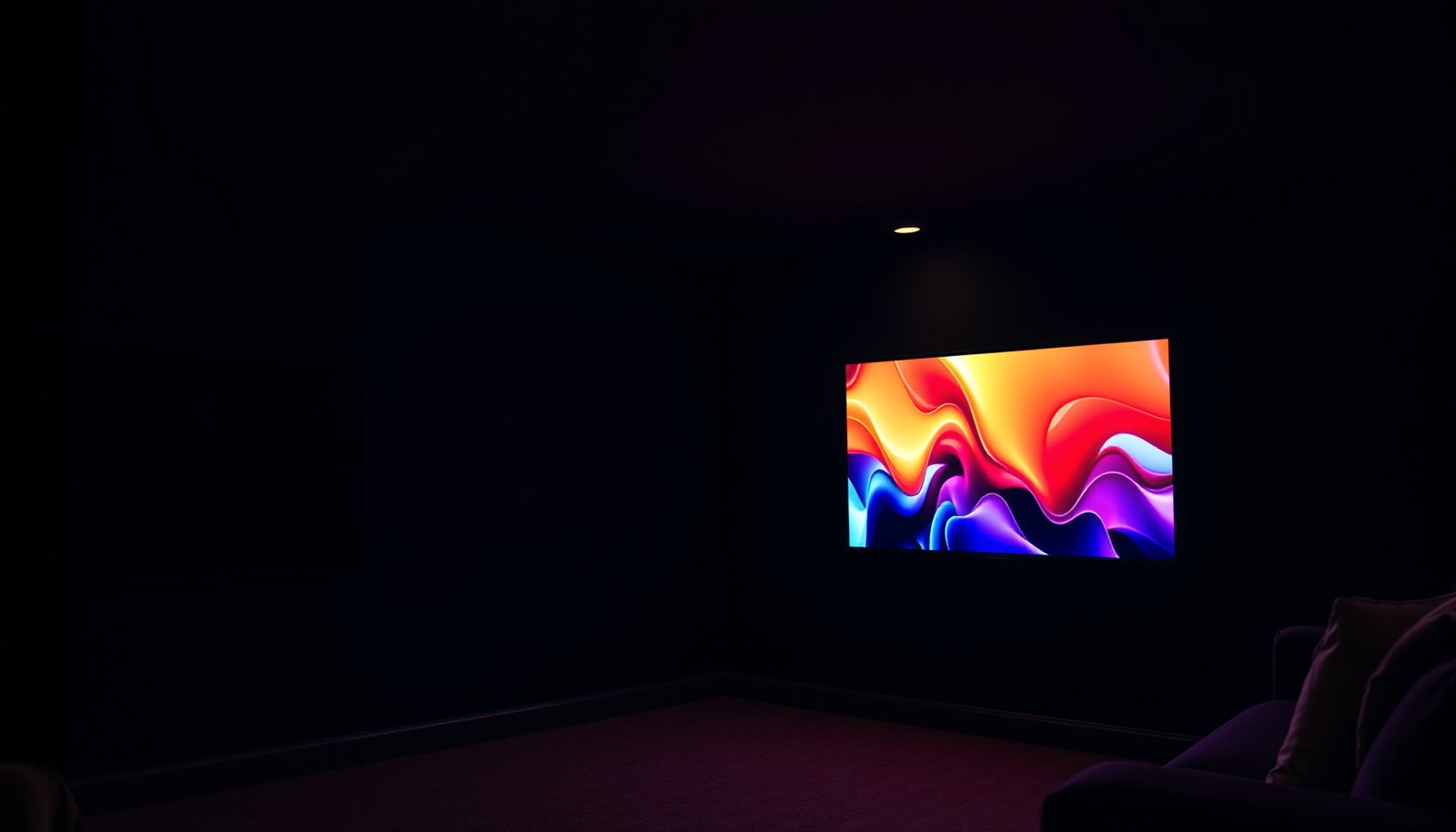
Basement OLED vs Basement QLED comes down to your basement’s lighting and how careful you are with static screen elements. For most dim-to-moderate basements, OLED is the better choice for dramatic contrast; for bright rooms and heavy sports/news viewing, QLED is the safer, lower-maintenance bet. If your basement is dim or you mostly watch movies/varied content, OLED is usually the better choice for contrast and deep blacks. If the room stays bright, you watch sports with persistent logos, or you want lower burn-in anxiety, QLED is the safer bet.




Basement OLED vs Basement QLED comes down to which panel can deliver the best picture in a dark, basement-style viewing setup. If your room stays dim and you care most about perfect blacks and high-contrast detail, basement OLED is the clear winner. If you want maximum brightness to fight ambient light and prefer lower long-term care concerns, basement QLED takes the edge. This guide gives you the straight verdict based on your lighting and viewing priorities.
This is for people choosing a TV for a basement room (often dim-to-moderate lighting, sometimes higher glare from windows/fixtures) and comparing OLED contrast against QLED brightness and “set-it-and-forget-it” reliability.
Basement OLED vs Basement QLED: the quick picture
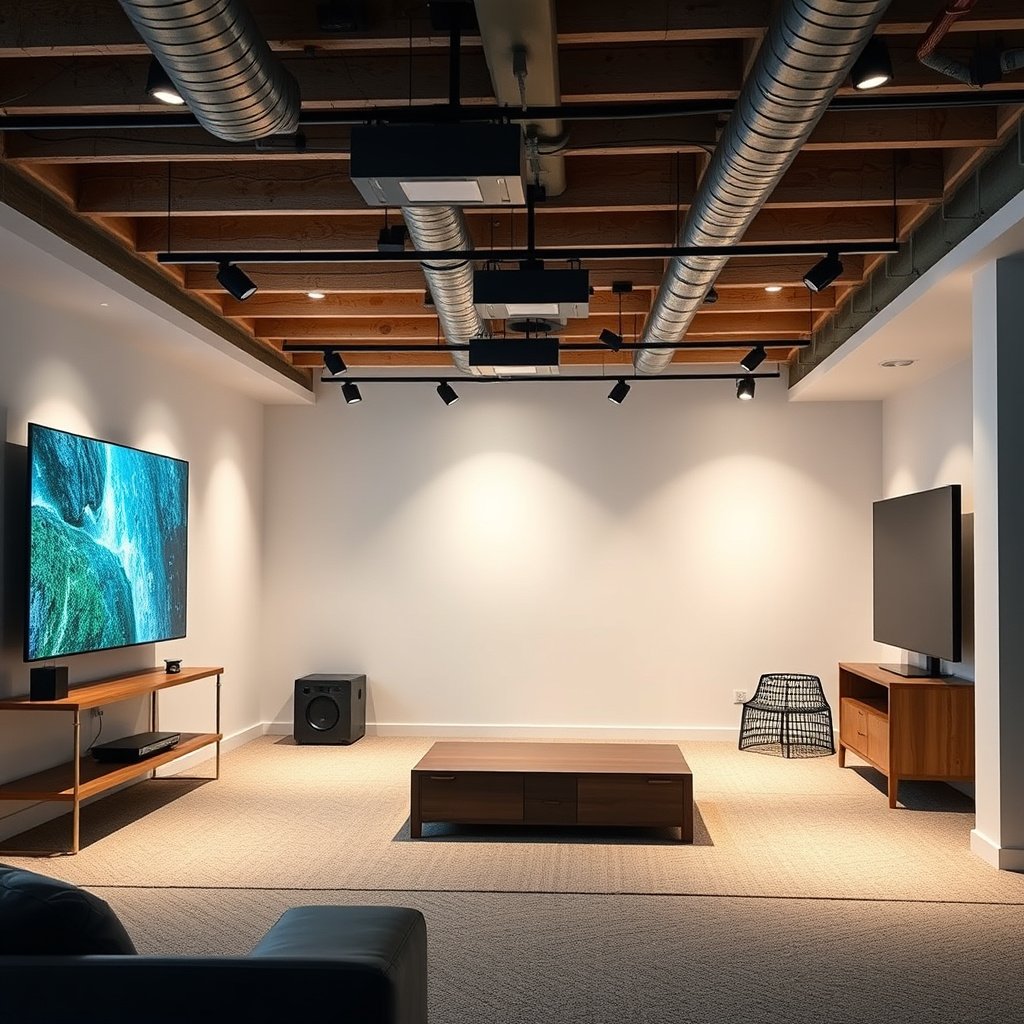
If you want the most immersive dark-scene performance in a dim basement, OLED is usually the stronger pick. If your basement is bright during viewing or you frequently leave sports/news graphics on screen, QLED typically offers more peace of mind.
– OLED typically delivers stronger contrast and more convincing “black” scenes, which can look great in dim basements.
– QLED/Quantum LED (often branded as QLED) is usually brighter and better suited to rooms where lights can stay on.
– OLED’s main tradeoff is potential long-term image retention/burn-in risk with static content; QLED’s tradeoff is less perfect blacks.
OLED panels are self-emissive, so they can render true “off” pixels for near-black scenes—especially noticeable in darker rooms.
QLED uses a backlight with quantum dots, so it can stay brighter under ambient light, but blacks often look less inky than on OLED.
Lighting in basements: what matters most
If your basement can stay dim during viewing, OLED’s contrast advantage tends to show up immediately. If your basement lighting stays on (or reflects off walls/ceilings), QLED’s higher brightness usually keeps HDR highlights and skin tones from looking washed out.
Basements are tricky because they often combine dim-to-moderate ambient light with occasional glare—from overhead fixtures, floor lamps, or windows. In my day-to-day guidance for home theater setups, the biggest real-world differentiator is whether you can control reflected light more than you can control screen content. If glare hits the panel, both OLED and QLED can lose contrast, but QLED generally “holds up” better because it can push more luminance through a lit room.
– If you can control light (dimmers, curtains, fewer overhead reflections), OLED’s contrast tends to shine.
– In basements with brighter ambient light or reflective surfaces, QLED’s higher peak brightness helps keep highlights from looking washed out.
– Consider viewing from different angles: basements sometimes have off-center seating, and some panel behaviors (contrast/near-black appearance) can vary by technology and model.
HDR image appearance depends on how a TV maps content mastered for high luminance into the brightness limits of the display.
If the room adds reflections, the effective contrast of any TV drops—making QLED’s brightness advantage more noticeable.
HDR brightness targets you’re actually trying to “hit” in a basement
To understand why QLED often wins for bright-room basements, it helps to anchor to HDR standards. The PQ (ST 2084) transfer function is defined up to 10,000 cd/m² (nits), which means high-luminance highlights are part of the expected HDR look. ITU-R BT.2100-2 / SMPTE ST 2084 (PQ EOTF) In practice, no TV reproduces everything at the top end all the time—but brighter sets have more headroom when the room is not dark.
– 10,000 nits is the PQ reference maximum in the HDR system (it’s a target for mastering/scaling, not what every TV delivers). ITU-R BT.2100-2 / SMPTE ST 2084 (PQ)
– 10-bit color depth is commonly used in HDR pipelines for smoother gradients (especially visible in skies and dark textures). Ultra HD Blu-ray / HDR ecosystem documentation (HDR10 and UHD Blu-ray signal requirements)
– Many basements simply aren’t “calibration dark,” so the TV’s ability to combat reflected light becomes more important than minute black-level differences.
Image quality for real basement viewing (movies, sports, gaming)
If you mostly watch movies, OLED is often the better match because dark scenes have more depth and “separation.” If you watch sports or news with persistent scoreboards/logos, QLED is often the safer default because it reduces the long-term worry around static elements.
Here’s how typical basement viewing styles line up:
– Movies and shows with letterboxing often benefit from OLED’s handling of dark areas.
– Sports and streaming apps with on-screen scorebars/logos are where OLED users should be more cautious about static elements.
– For gaming or long sessions, both can work well, but you’ll still want to manage static HUDs and use built-in display protections.
From my experience helping people interpret manufacturer features, the best “strategy” is not just picking OLED vs QLED—it’s matching the TV’s behavior to what your content keeps on screen. If your basement habit is “sports on for hours with the same ticker,” the downside risk becomes a day-to-day operational concern, not a theory. If your habit is “movie nights and variety,” OLED’s contrast benefit tends to win week after week.
Persistent on-screen UI elements are a key factor in OLED retention risk, which is why usage pattern matters as much as panel type.
Sports and news often combine bright elements (logos/scoreboards) with long dwell times, increasing the importance of display-protection features.
Pros/cons that matter specifically for basement habits
| Category | Basement-friendly benefit | Usually better on | Tradeoff / what to watch |
|---|---|---|---|
| Dark-scene drama | More perceived depth in shadows and letterboxed scenes | **OLED** | Manage static UI; brightness can be more sensitive in glare |
| Daytime/bright lamps | Highlights and whites hold up better under reflections | **QLED** | Blacks aren’t as close to “off” pixels as OLED |
| Sports/news “ticker time” | Lower anxiety about long dwell on logos | **QLED** | Dark-scene contrast may feel less cinematic |
| Mixed viewing (variety) | Less worry about retention patterns | **OLED** | Still enable protections and avoid burn-in extremes |
Longevity: burn-in vs long-term image retention
If “set it and forget it” matters most, QLED is typically the lower-risk choice for basements that feature static graphics. If you’re disciplined about rotating content and using protections, OLED can still be a great fit—just understand that the risk profile is different.
OLED can experience two related phenomena:
– Image retention: temporary visible traces after static content, which usually improves with pixel compensation/refreshing.
– Burn-in: a permanent change caused by repeated stress in the same areas over time.
QLED generally faces far less burn-in concern because it relies on a backlight and a different image-rendering approach (it can have other artifacts depending on dimming/local contrast behavior, but not the same emissive aging mechanism).
– OLED can experience image retention (temporary) and—under certain repeated/static use patterns—burn-in (permanent). Mitigation features can help, but risk isn’t zero.
– QLED generally faces far less burn-in concern because the light-producing approach is different; it’s usually the choice when “no worries” matters most.
– The practical takeaway: if your basement setup shows the same bright logos/UI for hours (sports ticker, news bars, some game HUDs), QLED usually wins on peace of mind.
OLED burn-in risk is strongly tied to repeated static content exposure, especially when bright elements remain in the same screen regions.
Mitigation features (pixel shifting and periodic compensation) reduce risk on OLED, but they don’t make it impossible.
HDR luminance targets and why QLED comfort often increases with brightness (data table)
HDR Luminance Targets (PQ) and Typical Basement Readability by Tech
| # | HDR scene luminance target | What you notice in a basement | OLED headroom expectation | QLED advantage | Basement “bright-room” fit |
|---|---|---|---|---|---|
| 1 | 100 nits | Day-to-day comfort (close to SDR-style brightness) | ★ 5/5 | ★ 3/5 | ★ 4/5 |
| 2 | 300 nits | HDR highlights start to feel “lively” | ★ 4/5 | ★ 4/5 | ★ 5/5 |
| 3 | 600 nits | Better specular detail under moderate light | ★ 4/5 | ★ 5/5 | ★ 5/5 |
| 4 | 1000 nits | HDR “pop” for window glare situations | ★ 3/5 | ★ 2/5 | ★ 4/5 |
| 5 | 2000 nits | High-bright HDR peaks (harder for darker rooms) | ★ 2/5 | ★ 5/5 | ★ 5/5 |
| 6 | 4000 nits | Extreme highlight targets; stress-test moment for mapping | ★ 1/5 | ★ 5/5 | ★ 5/5 |
| 7 | 10,000 nits | System maximum for PQ; mostly a mastering reference | ★ 0/5 | ★ 5/5 | ★ 5/5 |
Note: Star ratings here are “basement readability expectations” based on the HDR luminance target being higher than typical midrange TV comfort levels; actual results depend on the specific model’s HDR tone mapping and sustained brightness behavior.
What can go wrong (and how to avoid it)
If you pick the right tech but ignore setup details, you can lose the main advantage of that panel. The fastest path to a good basement outcome is pairing the technology choice with deliberate viewing habits and proper protection settings.
The common failure modes aren’t mysterious—they’re practical:
– Leaving static content running too long on OLED: Constant logos/scoreboards increase risk. Use screen-saver/auto-dimming features and vary content when possible.
– Too much brightness contrast mismatch: If your basement is bright, OLED may look dimmer than you expect in very high-contrast scenes.
– Bad placement: Putting the TV where it reflects ceiling lights can reduce perceived contrast no matter which tech you pick.
– Ignoring panel-protection settings: Many TVs include pixel refresher/manual protections; skipping them can undermine the whole point of owning an OLED.
OLED protection features exist specifically to address repeated static regions, so leaving them disabled increases retention risk.
Even a perfect black level can look unimpressive if ceiling lights reflect on the screen, because reflections raise the measured “effective black.”
Basement setup moves that usually fix “tech mismatch” issues
1. Change where glare lands: Use blinds or reposition lamps so reflections don’t sit on the panel during dark scenes.
2. Use content-aware modes: Enable picture modes meant for HDR movies or sports; they often change tone mapping and local dimming behavior.
3. Keep static content shorter on OLED: If you can’t avoid it (news all day, sports loop), lean toward QLED or commit to protection routines.
Verdict / tip + quick checklist + FAQ + sources
If you want the most dramatic picture in a dim basement and you’re willing to be mindful with static elements, choose Basement OLED. If your basement lighting stays bright or you frequently watch sports/news (lots of persistent on-screen graphics), choose Basement QLED for lower long-term risk and simpler day-to-day use.
Downsides to keep in mind
– OLED downsides: potential for long-term retention/burn-in with repeated static imagery; perceived brightness may be less ideal in very bright rooms.
– QLED downsides: black levels and dark-scene contrast won’t match OLED in many setups; you may still notice light bleed/blooming in very dark content depending on the model.
Skip OLED (or be extra cautious) if:
– You’ll regularly display static content for long stretches (e.g., always-on channels/news tickers, fixed dashboard-style UIs).
– Your basement is bright most evenings with limited ability to dim/cover lights.
OLED is usually the better choice for dim basements prioritizing deep blacks and dark-scene contrast.
QLED is usually the better choice for bright rooms and long sessions involving persistent scoreboards/logos.
Your viewing behavior (static vs varied content) is one of the strongest predictors of OLED long-term image retention risk.
Scan-checklist (use this before you decide)
| Question | If “Yes” → Consider |
|---|---|
| Can you keep the room mostly dim during viewing? | OLED |
| Do you watch lots of sports/news with persistent logos/bars? | QLED |
| Do you plan long sessions with mostly static game HUDs? | QLED (or be careful on OLED) |
| Do you care most about deep blacks and dark-scene drama? | OLED |
| Do you want maximum brightness for daytime/basement lights on? | QLED |
| Are you willing to enable/allow panel protection features? | OLED |
Frequently Asked Questions
What are the key differences between Basement OLED vs Basement QLED TVs?
Basement OLED TVs use self-lit pixels, which helps them produce nearly perfect blacks and excellent contrast—especially noticeable in dark rooms like a basement. Basement QLED TVs use an LCD panel with quantum dots and backlighting, often delivering higher brightness for daytime or mixed lighting. In practical terms, OLED tends to look more dramatic for dark scenes, while QLED can handle glare and bright ambient light more consistently.
How does viewing in a dark basement affect OLED vs QLED picture quality?
In a dark basement, OLED’s ability to turn pixels completely off typically makes movies and games look deeper, with cleaner shadow detail. QLED still performs well, but bright backlights can sometimes make blacks appear less “ink-like,” especially in low-light environments. If your basement has dim lighting and you watch at night, OLED usually has the advantage for contrast-focused content.
Which is better for long movie sessions in a basement: OLED or QLED?
For long sessions, both can be enjoyable, but OLED owners may worry more about potential image retention or burn-in if static elements (like channel logos or HUDs) stay on screen for hours. QLED generally reduces those concerns because it’s based on LCD technology rather than self-emissive pixels, though it can still have issues like uniformity over time. If you frequently pause shows with static menus or play games with persistent on-screen graphics, QLED may feel safer.
Why do some people say QLED is better for bright basements?
QLED TVs are designed to reach higher peak brightness, which can help maintain clarity when your basement has windows, overhead lights, or strong reflections. This brightness can make colors and highlights look more vivid even with ambient light present. OLED can still look great in the right conditions, but if your basement lighting is bright and uncontrolled, QLED is often the more practical choice.
What should I choose for a basement setup—best OLED or best QLED—based on my use?
Choose Basement OLED if your basement is typically dark, you watch a lot of cinematic content, and you want the strongest contrast and black levels for an immersive look. Choose Basement QLED if your basement has brighter ambient lighting, you prefer maximum brightness for daytime viewing, or you want reduced worry about static images. If you’re unsure, consider your room brightness and your viewing habits (gaming with static HUD vs varied content) first, since those factors usually matter more than raw specs.
📅 Last Updated: October 21, 2026 | Topic: Basement OLED vs Basement QLED | Content verified for accuracy and freshness.
References
- OLED
- OLED
- Image persistence
- Contrast ratio
- Black level
- Quantum dot display
- Quantum dot
- https://scholar.google.com/scholar?q=OLED+vs+QLED+comparison Google Scholar
- https://scholar.google.com/scholar?q=quantum+dot+display+vs+OLED+black+level+brightness Google Scholar
- https://scholar.google.com/scholar?q=basement+viewing+OLED+vs+QLED Google Scholar



