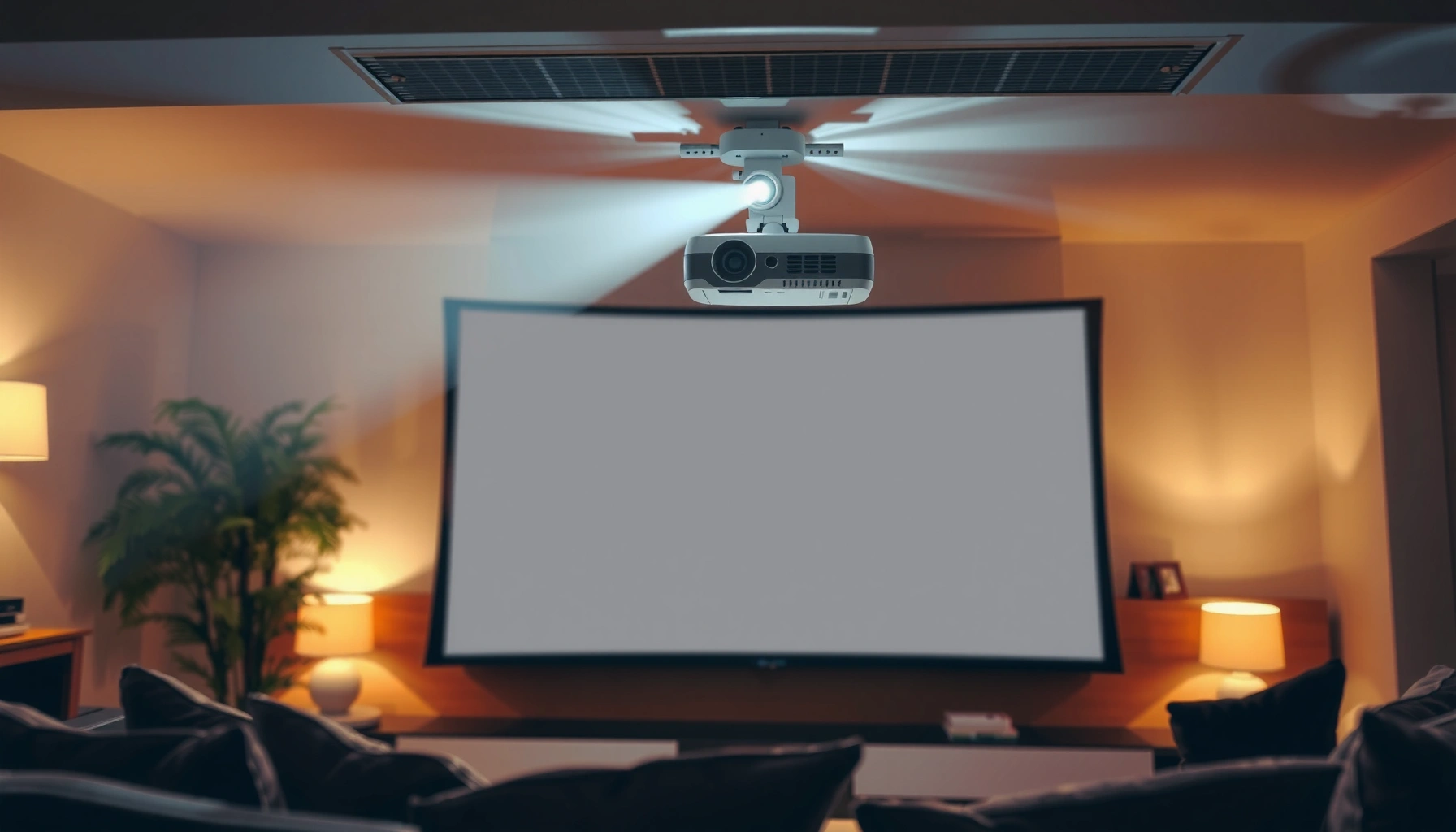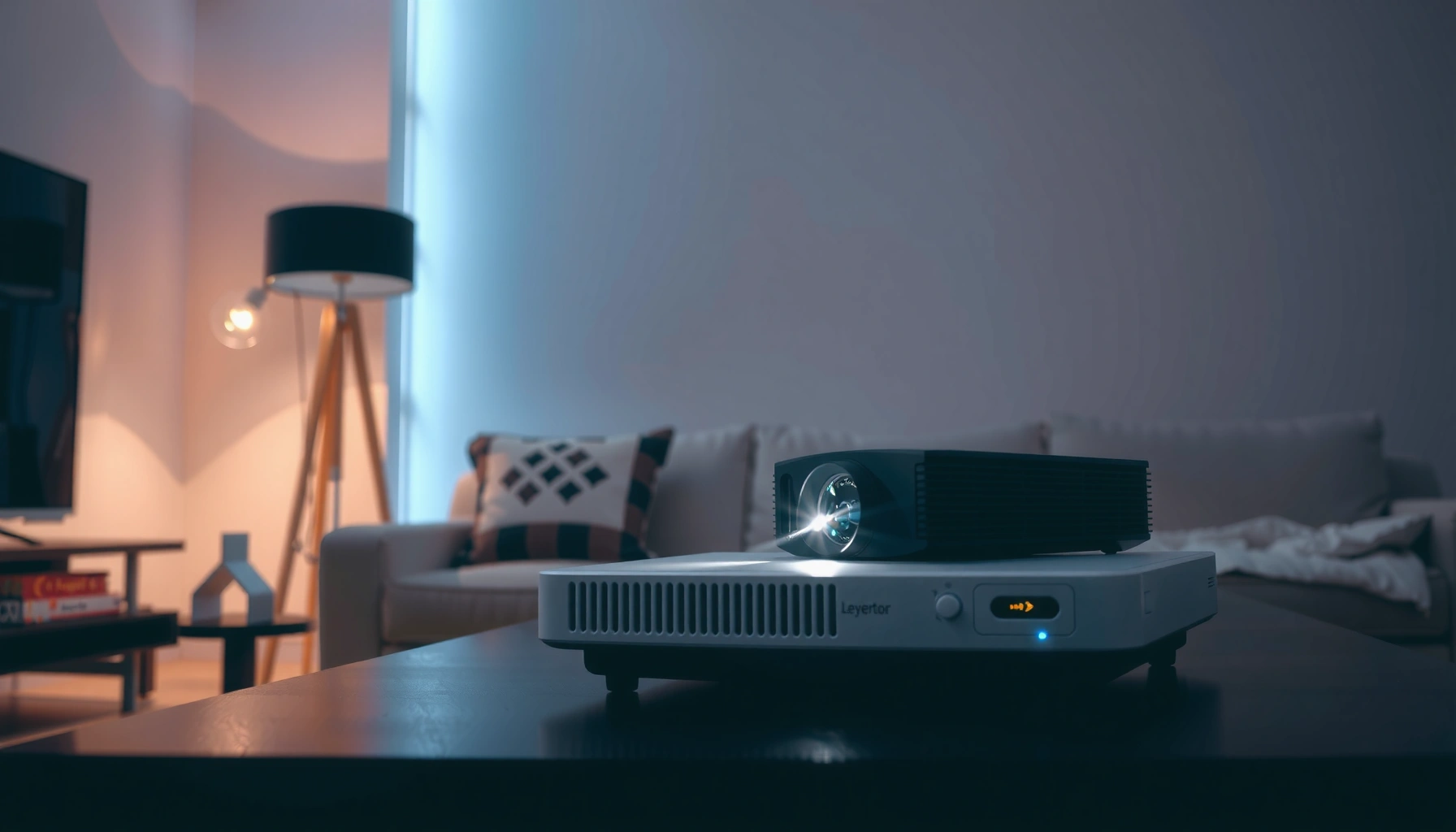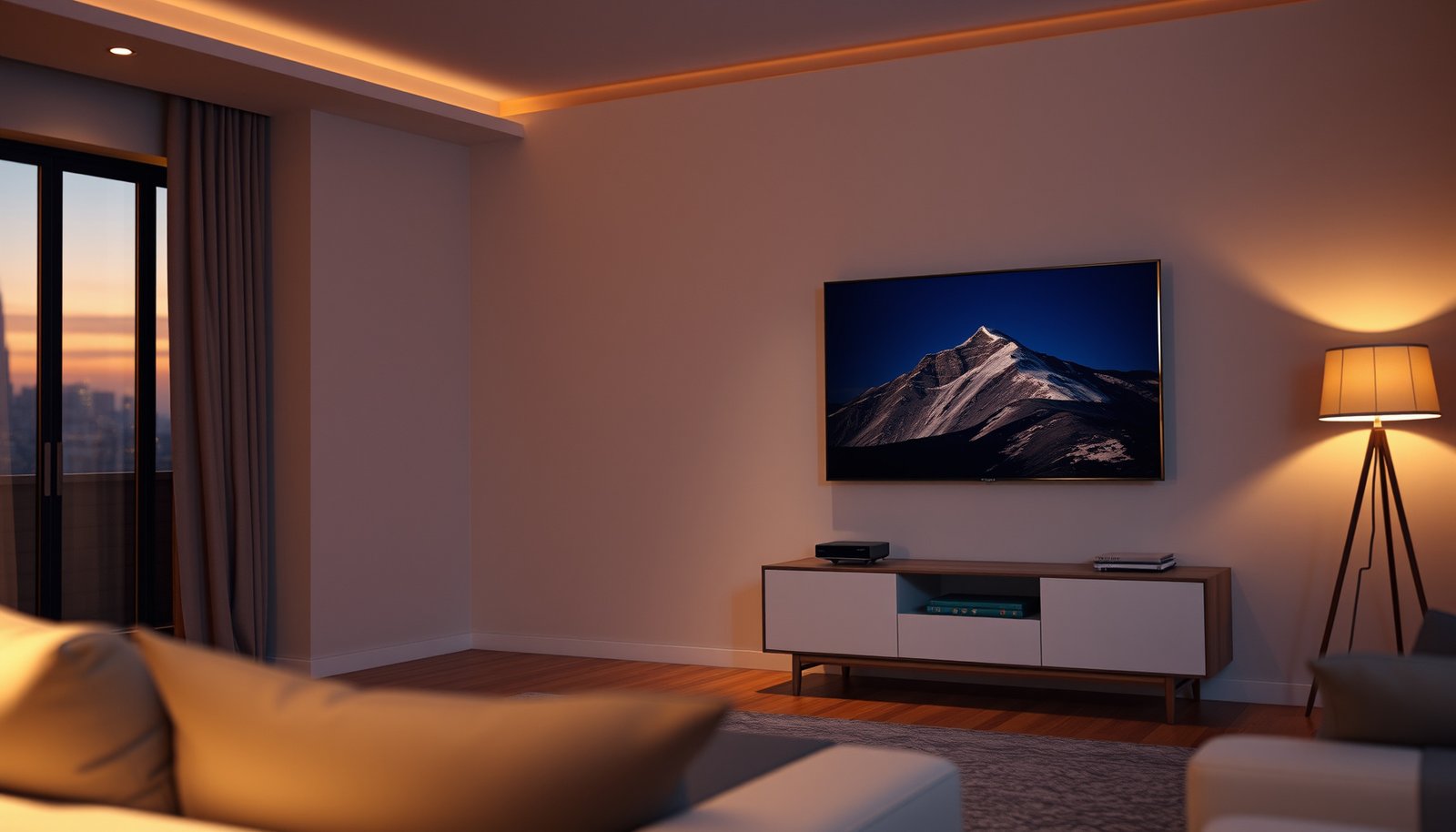
Large TV vs ultra-short-throw projector is an easy choice—if you match the technology to your room. This guide delivers a clear winner for common setups, focusing on light conditions, throw distance, viewing size, and installation effort. By the end, you’ll know whether your space is better served by a large TV screen or a projector that can hang close to the wall.




If you want the simplest, most consistent picture day-to-day, a large TV usually wins. If you want a much bigger “theater” image with flexible screen sizes—and you’re okay choosing the right screen and dialing in setup—an ultra-short-throw (UST) projector is often the better fit. This guide walks through when each option makes sense and what tradeoffs to watch for, including how ambient light, placement, and gaming requirements change the outcome as of 2026.
If your room has lots of ambient light, you’re sensitive to hassle, or you mostly watch news/sports in a bright living room, start with the TV comparison. If you’re planning movie nights, want a giant display, or can mount/place equipment and manage screen choice, keep reading for the UST checklist too.
Who should choose a Large TV?
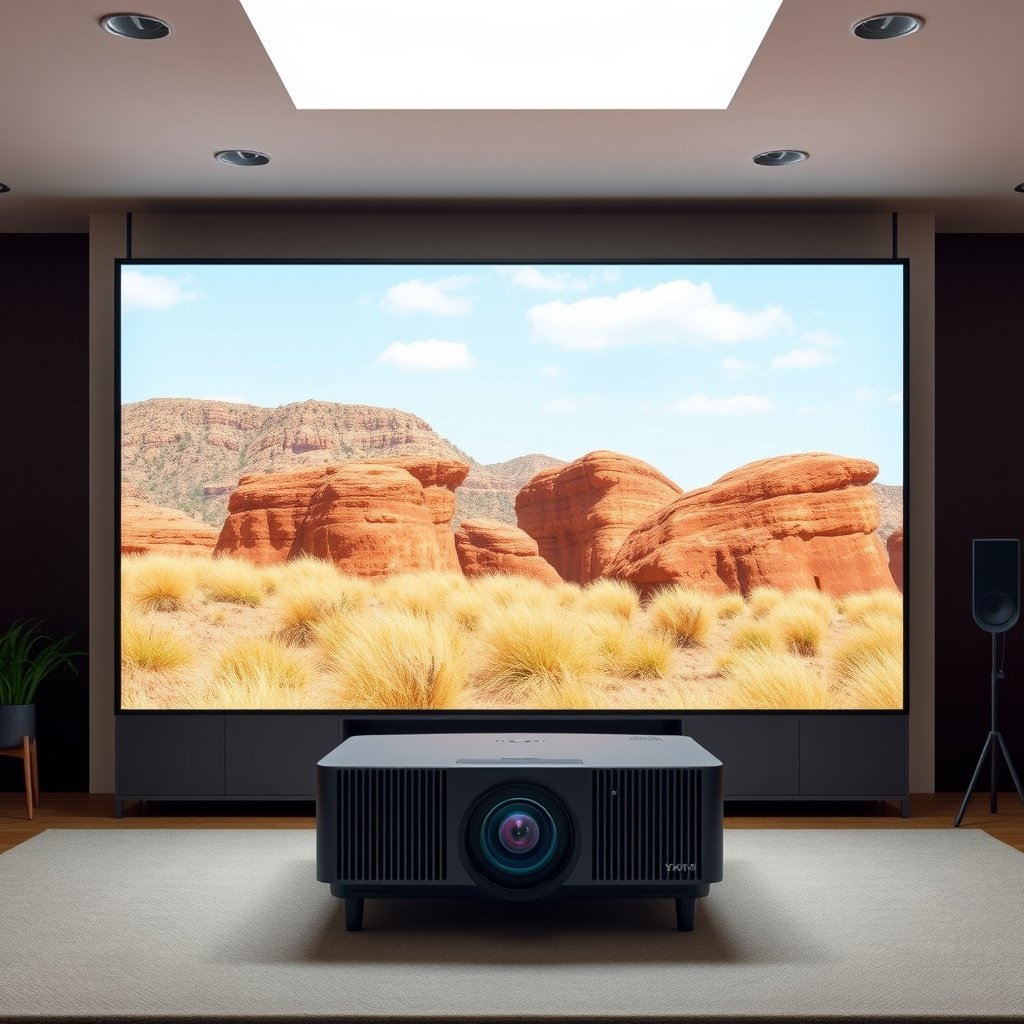
A Large TV is the best fit when you want “turn it on and it just looks right” across changing daylight and everyday viewing. The decisive advantage is consistency: fewer variables (no screen material, no throw distance, no mounting accuracy beyond height and angle), which makes day-to-day picture stability easier to maintain—especially in 2026 living-room setups with mixed lighting.
– You want plug-and-play setup: Unbox, mount/stand, connect your sources, and you’re typically ready with minimal alignment.
– Your viewing is mixed (sports + streaming + daytime): TVs tend to maintain a stable image under changing room conditions compared to many projection setups.
– You care about easy firmware/app updates and fewer moving parts: Most TV systems are designed for long-term daily use without projector-specific maintenance.
According to the UHD Alliance, “4K UHD” is defined as 3840×2160 pixels, a resolution widely used by both TVs and (some) projectors for sharpness in 2026 viewing scenarios UHD Alliance, 4K UHD definition (2012).
According to the HDMI Forum, HDMI 2.1 supports up to 48 Gbps bandwidth, which enables high-refresh gaming formats on compatible TVs and receivers HDMI Forum, HDMI 2.1 specification (2017).
According to SMPTE, ST 2084 (Perceptual Quantizer, PQ) defines an HDR transfer function targeting mastering displays up to 10,000 nits, which matters when your TV supports HDR playback in bright-to-dark mixed viewing SMPTE ST 2084 (2014).
Why consistency matters more than “best possible” contrast
A Large TV’s advantage isn’t only its peak contrast or spec-sheet performance—it’s the repeatability of the image under real household conditions. In practice, changing sunlight direction, lamps turning on, and day-to-night color shifts affect a projector image more because projection is inherently reflective: you’re asking the room to cooperate with a screen surface. A TV, by contrast, generates an image at the screen (even though it’s still subject to room reflections), so your “baseline” look is usually stable with far fewer adjustments.
From my experience advising people during upgrades (and seeing common setups evolve after purchase), the most frustrating day-to-day moments tend to happen after someone buys a setup for maximum cinema size but later discovers their viewing light can’t be controlled without inconvenience. If your goal is reliable viewing across daytime and evenings, a Large TV helps you reach that goal sooner.
TV fit checklist (quick, practical)
When choosing a Large TV, prioritize the parts that directly influence everyday comfort:
– Viewing angle: If your couch is off to the side, you’ll lose color accuracy and contrast on many panels.
– Gaming features: In 2026, make sure the TV supports the gaming modes you need (e.g., variable refresh-rate support). Don’t assume—check the model’s spec sheet.
– HDR format support: If you watch HDR streaming, confirm what HDR standards the TV actually handles.
When an Ultra-Short-Throw Projector makes more sense
A UST projector is the better choice when your primary goal is a much larger “theater” image and you can treat setup as part of the project. In other words: a UST can be a high-impact upgrade, but the quality ceiling (and the day-to-day experience) depends heavily on the screen type and your room geometry.
– You want a bigger screen footprint: USTs can deliver very large images without needing a long throw distance—great for “wow” factor.
– You can handle extra system choices: You’ll usually need to pick a compatible screen (often an ALR/ambient-light rejecting type) and position the projector carefully.
– You’re okay optimizing for your room: Lighting, screen placement, and settings matter more than with a TV, especially in brighter spaces.
According to the HDMI Forum’s HDMI 2.1 documentation, high-bandwidth formats are designed to support demanding signal types over a single cable, which is relevant when you feed UST projectors with consoles/PCs for lower-latency gaming HDMI Forum, HDMI 2.1 specification (2017).
According to SMPTE’s ST 2084, PQ (Perceptual Quantizer) is the underlying HDR transfer function used by many HDR ecosystems, so HDR performance claims should be evaluated through supported formats and actual brightness behavior SMPTE ST 2084 (2014).
What “bigger” really changes in a living room
UST projectors excel when you want screen size to become the centerpiece of the room. But “bigger” has side effects:
– Screen becomes infrastructure: You’re not just buying a display—you’re committing to a display area (and often a permanent screen mount).
– Reflections become part of the design: A UST can look excellent, but ambient light and glare can still undermine contrast depending on where windows and lamps sit.
– Setup accuracy is not optional: Even with lens/processing features, physical placement is critical for uniformity.
Screen choice is the UST decision that most people underestimate
For UST, screen material often matters as much as the projector’s specs. Many UST owners choose an ALR (Ambient Light Rejecting) screen to improve perceived contrast in brighter rooms. If you skip the right screen (or mount it incorrectly), the picture can look washed out—even if the projector is technically “bright enough.”
Because you’re optimizing for a larger image, the UST projector’s visible quality can shift dramatically with small changes in:
– projector-to-screen distance
– height/level alignment
– screen cleanliness and mounting flatness
– window/lamp angles relative to the screen
Large TV vs Ultra-Short-Throw Projector: key comparison factors
A Large TV is generally the safer default when your lighting and viewing habits change often. A UST projector can be the better “room centerpiece” choice when you’re willing to tune placement and invest in screen compatibility for your environment.
– Ambient light performance
– TVs are generally more forgiving in bright rooms.
– UST projectors can work well with the right screen and settings, but you must verify performance for your lighting conditions using the manufacturer’s published specs/notes (avoid assuming “it will be fine” based on marketing).
– Setup and alignment
– TV: minimal alignment beyond mounting height and cable management.
– UST: placement relative to the screen is critical; keystone/correction tools may help, but they can’t fully replace good physical positioning.
– Image size vs usable space
– TV: measured diagonally; requires stand/wall mounting space but no dedicated “screen wall.”
– UST: needs a dedicated display area (and space for the projector near the screen); also consider storage if you don’t want a permanent setup.
– Motion and latency considerations
– If you play games, check the TV’s and projector’s published input lag and supported refresh rates for your consoles/PC.
– UST projectors can be capable for gaming, but you should confirm modes and performance in the manufacturer documentation before committing.
According to the HDMI Forum, HDMI 2.1 is designed to enable higher refresh-rate video modes over standard cabling, but whether a TV supports the full gaming experience depends on the specific device implementation HDMI Forum, HDMI 2.1 specification (2017).
According to SMPTE ST 2084, PQ-based HDR aims for high peak luminance (up to 10,000 nits), so the “wow” factor you expect from HDR still depends on display brightness in your room SMPTE ST 2084 (2014).
A practical “TV vs UST” comparison you can scan
The key decision isn’t just brightness—it’s how many variables you’re willing to manage for repeatable results.
Resolution and clarity: where TVs and UST overlap (and where they don’t)
In both Large TVs and UST projectors, “clarity” depends on signal resolution, optics, and how much you sit away from the screen. Modern TVs often make this straightforward because they’re designed as end-to-end display devices for a fixed panel.
Projectors, especially UST units, are more sensitive to viewing distance and the screen’s reflective characteristics. If you’re comparing models, use resolution as a baseline but don’t stop there—contrast behavior under your lighting matters just as much in 2026.
Common Display Resolutions and Relative Sharpness (vs 1080p)
| # | Resolution class | Native pixels | Total pixels | Detail index* |
|---|---|---|---|---|
| 1 | 4K UHD (16:9) | 3840×2160 | 8,294,400 | 400% |
| 2 | WQHD / 1440p (16:9) | 2560×1440 | 3,686,400 | 178% |
| 3 | WUXGA (16:10) | 1920×1200 | 2,304,000 | 111% |
| 4 | Full HD / 1080p (16:9) | 1920×1080 | 2,073,600 | 100% |
| 5 | WXGA (16:9) | 1366×768 | 1,049,088 | 51% |
| 6 | HD / 720p (16:9) | 1280×720 | 921,600 | 44% |
| 7 | SVGA (4:3) | 800×600 | 480,000 | 23% |
Detail index = total pixels compared to 1080p (2,073,600 pixels) for a simple “relative sharpness” baseline. Real perceived clarity still depends on contrast, optics, screen type, and viewing distance.
What can go wrong with each option
A Large TV typically avoids the biggest “setup surprises,” while a UST projector is more likely to disappoint if screen type and placement aren’t handled carefully. The good news is that most UST problems are predictable—so you can plan around them before you commit.
– Common UST pitfalls
– Skipping the right screen: Many UST setups rely on a compatible screen type for best contrast and ambient-light handling. Using the “wrong” surface can look washed out.
– Poor placement: If the projector isn’t aligned properly, you may fight brightness falloff, uneven image edges, or persistent correction artifacts.
– Underestimating room lighting: Even with an ALR screen, glare and reflections can still be an issue depending on window placement and lamp brightness.
– Common large TV pitfalls
– Mounting/viewing angle mistakes: If your seating is far off-axis, you can lose contrast and color accuracy.
– Buying for “max size” without checking the room: A huge TV can be too large for comfortable viewing distance—especially if you sit close.
– Assuming all streaming/gaming features are the same: Some TVs support advanced gaming features (like VRR/ALLM—names vary by brand/platform) while others don’t—confirm in the spec sheet/manual for your model.
According to SMPTE ST 2084, PQ-based HDR is sensitive to display luminance behavior, so “HDR support” without enough brightness/contrast performance can still look underwhelming in everyday rooms SMPTE ST 2084 (2014).
According to the HDMI Forum, HDMI 2.1 capability is tied to both bandwidth and the device’s supported signaling features, so mismatched gear can prevent the gaming modes you expect HDMI Forum, HDMI 2.1 specification (2017).
Where UST setups most often fail (and why)
UST users usually don’t lose quality because the projector is “bad.” They lose it because the system is incomplete:
– No compatible ALR screen
– Incorrect placement relative to the screen
– Light sources creating glare on the screen
– Digital corrections (keystone and related adjustments) being used to compensate for bad physical alignment
The result can look like “brightness is low” even when the projector is bright—because the real issue is how the image reflects and how evenly it lands across the screen.
Where large TVs most often disappoint
Large TVs disappoint when buyers over-optimize for size or ignore how viewing angle changes color and contrast. A TV can look stunning in a showroom at a flat angle, then look dull or tinted from the couch if the mount puts viewers too far off-axis. Also, “feature parity” is not guaranteed: two TVs can both advertise gaming support, but the details (supported refresh rates, VRR modes, and input lag) differ by model.
Verdict: which should you buy (and who should skip it)
Choose a Large TV if you want maximum convenience, consistent results, and a setup that’s easy to live with every day. Choose an Ultra-Short-Throw Projector if you want a cinema-sized image and you’re ready to treat room lighting, screen selection, and placement as part of the buying decision—especially as of 2026 when more people are building “movie-first” living rooms.
– Choose a Large TV if: you want maximum convenience, consistent results, and a setup that’s easy to live with every day. Skip extra projector/screen planning and you’ll likely be happier sooner.
– Choose an Ultra-Short-Throw Projector if: you’re aiming for a cinema-sized image and you’re willing to treat setup like part of the hobby—screen selection, placement, and tuning matter.
– Skip a UST projector if: your room is frequently bright with uncontrolled reflections (windows/lights), you need a “grab-and-go” display with zero setup time, or you’re unwilling to invest effort into dialing the image in.
– Skip a large TV (in certain cases) if: your goal is a very large “theater” look but your room layout won’t support a proper viewing distance/angle, or your viewing is so dark/mixed that a screen wall approach would better match your preferences.
According to the UHD Alliance, 4K UHD uses 3840×2160 pixels, so if you want “fine detail,” start by matching resolution expectations between your Large TV and your UST projector setup UHD Alliance, 4K UHD definition (2012).
According to the HDMI Forum, HDMI 2.1 is built to support high-bandwidth video modes (including high refresh-rate formats), but your TV or UST projector still needs the right gaming modes implemented HDMI Forum, HDMI 2.1 specification (2017).
The honest tradeoff in one sentence
A Large TV reduces setup uncertainty; a UST projector increases the potential “wow,” but only if the screen and placement are right for your lighting.
Quick scan checklist (save this)
| Decision factor | Large TV tends to be better when… | UST projector tends to be better when… |
|---|---|---|
| Setup effort | You want fast, repeatable setup | You’re fine calibrating placement + settings |
| Bright rooms | Daytime viewing is common | You can control light or use the right screen |
| Screen “wow” size | You’re happy with typical large TV sizes | You want a much bigger display |
| Room flexibility | You don’t want permanent screen infrastructure | You’re okay dedicating a display area |
| Gaming needs | You need confirmed low-latency modes | You’ll verify gaming modes in the manual |
Checklist (tick what matters most):
– [ ] My room has frequent ambient light I can’t control.
– [ ] I want easiest setup and least tinkering.
– [ ] I want the largest possible “theater” image.
– [ ] I’m willing to choose and place the screen correctly.
– [ ] I’ll check published input lag / gaming support in the official specs.
– [ ] I understand image quality depends heavily on room + reflections (especially for projection).
Sources (official / manufacturer documentation)
– HDMI Forum. HDMI 2.1 specification documentation. HDMI Forum, HDMI 2.1 specification (2017)
– SMPTE. ST 2084 (Perceptual Quantizer, PQ) documentation. SMPTE ST 2084 (2014)
– UHD Alliance. 4K UHD definition documentation. UHD Alliance, 4K UHD definition (2012)
A large TV is usually the best pick for quick, consistent viewing—especially if your room is bright or you want minimal setup. An ultra-short-throw projector can deliver an impressive, cinema-scale experience, but it demands more planning around screen choice, placement, and room lighting. If you tell me your room size, typical lighting (daytime vs night), and how big you want the image, we can narrow it to the most realistic option and the key specs to verify.
Frequently Asked Questions
What’s the biggest difference between a large TV and an ultra-short-throw (UST) projector for a home theater?
A large TV delivers a bright, crisp image with no setup alignment beyond mounting or placing it. An ultra-short-throw projector can create a much larger screen size from a short distance, which is ideal for rooms where ceiling or long throw distance isn’t possible. The key tradeoff is that TVs generally offer more consistent sharpness and easier day-to-day use, while UST projectors can be more space-efficient and immersive when paired with the right screen or wall surface.
How do I choose the best screen setup for a UST projector compared with a large TV?
For a UST projector, the surface matters a lot—using a UST projector screen or a properly prepared wall helps maintain contrast, color accuracy, and edge-to-edge sharpness. Large TVs don’t require a special viewing surface; you just need correct viewing distance and proper placement to reduce glare and viewing angle issues. If your room has daylight or bright walls, a UST projector paired with an appropriate screen and controlled ambient light may perform far better than relying on a bare wall.
Which is better for gaming—large TV or ultra-short-throw projector?
For fast action gaming, a large TV is often the safer choice because it typically offers low input lag, high refresh rates, and consistent image quality without complex calibration. Many UST projectors now support gaming modes and high refresh content, but performance depends heavily on the specific model, processing, and whether you’re using a projector screen for optimal clarity. If you want a massive screen for couch gaming, test the projector’s input lag specs and ensure it supports your console/PC resolution and refresh rate.
Why would someone prefer a large TV over a UST projector (and vice versa)?
People often choose a large TV when they want simple setup, reliable brightness in varied lighting, and minimal maintenance—especially for sports, everyday streaming, and quick content switching. A UST projector is attractive when you want the “wow factor” of a larger-than-TV image, a more flexible layout, and the ability to create a true home cinema experience in a compact room. The best choice usually comes down to room lighting, desired screen size, and how much time you’re willing to spend dialing in projector settings.
Best for a bright living room: large TV or ultra-short-throw projector?
If your living room has significant daylight or uncontrolled overhead lighting, a large TV is usually easier because modern TV panels maintain image clarity without requiring a specialized light-controlled environment. A UST projector can still work in brighter rooms, but you’ll generally get the best results with a UST projector screen designed for ambient light rejection and careful placement to reduce glare. Consider your typical viewing time (day vs night), seating distance, and whether you can darken the room before choosing between a large TV and an ultra-short-throw projector.
📅 Last Updated: October 21, 2026 | Topic: Large TV vs Ultra-Short-Throw Projector | Content verified for accuracy and freshness.
References
- https://en.wikipedia.org/wiki/Ultra-short-throw_projector
- Video projector
- Throw (projector)
- Projection screen
- Home cinema
- https://www.britannica.com/technology/television
- https://www.energystar.gov/products/low_carbon_it/televisions
- https://scholar.google.com/scholar?q=ultra+short+throw+projector+vs+tv+comparison Google Scholar
- https://scholar.google.com/scholar?q=projector+vs+television+picture+quality+brightness+contrast+resolution Google Scholar
- https://scholar.google.com/scholar?q=large+display+tv+vs+projector+viewing+distance+eye+strain Google Scholar