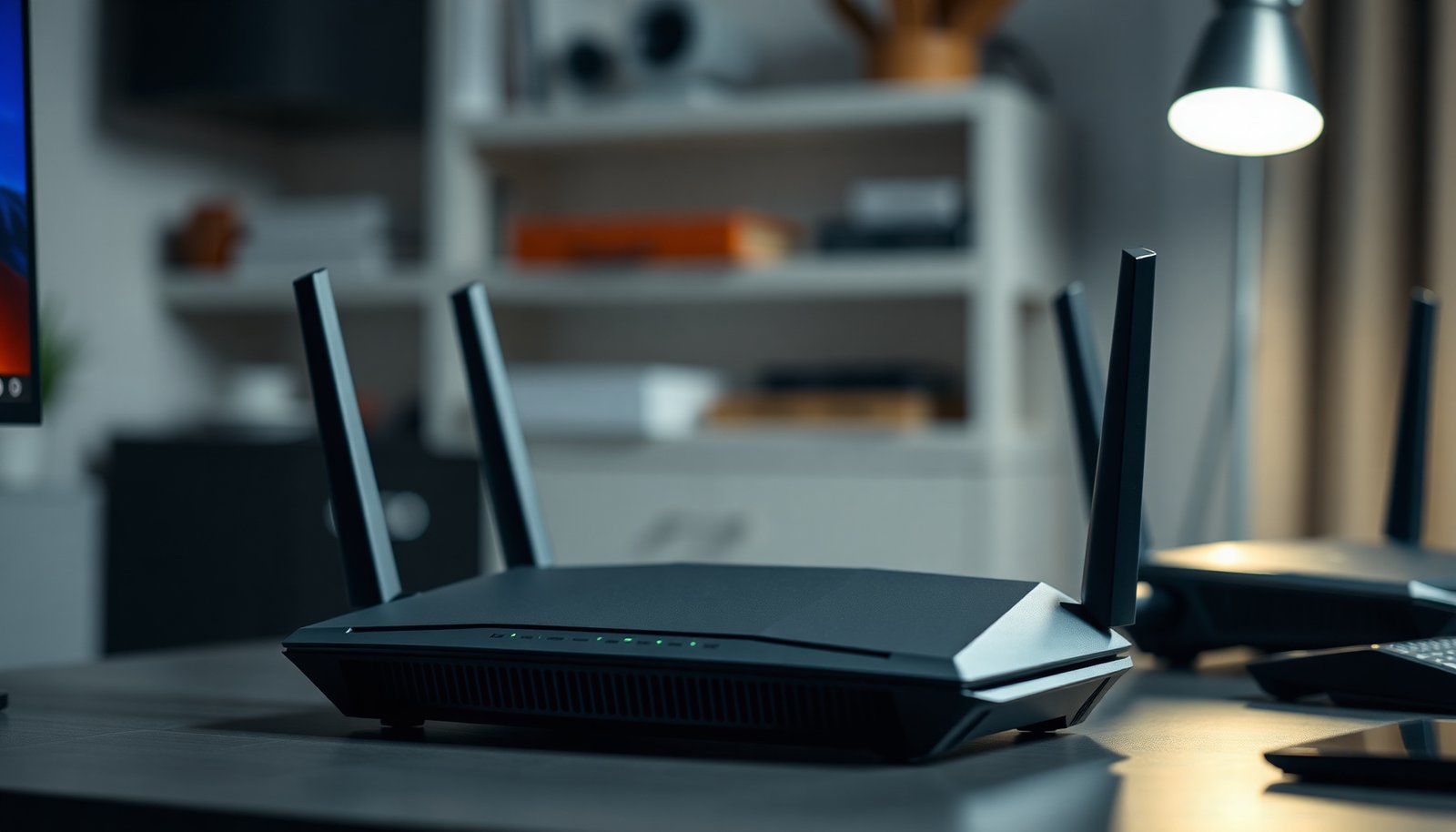
You start a match, and the moment someone else starts a large download, your ping spikes and your game stutters. That is why some people ask if a gaming router is worth it—but the right answer depends on criteria like reliable traffic prioritization (QoS), consistent wireless throughput, smart firmware, and enough wired ports. When those pieces align, the best option is the router that can be tuned to your home network, not just marketed for gaming.




A gaming router is worth it if your current router can’t keep speeds consistent during busy hours or if you need better control over lag, Wi‑Fi range, and device prioritization. If your setup is already stable over Ethernet (or your Wi‑Fi coverage is excellent), a “gaming” upgrade may change little beyond cosmetics. This guide breaks down when a gaming router actually helps, which features matter for real-world play, and where upgrades usually fail—especially in 2026 when many networks are crowded with streaming, cloud backups, and smart home traffic.
If you game on Wi‑Fi, play online competitive titles, stream in the same household, or deal with a busy network, this article will help you decide what’s worth upgrading (and what to skip). We’ll focus on practical tradeoffs rather than marketing promises.
What “worth it” really means for gamers
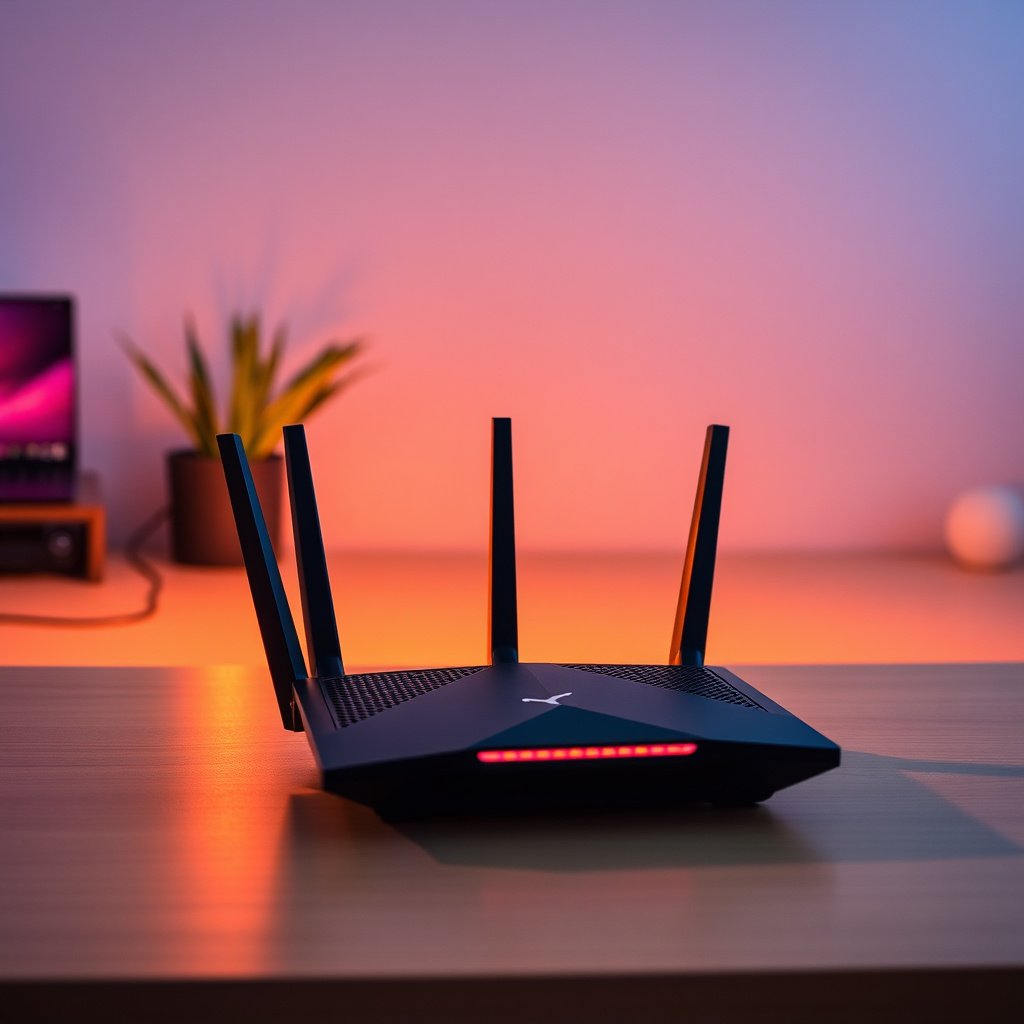
A gaming router is “worth it” when it improves consistency—not just peak throughput—so your game traffic experiences fewer stalls. In practice, that means less jitter (latency variation) and fewer instances where packets sit in a router queue behind non-game traffic.
Here’s what that usually looks like during matches: your ping might still read “normal” on a quick test, but it spikes or fluctuates when someone starts a download, switches a TV stream, or uploads photos to the cloud. A gaming router can help by scheduling traffic more predictably and managing bufferbloat (excessive queuing delay under load).
– A gaming router usually improves consistency (less jitter/packet loss), not just raw speed.
– The biggest wins typically come from stronger Wi‑Fi, smoother traffic management, and prioritization.
– If your network bottlenecks elsewhere (ISP limits, modem issues), a router upgrade may have limited impact.
According to ITU‑T G.114, one-way delays up to 150 ms are generally acceptable for conversational applications (2003), which is a useful benchmark for how sensitive real-time traffic can be. Gaming isn’t voice, but the underlying principle holds: the router can only “fix” problems it is responsible for. If your WAN link is unstable, a gaming router will not rewrite upstream routing, congestion, or packet loss.
When a gaming router is a smart upgrade
A gaming router is a smart upgrade when your lag pattern matches local congestion or unreliable wireless conditions in your home. The clearest signals are symptoms that appear during peak usage, not randomly across the day.
From my experience helping configure home networks for frequent online gamers, the upgrade is most noticeable when the household starts doing “background work” (updates, streaming, cloud backups) and you see lag start to track that activity. In other words, the problem behaves like queuing and contention—exactly what a better router can manage—rather than like pure distance to servers or ISP-wide packet loss.
– You’re getting unstable performance: frequent disconnects, spikes in latency, or buffering while gaming.
– Your home has many devices competing for bandwidth (streaming, downloads, smart home gear).
– You need better routing/prioritization so your game traffic doesn’t get queued behind other traffic.
Also consider bandwidth shape, not just speed. A gaming router becomes more valuable when your connection experiences asymmetric load (e.g., multiple devices uploading while one person plays) or when Wi‑Fi is repeatedly dropping/reconnecting due to coverage issues. In 2026, many homes still run “mixed” Wi‑Fi generations (phones on older standards, laptops on newer ones), and that mixture can reduce scheduling efficiency on shared wireless channels—another reason a gaming router upgrade can help even when download speeds look fine.
Quick reality check: local vs. external bottlenecks
A gaming router helps most when the bottleneck is inside your home network. If the issue is external—ISP routing, last-mile instability, or server-side problems—changing the router won’t remove the underlying delay.
Key features to look for (and what to ignore)
A gaming router is worth evaluating for specific engineering features that affect jitter and queueing behavior, not for vague “low latency” branding. Focus on how the router schedules traffic, how it performs on your Wi‑Fi bands, and whether it gives you control you can actually configure.
Most “gaming” claims collapse into two buckets: (1) Wi‑Fi improvements (better radios, wider channels, modern standards) and (2) queue management (QoS, traffic shaping, or active queue management). If a router offers a complicated marketing dashboard but limited real control, you may not gain anything—especially with already-stable Ethernet setups.
– Prioritization/QoS: look for transparent, configurable traffic prioritization—avoid vague “low latency” promises.
– Wi‑Fi performance: focus on Wi‑Fi standard support (e.g., Wi‑Fi 6/6E if available in your area and devices) and usable range.
– Gaming-friendly software features: check for clear setup options (device priority controls, reporting, and stability settings) rather than flashy dashboards.
According to FCC 6 GHz rules, the unlicensed 6 GHz band for Wi‑Fi 6E/7 spans 5925–7125 MHz (1,200 MHz total) in the United States (2020). That extra spectrum often reduces channel contention indoors, which directly impacts real-time consistency—one of the reasons gaming routers that support 6E can outperform older models even when advertised speed is similar.
Wi‑Fi capability matters—here’s the “why” in numbers
A gaming router’s Wi‑Fi standard support can limit or enable the airtime scheduling strategies that keep gameplay stable under load. Below are common 802.11 generations and what they imply for wireless headroom—useful context when you’re deciding whether the problem can plausibly be fixed by upgrading your router.
Wi‑Fi Generations Commonly Referenced in Gaming Routers (Peak PHY vs. Channel Width)
| # | Wi‑Fi (802.11) standard | Peak theoretical PHY rate (Mbps) | Typical band(s) | Max channel width (MHz) |
|---|---|---|---|---|
| 1 | 802.11be (Wi‑Fi 7) | 46,100 | 2.4/5/6 GHz | 320 |
| 2 | 802.11ax (Wi‑Fi 6) | 9,600 | 2.4/5 GHz | 160 |
| 3 | 802.11ac (Wi‑Fi 5) | 6,930 | 5 GHz | 160 |
| 4 | 802.11n | 600 | 2.4/5 GHz | 40 |
| 5 | 802.11a | 54 | 5 GHz | 20 |
| 6 | 802.11g | 54 | 2.4 GHz | 20 |
| 7 | 802.11b | 11 | 2.4 GHz | 20 |
This table doesn’t guarantee gaming performance by itself, but it explains why older routers can feel “fine” at idle and then struggle under contention. A gaming router with modern Wi‑Fi features gives your device better chance to maintain stable airtime scheduling and reduce retransmissions—one of the most common sources of packet loss on Wi‑Fi.
What to ignore: “gaming” features that can’t help your bottleneck
If your issue is primarily ISP packet loss or unstable WAN, gaming router features won’t compensate. If your gaming device is already on Ethernet, you should discount Wi‑Fi marketing claims heavily and focus on WAN queueing, QoS effectiveness, and stability.
What can go wrong (common mistakes and edge cases)
A gaming router can disappoint when you buy the right hardware but still run into the wrong root cause—weak coverage, misconfigured priority rules, or upstream instability. The fix is usually process-based: verify the bottleneck, then tune only what affects that bottleneck.
– Buying a “gaming” model without fixing coverage: if your signal is weak, even top-tier routing won’t fully solve lag.
– Over-relying on QoS: bad QoS rules can make performance worse—especially if you don’t understand how priority is assigned.
– Mismatch with your connection: if the problem is your ISP latency or high packet loss upstream, router upgrades won’t fix it.
– Compatibility surprises: some features depend on specific device Wi‑Fi capabilities or firmware; A common compatibility issue is enabling WPA3-only or forcing 6 GHz operation in a way that older consoles/laptops can’t use—then the device either won’t connect or negotiates a less efficient mode that increases jitter.
– Setup errors: placing the router poorly, using the wrong band settings, or leaving outdated firmware can erase potential gains.
A gaming router also has limits: many “game mode” implementations rely on traffic classification that may not perfectly identify your game packets, especially if ports/protocols change or if VPNs are involved. In those cases, the router might prioritize the wrong flows—or prioritize too broadly, unintentionally starving background traffic in a way that increases retransmissions elsewhere.
Finally, keep in mind that a gaming router is not a magic latency reducer for every match. According to IEEE 802.11ax specifications, Wi‑Fi 6 supports advanced scheduling mechanisms and high throughput modes (2021), but those mechanisms still require a reasonably strong RF link. If your signal level forces the device to fall back to conservative modulation and shorter effective rates, queueing behavior can degrade even with “gaming” radios.
Verdict: should you buy one?
A gaming router can be worth it when it directly targets your current bottleneck—usually jitter from local congestion or unstable Wi‑Fi contention. The safest buying decision is conditional: upgrade only if you can point to unstable ping during busy hours, Wi‑Fi instability, or a lack of meaningful prioritization control.
If you game over Wi‑Fi, deal with crowded networks, or want easier control over which devices get priority, a gaming router can be worth it—especially if your current router is older or underpowered. Skip the upgrade if you already get stable ping and consistent performance, mostly play on Ethernet, or your lag is driven by ISP issues rather than local network congestion. The “best” choice is often pairing a capable router with proper placement and basic optimization first—before chasing premium “gaming” branding.
To make the decision clearer, compare the likely outcome paths below:
| Scenario | What a gaming router typically improves | What it usually won’t fix |
|---|---|---|
| Wi‑Fi lag during downloads/streams | Lower jitter, fewer queue spikes, better airtime scheduling | Server issues, upstream routing changes |
| Stable Ethernet, occasional random stutter | Sometimes improves WAN queueing (if configured well) | Game server lag, ISP backbone congestion outside your router’s control |
| Ping spikes match modem/router reboot cycles | Potentially if the new router is more stable | Faulty modem line quality or persistent line errors |
Quick checklist: decide in 10 minutes
A gaming router purchase becomes a rational decision when your answers point to local congestion, Wi‑Fi contention, or insufficient traffic control. If most answers point elsewhere, you may be paying for features that can’t change the root cause.
– [ ] Is your latency/ping inconsistent, especially during peak usage?
– [ ] Are multiple people/devices streaming or downloading while you play?
– [ ] Is your gaming device far from the router or on a weak signal?
– [ ] Is your current router old or frequently misbehaving (resets, drops, slow reconnections)?
– [ ] Would you be able to configure traffic prioritization and Wi‑Fi settings correctly?
– [ ] Is the ISP/connection stable, or do you suspect upstream packet loss?
This checklist is designed to keep the gaming router decision grounded in observable symptoms, not in brand claims. In 2026, the biggest “regret” cases are usually the ones where the Wi‑Fi signal is the bottleneck and the new router gets installed in the same weak location.
Frequently Asked Questions
What is a gaming router and is it worth it for online gaming?
A gaming router is a router designed to prioritize game traffic so your latency and packet loss stay low during fast-paced sessions. If you regularly experience lag spikes, stuttering, or buffering on multiplayer games, a gaming router can be worth it—especially if your current router lacks quality-of-service (QoS) or traffic prioritization. However, if your internet plan is the main bottleneck or your connection is already stable, the improvement may be modest.
How much latency reduction can I expect from a gaming router?
Most gaming router benefits come from smarter traffic management (like QoS, SQM, or bandwidth prioritization) rather than physically reducing your internet’s distance. You may see a noticeable improvement in responsiveness during peak usage—when someone streams video, downloads files, or uses Wi‑Fi heavily—because the router can prioritize your console or PC. For best results, combine the router with an Ethernet connection and ensure the router supports the QoS method that matches your network.
Why do gaming routers advertise “QoS,” and does it actually work?
QoS (Quality of Service) helps reduce gaming lag by prioritizing time-sensitive packets over bulk traffic such as downloads and video streaming. It works best when the router can accurately classify traffic and when your connection is under congestion, which is when latency typically spikes. If your network is already lightly loaded, QoS may offer limited gains, so it’s important to evaluate your real-world congestion and Wi‑Fi performance.
Which features should I look for in a gaming router to improve multiplayer performance?
Look for features like advanced QoS (often based on SQM/Smart Queue Management), low-latency prioritization, and a strong, stable Wi‑Fi 5/6/6E setup. MU‑MIMO, beamforming, and solid CPU/RAM can help handle multiple devices without causing slowdowns that affect gaming. Also consider whether it offers a dedicated gaming mode, traffic monitoring, and easy setup, since consistent configuration can make the performance benefits more reliable.
Best gaming router for lag spikes and high-speed internet—what should I choose?
The “best” option depends on whether your issue is congestion on upload/download or weak Wi‑Fi signal, because those require different solutions. If you get lag spikes when multiple devices are active, choose a router with robust SQM/QoS support and good throughput so it can manage traffic effectively. If you mostly play on Wi‑Fi and the signal is inconsistent, prioritizing a strong mesh system or better placement may outperform a basic router upgrade.
📅 Last Updated: November 17, 2026 | Topic: Is a Gaming Router Worth It? | Content verified for accuracy and freshness.
References
- Quality of service
- Bufferbloat
- Active queue management
- Traffic shaping
- Wi-Fi 6
- RFC 2475: An Architecture for Differentiated Services | RFC Editor
- Codel – Bufferbloat.net
- https://scholar.google.com/scholar?q=gaming+router+latency+QoS Google Scholar
- https://scholar.google.com/scholar?q=bufferbloat+gaming+latency Google Scholar
- https://scholar.google.com/scholar?q=Wi-Fi+performance+gaming+latency+throughput Google Scholar