
Streaming music to multiple speakers at once can be easily achieved through various technologies and methods, allowing you to create a harmonious audio experience throughout your home or any space. With the right equipment and setup, you can enjoy your favorite tunes in every corner, whether you’re hosting a party, relaxing in your living room, or cooking in the kitchen. In this article, we’ll explore the best options for multi-room audio streaming, covering everything from the equipment you need to tips for troubleshooting common issues.




Understanding Multi-Room Audio
Multi-room audio refers to the ability to play music across multiple speakers in different rooms simultaneously. This setup is perfect for creating a cohesive sound experience, allowing you to enjoy music everywhere in your space without missing a beat. The benefits of multi-room audio extend beyond mere convenience; it enhances your overall listening experience, enabling you to fill your home with sound that matches the ambiance of your activities.
Popular technologies used in multi-room audio systems include Wi-Fi and Bluetooth. Wi-Fi allows for higher quality audio streaming over longer distances without sacrificing sound quality, making it ideal for larger homes. Bluetooth, while convenient for quick connections, typically has a shorter range and may encounter quality issues when streaming to multiple speakers. Understanding these technologies will help you choose the best solution for your needs.
Choosing the Right Equipment
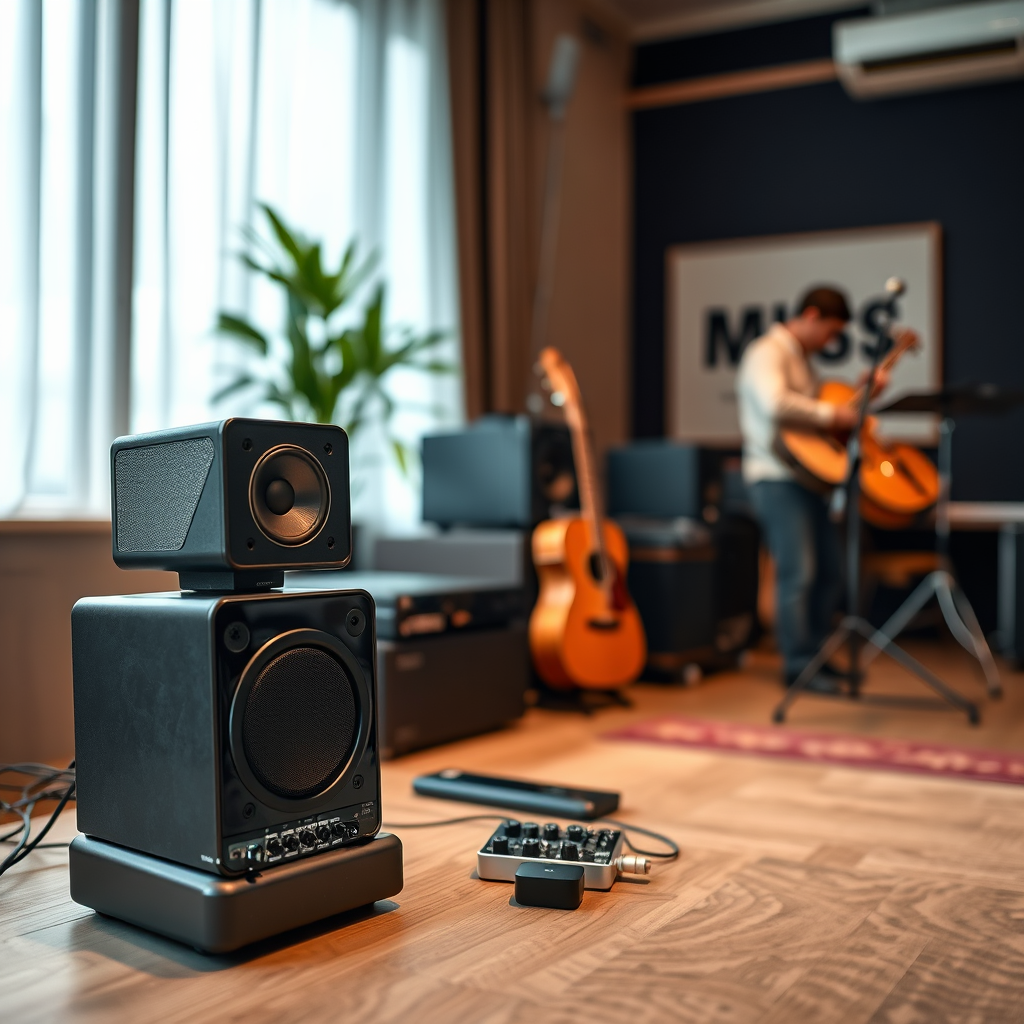
When it comes to streaming music to multiple speakers, selecting the right equipment is crucial. You’ll find two main types of speakers that are particularly suitable for this purpose: smart speakers and sound systems.
Smart speakers like Amazon Echo, Google Nest, and Apple HomePod are designed for easy multi-room audio integration. They usually offer voice control, streaming services compatibility, and are relatively user-friendly. On the other hand, sound systems, such as Sonos or Bose, provide exceptional sound quality and can often be expanded with additional speakers.
When choosing your speakers, consider factors like compatibility with your streaming apps, sound quality, and your home’s layout. If you already use services like Spotify or Apple Music, ensure that your speaker setup supports these platforms for a seamless experience. You should also think about the aesthetics of the speakers; after all, they’ll be part of your home decor!
Setting Up Your Speakers
Setting up multiple speakers to work together is easier than you might think! Here’s a step-by-step guide to get you started:
1. Choose a Central Hub: Decide on a single source device (like a smartphone, tablet, or computer) that will play your music. This device will connect to all your speakers.
2. Connect Your Speakers: Depending on the type of speakers you have, connect them via Wi-Fi or Bluetooth. For Wi-Fi speakers, follow the manufacturer’s instructions to ensure they are all connected to the same network.
3. Group Your Speakers: Use the app associated with your speakers (like the Sonos app or Google Home) to create groups. This will allow you to play music on all speakers at once or select specific rooms.
4. Test Your Setup: Play some music and check the sound in each room. If necessary, adjust the volume levels of individual speakers for a balanced audio experience.
Tip: For optimal sound distribution, place your speakers at ear level and away from walls or corners to minimize sound distortion. Experiment with placement until you find the perfect arrangement for your space.
Using Apps for Streaming
A variety of apps support multi-speaker streaming, making it a breeze to enjoy your favorite music. Here are some of the most popular options:
– Spotify: With Spotify Connect, you can easily select which speakers to play your music on. Simply tap the “Devices Available” button on the playback screen to choose your speakers.
– Apple Music: If you’re an Apple user, the Home app allows you to control your HomePod speakers and any AirPlay 2-compatible speakers for seamless streaming.
– Amazon Music: You can use the Alexa app to group compatible Echo devices, ensuring that your playlist plays through all selected Echo speakers.
To configure app settings, ensure that each device is updated to the latest version and connected to the same Wi-Fi network. Dive into the app settings to explore features like multi-room audio grouping and volume control for an enhanced listening experience.
Troubleshooting Common Issues
Even the most robust systems can encounter issues. Here are some common connectivity problems and how to resolve them:
– Connectivity Issues: If your speakers aren’t connecting, double-check that they are on the same Wi-Fi network. Restart your router and the speakers if necessary.
– Audio Lag: When streaming to multiple speakers, you might experience delays between devices. To fix this, use speakers that are designed for multi-room audio, as they often have built-in features to sync playback.
– Intermittent Playback: If your audio drops out or stutters, it could be due to Wi-Fi interference. Try moving your router to a more central location in your home or consider switching to a wired Ethernet connection for your speakers.
By keeping these troubleshooting tips in mind, you can ensure a smooth audio experience wherever you are.
Advanced Streaming Techniques
For those looking to take their audio experience to the next level, consider investing in a dedicated multi-room audio system. Systems like Sonos or Google Nest provide sophisticated setups that allow for custom configurations and unparalleled sound quality.
For audiophiles, building a custom multi-room setup can be an exciting project. This may involve using high-fidelity speakers, amplifiers, and a dedicated music server. You can also explore options like adding a home theater system to your multi-room setup, enhancing both your music and movie-watching experiences.
Additionally, consider exploring services like Roon, which offers advanced music management and streaming capabilities, allowing you to create a personalized listening experience tailored to your preferences.
Streaming music to multiple speakers can transform your environment into a rich soundscape, perfect for any occasion. By understanding the available technologies, selecting the right equipment, and following a straightforward setup process, you can create an enjoyable listening experience in every corner of your home.
In summary, whether you’re looking to host a lively gathering or simply enjoy your favorite music while going about your day, streaming to multiple speakers is easier than ever. Explore the options discussed in this article, and you’ll be on your way to creating a seamless audio experience that enhances your everyday life. Happy listening!
Frequently Asked Questions
What are the best methods to stream music to multiple speakers simultaneously?
There are several effective methods to stream music to multiple speakers at once. The most popular options include using a multi-room audio system like Sonos or Bose, which allows seamless streaming across various speakers. Additionally, many smart home devices, such as Amazon Echo or Google Nest, support multi-speaker setups, enabling you to group speakers and stream music in sync. Bluetooth adapters and advanced audio distribution protocols like AirPlay 2 and Chromecast also provide excellent solutions for achieving simultaneous playback.
How can I set up my home Wi-Fi network to stream music to multiple speakers?
To effectively stream music to multiple speakers, ensure your home Wi-Fi network is robust and reliable. Start by placing your router in a central location to minimize dead zones and optimize coverage. Consider upgrading to a mesh Wi-Fi system if you have a large space. Additionally, connect your speakers to the same Wi-Fi network and use apps provided by the speaker brands for setup, ensuring all devices are compatible and configured correctly for multi-room audio streaming.
Why is there a delay when streaming music to multiple speakers?
A delay in audio playback when streaming music to multiple speakers can occur due to various factors, including network latency and differences in processing times between devices. Wi-Fi connections can introduce lag, especially if the network is congested or if the speakers are of different brands. To minimize this issue, use speakers that support protocols like AirPlay 2, which is designed for low-latency streaming, or ensure that all speakers are from the same manufacturer to enhance synchronization.
Which streaming services support multi-room audio playback?
Many popular streaming services support multi-room audio playback, allowing you to enjoy your music across multiple speakers simultaneously. Notable services include Spotify, Apple Music, Amazon Music, and Tidal, all of which have features that integrate with compatible multi-room systems. It’s important to check the compatibility of your speakers with these services and ensure you have the latest app versions for optimal functionality.
What devices are compatible with multi-room audio streaming?
A variety of devices are compatible with multi-room audio streaming, including smart speakers like Amazon Echo, Google Nest, and Apple HomePod. Additionally, traditional speakers can be integrated into multi-room systems using smart audio adapters or receivers. Brands such as Sonos, Bose, and Yamaha offer dedicated multi-room audio solutions that are designed for easy setup and enhanced audio performance, making them ideal for creating a synchronized listening experience throughout your home.
References
- Streaming media
- https://www.wired.com/story/how-to-stream-music-to-multiple-speakers/
- https://www.techhive.com/article/3255941/how-to-stream-music-to-multiple-speakers.html
- https://www.cnet.com/home/audio/how-to-play-music-on-multiple-speakers-at-the-same-time/
- https://www.digitaltrends.com/home-theater/how-to-stream-music-to-multiple-speakers/
- https://www.theverge.com/2018/9/13/17858126/apple-airplay-2-multiple-speakers-streaming-music-iphone-ios-12
- https://support.google.com/googlenest/answer/9266489?hl=en
- https://www.macrumors.com/how-to/use-airplay-2-multiple-speakers/




One thought on “How to Stream Music to Multiple Speakers at Once”