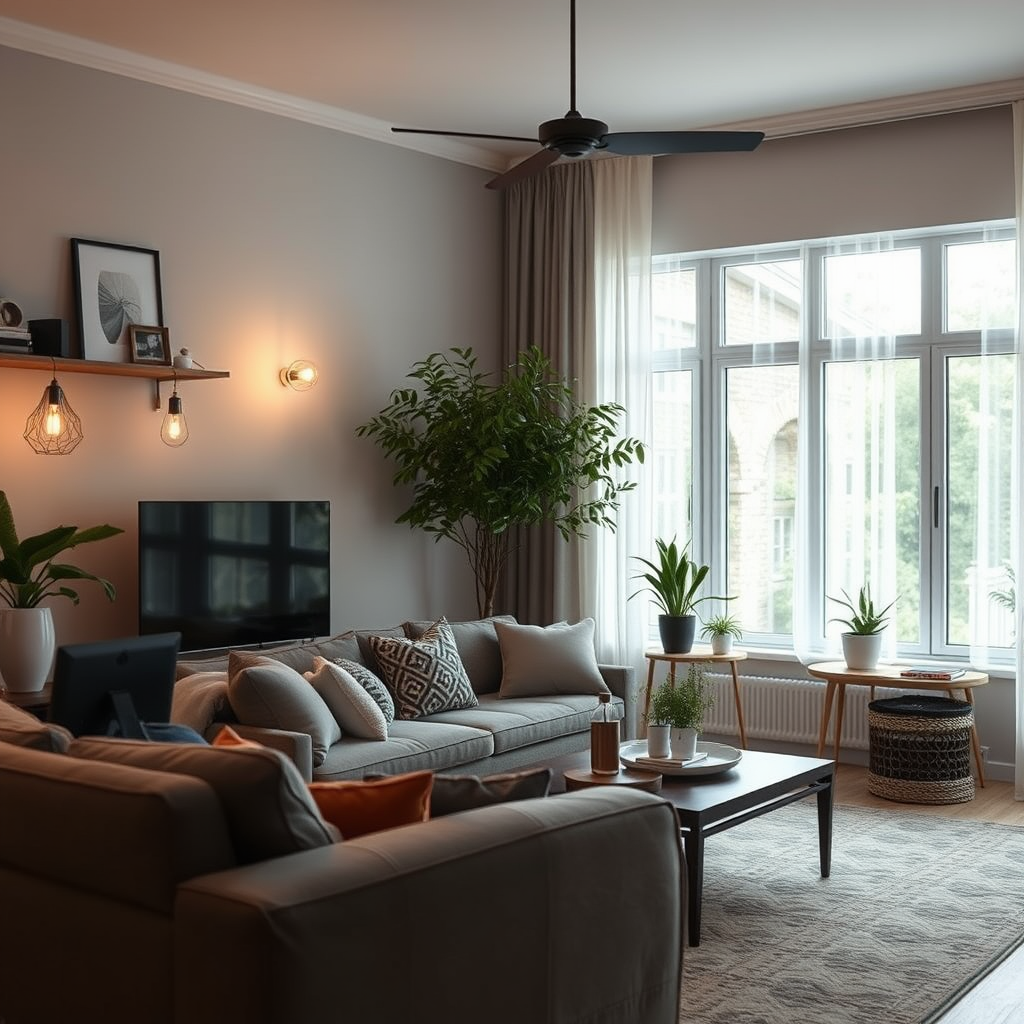

To sync your smart lights with your home audio system, you’ll need compatible devices and appropriate smart home apps. By utilizing these technologies, you can create an immersive environment where your lighting responds to your music, enhancing your entertainment experience. In this guide, you’ll learn the steps to achieve seamless synchronization. Let’s dive into the world of smart lighting and audio systems, and discover how to elevate your home environment.
Understanding Smart Lights and Audio Systems
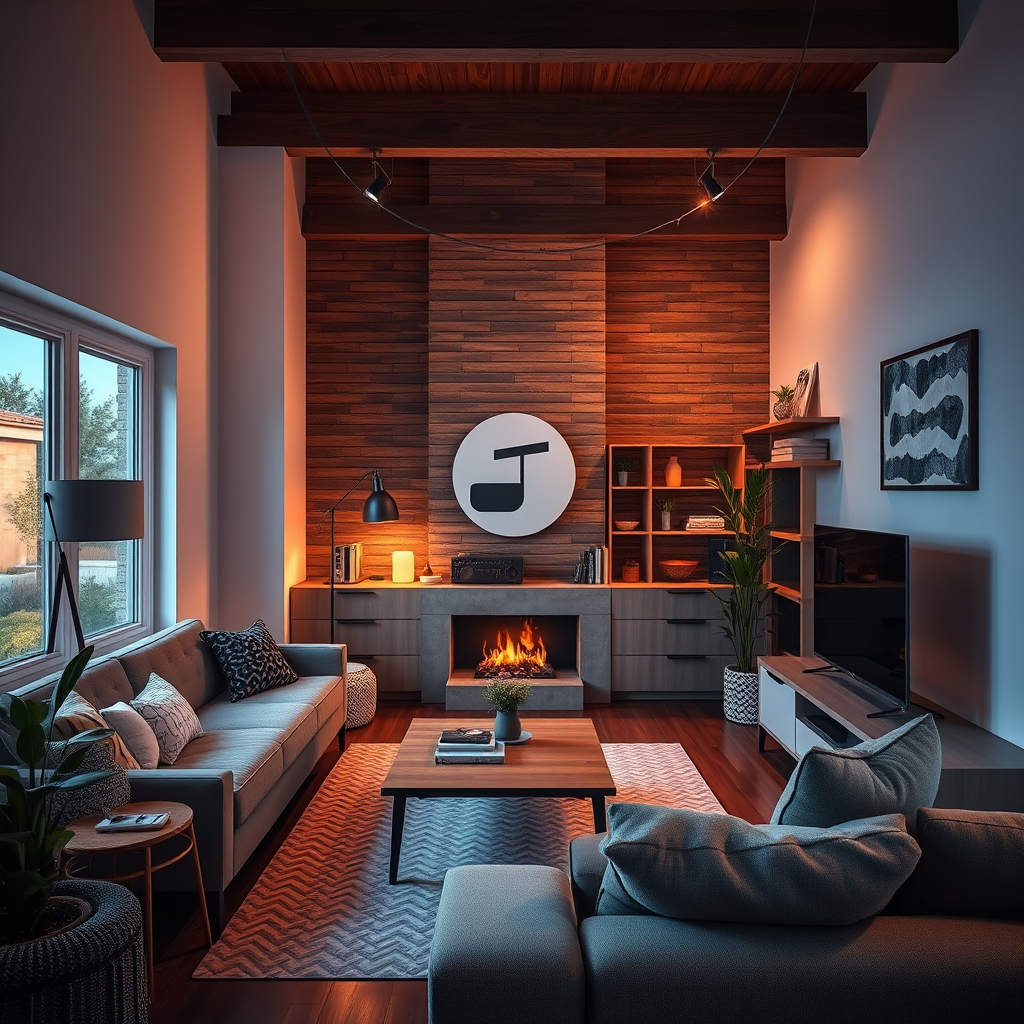
Smart lights are LED bulbs that can be controlled remotely through a smartphone app or voice commands, allowing you to adjust brightness, color, and even set schedules. They can change colors, dim, or brighten based on your preferences, creating a dynamic atmosphere. On the other hand, home audio systems include speakers, receivers, and soundbars that deliver high-quality sound, often integrated with smart technology to allow for streaming and voice control.
The key to successfully syncing smart lights with your audio system lies in the compatibility of your devices. Not every smart bulb will work with every audio system, so it’s essential to choose products from manufacturers that support integration. For example, systems like Philips Hue can be seamlessly paired with Sonos speakers, enabling a cohesive smart home experience. Ensuring that your devices can communicate effectively will set the stage for an impressive synchronization.
Required Devices and Apps
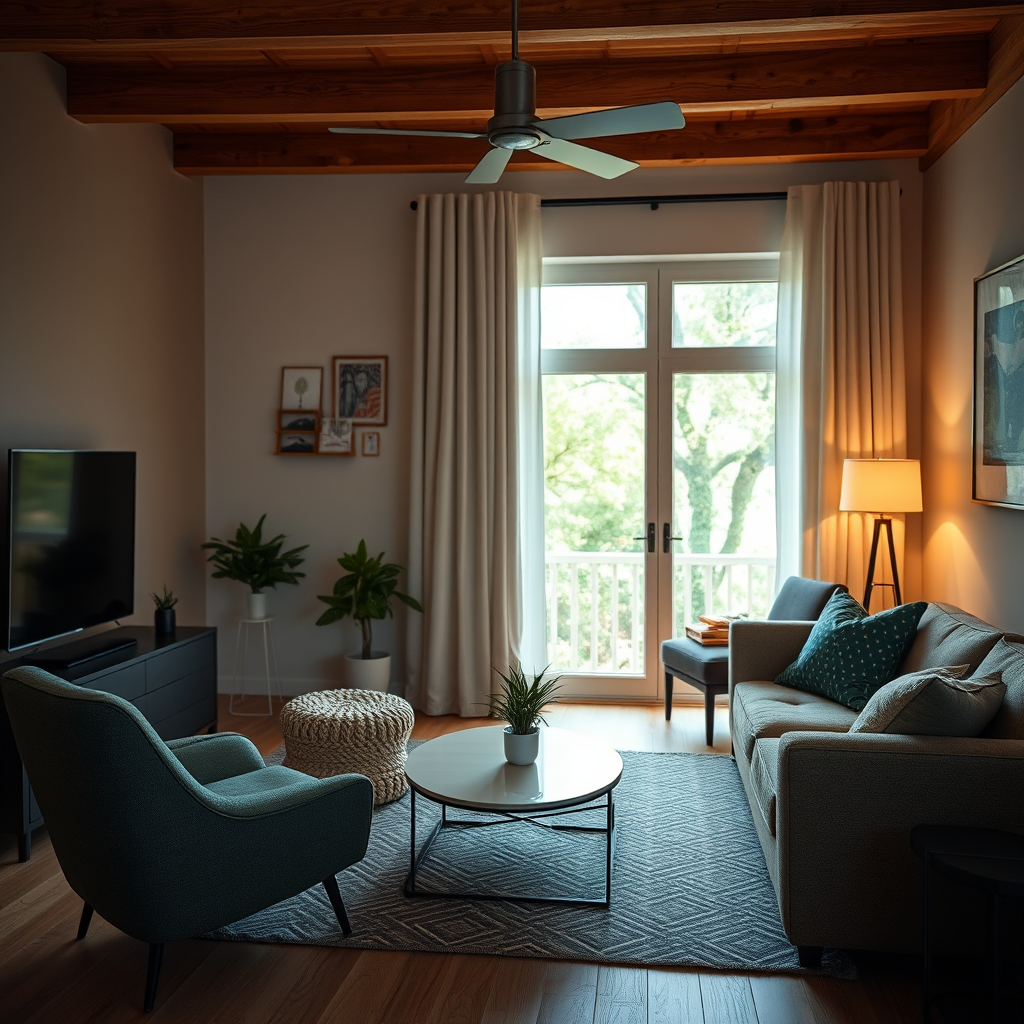
To get started, you’ll need a few essential devices. First, smart bulbs are a must; consider options like Philips Hue, LIFX, or Wyze. For your audio system, you’ll want a good quality receiver or smart speakers, such as those from Sonos, Amazon Echo, or Google Nest.
In addition to hardware, specific apps will facilitate the syncing process. The Philips Hue app is user-friendly and allows you to customize settings for your lights, while the Sonos app can control your audio playback and settings. Other apps, like IFTTT (If This Then That), can also be utilized to create connections between different devices, enabling even more complex automations. With these devices and apps in hand, you’re ready to create a synchronized experience.
Setting Up Your Smart Home Network
The first step in setting everything up is to connect your smart lights and audio system to the same Wi-Fi network. This is crucial for device communication. Ensure that your router is in a central location to provide strong signals to all devices. If you’re experiencing connectivity issues, consider investing in a Wi-Fi extender to boost the signal throughout your home.
Once your devices are connected, it’s a good idea to optimize your network. This can be done by assigning static IP addresses to your smart devices, ensuring they remain consistently connected. Additionally, reducing the number of devices on your network or upgrading your internet plan can enhance overall performance, resulting in smoother syncing.
Syncing Lights with Audio
After setting up your network, it’s time to configure your app settings for synchronization. Open your Philips Hue app, for example, and select the “Entertainment” option. Here, you can create a zone that includes both your smart lights and audio system.
Once the zone is created, you can customize how your lights respond to music. A popular feature is the ability to change light colors that match the beat of the music. For instance, upbeat songs can trigger bright, vibrant colors, while more mellow tunes might prompt soft, warm hues. Experiment with the different settings available to find what feels best for you. This customization transforms your space into a lively environment that reacts to your sound.
Troubleshooting Common Issues
Even with the best devices, syncing can sometimes be tricky. One common issue is connectivity problems, where either the lights or audio system may not respond as expected. If this occurs, ensure both devices are still connected to the Wi-Fi network and restart them if necessary.
Another issue could be latency, where the lights lag behind the music. To resolve this, check the settings within your app, as some systems allow you to adjust the delay. Lastly, firmware updates are essential; make sure all your devices are running the latest software to ensure compatibility and performance. Keeping everything updated can significantly improve your syncing experience.
Creating Custom Scenes and Automations
Once you have the syncing process down, you can take it a step further by creating custom lighting scenes that activate with your audio. For instance, you might want a “Party Mode” that sets the lights to flash in rhythm with your favorite dance tracks. This can be set up using either the Philips Hue app or through IFTTT, allowing you to link specific audio tracks to lighting changes.
Automating these settings adds convenience, too. You can program your lights to dim and change colors when you start a movie or have them brighten during your morning playlist. By using your app’s scheduling features, you can even set lighting changes based on specific times or events, enhancing your daily routine. The possibilities are vast, and exploring them can lead to a uniquely tailored home entertainment experience.
By following these steps, you’ll find that syncing your smart lights with your home audio system is not only achievable but also incredibly rewarding. Imagine the ambiance of your favorite music filling the room while the lights dance along, creating an immersive atmosphere that enhances relaxation or celebration. Don’t hesitate to try out the steps outlined, and feel free to explore different settings to discover what works best for you. With just a little effort, you can transform your home entertainment into a truly unique experience.
Frequently Asked Questions
How do I start syncing my smart lights with my home audio system?
To begin syncing your smart lights with your home audio system, you’ll first need to ensure that both systems are compatible with any smart home ecosystem, such as Amazon Alexa, Google Assistant, or Apple HomeKit. Next, download the corresponding app for your smart lights and audio system. Follow the app instructions to connect both devices to the same Wi-Fi network, and then look for options to create routines or scenes that involve both lighting and audio for a cohesive experience.
What are the benefits of syncing smart lights with my home audio system?
Syncing smart lights with your home audio system enhances your overall home entertainment experience. It allows for synchronized lighting effects that match the mood of your music, whether it’s a vibrant party atmosphere or a calming ambiance for relaxation. Additionally, automation can streamline your routines, such as dimming lights when a movie starts or brightening them when your favorite playlist plays, creating a more immersive environment.
Why is my smart light not syncing with my audio system?
If your smart light is not syncing with your audio system, it could be due to compatibility issues or connectivity problems. Ensure that both devices are connected to the same Wi-Fi network and are compatible with the same smart home platform. Additionally, check for any software updates for both devices, as outdated firmware can lead to syncing issues. Restarting both devices can also resolve temporary glitches.
What is the best way to create a synchronized lighting scene with music?
The best way to create a synchronized lighting scene with music is to use a smart home app that supports scene creation, such as Philips Hue or LIFX. These apps often allow you to choose specific colors and brightness levels that respond to your music’s beat. You can also explore third-party apps like IFTTT or various music visualization tools that can link audio playback to lighting changes, providing a dynamic atmosphere tailored to your taste.
Which smart lights are best for syncing with audio systems?
The best smart lights for syncing with audio systems typically include brands like Philips Hue, LIFX, and Nanoleaf, as they offer extensive compatibility and robust app support. Philips Hue, for example, provides excellent integration with various smart home platforms and third-party apps, allowing for complex lighting patterns. LIFX lights offer vibrant colors and do not require a separate hub, making them user-friendly, while Nanoleaf’s unique designs add a decorative touch alongside functional lighting.
References
- https://en.wikipedia.org/wiki/Smart_light
- https://www.wired.com/story/how-to-sync-smart-lights-audio/
- https://www.techhive.com/article/3229842/how-to-sync-smart-lights-with-your-home-theater.html
- https://www.cnet.com/home/smart-home/how-to-sync-your-smart-lights-with-your-music/
- https://www.howtogeek.com/720136/how-to-sync-smart-lights-with-your-home-audio-system/
- https://www.digitaltrends.com/home-theater/how-to-sync-smart-lights-with-music/