
Integrating Virtual Reality (VR) into your home theater sound system can transform your entertainment experience into an immersive journey. By combining high-quality audio with stunning visuals, you can create an atmosphere that enhances both gaming and movie watching. This guide will provide you with essential steps to achieve a seamless integration of VR into your audio setup, ensuring you enjoy cutting-edge entertainment right from your living room.
Understanding VR and Audio Compatibility
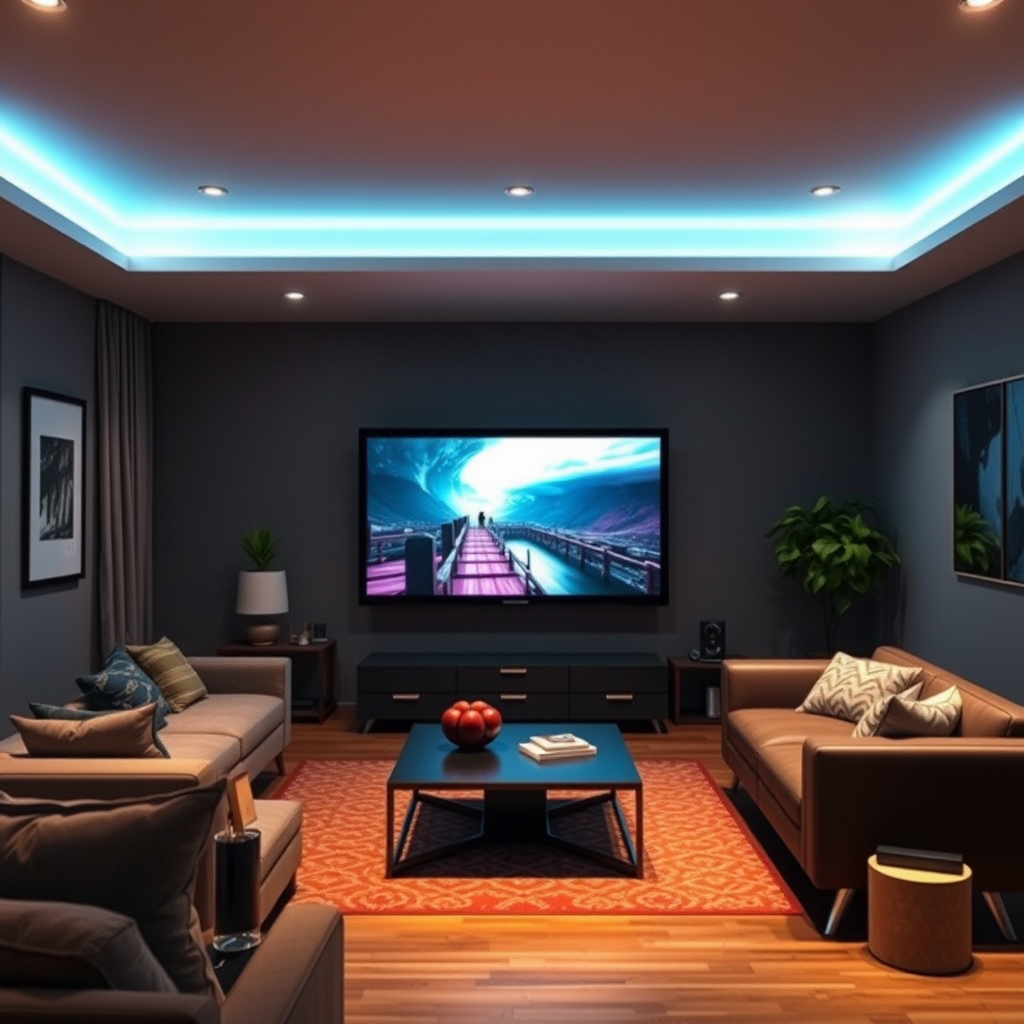
To successfully integrate VR into your home theater sound system, it’s crucial to understand the different types of VR systems available and their specific audio requirements. Popular VR systems, such as the Oculus Quest 2, HTC Vive, and PlayStation VR, often come with built-in audio solutions but may also support external audio setups for enhanced sound quality.
When it comes to audio formats that work best with VR, spatial audio and surround sound are at the forefront. Spatial audio simulates sound sources in a three-dimensional space, allowing users to perceive sounds coming from various directions. This is particularly effective in gaming scenarios where directional audio cues can significantly affect gameplay. Surround sound further enhances this experience by enveloping the user in audio, making it feel as though they are part of the action.
Setting Up Your Home Theater Equipment
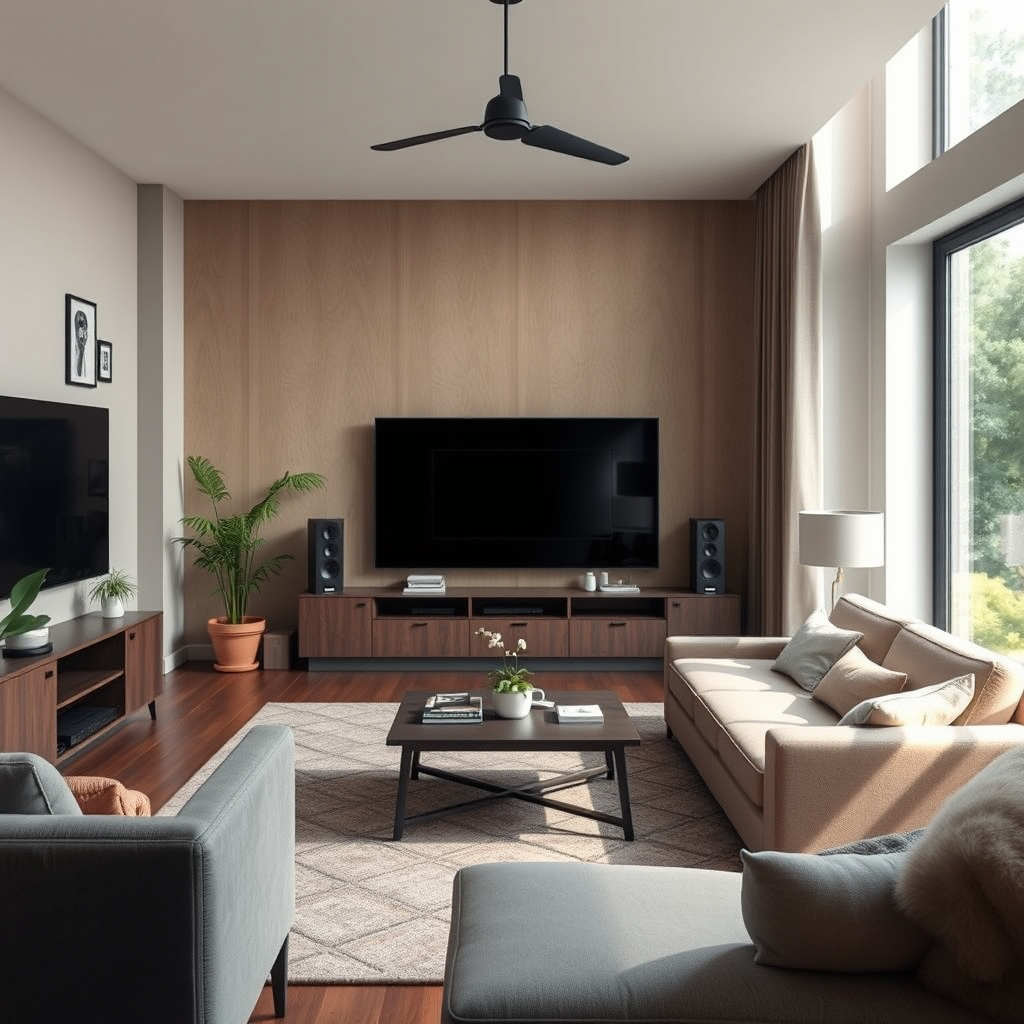
To create a VR-ready home theater system, you need to identify the necessary components. Essential hardware includes high-quality speakers, a capable audio receiver, and a compatible display system. Ideally, you should invest in a surround sound system with at least five speakers and a subwoofer to replicate the immersive audio environment that VR demands.
Ensure all devices are compatible with each other. Most modern audio receivers come equipped with multiple HDMI inputs, allowing you to connect various devices seamlessly. When connecting your VR headset, verify if it supports audio output through HDMI or requires optical cables. Having a receiver that supports these formats will simplify your setup and enhance audio performance.
Connecting VR Headsets to Your Sound System
Connecting your VR headset to your audio system can be done either wired or wirelessly. Here’s how to do both:
1. Wired Connection:
– Connect the VR headset’s HDMI output to an available HDMI input on your audio receiver.
– If your headset has an audio jack, connect it to your audio receiver’s corresponding input.
– Ensure that the receiver is set to the correct input source.
2. Wireless Connection:
– If your headset supports Bluetooth or Wi-Fi audio streaming, ensure both your headset and audio receiver are paired or connected to the same network.
– Access your VR headset’s audio settings to select the appropriate audio output source.
After connecting, it’s essential to adjust the audio settings within your VR applications. Most VR platforms allow you to fine-tune volume levels and audio formats for optimal sound quality.
Top VR Headsets and Their Audio Capabilities (2024)
| # | VR Headset | Audio Format | Wireless | Price |
|---|---|---|---|---|
| 1 | Oculus Quest 2 | Stereo, Spatial | Yes | $299 |
| 2 | HTC Vive Pro 2 | Surround, Spatial | Yes | $799 |
| 3 | PlayStation VR2 | Surround | Yes | $549 |
| 4 | Valve Index | Stereo, Surround | No | $999 |
| 5 | Pimax 8K X | Stereo, Spatial | No | $1,299 |
| 6 | Samsung Odyssey+ | Stereo | Yes | $499 |
| 7 | Meta Quest Pro | Spatial | Yes | $999 |
Optimizing Sound Quality for VR Experiences
To ensure that your VR experience is truly immersive, it’s essential to optimize sound quality. One effective technique is to position your speakers strategically within the room. Ideally, surround sound speakers should be placed at ear level and positioned at a 30-degree angle to the listening area. This placement helps create a more realistic soundstage and enhances spatial audio effects.
Moreover, utilizing sound calibration tools and software can significantly improve audio settings. Many modern audio receivers come with built-in calibration tools that analyze your room’s acoustics and adjust the sound output accordingly. You can also explore external calibration software that provides advanced options for fine-tuning audio settings.
Enhancing the Experience with Additional Accessories
To further enhance your VR audio experience, consider incorporating additional accessories such as subwoofers and soundbars. A subwoofer adds depth to sound effects, making explosions and low-frequency sounds more impactful. This is particularly relevant for action-packed games and movies where bass plays a crucial role in immersion.
For a clutter-free setup, wireless audio solutions can be beneficial. Wireless soundbars or Bluetooth speakers can connect to your system without the hassle of cables, while still delivering high-quality audio. Look for products that support the latest audio codecs, such as Dolby Atmos, to maximize sound fidelity.
Benefits of Adding Accessories to VR Sound Systems
Troubleshooting Common Issues
As you integrate VR with your sound system, you may encounter common connectivity issues. One frequent problem is a lack of audio output, which can usually be resolved by checking the connections and ensuring the correct audio source is selected on your receiver.
Another issue might involve latency and audio sync problems, which can detract from the immersive experience. To minimize latency, ensure that your audio receiver and VR headset both support low-latency audio codecs. Additionally, adjusting audio delay settings within your receiver can help synchronize audio and video outputs, providing a smoother experience.
Through proper setup and troubleshooting, you can create a seamless VR audio experience that enhances every aspect of your multimedia enjoyment.
Wrapping up the discussion, integrating VR into your home theater sound system can significantly enhance your multimedia experience. By following these steps and optimizing your setup, you’ll create a more immersive environment for gaming and movie enjoyment. Don’t hesitate to dive into the world of VR audio—start upgrading your system today and enjoy the next level of entertainment.
Frequently Asked Questions
How do I set up a VR headset with my home theater sound system?
To set up a VR headset with your home theater sound system, first connect your VR headset to your gaming console or PC. Then, use HDMI or optical cables to link your sound system to the same device. Ensure that your sound system is set to the correct input and adjust audio settings in the VR software to enable surround sound for an immersive experience.
What are the best audio formats for VR in a home theater setup?
The best audio formats for VR in a home theater setup include Dolby Atmos and DTS:X, as they provide immersive, three-dimensional sound. These formats allow sound to move freely in a 3D space, enhancing the VR experience. Make sure your sound system supports these formats for optimal sound quality.
Why is audio synchronization important for VR experiences in home theaters?
Audio synchronization is crucial for VR experiences because it ensures that sound matches the visuals, providing a seamless immersive experience. Lagging or mismatched audio can disrupt the feeling of presence in virtual environments, leading to discomfort or disorientation. Properly configuring your audio settings can help maintain synchronization.
Which speakers are best for enhancing VR audio in a home theater?
The best speakers for enhancing VR audio in a home theater are those that support surround sound configurations, such as 5.1 or 7.1 systems. Brands like Klipsch, Bose, and Sonos offer high-quality options that deliver clear and immersive sound. Additionally, consider adding a subwoofer for deeper bass effects that enhance the VR experience.
How can I troubleshoot audio issues when integrating VR with my home theater system?
To troubleshoot audio issues when integrating VR with your home theater system, start by checking all connections and ensuring that cables are securely plugged in. Next, verify that the correct audio output settings are selected in both your VR software and sound system. If problems persist, updating drivers or firmware for your devices may resolve compatibility issues.
References
- Home cinema
https://en.wikipedia.org/wiki/Home_theater - https://www.sciencedirect.com/topics/engineering/virtual-reality
https://www.sciencedirect.com/topics/engineering/virtual-reality - https://www.ncbi.nlm.nih.gov/pmc/articles/PMC7873653/
https://www.ncbi.nlm.nih.gov/pmc/articles/PMC7873653/ - https://www.bbc.com/news/technology-51136401
https://www.bbc.com/news/technology-51136401 - https://www.theguardian.com/technology/2021/jun/29/virtual-reality-home-theater
https://www.theguardian.com/technology/2021/jun/29/virtual-reality-home-theater - https://www.nature.com/articles/s41598-019-39077-4
https://www.nature.com/articles/s41598-019-39077-4 - https://www.reuters.com/technology/virtual-reality-experience-2021-06-23/
https://www.reuters.com/technology/virtual-reality-experience-2021-06-23/ - Google Scholar Google Scholar
https://scholar.google.com/scholar?q=Integrate+VR+into+Home+Theater+Sound+System - Google Scholar Google Scholar
https://scholar.google.com/scholar?q=Virtual+Reality+Home+Theater+Integration - Google Scholar Google Scholar
https://scholar.google.com/scholar?q=Home+Theater+Audio+VR+Integration