
Reducing humming or buzzing in speakers often comes down to inspecting your audio setup and addressing common interference issues. In this article, you’ll learn practical steps to eliminate unwanted noise, ensuring a clearer sound experience. Whether it’s a grounding issue or a problem with your equipment, we’ll cover all the essential strategies to help you enjoy your audio without distractions.



Identify the Source of the Noise
The first step in addressing humming or buzzing in speakers is identifying where the noise originates. This involves a careful examination of both your speakers and your audio source. Start by playing audio through your system and listen closely. If the noise is present regardless of the audio source, the problem likely lies with the speakers or their connections.
To isolate the issue, employ a process of elimination: disconnect your speakers and connect them to a different audio source or amplifier. If the noise persists, it indicates a problem with the speakers themselves. Conversely, if the noise disappears, the issue may be rooted in the audio source or the connections leading to it. This methodical approach not only pinpoints the source of the noise but also provides a structured way to address it.
Inspect Your Cables and Connections
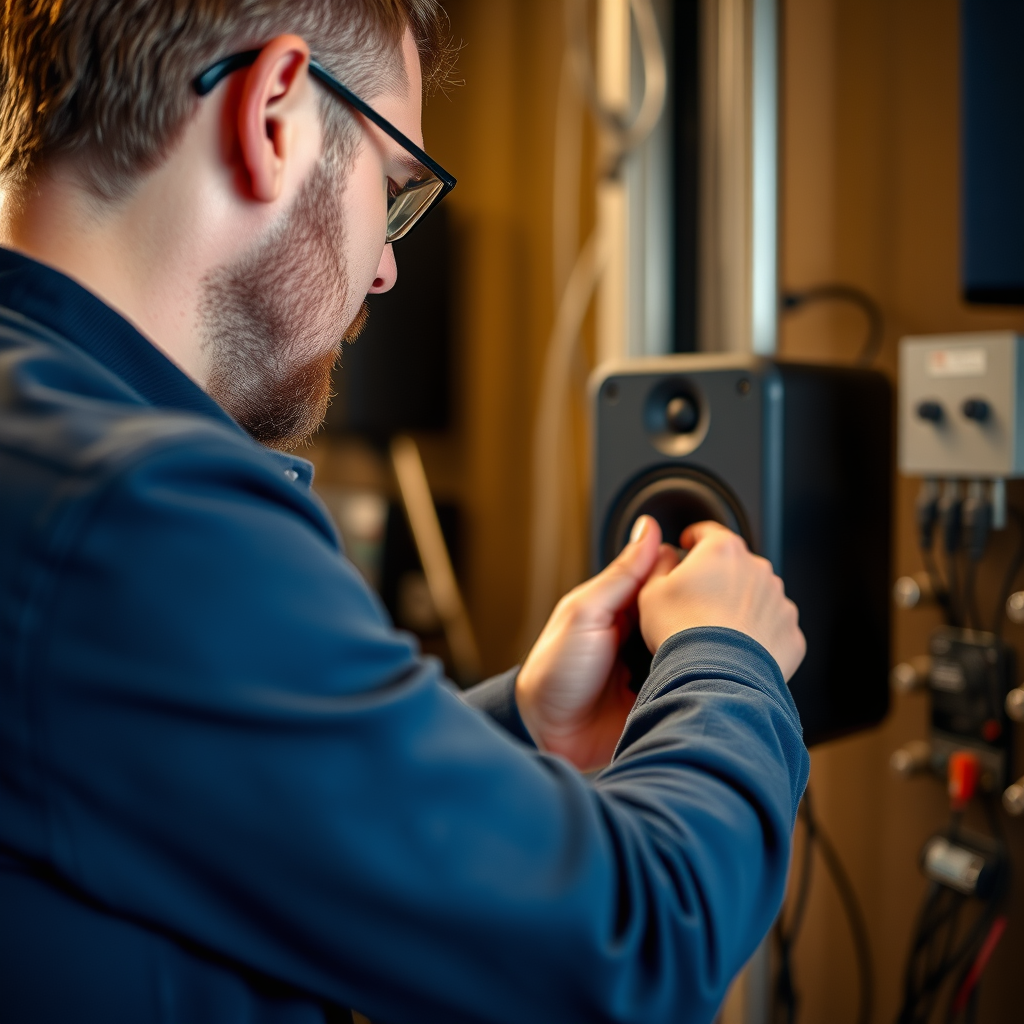
Once you have identified the source, the next step is to inspect your cables and connections. Ensure that all cables are securely connected and free from any visible damage. Frayed wires or loose connections can cause significant interference, leading to unwanted noise.
Using high-quality, shielded cables is vital in minimizing interference from external sources. Shielded cables are designed to protect against electromagnetic interference (EMI) and radio frequency interference (RFI), which are common culprits for humming and buzzing sounds in audio equipment. Upgrading to better cables can significantly improve your audio quality and eliminate unwanted noise.
Address Grounding Issues
Grounding issues are another common cause of humming and buzzing in audio setups. It’s essential to verify that all your audio equipment, including speakers, amplifiers, and mixers, are properly grounded. If your equipment is not grounded correctly, it can create ground loops, which are responsible for unwanted noise.
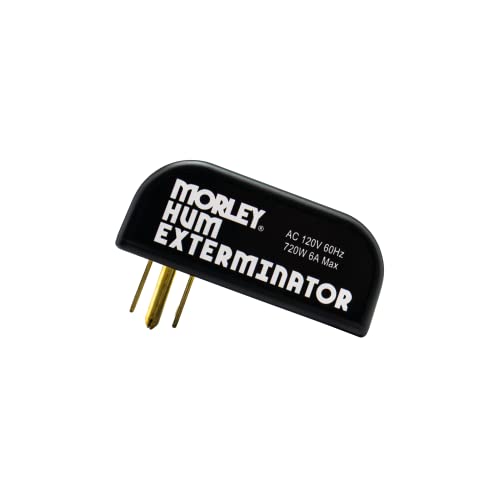
A practical solution is to use a ground loop isolator. This device can effectively eliminate hum caused by ground loops by interrupting the ground connection between devices while still permitting the audio signal to pass through. Ensuring proper grounding not only enhances audio clarity but also protects your equipment from potential damage caused by electrical surges.
Common Causes of Speaker Noise and Solutions
| # | Cause | Description | Solution |
|---|---|---|---|
| 1 | Ground Loops | Electrical interference caused by improper grounding. | Use a ground loop isolator. |
| 2 | Faulty Cables | Worn or damaged cables can introduce noise. | Inspect and replace damaged cables. |
| 3 | Poor Connections | Loose or dirty connections can result in static noise. | Ensure all connections are tight and clean. |
| 4 | Interference from Electronics | Nearby electronics can cause signal interference. | Increase distance from electronic devices. |
| 5 | Audio Settings | Incorrect audio settings can amplify noise. | Adjust audio levels and settings. |
| 6 | Old Equipment | Aging equipment may not perform optimally. | Consider upgrading to newer models. |
| 7 | Incompatible Devices | Mixing different brands can lead to incompatibility issues. | Check compatibility before purchasing. |
Keep Electronics Away from Speakers
Another proactive measure to reduce humming or buzzing in your speakers is to keep them away from other electronic devices. Many household electronics, such as routers, power supplies, and even fluorescent lights, can emit electromagnetic interference that disrupts audio signals.
Ensure that your speakers are positioned at a safe distance from these devices. Additionally, avoid running audio cables parallel to power cables, as this can create an environment conducive to interference. If possible, cross them at right angles to minimize any impact on audio quality. Implementing these spatial strategies can significantly enhance your sound experience by reducing unwanted noise.
Adjust Audio Settings
Sometimes, the solution to buzzing or humming can be as simple as adjusting your audio settings. Check the volume levels on your devices; if they are set too high, they can amplify any existing noise in your system. Lowering the volume can often reduce the perception of hum or buzz.
Moreover, experimenting with different equalization settings can yield improvements. Certain frequencies may exacerbate the buzzing or humming, so fine-tuning these settings can help. Many audio devices come with built-in features that allow for customizing the sound profile, so take advantage of these tools to create a cleaner audio experience.
Upgrade Your Equipment
If you’ve tried various methods to eliminate humming or buzzing without success, it may be time to consider upgrading your equipment. Investing in higher-quality speakers or amplifiers that have better noise rejection features can make a significant difference in sound quality.
Look for devices that incorporate built-in noise filtering capabilities, which can actively reduce unwanted noise without compromising audio fidelity. This investment not only enhances your listening experience but can also add longevity and reliability to your audio setup.
Consult a Professional
Should the humming or buzzing persist despite your best efforts, consulting a professional is a prudent step. Audio professionals have the expertise to diagnose complex issues that may not be immediately apparent. They can assess your entire audio setup, identify hidden problems, and recommend tailored solutions.
Additionally, don’t hesitate to reach out to customer support for your audio equipment. Manufacturers often provide valuable resources and troubleshooting steps that can aid in resolving persistent noise issues.
Bar Chart of Common Noise Causes
By following these steps, you should be able to significantly reduce or eliminate the humming or buzzing in your speakers. Implementing the right strategies can enhance your overall listening experience, allowing you to enjoy your music and audio content without distraction. If the problem persists, remember to reach out for professional guidance to ensure your audio setup is in optimal condition.
Frequently Asked Questions
What are the common causes of humming or buzzing in speakers?
Humming or buzzing in speakers can be caused by various factors, including ground loops, electrical interference, and poor connections. Ground loops occur when multiple devices are connected to different power sources, creating a loop that introduces noise. Additionally, nearby electronic devices can emit electromagnetic interference that disrupts sound quality, leading to unwanted humming or buzzing.
How can I eliminate ground loop issues causing speaker noise?
To eliminate ground loop issues, you can use ground loop isolators, which help break the loop by isolating the audio signals. Alternatively, ensuring all devices are plugged into the same power outlet can reduce the risk of ground loops. Additionally, using balanced audio cables can help mitigate interference and improve audio clarity.
Why is my speaker buzzing even when no audio is playing?
If your speaker is buzzing even when no audio is playing, it may be due to electrical interference from nearby devices or faulty wiring. This background noise can be exacerbated by poor-quality cables or connections. Checking and replacing any damaged cables and ensuring proper grounding can help eliminate this persistent buzzing.
What are the best methods to reduce interference in speaker systems?
The best methods to reduce interference in speaker systems include using shielded cables, keeping speaker wires away from power cords, and minimizing the distance between the audio source and speakers. Additionally, utilizing power conditioners can help filter out electrical noise, improving overall sound quality. Regularly checking connections for corrosion or wear can also ensure optimal performance.
Which devices are most likely to cause buzzing in audio equipment?
Devices that are most likely to cause buzzing in audio equipment include fluorescent lights, dimmer switches, and other electronic devices that emit electromagnetic interference. Additionally, computers and mobile devices can introduce noise when connected to audio systems. Identifying and relocating these devices away from your speakers can significantly reduce humming or buzzing.
References
- https://en.wikipedia.org/wiki/Speaker_(audio
https://en.wikipedia.org/wiki/Speaker_(audio - https://www.sciencedirect.com/topics/engineering/speaker
https://www.sciencedirect.com/topics/engineering/speaker - https://www.bbc.com/future/article/20200622-why-does-my-speaker-make-noise
https://www.bbc.com/future/article/20200622-why-does-my-speaker-make-noise - https://www.nytimes.com/2019/11/05/technology/speaker-noise.html
https://www.nytimes.com/2019/11/05/technology/speaker-noise.html - https://pubmed.ncbi.nlm.nih.gov/22079965/
https://pubmed.ncbi.nlm.nih.gov/22079965/ - Horner Syndrome – StatPearls – NCBI Bookshelf
https://www.ncbi.nlm.nih.gov/books/NBK500000/ - Google Scholar Google Scholar
https://scholar.google.com/scholar?q=How+to+Reduce+Humming+or+Buzzing+in+Speakers - Google Scholar Google Scholar
https://scholar.google.com/scholar?q=Speaker+Noise+Reduction+Techniques - Google Scholar Google Scholar
https://scholar.google.com/scholar?q=Audio+Speaker+Interference - Inherited metabolic disorders – Care at Mayo Clinic – Mayo Clinic
https://www.mayoclinic.org/diseases-conditions/tinnitus/symptoms-causes/syc-20336747



