Setting up a multi-room wireless audio system with Amazon Alexa is straightforward and enhances your listening experience throughout your home. By using compatible devices, you can easily stream music, control playback, and create a seamless audio environment. In this guide, you’ll learn the essential steps to get your system up and running.




Choosing the Right Wireless Speakers
The first step in setting up a multi-room wireless audio system is selecting the right wireless speakers that are compatible with Amazon Alexa. Popular options include the Amazon Echo series, Sonos speakers, and Bose Smart speakers. Each has its unique features, but they all support Alexa integration, allowing for voice control.
When choosing speakers, consider factors such as sound quality, size, and placement. Larger speakers generally offer better sound quality, but they may not fit well in smaller spaces. Conversely, compact speakers can be placed discreetly throughout your home, ensuring an even distribution of sound. Additionally, look for speakers with features like multi-room audio support and the ability to pair with other devices for a more immersive experience.
Setting Up Your Alexa Device
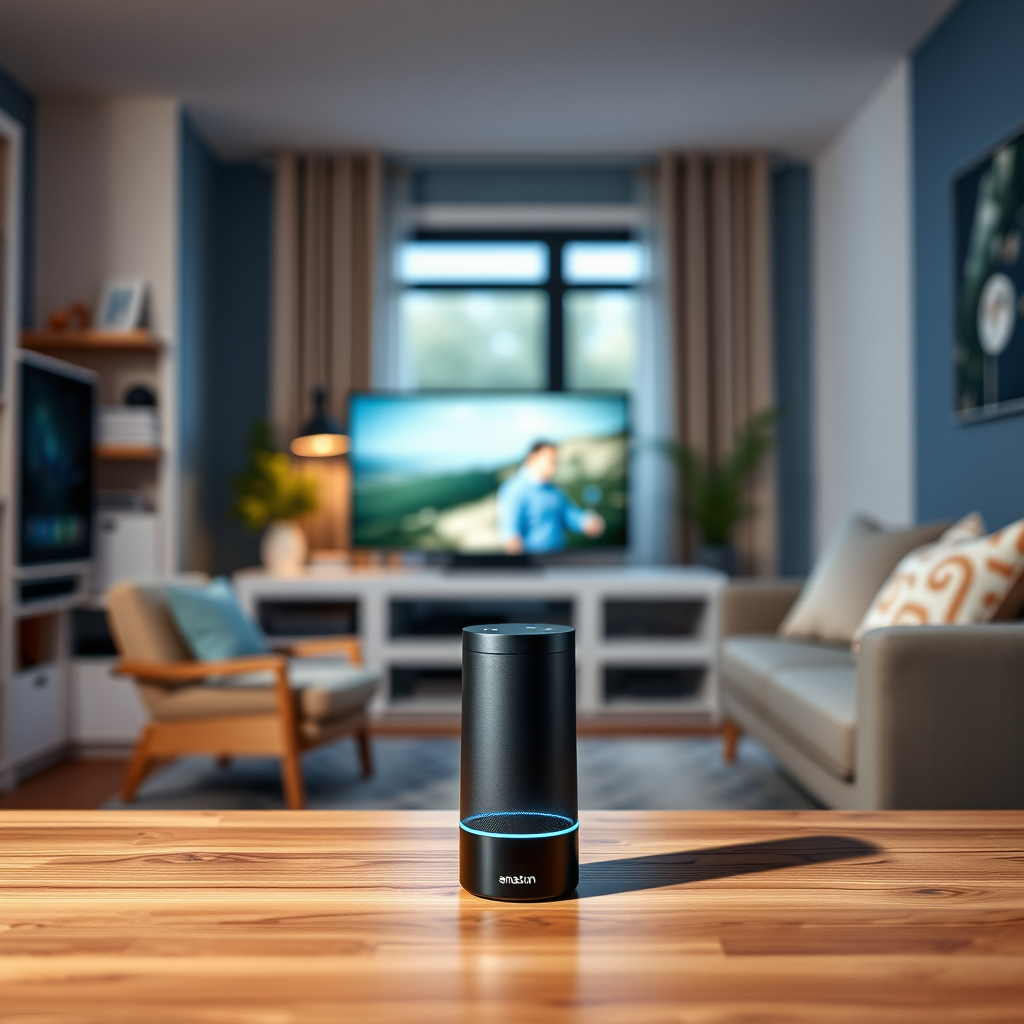
Before you can enjoy your multi-room audio system, your Alexa device must be properly set up. Start by ensuring that your Alexa device is connected to a stable Wi-Fi network and that it has the latest software updates. This is crucial for seamless integration with your wireless speakers.
Next, download the Amazon Alexa app on your smartphone or tablet. The app is your primary control hub, allowing you to manage settings, link music accounts, and add speakers to your Alexa account. Follow the prompts in the app to complete the setup process, ensuring that your Alexa device is ready to communicate with your chosen wireless speakers.
Creating Multi-Room Audio Groups
Once your speakers are set up and linked to your Alexa account, you can create multi-room audio groups. This feature allows you to play music simultaneously across multiple speakers, enhancing your listening experience.
To create a group, open the Alexa app and navigate to the “Devices” tab. From there, select the “Plus” icon and choose “Combine Speakers.” You will be prompted to name your group—this is helpful for voice commands later. For instance, you might name a group “Downstairs” to include speakers in your living room and kitchen. After creating your group, Alexa will be able to play music throughout all speakers in that designated area.
Top Wireless Speakers Compatible with Amazon Alexa (2024)
| # | Speaker | Sound Quality | Price | Rating |
|---|---|---|---|---|
| 1 | Amazon Echo Studio | Excellent | $199.99 | ★★★★☆ |
| 2 | Sonos One | Superior | $199.00 | ★★★★★ |
| 3 | Bose Home Speaker 500 | Exceptional | $399.00 | ★★★★☆ |
| 4 | Ultimate Ears Megablast | Good | $199.99 | ★★★☆☆ |
| 5 | JBL Link Portable | Decent | $199.95 | ★★★★☆ |
| 6 | Google Nest Audio | Very Good | $99.99 | ★★★★☆ |
| 7 | Anker Soundcore Motion+ | Good | $99.99 | ★★★☆☆ |
Configuring Music Streaming Services
To maximize your multi-room audio experience, configuring your preferred music streaming services is essential. The Alexa app allows you to link services like Spotify, Amazon Music, Apple Music, and Pandora. By doing so, you can easily access your playlists and favorite stations through voice commands.
To link a service, go to the settings in the Alexa app, select “Music & Podcasts,” and tap on “Link New Service.” Follow the prompts to sign in with your account credentials. Once linked, you can set a default music service, so you don’t have to specify which service to use every time you ask Alexa to play music.
Voice Commands for Control
Utilizing voice commands is one of the most convenient aspects of using Alexa with your multi-room audio system. Commands such as “Alexa, play my playlist in the living room,” or “Alexa, set the volume to 50% in the kitchen” allow you to control your music hands-free.
Familiarize yourself with essential commands to enhance your experience. For instance, you can say “Alexa, pause the music” to stop playback or “Alexa, skip this song” to move on to the next track. Learning these commands not only streamlines your interactions but also makes it easier to enjoy music throughout your home without needing to fiddle with your smartphone or remote control.
Troubleshooting Common Issues
Despite the ease of setting up a multi-room audio system, you may encounter some common issues. Connectivity problems can arise, particularly if your Wi-Fi signal is weak or if speakers are placed too far from the router. Ensure that your speakers are within range of your Wi-Fi network and consider using a Wi-Fi extender if necessary.
If you experience issues with playback or speaker recognition, try restarting your devices. Unplugging your Alexa device and speakers for a few seconds and then plugging them back in can often resolve minor glitches. If problems persist, resetting the Alexa app or checking for software updates may be required.
Expanding Your Audio System
As your audio needs evolve, there are numerous options for expanding your system. Consider adding more compatible wireless speakers to achieve an even more immersive sound experience. Brands like Sonos and Bose offer additional models that can seamlessly integrate into your existing setup.
Furthermore, you may want to explore smart home features that complement your audio system. For example, integrating smart lighting can create an ambiance that enhances your listening experience. Using Alexa routines, you can set up automated actions, such as dimming the lights and playing your favorite playlist at a specific time, creating a truly connected home environment.
Multi-Room Audio Setup Benefits
By following these steps, you can effortlessly enjoy a multi-room wireless audio system powered by Amazon Alexa. Whether you’re hosting a gathering or relaxing at home, controlling your music has never been easier. Explore your options today and elevate your audio experience!
Frequently Asked Questions
What components do I need to set up a multi-room wireless audio system with Amazon Alexa?
To set up a multi-room wireless audio system with Amazon Alexa, you’ll need compatible Alexa-enabled devices such as Echo speakers or Echo Dot units. Additionally, ensure that your Wi-Fi network is strong and stable, as this will facilitate seamless audio streaming throughout your home.
How do I configure multiple Alexa devices for multi-room audio?
To configure multiple Alexa devices for multi-room audio, open the Alexa app on your smartphone and navigate to the “Devices” tab. From there, select the “+” icon to create a new speaker group, choose the devices you want to include, and name your group. Once set up, you can simply say, “Alexa, play music in [group name]” to enjoy synchronized audio across all selected devices.
Why is my multi-room audio not syncing properly with Alexa?
If your multi-room audio is not syncing properly, it may be due to Wi-Fi connectivity issues or a mismatch in device settings. Ensure that all Alexa devices are connected to the same Wi-Fi network and check for any software updates in the Alexa app. If problems persist, restarting your devices and router can often resolve syncing issues.
What is the best music streaming service to use with Alexa for multi-room audio?
The best music streaming services to use with Alexa for multi-room audio include Amazon Music, Spotify, and Apple Music, as they all offer seamless integration with Alexa devices. Each service provides high-quality sound and allows for voice commands to control playback across multiple rooms easily.
Which Alexa devices are best for a multi-room wireless audio setup?
The best Alexa devices for a multi-room wireless audio setup include the Echo Studio for high-fidelity sound, the Echo (4th Gen) for balanced performance, and the Echo Dot for budget-friendly options in smaller spaces. Depending on your audio needs and room sizes, a combination of these devices can create an optimal listening experience throughout your home.
References
- Amazon Alexa
https://en.wikipedia.org/wiki/Amazon_Alexa - https://www.nytimes.com/2020/12/14/technology/alexa-music.html
https://www.nytimes.com/2020/12/14/technology/alexa-music.html - https://www.bbc.com/news/technology-56138293
https://www.bbc.com/news/technology-56138293 - https://www.sciencedirect.com/topics/computer-science/smart-home
https://www.sciencedirect.com/topics/computer-science/smart-home - https://www.hindawi.com/journals/misy/2021/5510370/
https://www.hindawi.com/journals/misy/2021/5510370/ - Google Scholar Google Scholar
https://scholar.google.com/scholar?q=Multi-Room+Wireless+Audio+System+with+Amazon+Alexa - Google Scholar Google Scholar
https://scholar.google.com/scholar?q=Setting+up+multi-room+audio+Alexa - https://www.sciencedirect.com/science/article/pii/S1877050919312028
https://www.sciencedirect.com/science/article/pii/S1877050919312028 - https://www.nature.com/articles/s41598-019-54654-3
https://www.nature.com/articles/s41598-019-54654-3 - https://www.pubmed.ncbi.nlm.nih.gov/30706820/
https://www.pubmed.ncbi.nlm.nih.gov/30706820/



