
Experiencing static or buzzing noise in your home audio setup can be frustrating, but it’s often a problem that can be fixed with a few troubleshooting steps. The key to resolving this issue lies in identifying the source of the noise and implementing effective solutions. By following the guidance in this article, you can restore clarity to your sound system and enjoy an enhanced listening experience.




Identify the Source of the Noise
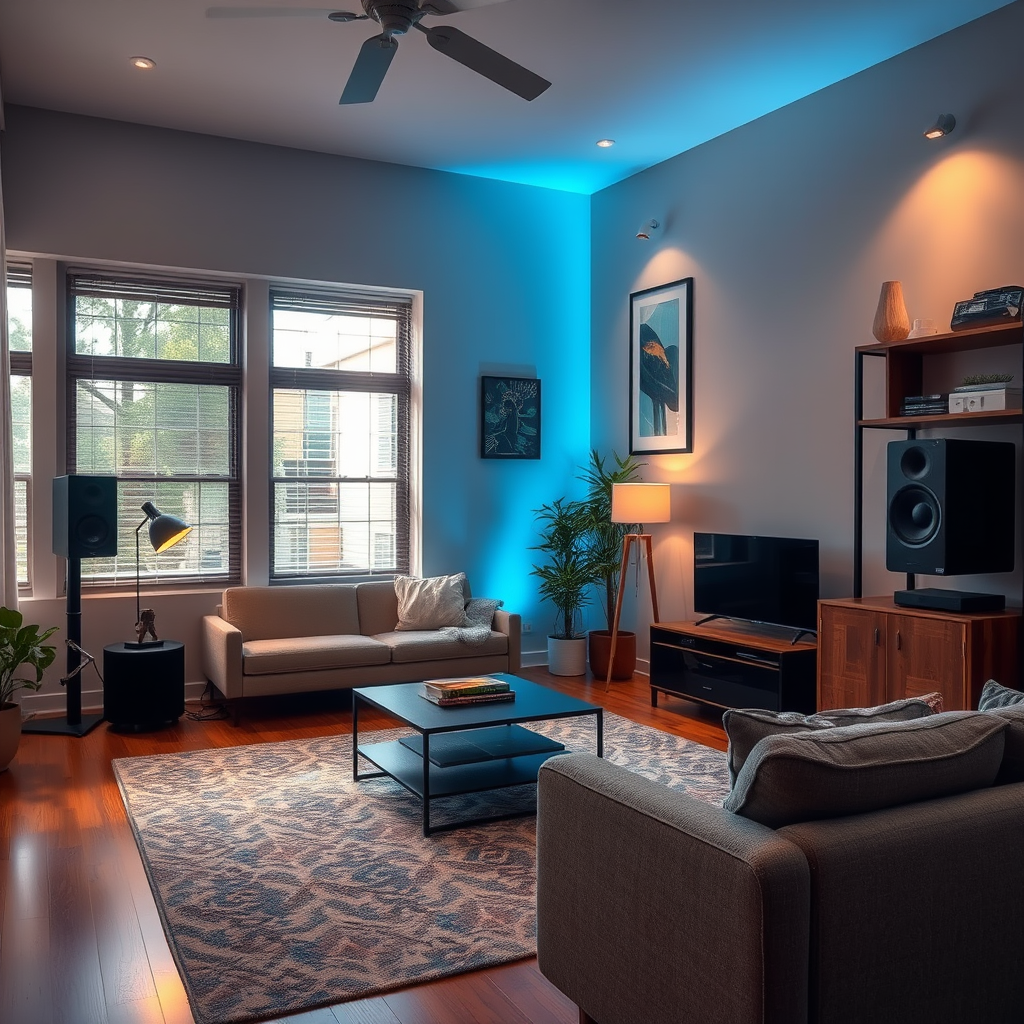
The first step in troubleshooting static or buzzing noise is to identify its source. This process often involves a systematic examination of all your audio connections and equipment. Start by checking all connections to ensure that cables are securely plugged in and are not damaged. Look for frayed wires or loose connectors, as these can easily introduce unwanted noise.
Next, isolate components by disconnecting each piece of equipment one at a time. This method allows you to determine if the noise originates from a specific device. For example, if you notice that the buzzing stops when a certain amplifier is disconnected, you’ve pinpointed the issue. This step can save you time and effort in identifying the culprit.
Use Quality Cables and Components
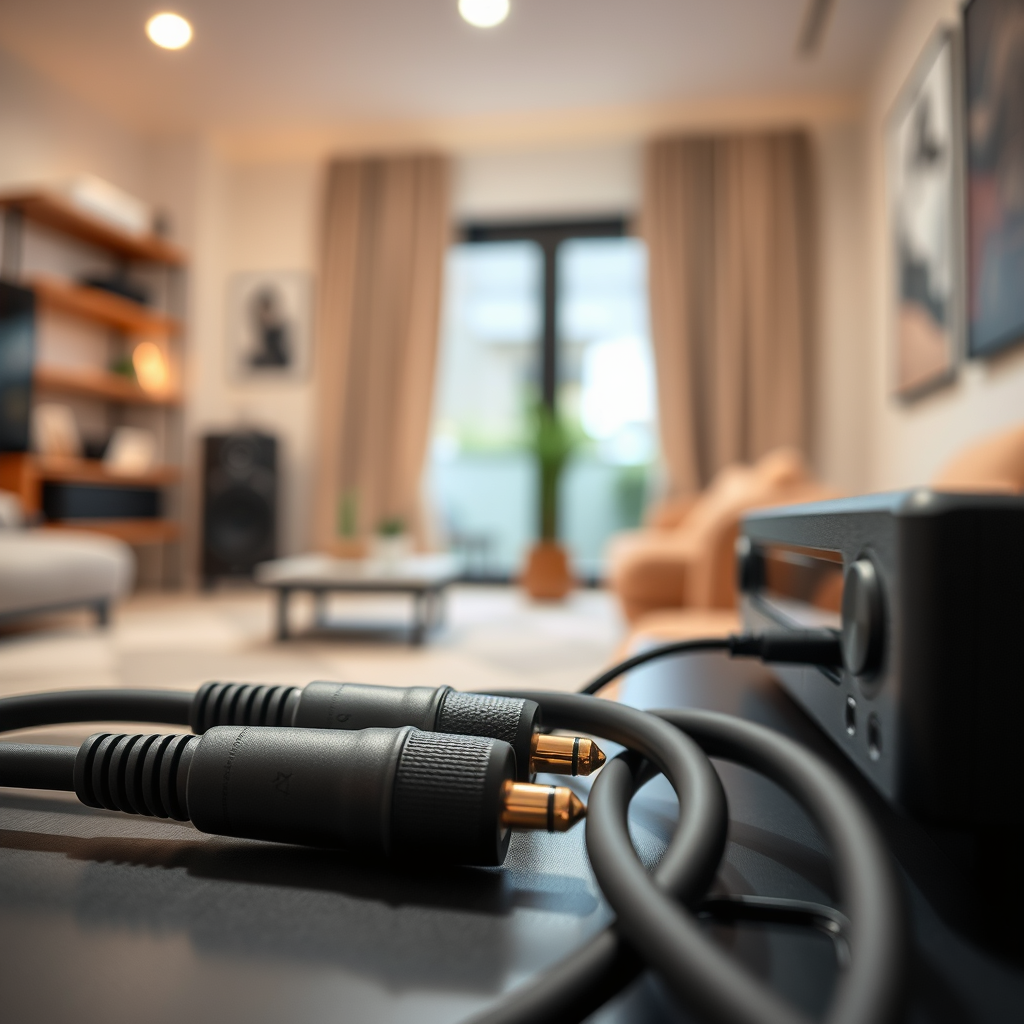
Investing in quality cables and components is crucial for minimizing interference and improving overall audio performance. Low-quality cables can introduce static and noise into your audio signal. It’s advisable to use shielded cables that are specifically designed for audio applications, as they can significantly reduce the risk of electromagnetic interference.
Additionally, consider upgrading your connectors. Gold-plated connectors, for instance, are known for their resistance to corrosion and provide a better electrical connection than standard ones. This simple upgrade can enhance signal quality and reduce the likelihood of buzzing or static noise.
Address Grounding Issues
Grounding problems are a common cause of buzzing noises in audio setups. Check for ground loops, which occur when multiple devices are connected to different ground points. This can create a hum or buzz in your audio signal. To avoid this, ensure that all devices in your audio setup share a common ground.
If ground loops persist, consider using ground loop isolators. These devices can help eliminate noise by breaking the loop and ensuring that the audio signal is clean. They are relatively inexpensive and can make a significant difference in audio clarity.
Common Ground Loop Issues and Solutions
| # | Issue | Description | Solution |
|---|---|---|---|
| 1 | Device Misalignment | Devices on different ground points | Use a common ground |
| 2 | Poor Quality Cables | Cables introducing noise | Upgrade to shielded cables |
| 3 | Ground Loop | Multiple ground connections | Use ground loop isolators |
| 4 | Electrical Interference | Nearby electronic devices causing noise | Reposition devices |
| 5 | Faulty Equipment | Defective audio components | Replace or repair equipment |
| 6 | Overloaded Circuits | Too many devices on one outlet | Use dedicated circuits |
Optimize Speaker Placement
The placement of your speakers can significantly affect audio quality and clarity. Positioning speakers too close to other electronic devices can lead to interference and static noise. To mitigate this, keep speakers and audio equipment as far away from other electronics as possible.
Experimenting with speaker placement can also yield better sound quality. Adjusting the distance and angle of your speakers can help find the optimal positioning for sound clarity. For instance, placing speakers at ear level and ensuring they are equidistant from the listening position can enhance the overall audio experience.
Ideal Speaker Placement Guidelines
Adjust Audio Settings
Sometimes, static or buzzing noise may be related to incorrect audio settings rather than hardware issues. Check your equalizer settings, as improperly adjusted EQ can amplify unwanted noise. Resetting to default settings and gradually fine-tuning can help you isolate the problem.
Additionally, experimenting with volume levels can provide insights into the source of the noise. Lowering the volume may temporarily reduce static while you troubleshoot. If the noise persists at lower volumes, it may indicate a deeper issue that requires further investigation.
Regular Maintenance and Updates
Regular maintenance is vital to keeping your audio setup in good working condition. Clean connections periodically to remove dust and debris, which can create poor connections and lead to unwanted noise. Using a soft cloth or specialized electronics cleaner can help maintain the integrity of your audio equipment.
Moreover, ensure that your audio devices are running the latest firmware. Manufacturers frequently release updates that address bugs and improve performance. Checking for and installing these updates can resolve issues and enhance your audio experience.
Seek Professional Help
If you’ve tried all the steps mentioned above and still experience static or buzzing noise, it may be time to consult with an audio technician. Professionals have the expertise to diagnose and fix complex issues that may not be immediately apparent. They can also provide tailored advice based on your specific audio setup.
Additionally, check if any of your equipment is still under warranty. Many manufacturers offer warranty services for repairs or replacements, which can save you time and money.
Addressing static or buzzing noise in your home audio setup can be straightforward with the right approach. By identifying the source, using quality components, optimizing settings, and maintaining your system, you can enhance your listening experience. Don’t hesitate to reach out for professional help if needed, and enjoy your clear audio!
Frequently Asked Questions
What causes static or buzzing noise in my home audio setup?
Static or buzzing noise in your home audio setup can be caused by several factors, including interference from electrical devices, poor cable connections, or grounding issues. Additionally, using low-quality cables or placing audio equipment near Wi-Fi routers or other electronics can exacerbate these noises. Identifying the source is crucial for effective troubleshooting.
How can I eliminate buzzing noise from my speakers?
To eliminate buzzing noise from your speakers, first check all cable connections to ensure they are secure and not damaged. If the issue persists, try moving your audio equipment away from other electronic devices and consider using shielded cables to minimize interference. Additionally, implementing a ground loop isolator can help in reducing unwanted noise.
Why is there a static sound when I connect my turntable to an amplifier?
A static sound when connecting a turntable to an amplifier may be due to inadequate grounding or a faulty cartridge. Ensure that the turntable is properly grounded to the amplifier to reduce hum and static. Also, inspect the cartridge and stylus for wear or damage, as these can contribute to sound quality issues.
What is the best way to troubleshoot audio noise issues in my home theater system?
The best way to troubleshoot audio noise issues in your home theater system is to systematically isolate each component. Start by disconnecting all devices and reconnecting them one at a time while listening for noise. Use high-quality, well-shielded cables, and check for any loose connections or grounding issues that may be causing interference.
Which cables are best to prevent static noise in my audio setup?
To prevent static noise in your audio setup, it’s best to use high-quality, shielded cables, such as twisted pair or coaxial cables, which are designed to minimize electromagnetic interference. Look for cables with good insulation and connectors that fit snugly to ensure optimal signal transfer. Investing in quality cables can significantly reduce the chances of experiencing static or buzzing noises.
References
- https://en.wikipedia.org/wiki/Audio_engineering
https://en.wikipedia.org/wiki/Audio_engineering - https://www.audioholics.com/audio-articles/eliminate-static-noise-in-your-home-audio-system
https://www.audioholics.com/audio-articles/eliminate-static-noise-in-your-home-audio-system - Google Scholar Google Scholar
https://scholar.google.com/scholar?q=How+to+Fix+Static+or+Buzzing+Noise+in+Your+Home+Audio+Setup - Google Scholar Google Scholar
https://scholar.google.com/scholar?q=Audio+Noise+Reduction+Techniques - Google Scholar Google Scholar
https://scholar.google.com/scholar?q=Buzzing+Noise+in+Audio+Systems - How to Fix Static or Buzzing Noise in Your Home Audio Setup – Search results
https://en.wikipedia.org/wiki/Special:Search?search=How+to+Fix+Static+or+Buzzing+Noise+in+Your+Home+Audio+Setup - https://www.ncbi.nlm.nih.gov/search/research-articles/?term=How+to+Fix+Static+or+Buzzing+Noise+in+Your+Home+Audio+Setup
https://www.ncbi.nlm.nih.gov/search/research-articles/?term=How+to+Fix+Static+or+Buzzing+Noise+in+Your+Home+Audio+Setup




One thought on “How to Fix Static or Buzzing Noise in Your Home Audio Setup”