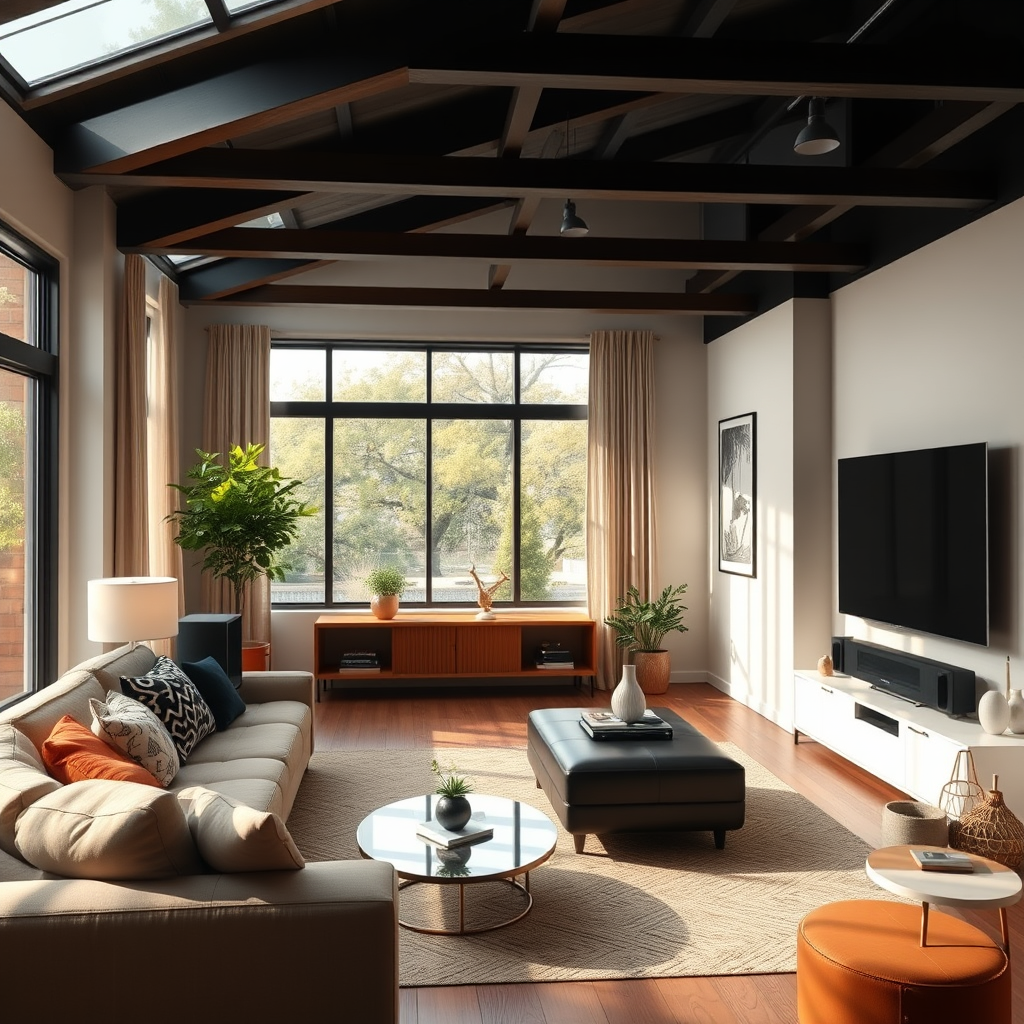
Calibrating your home theater audio system is crucial for achieving an immersive sound experience. By properly adjusting the settings to match your room’s unique acoustics and your personal preferences, you can ensure that every movie and music session delivers optimal performance. In this article, you will learn step-by-step how to effectively calibrate your audio system, enhancing the overall sound quality and your enjoyment.




Understanding Your Audio System
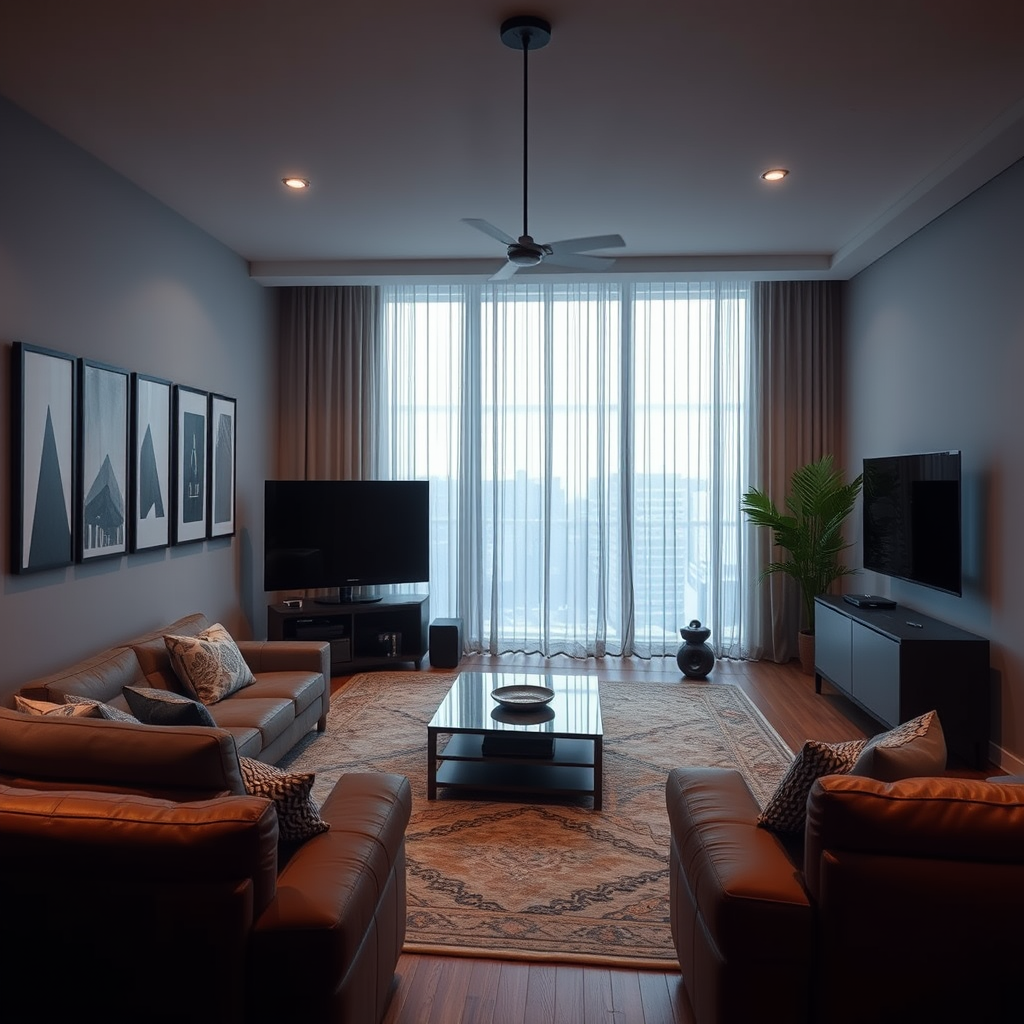
Before diving into calibration, it’s essential to familiarize yourself with the components of your audio system. Typical setups include speakers, a receiver, and a subwoofer, each playing a vital role in sound production.
1. Speakers: These convert electrical signals into sound waves. They come in various types, including floor-standing, bookshelf, satellite, and in-wall speakers, each suited for different audio needs and spaces.
2. Receiver: This device acts as the control center for your audio system, processing audio signals and sending them to the speakers. It often includes built-in decoders for various audio formats, such as Dolby Atmos or DTS:X, which can significantly enhance your home theater experience.
3. Subwoofer: This component specializes in reproducing low-frequency sounds, providing depth and impact to movie soundtracks and music. A well-calibrated subwoofer is critical for achieving a balanced sound profile in your system.
Understanding audio formats is also vital. Familiarize yourself with settings like stereo, surround sound, and various audio codecs. Each format has its own characteristics and plays differently, so knowing how to configure these settings can improve your sound experience.
Measuring Room Acoustics
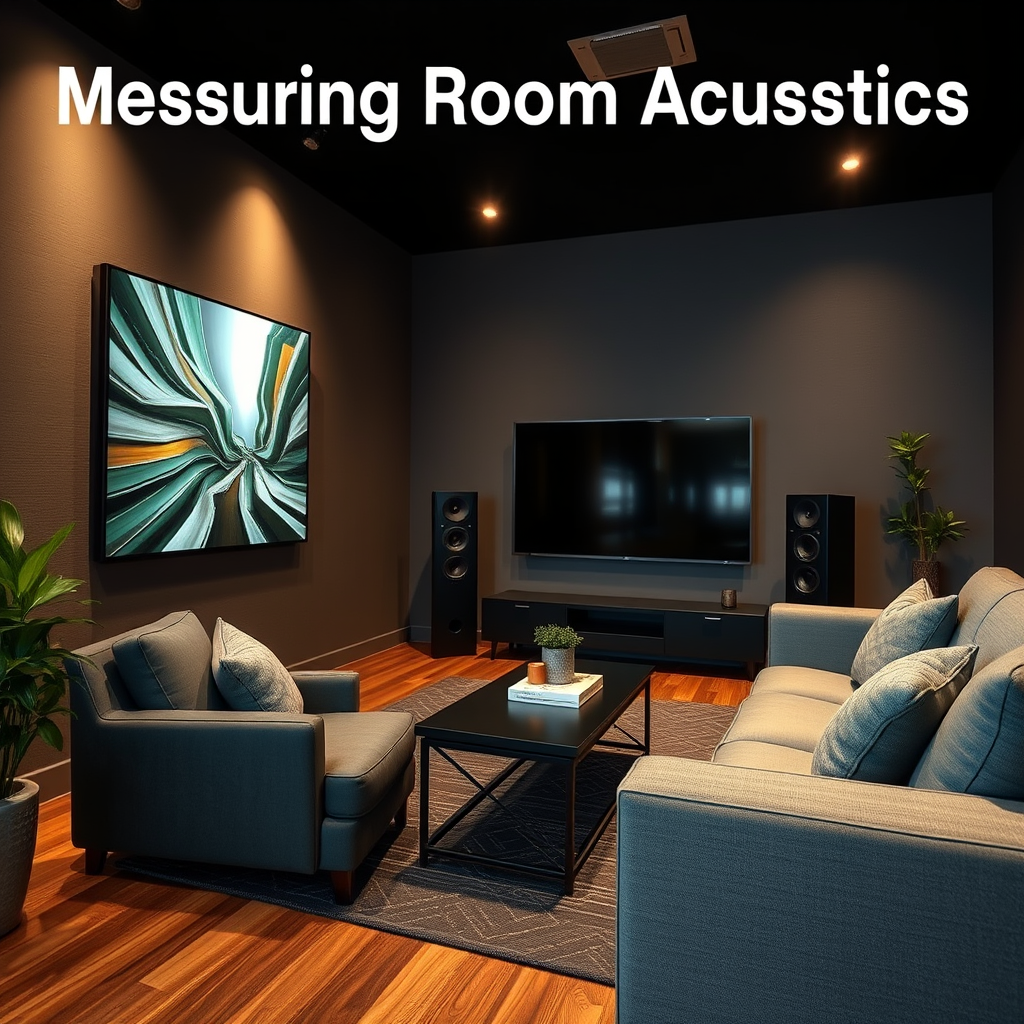
Room acoustics play a pivotal role in audio quality. The size, shape, and materials of your room can significantly influence how sound travels and interacts within the space.
1. Room Size and Shape: Larger rooms may require more powerful speakers and subwoofers, while smaller rooms can benefit from more compact setups. Irregularly shaped rooms can create sound reflections and dead spots, complicating the calibration process.
2. Measurement Tools: Use audio measurement tools or smartphone apps to assess your room’s acoustics. These tools can help identify issues such as standing waves, flutter echoes, and frequency response anomalies, providing valuable data for adjustments.
Here’s a helpful data table to better understand the impact of room shape and materials on sound quality:
Impact of Room Shape on Sound Quality
| # | Room Type | Shape | Material Impact | Recommendation |
|---|---|---|---|---|
| 1 | Living Room | Rectangular | Medium Impact | Acoustic Panels |
| 2 | Home Theater | Square | High Impact | Bass Traps |
| 3 | Bedroom | Irregular | Medium Impact | Soundproofing |
| 4 | Basement | Long and Narrow | High Impact | Acoustic Treatment |
| 5 | Garage | Rectangular | Low Impact | Minimal Treatment |
| 6 | Attic | Sloped | High Impact | Sound Absorption |
Adjusting Speaker Placement
Proper speaker placement is critical for creating an immersive audio experience. Here are some guidelines to follow:1. Surround Sound Setup: For 5.1 or 7.1 systems, speakers should be positioned at ear level when seated, with front speakers at an angle of 22-30 degrees from the viewing position. Rear speakers should be placed slightly above ear level, at a distance of 135-150 degrees from the viewing position.
2. Stereo Setup: In a two-speaker setup, the speakers should form an equilateral triangle with the listener. The distance between the speakers should be the same as the distance from the listener to each speaker for optimal stereo imaging.
3. Experimentation: Each room is unique, so don’t hesitate to experiment with angles and distances. Minor adjustments can produce significant improvements in sound quality.
Here’s a bar chart illustrating the relative importance of speaker placement in enhancing audio performance:
Impact of Speaker Placement on Sound Quality
Using Calibration Tools
Calibration tools are invaluable for achieving optimal sound quality. Many modern receivers come equipped with built-in calibration features, such as:
1. Audyssey: This technology analyzes your room’s acoustics and adjusts settings accordingly, ensuring balanced sound throughout the space.
2. YPAO (Yamaha Parametric room Acoustic Optimizer): Similar to Audyssey, YPAO uses a microphone to measure sound characteristics and automatically adjust speaker levels and equalization.
In addition to built-in tools, consider using a sound level meter or smartphone apps like REW (Room EQ Wizard) for precise measurements. These tools can help you fine-tune settings based on frequency response, sound pressure levels, and more.
Fine-Tuning Settings
After calibration, fine-tuning your audio settings can further enhance your listening experience. Here are some key adjustments to consider:
1. Bass, Treble, and Midrange Levels: Adjust these settings according to your personal preferences. For example, if you enjoy bass-heavy music, you may want to boost the bass level slightly. Conversely, if you prefer clarity in vocals, consider enhancing the midrange frequency.
2. Crossover Frequencies: The crossover frequency determines the point at which the subwoofer takes over from the main speakers. Setting this frequency correctly is crucial for seamless integration. A common starting point is around 80 Hz, but you may need to adjust this based on your subwoofer’s capabilities and the speakers’ performance.
Testing and Listening
Once calibration and adjustments are complete, it’s time to evaluate the sound quality. Use reference audio tracks that you are familiar with to gauge performance. Pay attention to the clarity of dialogue, the depth of sound effects, and the overall balance between the bass, midrange, and treble frequencies.
1. Content Variety: Test with a range of content types, including action movies, music, and documentaries. Each genre can reveal different strengths and weaknesses in your setup.
2. Critical Listening: As you listen, make small adjustments based on what you hear. A minor tweak in bass or treble can significantly impact the overall experience.
Regular Maintenance and Recalibration
To maintain optimal performance, it’s essential to regularly assess and recalibrate your audio system. Here are some guidelines:
1. When to Recalibrate: Recalibration is necessary after moving your speakers, changing room decor, or introducing new furniture. Each of these changes can affect sound quality.
2. Keeping Your System Updated: Ensure your audio system firmware is current. Manufacturers often release updates that can enhance performance or introduce new features.
By incorporating these practices, you can enjoy a consistently high-quality audio experience in your home theater.
In summary, calibrating your home theater audio system involves understanding your equipment, measuring room acoustics, and making precise adjustments. By following the outlined steps, you can significantly enhance your listening experience, ensuring that every movie and music session sounds perfect. Remember to conduct regular maintenance and stay attuned to changes in your environment for continued optimal performance. Start enjoying your home theater system like never before!
Frequently Asked Questions
How do I properly set up my home theater audio system for optimal sound quality?
To set up your home theater audio system for optimal sound quality, start by arranging your speakers in a configuration that matches your room layout, typically a 5.1 or 7.1 setup. Use a sound level meter or an app to measure the distance from each speaker to your seating position, and adjust the levels accordingly in your receiver settings to ensure balanced audio output across all channels.
What tools do I need to calibrate my home theater audio system?
To calibrate your home theater audio system effectively, you’ll need a few essential tools: a sound level meter or a smartphone app designed for audio measurement, test tones or calibration discs, and possibly a calibration microphone if your receiver supports automatic calibration. These tools will help you measure sound levels and adjust your system for the best listening experience.
Why is it important to calibrate my home theater audio system?
Calibrating your home theater audio system is crucial for achieving the best possible sound experience, as it ensures that all speakers are properly balanced and that the audio is optimized for your specific room acoustics. Without calibration, you may encounter issues like uneven sound levels, distorted audio, or a lack of clarity, which can diminish your overall viewing and listening pleasure.
What are the best practices for calibrating my home theater speakers?
The best practices for calibrating your home theater speakers include starting with the correct speaker placement for surround sound, using a sound level meter to set equal volumes for each speaker, and fine-tuning the crossover settings on your subwoofer for seamless integration. Additionally, consider using room correction software if your receiver supports it to address any acoustic anomalies in your space.
Which settings should I focus on when calibrating my home theater audio system?
When calibrating your home theater audio system, focus on key settings such as speaker distances, volume levels, crossover frequencies for subwoofers, and equalization settings to tailor the sound to your room. Pay attention to the surround sound formats your system supports, and ensure that your audio settings are matched appropriately to deliver an immersive cinematic experience.
References
- Home cinema
https://en.wikipedia.org/wiki/Home_theater - https://www.sciencedirect.com/topics/engineering/home-theater
https://www.sciencedirect.com/topics/engineering/home-theater - https://www.bbc.com/future/article/20210302-how-to-get-the-best-sound-from-your-home-theater
https://www.bbc.com/future/article/20210302-how-to-get-the-best-sound-from-your-home-theater - https://www.nature.com/articles/s41599-020-00653-6
https://www.nature.com/articles/s41599-020-00653-6 - Research
https://www.royalholloway.ac.uk/research-and-teaching/departments-and-schools/music/research/ - Google Scholar Google Scholar
https://scholar.google.com/scholar?q=calibrate+home+theater+audio+system - Google Scholar Google Scholar
https://scholar.google.com/scholar?q=audio+system+calibration+techniques - Google Scholar Google Scholar
https://scholar.google.com/scholar?q=home+theater+optimization+methods - https://pubmed.ncbi.nlm.nih.gov/31039754/
https://pubmed.ncbi.nlm.nih.gov/31039754/ - https://www.mayoclinic.org/healthy-lifestyle/home-and-garden/in-depth/home-theater-setup/art-20336832
https://www.mayoclinic.org/healthy-lifestyle/home-and-garden/in-depth/home-theater-setup/art-20336832



