


To achieve the perfect audio experience, optimizing speaker levels is crucial. This involves adjusting volume, equalization, and speaker placement to enhance sound clarity and create an immersive listening environment. In this article, you’ll learn practical techniques to balance sound levels effectively, ensuring that your audio setup meets your expectations, whether for music, movies, or gaming.
Understanding Sound Levels
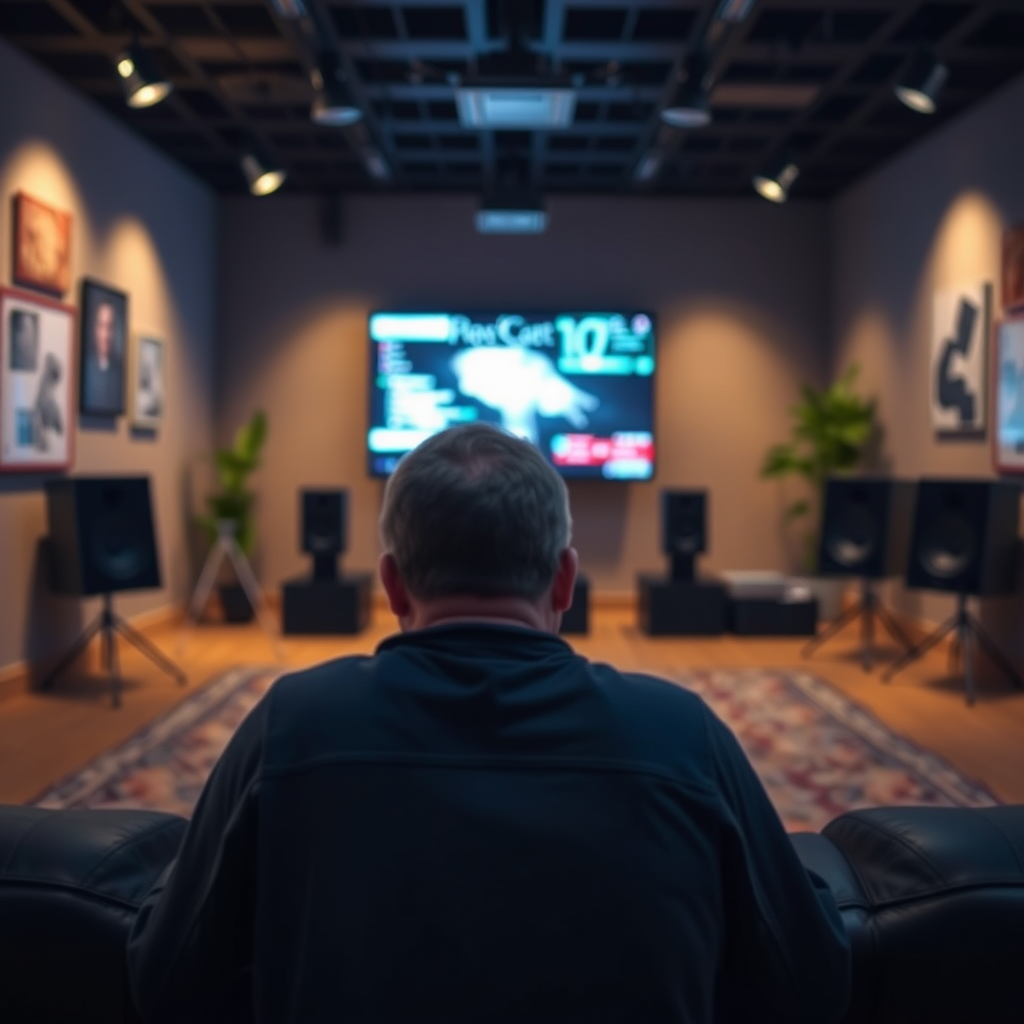
Sound levels play a significant role in audio quality, as they determine how clearly and accurately sound is reproduced. In essence, sound levels refer to the loudness of sound, which can influence the listener’s overall experience. A well-balanced audio setup ensures that no part of the audio spectrum overpowers another, allowing for a richer and more nuanced listening experience.
It’s also important to differentiate between volume and gain. Volume refers to the loudness of the audio signal that the listener perceives. This can be adjusted using a remote control, app, or on-device buttons. Gain, on the other hand, is the amount of amplification applied to an audio signal before it reaches the speakers. Proper gain settings are essential for preventing distortion and ensuring that your speakers perform optimally without clipping.
Speaker Placement Techniques
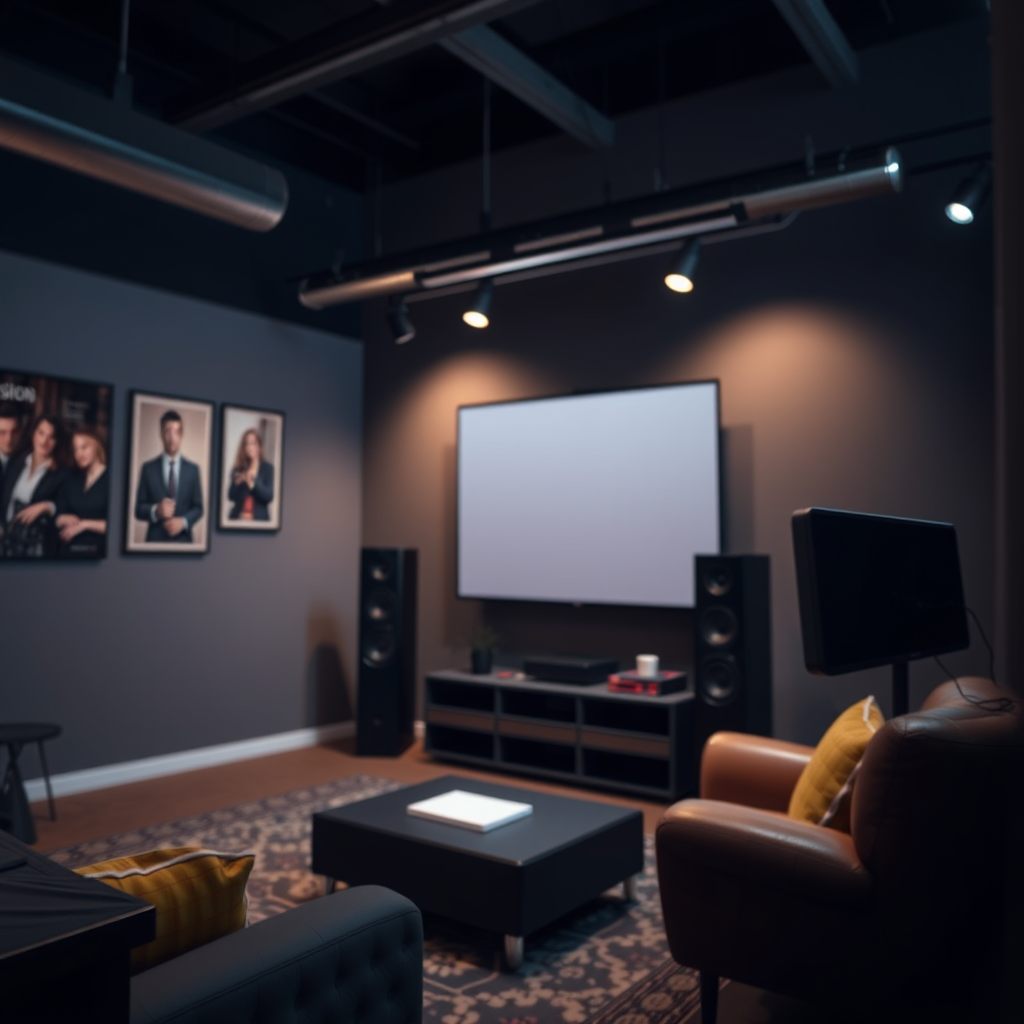
Correct speaker placement is vital for achieving the best audio quality. The ideal positions depend on the room size and layout. For small rooms, speakers should typically be placed closer to the listening area, approximately 3-5 feet apart and at ear level when seated. In larger rooms, a wider separation may be beneficial, often between 8-12 feet, to create a more expansive sound stage.
In addition to distance, the angles at which speakers are positioned can significantly affect sound dispersion. For instance, angling speakers slightly towards the listening position helps enhance stereo imaging and clarity. A common guideline is to form an equilateral triangle between the two speakers and the listening position, which can help achieve a more immersive sound experience.
Utilizing Equalization
Equalization (EQ) is a powerful tool that allows you to adjust the balance of different frequency ranges in audio playback. By manipulating EQ settings, you can enhance sound quality based on the type of music being played or the acoustics of the room. For instance, boosting bass frequencies can add warmth to music genres like hip-hop or electronic, while enhancing treble frequencies may be beneficial for classical music or vocals.
When adjusting EQ settings, consider your listening environment. Rooms with hard surfaces may cause reflections that accentuate certain frequencies, leading to a muddy sound. In such cases, it may be beneficial to cut certain frequencies to achieve a more balanced output. Experimentation is key; take notes on your adjustments to determine what works best for your specific setup.
Top 7 Speaker Brands by Customer Satisfaction Ratings (2024)
| # | Brand | Rating (out of 5) | Price Range | Warranty |
|---|---|---|---|---|
| 1 | Bose | 4.8 | $199-$499 | 2 Years |
| 2 | Sonos | 4.7 | $149-$399 | 1 Year |
| 3 | JBL | 4.5 | $99-$349 | 1 Year |
| 4 | Klipsch | 4.4 | $199-$799 | 5 Years |
| 5 | Audioengine | 4.3 | $249-$599 | 3 Years |
| 6 | Yamaha | 4.1 | $150-$450 | 2 Years |
| 7 | Bang & Olufsen | 4.0 | $299-$999 | 2 Years |
Testing and Calibration
Testing speaker performance is an essential part of ensuring that your audio system is working at its best. One effective method is to use audio test tracks, which are specifically designed to highlight different frequencies and sound characteristics. These tracks can be found online or through audio calibration software.
For more precise calibration, consider utilizing tools like sound level meters or smartphone apps designed for audio analysis. These tools help you measure sound output and adjust your system accordingly. Calibration software can also help you set the ideal levels for different speaker channels, ensuring that all speakers contribute evenly to the overall sound.
Common Mistakes to Avoid
When optimizing speaker levels, several common pitfalls can detract from the audio experience. One frequent mistake is setting the volume too high, which can lead to distortion and damage to your speakers. Always aim for clarity over loudness, especially if the audio begins to sound harsh.
Another common error is neglecting room acoustics. Many people fail to consider how furniture, walls, and other obstacles affect sound quality. To rectify this, experiment with speaker placement and consider adding acoustic treatments, such as rugs or curtains, to improve sound absorption.
Maintenance and Upkeep
Regular maintenance of your audio equipment is crucial for ensuring optimal performance. Dust and debris can accumulate over time, affecting sound quality. To maintain your speakers, gently clean them with a soft cloth and avoid using harsh chemicals that could damage their finish.
Additionally, periodically check connections and cables for wear and tear. A loose connection can lead to sound dropouts or interference. Establish a routine for inspecting and maintaining your audio setup to prolong its lifespan and maintain sound quality.
Frequency Response of Common Speaker Types
With the right adjustments and knowledge, you can significantly enhance your audio experience. Whether you’re setting up a home theater or optimizing a sound system, remember to pay attention to speaker levels, placement, and calibration methods. By implementing these strategies, you can enjoy clear, balanced sound that brings your audio to life.
Frequently Asked Questions
What are the best speaker levels for different types of audio content?
The optimal speaker levels can vary depending on the audio content. For movies, a balanced level around -20 dB to -15 dB is ideal to capture dynamic range, while music often sounds best at a slightly higher level, around -10 dB. For gaming, a level between -15 dB to -10 dB ensures that sound effects and dialogues are clear without overpowering the background music.
How can I adjust speaker levels to prevent distortion?
To prevent distortion, start by setting your speaker levels at a moderate volume, typically around 50-70% of the maximum. Gradually increase the volume while listening for any signs of distortion, such as crackling or muffled sound. Additionally, using an equalizer can help balance frequencies, reducing the risk of distortion at higher levels.
Why is it important to optimize speaker levels for my audio setup?
Optimizing speaker levels is crucial for achieving the best audio experience, as it enhances clarity, balance, and overall sound quality. Poorly adjusted levels can lead to distortion, loss of detail, and an unpleasant listening experience. By fine-tuning your speaker levels, you can ensure that every element of your audio content is heard as intended.
Which tools can I use to measure and optimize my speaker levels?
There are several tools available for measuring and optimizing speaker levels, including sound level meters, audio calibration software, and smartphone apps. Tools like Room EQ Wizard and TrueRTA provide detailed frequency analysis, while SPL (Sound Pressure Level) meters help you ensure consistent volume levels across your audio setup. These tools are essential for achieving a precise and tailored audio experience.
How do room acoustics affect my speaker level optimization?
Room acoustics play a significant role in how sound is perceived, impacting speaker level optimization. Factors such as room size, shape, and furnishings can cause sound reflections or absorption, altering the audio quality. To optimize speaker levels effectively, consider using acoustic treatment solutions like sound panels or bass traps to create a more controlled environment, allowing for clearer and more balanced sound reproduction.
References
- Sound recording and reproduction
https://en.wikipedia.org/wiki/Sound_reproduction - https://www.ncbi.nlm.nih.gov/pmc/articles/PMC6617035/
https://www.ncbi.nlm.nih.gov/pmc/articles/PMC6617035/ - https://www.sciencedirect.com/topics/engineering/audio-engineering
https://www.sciencedirect.com/topics/engineering/audio-engineering - https://www.mayoclinic.org/healthy-lifestyle/consumer-health/in-depth/music-and-health/art-20046213
https://www.mayoclinic.org/healthy-lifestyle/consumer-health/in-depth/music-and-health/art-20046213 - https://www.ncbi.nlm.nih.gov/pmc/articles/PMC5646615/
https://www.ncbi.nlm.nih.gov/pmc/articles/PMC5646615/ - https://www.bbc.com/future/article/20190905-how-sound-affects-our-brains
https://www.bbc.com/future/article/20190905-how-sound-affects-our-brains - https://www.theguardian.com/music/2019/aug/22/how-to-perfect-audio-levels-in-your-music
https://www.theguardian.com/music/2019/aug/22/how-to-perfect-audio-levels-in-your-music - Google Scholar Google Scholar
https://scholar.google.com/scholar?q=Optimize+Speaker+Levels+Audio+Experience - Google Scholar Google Scholar
https://scholar.google.com/scholar?q=audio+engineering+speaker+optimization - Google Scholar Google Scholar
https://scholar.google.com/scholar?q=acoustic+design+speaker+levels



