


Many users find that their new speakers won’t work with their existing audio systems due to compatibility issues stemming from different technologies, connections, or power requirements. If you’ve recently upgraded your speakers and are facing connectivity or performance challenges, you’re not alone. In this article, we’ll explore the primary reasons for this incompatibility and offer solutions to help you get your audio setup working seamlessly.
Understanding Speaker Compatibility

Speaker compatibility is a multifaceted issue that can significantly affect your listening experience. One of the most crucial distinctions to understand is the difference between active and passive speakers. Active speakers come with built-in amplifiers and are designed to be connected directly to audio sources, while passive speakers require an external amplifier to function. Therefore, if you have a passive speaker and attempt to connect it directly to a source without an amplifier, it will not produce any sound.
Another vital factor in compatibility is impedance. Speakers typically operate at various impedance levels, commonly 4, 6, or 8 ohms. If your new speakers have a different impedance rating than your old audio system, it can lead to suboptimal performance or, in some cases, damage to the amplifier. Ensuring that your speaker’s impedance matches your audio system’s specifications is crucial for achieving the best sound quality and preventing potential harm to the equipment.
Connection Types and Their Implications
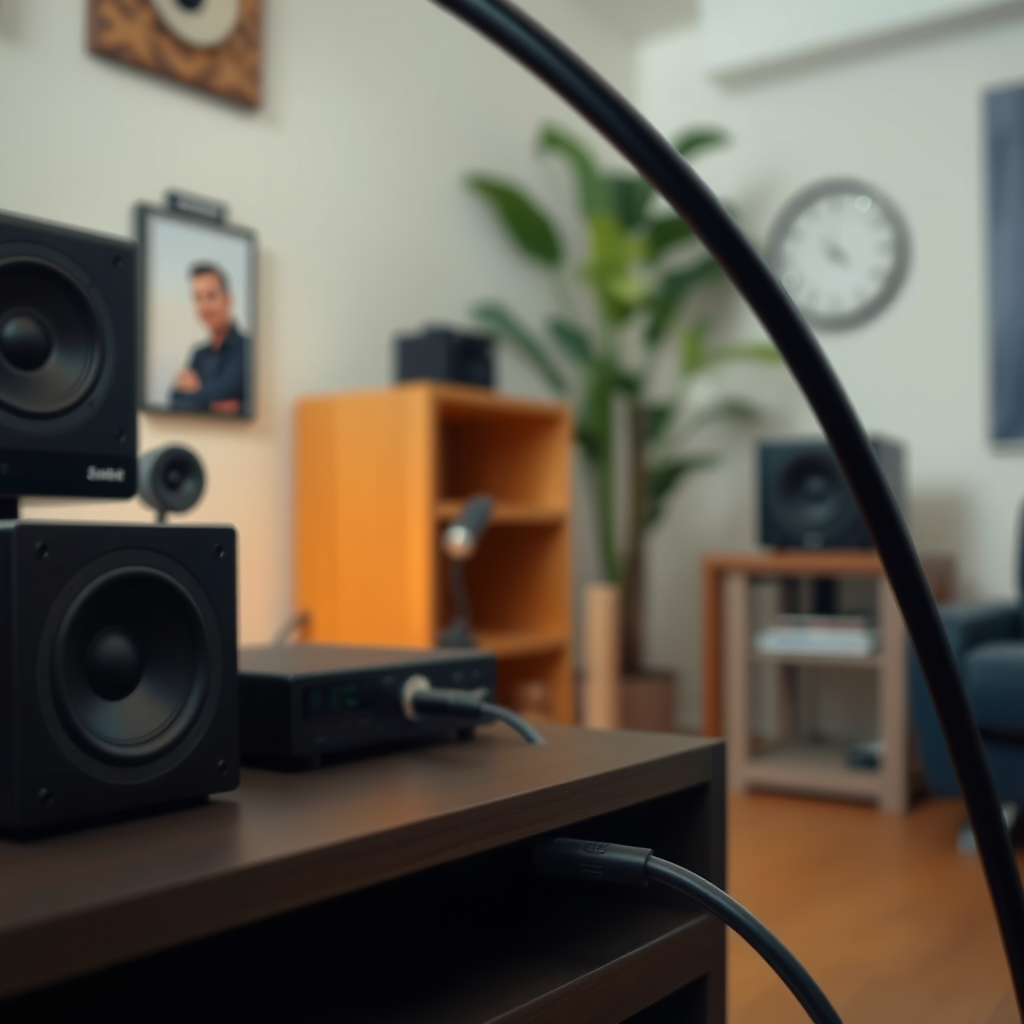
As technology evolves, so do the connection types used in audio systems. New speakers may employ modern connections such as Bluetooth, USB, or HDMI, while older systems often rely on traditional analog connections like RCA or 3.5mm jacks. This transition can create a significant barrier to seamless integration.
For instance, if you purchase a new speaker with Bluetooth capability, but your audio system only has RCA outputs, you will need to purchase a Bluetooth adapter. While adapters can sometimes bridge the gap, they may not always deliver the expected sound quality due to potential latency or signal degradation. Therefore, it’s crucial to assess the connection types on both your new speakers and existing audio system before making a purchase.
Power Requirements and Limitations
Another aspect to consider is the power requirements of your new speakers compared to your old audio system. Modern speakers often demand higher wattage to deliver optimal performance. If your existing audio system cannot supply enough power, you may encounter distortion, reduced volume, or even the inability to generate sound altogether.
For example, if your new speakers require 100 watts and your amplifier is only rated for 50 watts, you are likely to experience performance issues. It is essential to check the power specifications of both your speakers and audio system to ensure they are compatible. If there is a mismatch, consider upgrading your amplifier or receiver to one that can adequately support your new speakers.
Speaker Power Requirements Comparison (2024)
| # | Speaker Model | Power Requirement (Watts) | Impedance (Ohms) | Best For |
|---|---|---|---|---|
| 1 | Bose SoundLink | 60 | 8 | Portable Use |
| 2 | Yamaha NS-6490 | 150 | 8 | Home Theater |
| 3 | Klipsch R-41M | 75 | 8 | Bookshelf |
| 4 | Sony SRS-XB43 | 80 | 6 | Outdoor Use |
| 5 | JBL Xtreme 2 | 70 | 8 | Traveling |
| 6 | Polk Audio T15 | 100 | 8 | Home Use |
| 7 | Bowers & Wilkins 607 | 120 | 8 | Studio Use |
Audio Formats and Technologies
An often-overlooked compatibility issue lies in the audio formats and technologies supported by your existing audio system. Older systems may not support newer audio formats such as Dolby Atmos, DTS:X, or other high-definition audio codecs. This limitation can result in a mismatch when trying to pair them with contemporary speakers capable of delivering advanced sound technology.
To address this problem, upgrading your audio system may be necessary. Consider investing in an AV receiver that supports the latest audio formats and technologies. Alternatively, you can use external decoders or digital-to-analog converters (DACs) to enhance your existing system’s capabilities, allowing it to decode and process modern audio formats effectively.
Audio Format Compatibility in Modern Systems (2024)
Troubleshooting Common Issues
When faced with compatibility issues, the first step is to troubleshoot your setup. Start by checking all connections and cables for wear or damage that may affect performance. Loose or frayed cables can lead to sound dropouts or distortion. Ensure that all connections are secure and that you’re using the appropriate cables for your equipment.
If you’ve verified the physical connections and still encounter issues, consider resetting your audio system. Many systems have a reset function that can resolve temporary glitches. After resetting, attempt to re-pair your speakers if they are wireless, ensuring that they are in pairing mode. Sometimes, re-establishing the connection can resolve compatibility problems.
Upgrading Your Audio System
If you’ve explored compatibility issues and troubleshooting without success, it might be time to consider upgrading your audio system. Investing in a new receiver or amplifier that supports modern speaker technologies can enhance your audio experience significantly. Look for systems that support a wide range of input options, modern audio formats, and sufficient power output to drive your new speakers.
Before making a purchase, research compatibility to avoid future issues. Read reviews, consult forums, and check the specifications to ensure the new equipment will work seamlessly with your existing setup. Investing in the right equipment can not only solve your current issues but also future-proof your audio system for years to come.
In conclusion, the right audio setup is crucial for an optimal listening experience. Understanding the reasons your new speaker may not work with your old audio system helps you navigate compatibility challenges. Assess your equipment’s specifications, consider potential upgrades, and don’t hesitate to seek professional advice if needed. Taking these steps will ensure that you can enjoy your new speakers to their fullest potential and elevate your audio experience today!
Frequently Asked Questions
Why isn’t my new speaker compatible with my old audio system?
Compatibility issues often arise due to differences in technology such as impedance, connectivity types, or power requirements. Older audio systems may not support newer speaker technologies or may lack the necessary ports, such as HDMI or Bluetooth. Additionally, if the impedance of the new speaker does not match the old system, it can lead to poor performance or even damage.
How can I determine if my old audio system can support a new speaker?
To determine compatibility, check the specifications of both your old audio system and the new speaker. Look for matching impedance ratings, connectivity options, and power handling capabilities. If needed, consult the user manuals or manufacturer’s websites for detailed information on supported devices and connections.
What types of connections do newer speakers typically use that my old system might not support?
Newer speakers often utilize connections such as Bluetooth, Wi-Fi, or HDMI, which may not be available on older audio systems. Many older systems rely on traditional connections like RCA, 3.5mm jacks, or speaker wire. If your old system lacks modern connectivity options, it may require adapters or a new receiver for compatibility.
Which features should I look for in a new speaker to ensure it works with my existing audio setup?
When selecting a new speaker, look for compatibility with your existing system’s connections, such as wired or wireless options. Additionally, consider the speaker’s impedance, power requirements, and sensitivity ratings to ensure they match your audio system. Features like built-in amplifiers or compatibility with streaming services can also enhance functionality.
What can I do if my new speaker and old audio system won’t connect?
If your new speaker won’t connect to your old audio system, consider using an adapter or receiver that can bridge the compatibility gap. Alternatively, upgrading your audio system to a more modern receiver with versatile connectivity options may be necessary. Lastly, consulting with an audio specialist can provide tailored solutions based on your specific setup.
References
- Sound system
https://en.wikipedia.org/wiki/Audio_system - https://www.bbc.com/future/article/20210930-why-does-my-speaker-not-work-with-my-old-audio-system
https://www.bbc.com/future/article/20210930-why-does-my-speaker-not-work-with-my-old-audio-system - https://www.sciencedirect.com/topics/engineering/audio-systems
https://www.sciencedirect.com/topics/engineering/audio-systems - https://www.nytimes.com/2020/05/20/technology/personaltech/speaker-compatibility.html
https://www.nytimes.com/2020/05/20/technology/personaltech/speaker-compatibility.html - https://www.theguardian.com/technology/2020/sep/10/understanding-speaker-compatibility
https://www.theguardian.com/technology/2020/sep/10/understanding-speaker-compatibility - Google Scholar Google Scholar
https://scholar.google.com/scholar?q=audio+system+speaker+compatibility - Google Scholar Google Scholar
https://scholar.google.com/scholar?q=why+speakers+may+not+work+with+old+audio+systems - Google Scholar Google Scholar
https://scholar.google.com/scholar?q=audio+technology+incompatibility - https://pubmed.ncbi.nlm.nih.gov/32573829/
https://pubmed.ncbi.nlm.nih.gov/32573829/ - Google Scholar Google Scholar
https://scholar.google.com/scholar?q=Why+Your+New+Speaker+Won’t+Work+with+Your+Old+Audio+System



