
Keeping your home theater system up to date is crucial for optimal performance and access to the latest features. Software updates can enhance functionality, fix bugs, and ensure compatibility with new devices. In this article, you’ll learn how to efficiently perform software updates on your home theater system.
Understanding the Importance of Software Updates
Regular software updates are essential for maintaining the performance and security of your home theater system. An outdated system can lead to degraded audio and video quality, increased susceptibility to security vulnerabilities, and incompatibility with newer devices. Updates often include patches that fix bugs and security flaws, ensuring your system operates smoothly and securely. Furthermore, manufacturers frequently introduce new features through updates, enhancing the user experience and providing access to the latest streaming services and technologies.
By keeping your system updated, you not only protect your investment but also ensure that you can enjoy the best possible entertainment experience. Whether it’s improved sound quality, additional streaming options, or enhanced user interfaces, software updates can significantly elevate your home theater experience.
Identifying Your Home Theater System
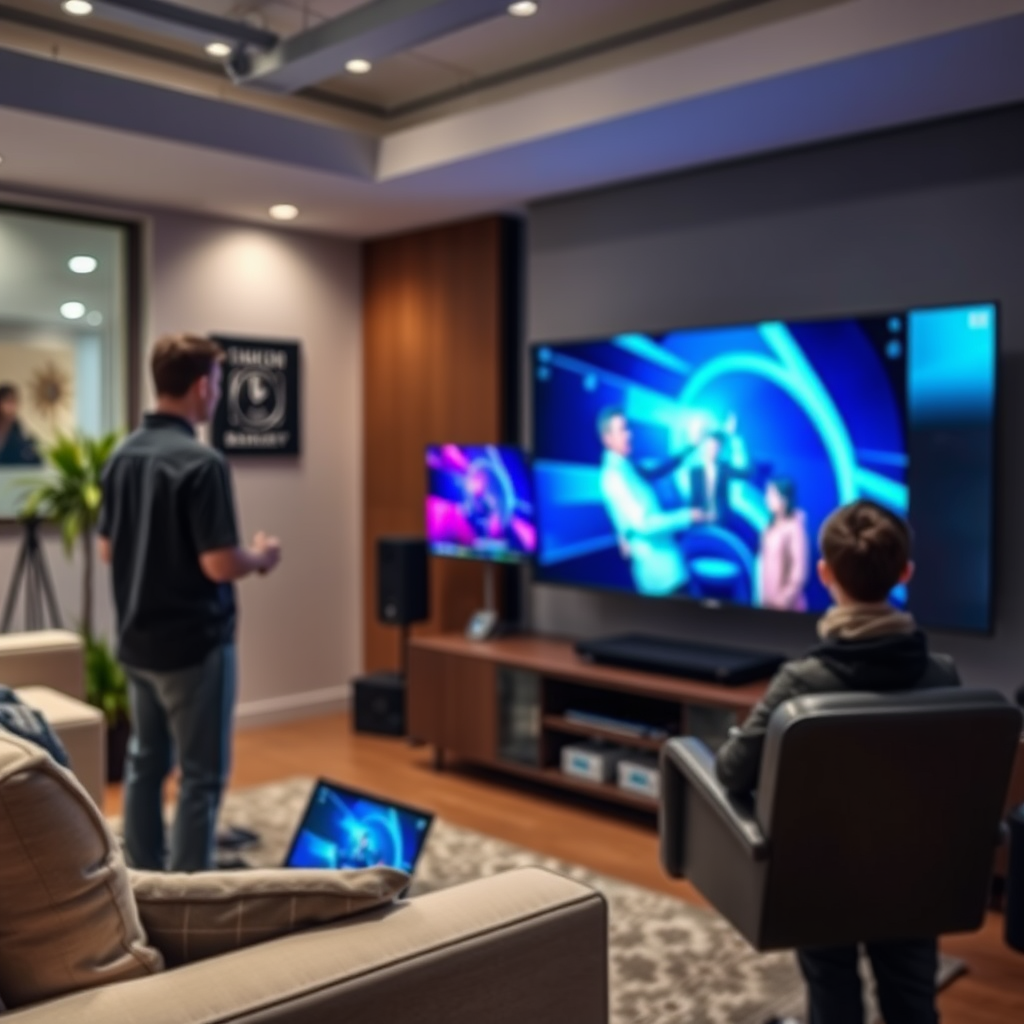
Before you can perform a software update, it’s crucial to identify the make and model of your home theater system. This information is typically found on the device itself, often on the back or bottom. It can also be located in the user manual or the manufacturer’s website. Knowing your model is essential for accessing the correct update instructions, as different manufacturers and models may have unique processes.
For instance, a Sony home theater system will have different update procedures compared to a Samsung or LG system. Therefore, consulting the manufacturer’s website or the user manual will provide you with specific update guidelines tailored to your device.
Preparing for the Update
Preparation is key to a successful software update. First, ensure that your home theater system is connected to a reliable internet source. A stable connection is vital for downloading updates without interruptions. If possible, connect your system via Ethernet rather than relying on Wi-Fi, which can be less stable.
Next, it’s wise to back up any custom settings or preferences before starting the update process. Some updates may reset your system to factory settings, which could result in the loss of personalized configurations. Check if your system has a backup feature or manually note your settings to restore them later.
Top Home Theater Systems by Features (2024)
| # | Model | Audio Format | Video Resolution | Smart Features |
|---|---|---|---|---|
| 1 | Sony HT-G700 | Dolby Atmos | 4K UHD | Yes |
| 2 | Samsung HW-Q950A | DTS:X | 8K UHD | Yes |
| 3 | LG SN11RG | Dolby Atmos | 4K UHD | Yes |
| 4 | Bose Smart Soundbar 900 | Dolby Atmos | 4K UHD | Yes |
| 5 | Yamaha YAS-209 | DTS Virtual:X | Full HD | No |
| 6 | Sonos Arc | Dolby Atmos | 4K UHD | Yes |
| 7 | Vizio Elevate | Dolby Atmos | 4K UHD | Yes |
How to Check for Updates
Checking for software updates on your home theater system is a straightforward process, but it may vary between different models and manufacturers. Generally, you can access the update feature through the system settings menu. Look for a section labeled “Software Update,” “System Update,” or “Firmware Update.”
Once you locate this section, follow the prompts to check for available updates. It’s advisable to perform this check when your system is not in active use, as some updates may require a reboot or might disrupt ongoing processes. Most systems will provide a notification if an update is available, but periodically checking manually can ensure you don’t miss any important updates.
Performing the Update
Once you’ve confirmed that an update is available, you can proceed with the installation process. Follow the on-screen instructions provided by your home theater system. This typically involves selecting “Install Now” or “Update” and may require you to accept terms and conditions.
During the update, it is crucial to avoid turning off your system or disconnecting it from the power source. Interrupting the update process can lead to software corruption, which may render your system inoperable. After the update completes, your system may restart automatically. Be patient; it may take several minutes for the update to install fully.
Software Update Duration for Popular Home Theater Systems
Troubleshooting Common Update Issues
Sometimes, despite your best efforts, software updates may fail or encounter issues. If an update fails, the first step is to reset your system and attempt to check for updates again. This simple action can often resolve temporary glitches that may be hindering the update process.
If the problem persists, consult the manufacturer’s support page for specific error codes or messages. Many manufacturers maintain comprehensive online resources that can provide insights into common issues and troubleshooting steps. Additionally, forums and community discussions can be valuable for finding solutions from other users who have encountered similar problems.
Post-Update Steps
After successfully completing the update, it is essential to verify that the update was indeed successful. Check the software version in the system settings to ensure it reflects the latest version available. If the version number has not changed, the update may not have been applied correctly.
Subsequently, you may need to reconfigure any custom settings or preferences that were reset during the update process. This step ensures that your home theater system is tailored to your liking once again. Additionally, take some time to explore any new features introduced in the update, as they might enhance your viewing experience significantly.
In summary, performing software updates on your home theater system is essential for maintaining its performance and functionality. By following these steps, you can ensure your system remains up-to-date and equipped with the latest features. Don’t hesitate to check for updates regularly to enhance your viewing experience!
Frequently Asked Questions
How do I know when to update the software on my home theater system?
To determine when to update the software on your home theater system, check the manufacturer’s website or the device settings for notifications about available updates. Regularly updating is crucial as it can enhance performance, fix bugs, and provide new features. Most systems also have a built-in update feature that alerts you when a new version is available.
What steps should I follow to perform a software update on my home theater receiver?
To perform a software update on your home theater receiver, first, access the settings menu using your remote control. Look for the “System” or “Firmware Update” option, then select “Check for Updates.” If an update is available, follow the prompts to download and install it, ensuring your device stays powered on throughout the process to avoid interruptions.
Why is it important to keep my home theater system’s software up to date?
Keeping your home theater system’s software up to date is important because it ensures optimal performance and provides access to the latest features and improvements. Software updates often include security patches that protect your system from vulnerabilities, as well as enhancements that can improve compatibility with new devices and streaming services.
Which home theater systems have the easiest software update processes?
Home theater systems from brands like Sonos, Denon, and Yamaha are known for their user-friendly software update processes. These systems often feature automatic updates or simple menu navigation that allows users to easily check for and install updates without needing extensive technical knowledge.
What should I do if my home theater system fails to update successfully?
If your home theater system fails to update successfully, first, restart the device and try the update process again. Ensure your internet connection is stable, and if problems persist, refer to the manufacturer’s support website for troubleshooting tips or contact their customer service for assistance. In some cases, performing a factory reset may resolve persistent issues, but remember to back up your settings first.
References
- Home cinema
https://en.wikipedia.org/wiki/Home_theater - Google Scholar Google Scholar
https://scholar.google.com/scholar?q=How+to+Perform+Software+Updates+on+Your+Home+Theater+System - Google Scholar Google Scholar
https://scholar.google.com/scholar?q=Home+Theater+System+Software+Updates - Google Scholar Google Scholar
https://scholar.google.com/scholar?q=home+theater+system+maintenance - How to Perform Software Updates on Your Home Theater System – Search results
https://en.wikipedia.org/wiki/Special:Search?search=How+to+Perform+Software+Updates+on+Your+Home+Theater+System - https://www.ncbi.nlm.nih.gov/search/research-articles/?term=How+to+Perform+Software+Updates+on+Your+Home+Theater+System
https://www.ncbi.nlm.nih.gov/search/research-articles/?term=How+to+Perform+Software+Updates+on+Your+Home+Theater+System