


To effectively resolve power interference issues in wireless speakers, first identify the source of the interference, which could be caused by other electronic devices, power sources, or even environmental factors. This article will guide you through practical steps to troubleshoot and mitigate these issues for a better audio experience.
Understanding Power Interference

Power interference refers to disruptions in the performance of wireless speakers caused by competing signals or electromagnetic interference from other devices. This phenomenon can significantly affect audio quality, resulting in crackling sounds, signal dropouts, or even complete loss of audio. Common sources of interference include microwaves, Wi-Fi routers, Bluetooth devices, and even fluorescent lighting. These devices can emit radio frequency interference (RFI) or electromagnetic interference (EMI), which can disrupt the frequency bands utilized by wireless speakers, particularly those that operate on the 2.4 GHz band.
For example, if your wireless speakers are located near a microwave oven, you might experience interruptions when the microwave is in use. Similarly, if multiple wireless devices are connected to the same Wi-Fi network, they can create congestion that leads to audio distortion or interruptions. Understanding these sources is the first step in effectively resolving interference issues.
Identifying the Source of Interference
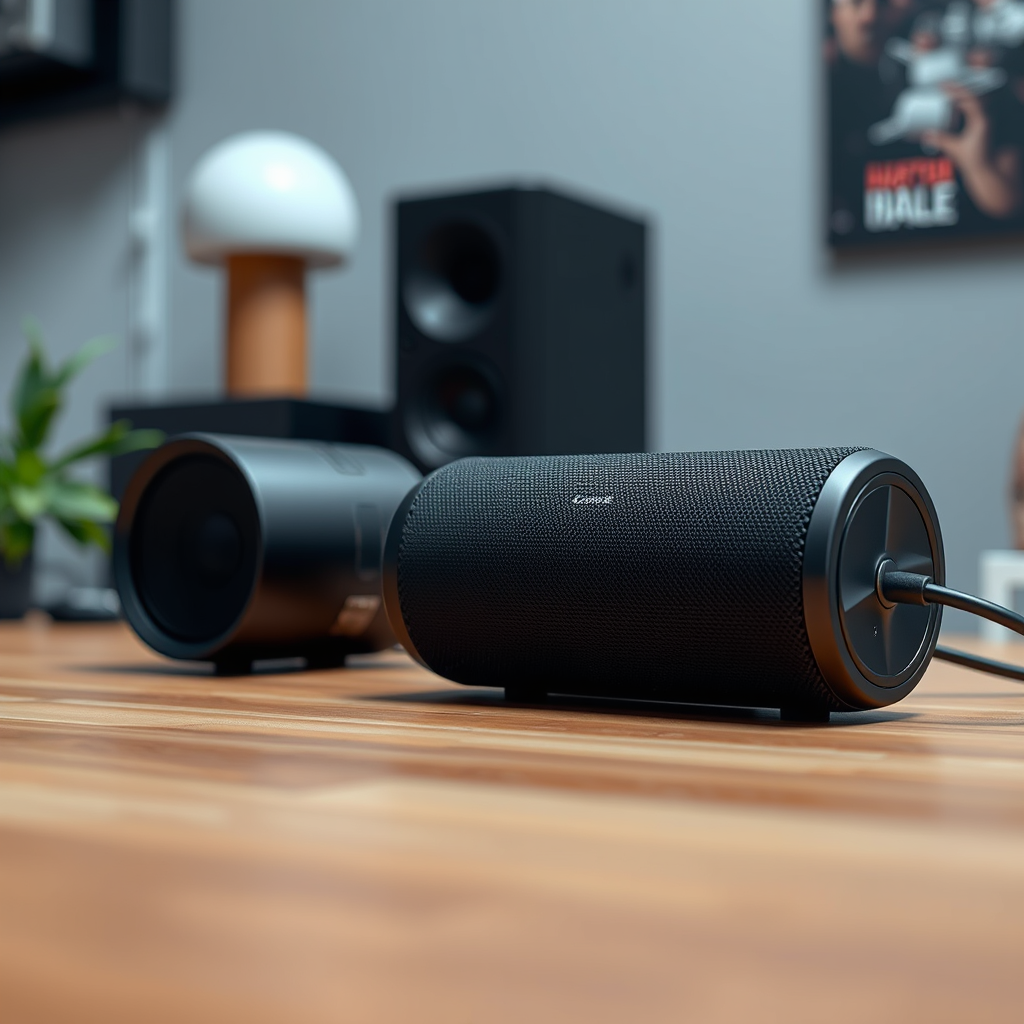
To systematically identify potential sources of interference, it is crucial to approach the problem methodically. Start by observing when the interference occurs. Is it during specific times of day or when certain devices are in use? Make a note of these occurrences as they can provide valuable clues.
One effective method is to temporarily turn off or unplug devices one at a time while testing the wireless speakers to see if the interference persists. This process can help isolate the offending device. Additionally, consider testing your speakers in different environments. For instance, try moving them to another room or area of your home where fewer electronic devices are present. This can help determine whether the interference is due to specific electronics in the original location or a broader issue with the speaker itself.
Effective Troubleshooting Techniques
After identifying potential sources of interference, you can employ several troubleshooting techniques to mitigate the issue. One of the simplest solutions is to move your wireless speakers away from known interference sources. For example, if the speakers are placed near a Wi-Fi router or microwave, relocating them to a more distant position can often resolve the interference.
Another effective strategy involves using apps or devices that analyze wireless signals in your area. Tools like Wi-Fi analyzers can help you determine which channels are less congested, allowing you to select frequencies that minimize interference. These applications provide insights into the strength of different signals and can guide you in optimizing your wireless setup.
Common Sources of Power Interference in Wireless Speakers
| # | Device Type | Interference Level | Frequency Band | Impact on Audio |
|---|---|---|---|---|
| 1 | Microwave Oven | High | 2.4 GHz | Frequent Dropouts |
| 2 | Wi-Fi Router | Medium | 2.4 GHz / 5 GHz | Occasional Distortion |
| 3 | Bluetooth Devices | Medium | 2.4 GHz | Minor Lag |
| 4 | Cordless Phones | High | 2.4 GHz | Frequent Dropouts |
| 5 | Fluorescent Lights | Low | N/A | Minimal Impact |
| 6 | Wireless Gaming Controllers | Medium | 2.4 GHz | Occasional Distortion |
| 7 | Smart TVs | Low | N/A | Minimal Impact |
Using the Right Frequency Band
Selecting the appropriate frequency band for your wireless speakers is crucial in reducing interference. Many wireless speakers are capable of operating on both the 2.4 GHz and 5 GHz bands. The 2.4 GHz band is often more crowded due to the variety of devices that use it, including microwaves, Bluetooth devices, and many Wi-Fi networks. In contrast, the 5 GHz band typically offers a clearer signal with less interference, albeit with a shorter range.
To switch between frequency bands, access your wireless speaker settings through the associated app or control panel. When setting up your Wi-Fi network, consider configuring your router to prioritize the 5 GHz band for devices that support it. This not only minimizes interference but can also enhance the overall audio experience by providing a more stable connection.
Enhancing Speaker Placement
Speaker positioning plays a significant role in reducing interference and improving overall sound quality. For optimal performance, place your wireless speakers in an open area, away from walls and obstructions that could block or reflect signals. Additionally, avoid placing speakers near other electronic devices that may cause interference.
Consider the height and direction of your speakers as well. Placing them at ear level and angling them towards the listening area can enhance sound quality while potentially reducing unwanted interference. If your speakers offer a surround sound option, ensure they are positioned according to the manufacturer’s guidelines for an immersive experience.
Implementing Additional Solutions
In cases where interference persists despite troubleshooting, implementing additional solutions may be necessary. Signal boosters or repeaters can enhance connectivity by amplifying the wireless signal and extending its range. These devices can be particularly useful in larger homes where signal strength diminishes over distance.
If wireless connections remain problematic, consider using powerline adapters or wired connections when feasible. Powerline adapters utilize existing electrical wiring to transmit data, providing a stable connection that is less susceptible to interference. While this may require additional setup, it often results in a more reliable audio experience.
Regular Maintenance and Updates
To ensure that your wireless speakers continue to perform optimally, regular maintenance and updates are essential. Keep the software and firmware of your speakers updated, as manufacturers frequently release updates to improve performance and fix bugs.
Additionally, routinely check your speaker setup and the surrounding electronic devices for any changes that may affect performance. As new devices are introduced into your home or office, they can inadvertently contribute to interference issues. Regular monitoring can help catch these problems early before they affect your audio experience.
Impact of Different Frequency Bands on Wireless Audio Experience
In conclusion, resolving power interference issues in wireless speakers requires a combination of identifying potential sources, implementing effective troubleshooting techniques, and optimizing your audio setup. By understanding the factors that contribute to interference and taking proactive measures, you can significantly enhance your wireless audio experience. For further assistance and insights on optimizing your audio setup, feel free to explore related articles or reach out to professionals in the field.
Frequently Asked Questions
What are the common causes of power interference in wireless speakers?
Common causes of power interference in wireless speakers include nearby electronic devices that emit electromagnetic fields, such as microwaves, Wi-Fi routers, and cordless phones. Additionally, poor power supply quality or using multiple devices on the same circuit can exacerbate these issues, leading to audio distortion or connectivity problems.
How can I identify if my wireless speaker is experiencing power interference?
To identify power interference in your wireless speaker, listen for static, buzzing, or intermittent audio dropouts while playing music. You can also try moving the speaker to a different location away from other electronics and check if the sound quality improves, which indicates interference from nearby devices.
Why does power interference affect the performance of wireless speakers?
Power interference affects the performance of wireless speakers because it disrupts the signal transmission between the speaker and its audio source. This disruption can lead to loss of sound quality, latency issues, and even complete disconnection, making it essential to address any sources of interference for optimal audio performance.
What are the best methods to reduce power interference in my wireless speaker setup?
The best methods to reduce power interference include using shielded cables, keeping wireless speakers away from other electronic devices, and ensuring your home is equipped with a high-quality power supply. Additionally, switching to a different wireless channel on your router or using a power line filter can significantly improve the situation.
Which types of wireless speakers are less prone to power interference issues?
Wireless speakers that utilize more advanced technologies, such as Bluetooth or Wi-Fi with strong encryption, tend to be less prone to power interference issues. Models that have built-in interference resistance features or those designed specifically for multi-room audio systems often provide better performance in environments with potential electronic interference.
References
- Wireless
https://en.wikipedia.org/wiki/Wireless_audio - https://www.sciencedirect.com/science/article/pii/S221286191730001X
https://www.sciencedirect.com/science/article/pii/S221286191730001X - https://pubmed.ncbi.nlm.nih.gov/26969345/
https://pubmed.ncbi.nlm.nih.gov/26969345/ - https://www.nature.com/articles/s41598-020-67681-1
https://www.nature.com/articles/s41598-020-67681-1 - https://www.ncbi.nlm.nih.gov/pmc/articles/PMC5866071/
https://www.ncbi.nlm.nih.gov/pmc/articles/PMC5866071/ - Google Scholar Google Scholar
https://scholar.google.com/scholar?q=power+interference+wireless+speakers - Google Scholar Google Scholar
https://scholar.google.com/scholar?q=wireless+speaker+interference+solutions - Google Scholar Google Scholar
https://scholar.google.com/scholar?q=wireless+audio+interference+issues - https://www.bbc.com/news/technology-63565156
https://www.bbc.com/news/technology-63565156 - https://www.theguardian.com/technology/2021/nov/03/wireless-speakers-audio-quality-interference
https://www.theguardian.com/technology/2021/nov/03/wireless-speakers-audio-quality-interference



