
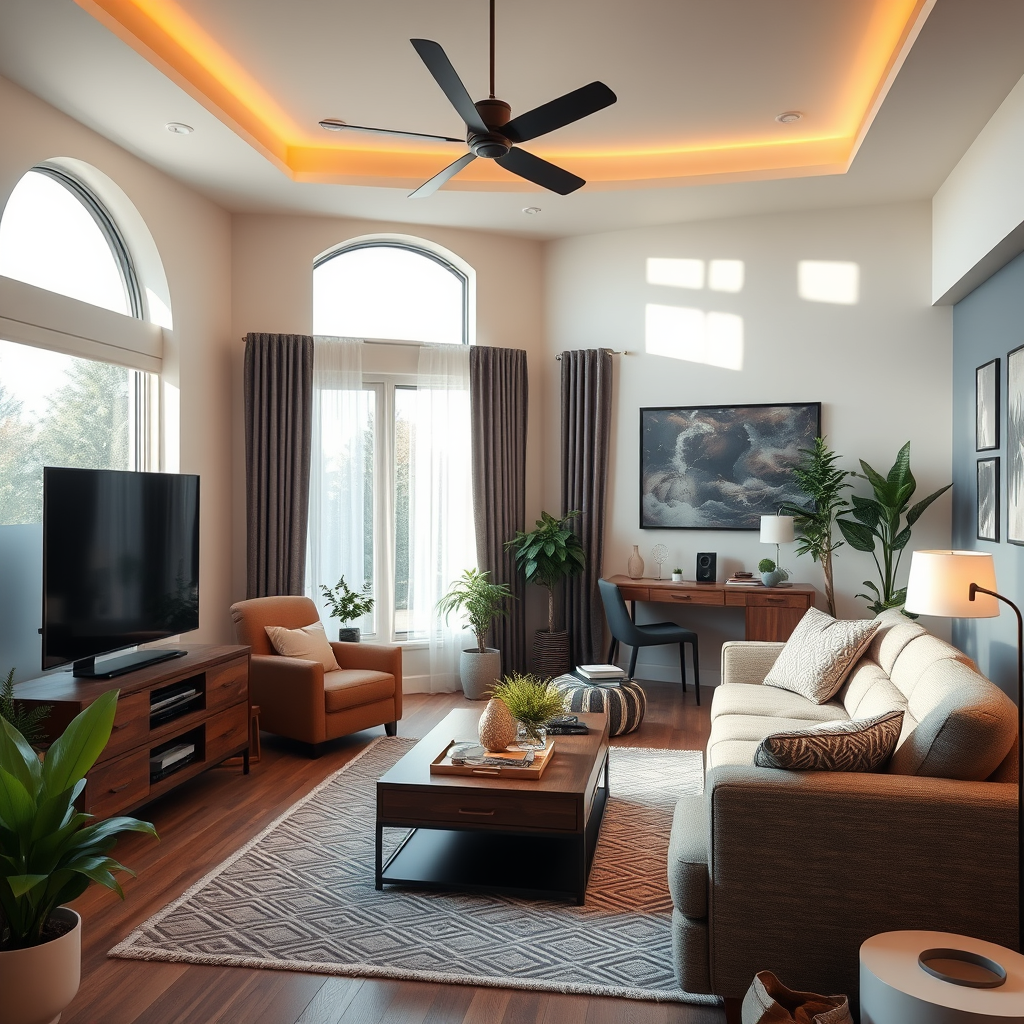

Audio distortion in home theater systems can often be resolved by checking and adjusting your audio settings, inspecting connections, and ensuring the right equipment compatibility. In this article, you’ll learn practical steps to eliminate audio distortion and enhance your home theater experience.
Understand the Causes of Audio Distortion
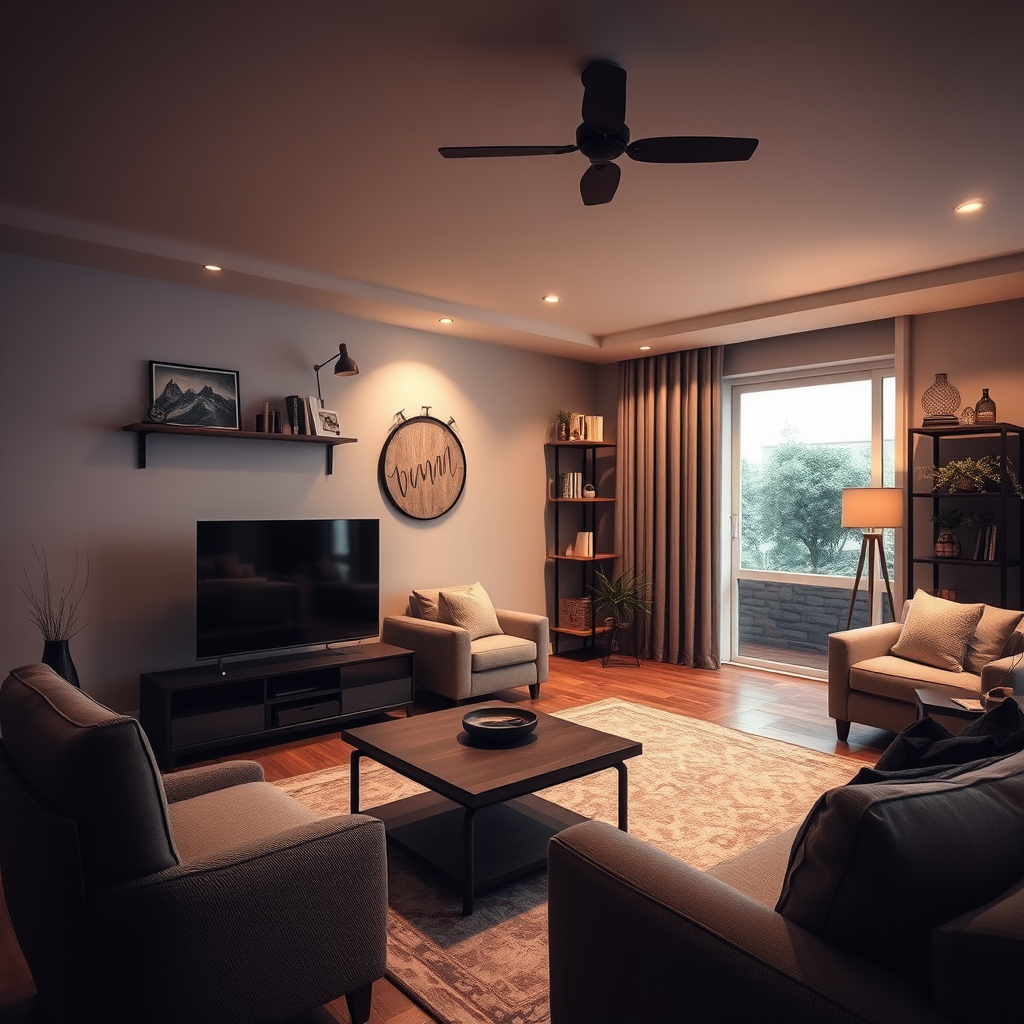
Audio distortion can stem from various sources, making it crucial to identify the underlying issues before attempting to fix them. One common cause is speaker placement; improper positioning can lead to sound waves interfering with each other, resulting in muffled or unclear audio. For instance, placing speakers too close to walls or in corners can amplify undesirable frequencies, leading to distortion.
Another significant factor is the quality of cables used in the system. Low-grade cables may not adequately transmit audio signals, leading to loss of clarity and increased distortion. Additionally, equipment compatibility plays a vital role; mismatched impedance levels between speakers and amplifiers can produce unwanted distortion. Understanding these causes will help you take the right steps toward achieving clear sound in your home theater.
Check Your Connections
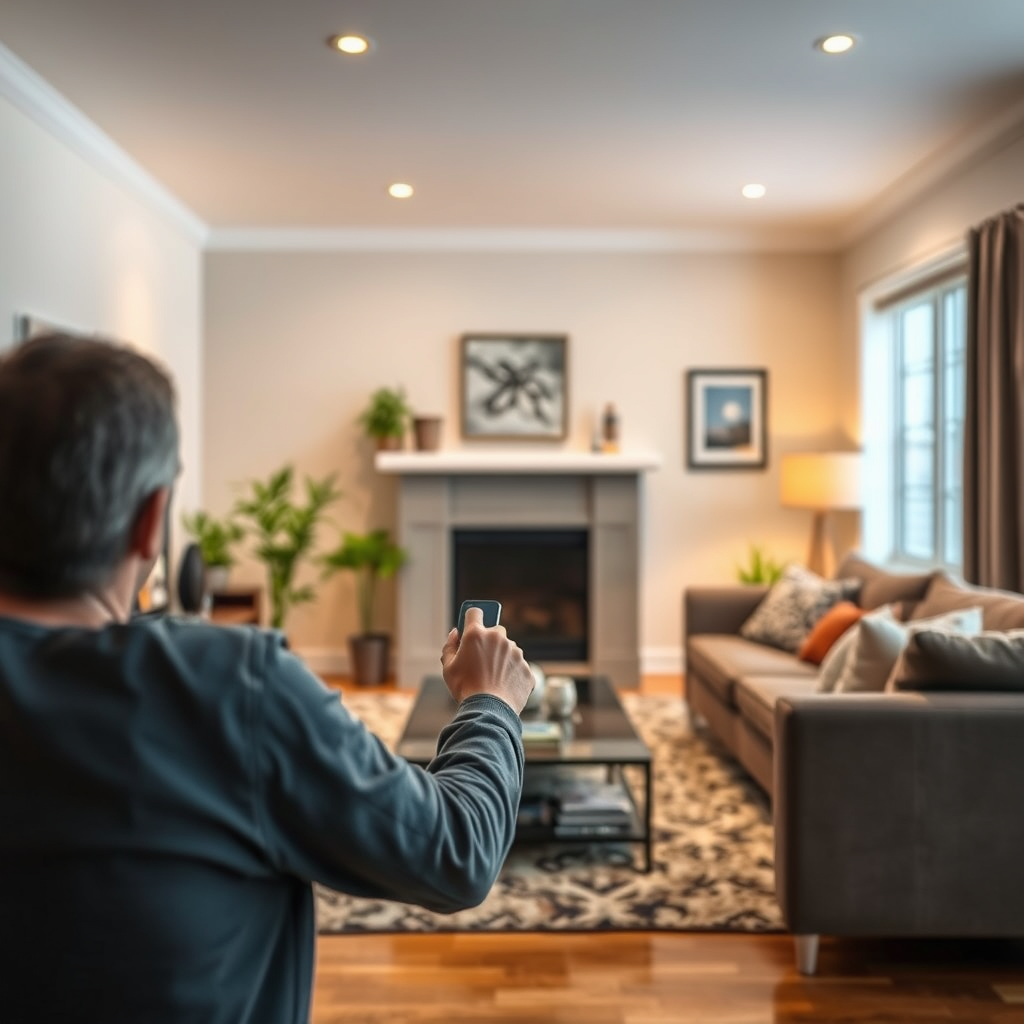
The first practical step in resolving audio distortion is to check all connections within your home theater system. Ensure that all cables are securely connected and free from damage. Loose or frayed cables can lead to signal loss and distortion. A thorough inspection of each connection point, including the receiver, speakers, and source devices, is essential to ensure optimal performance.
Using high-quality, appropriate cables for your audio system is equally important. For instance, employing HDMI cables for video and audio transmission, or speaker wire that matches the gauge requirements for your speakers, can significantly reduce distortion. Investing in premium cables not only enhances audio clarity but also ensures longevity in your home theater setup.
Adjust Audio Settings
After verifying your connections, the next step is to adjust your audio settings on your receiver. Many home theater receivers come equipped with various options that can be customized for optimal performance. For example, enabling features like automatic speaker calibration can help tailor the audio output to your specific room dynamics.
Exploring the equalization settings is another way to enhance clarity. Adjusting frequency levels can help mitigate issues like bass distortion or overly bright treble. Furthermore, utilizing surround sound formats that best suit your content can also improve audio fidelity. Whether you’re watching an action-packed film or listening to music, fine-tuning these settings can elevate your home theater experience.
Top Causes of Audio Distortion in Home Theater Systems
| # | Cause | Impact Level | Recommended Solution |
|---|---|---|---|
| 1 | Speaker Placement | High | Adjust position; avoid corners |
| 2 | Cable Quality | Medium | Upgrade to high-quality cables |
| 3 | Equipment Compatibility | High | Ensure impedance matching |
| 4 | Settings Configuration | Medium | Adjust receiver settings |
| 5 | Room Acoustics | High | Optimize room setup |
| 6 | Source Quality | Medium | Use high-quality audio files |
| 7 | Power Supply | High | Check power connections |
Inspect Your Equipment
Conducting a thorough inspection of your audio equipment is essential to identify any malfunctions that may contribute to audio distortion. Start by evaluating the performance of your speakers and receiver. Listen for any unusual sounds or irregularities, as these may indicate underlying issues. If your speakers produce rattling or buzzing noises, it could signify that they are damaged or improperly powered.
Additionally, consider the age of your components. Outdated technology may struggle to keep up with modern audio formats and may be more susceptible to distortion. If your receiver or speakers are several years old, it may be time to consider upgrading to newer models that offer improved performance and features.
Optimize Room Acoustics
Room acoustics play a significant role in the overall sound experience of your home theater system. Implementing soundproofing techniques can help minimize external noise interference, which can contribute to audio distortion. Consider adding acoustic panels, curtains, or rugs to absorb sound and reduce echo.
Furthermore, the arrangement of furniture and decor can influence sound distribution. Avoid placing large furniture items directly in the path of sound waves, as this can create dead spots or areas with diminished audio quality. Instead, experiment with different configurations to find the optimal layout that enhances sound clarity.
Room Acoustic Treatments for Home Theater Systems
Perform Regular Maintenance
Maintaining your home theater system is crucial in preventing audio distortion from recurring. Regularly cleaning connections and components can help prevent buildup of dust and grime that can interfere with signal transmission. It is advisable to disconnect and clean connectors and ports with a soft cloth periodically.
Additionally, keeping your audio equipment’s firmware and software updated is essential. Manufacturers frequently release updates that enhance performance and compatibility with new formats. Regularly checking for and applying these updates will ensure your home theater system operates at its best.
Get Professional Help if Needed
If you find that audio distortion persists despite your efforts, it may be time to consult with audio professionals. They can provide advanced troubleshooting and setup assistance tailored to your specific system. Professionals can conduct a comprehensive evaluation to identify issues that may not be apparent to the average user.
Hiring an audio technician can also be beneficial when upgrading components. They can recommend the best equipment suited for your space and budget, ensuring your home theater system delivers high-quality sound without distortion.
By following these steps, you can effectively resolve audio distortion in your home theater system and enjoy a more immersive viewing experience. Take the time to assess your setup and make necessary adjustments for optimal sound quality. A little effort in tuning your system can lead to a significantly enhanced audio experience, allowing you to fully enjoy your favorite films and music.
Frequently Asked Questions
What causes audio distortion in home theater systems?
Audio distortion in home theater systems can be caused by several factors, including poor speaker placement, incorrect audio settings, or faulty equipment. Overdriving the amplifier, using low-quality cables, or having incompatible audio formats can also lead to sound problems. Identifying the root cause is essential for effective resolution.
How can I troubleshoot audio distortion in my home theater?
To troubleshoot audio distortion, start by checking your speaker connections and ensuring they are secure and correctly wired. Next, adjust the settings on your receiver or sound processor, ensuring that the volume levels are balanced. If problems persist, try using different cables or testing your system with another audio source to isolate the issue.
Why does my home theater sound fine at low volumes but distort at higher volumes?
When audio distortion occurs at higher volumes, it often indicates that the amplifier is being overdriven, which can lead to clipping. This happens when the audio signal exceeds the amplifier’s capabilities. To avoid this, ensure your speakers are matched properly with your receiver and avoid pushing the volume beyond the recommended limits.
What is the best way to prevent audio distortion in my home theater system?
The best way to prevent audio distortion is to invest in high-quality equipment, including speakers and cables, and to properly calibrate your system. Regularly check and adjust your audio settings, and ensure that your room acoustics are optimized. Additionally, avoid placing speakers too close to walls or corners to minimize unwanted sound reflections.
Which audio formats are most likely to cause distortion in home theater systems?
Certain audio formats, particularly those with high compression like MP3, can lead to distortion due to a loss of sound quality. Additionally, using incompatible formats with your receiver can result in poor playback quality. For the best audio experience, opt for lossless formats such as FLAC or WAV when setting up your home theater system.
References
- Home cinema
https://en.wikipedia.org/wiki/Home_theater - https://www.sciencedirect.com/topics/engineering/audio-distortion
https://www.sciencedirect.com/topics/engineering/audio-distortion - https://www.bbc.com/future/article/20201124-how-to-fix-your-audio-problems
https://www.bbc.com/future/article/20201124-how-to-fix-your-audio-problems - https://www.reuters.com/article/tech-audio-distortion-idUSL8N2B80Q0
https://www.reuters.com/article/tech-audio-distortion-idUSL8N2B80Q0 - https://www.nature.com/articles/s41598-021-86795-1
https://www.nature.com/articles/s41598-021-86795-1 - https://pubmed.ncbi.nlm.nih.gov/16727263/
https://pubmed.ncbi.nlm.nih.gov/16727263/ - Google Scholar Google Scholar
https://scholar.google.com/scholar?q=audio+distortion+home+theater+systems - Google Scholar Google Scholar
https://scholar.google.com/scholar?q=resolve+audio+distortion+home+theater - Google Scholar Google Scholar
https://scholar.google.com/scholar?q=how+to+fix+audio+distortion - https://www.mayoclinic.org/healthy-lifestyle/consumer-health/in-depth/audio-distortion/art-20450741
https://www.mayoclinic.org/healthy-lifestyle/consumer-health/in-depth/audio-distortion/art-20450741



