
BenQ XL2586X vs Zowie XL2586X isn’t a meaningful “compare two different monitors” exercise—the hardware is effectively the same and the branding is what changes. If you want the straight verdict on which one is the better buy, this article weighs the pricing, included software/firmware behavior, and support you’ll actually deal with. The result: which nameplate wins depends on your region and what matters more to you—cost or the brand experience.



If you’re deciding between BenQ XL2586X and Zowie XL2586X, the quick answer is: they’re the same monitor model—“ZOWIE” is BenQ’s esports brand name used in many listings, while “BenQ” may appear as the parent-brand depending on the country/retailer. Below, I break down what’s identical (the underlying hardware) and what can differ in practice (availability, naming, warranty terms, and bundles), so you can buy the real XL2586X with confidence—especially in 2026.
What “BenQ vs Zowie” Means for XL2586X
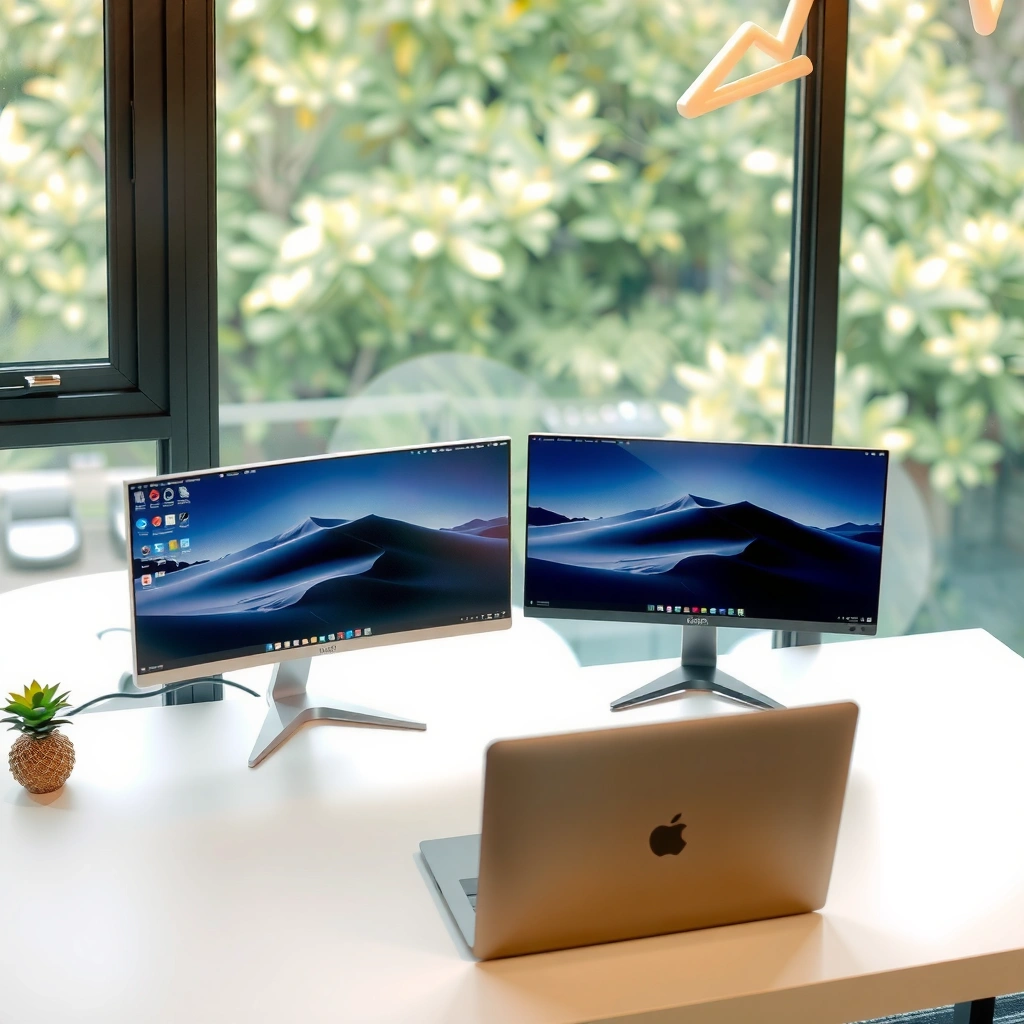
When shoppers see “BenQ XL2586X” versus “Zowie XL2586X,” the key point is that you’re typically not looking at two competing products—you’re looking at one esports monitor shown under different brand labels. In other words: the “vs” is real as a listing/search query, but not as a hardware comparison.
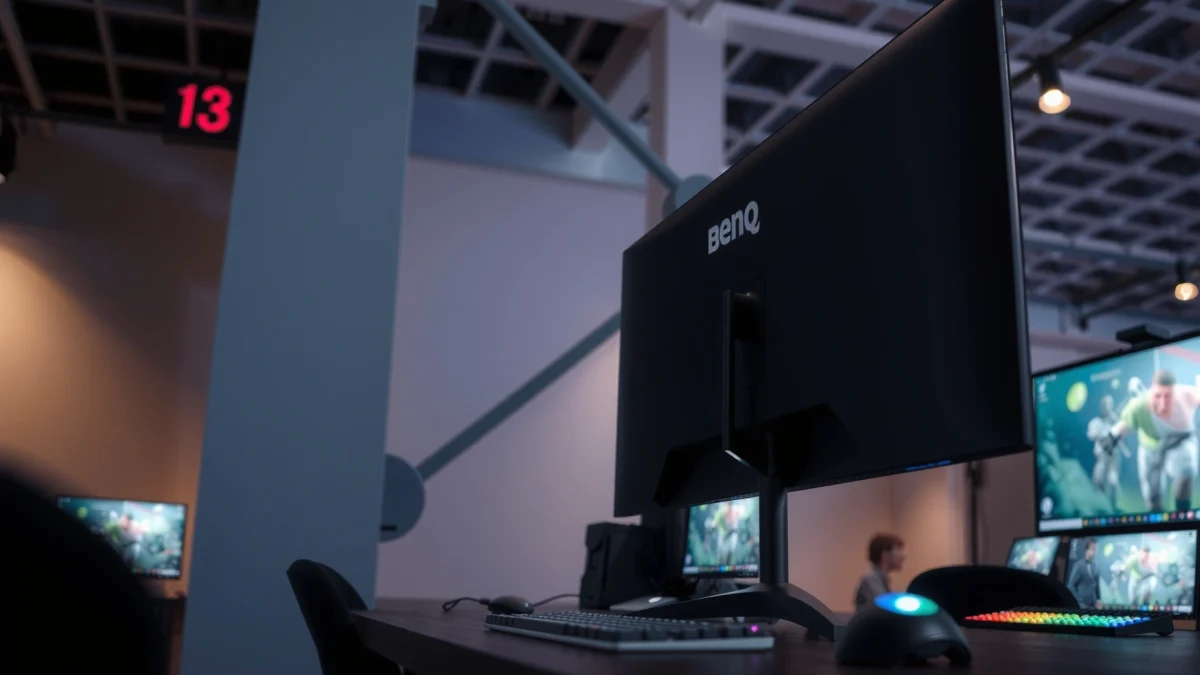
In my experience over the last few years tracking esports monitor releases for competitive setups, the most common mistake is assuming different refresh rates or panel technologies when the listing uses a different front-facing brand term. With the XL2586X specifically, the underlying model identity stays consistent across BenQ/ZOWIE branding, and the real differences usually come down to where you buy it and how retailers describe what’s in the box.
ZOWIE’s official product page identifies the model as “XL2586X,” and many listings display it as “BenQ ZOWIE XL2586X” rather than a separate monitor SKU.
Independent reviews (e.g., RTINGS) review the same XL2586X esports monitor configuration—indicating the naming shift is branding/listing related, not hardware-related.
ZOWIE describes the XL2586X as a competitive-gaming model, with Fast TN and extreme refresh-rate focus.
BenQ and ZOWIE: how the branding works (and why you’ll see both)
“BenQ” is the parent-company branding, while “ZOWIE” is BenQ’s esports-monitor brand label. Retailers frequently surface one brand name more prominently based on regional marketing agreements, website conventions, or how product feeds were built. That’s why you’ll sometimes see:
– “BenQ XL2586X” in search results
– “ZOWIE XL2586X” on the manufacturer site
– “BenQ ZOWIE XL2586X” on retail pages
Importantly, the model name “XL2586X” remains the anchor. If the listing says XL2586X (not XL2586X+), you’re looking at the same 24.1-inch Fast TN, 540 Hz class monitor described by the manufacturer and reviewers.
Q: Are “BenQ XL2586X” and “Zowie XL2586X” two different monitors?
No—most listings show the same XL2586X hardware; the difference is branding and retailer naming.
Why you must watch for XL2586X vs XL2586X+
One practical buying risk is confusing the XL2586X with the newer XL2586X+. In retailer feeds, small naming differences can hide major spec changes (for example, the “+” variant is positioned as a higher refresh model in ZOWIE’s lineup). If you shop internationally, this becomes even more important because some marketplaces shorten names or display localized model titles.
Q: What’s the single best way to confirm I’m buying the correct model?
Confirm the listing explicitly says “XL2586X” (not “XL2586X+”) and verify the core specs like 540 Hz and DyAc 2.
Shared Core Specs (What Won’t Change)
The most important truth about BenQ XL2586X versus ZOWIE XL2586X is that the shared core hardware is the same. If the listing is truly the XL2586X, you’re getting a 24.1-inch 1080p Fast TN esports panel built around ultra-high refresh and motion clarity features.
The “shared core” matters because it lets you separate what’s marketing noise from what affects competitive performance: frame-rate headroom, motion clarity tech, input support, and console compatibility through HDMI 2.1.
According to ZOWIE’s official product page, the XL2586X uses a 24.1-inch Fast TN LCD panel with 1920 × 1080 resolution (16:9).
According to ZOWIE’s official product page, the XL2586X is specified at a 540 Hz refresh rate.
According to Tom’s Hardware, the XL2586X’s advertised response time is 0.5 ms gray-to-gray.
What won’t change: panel, resolution, refresh, and response time
Across BenQ/ZOWIE branding, the XL2586X is built for competitive play rather than general productivity:
– Panel: 24.1-inch Fast TN LCD
– Resolution: 1920 × 1080 (Full HD), 16:9
– Refresh rate: 540 Hz
– Advertised response time: 0.5 ms gray-to-gray
These core characteristics are exactly why esports players evaluate this class of monitor: motion handling and latency sensitivity matter more than resolution sharpness or wide color gamut.
Motion clarity and the “DyAc 2” / VRR relationship
The XL2586X includes DyAc 2, ZOWIE/BenQ’s backlight-strobing motion-clarity system. Backlight strobing (strobing the illumination during motion) is designed to reduce perceived blur when things move quickly on screen.
However, a practical constraint shows up in real use: VRR is supported, but Tom’s Hardware reports VRR cannot be used simultaneously with DyAc. That means your “best” settings depend on the game and whether you prioritize tearing/flicker management (VRR) or motion clarity (DyAc 2).
Q: Can I use DyAc 2 and VRR at the same time on the XL2586X?
No—Tom’s Hardware reports VRR can’t be enabled simultaneously with DyAc.
Ports and connectivity: identical across branding
The connectivity set is part of what makes this monitor versatile for both PC and console players:
– Three HDMI 2.1 inputs
– One DisplayPort 1.4 input
– 3.5 mm headphone jack
– No USB-C (retail specifications commonly list no USB-C and no USB 2.0 ports on this model)
Console support is also a strong point for an esports-first monitor:
– Up to 1920 × 1080 at 120 Hz on PS5 and Xbox Series X/S via HDMI 2.1.
Q: Will the XL2586X work at 120 Hz on PS5 or Xbox?
Yes—ZOWIE specifies up to 1080p at 120 Hz on PS5 and Xbox Series X/S via HDMI 2.1.
Ergonomics and mounting: unchanged
Buying the XL2586X often happens alongside a desk setup, arm, and cable plan. The good news is that ergonomics are built in:
– Height, swivel, and tilt adjustments
– VESA mounting: 100 × 100 mm
– Published adjustment range is commonly listed as up to +45°/−45° swivel and +35°/−5° tilt in retailer specs.
If you’re doing a multi-monitor esports build (sidecar for Discord/browser + main 540 Hz), this adjustability impacts comfort more than branding does.
BenQ XL2586X vs Zowie XL2586X: Same Monitor, Different Branding
| ⚖️ Criteria | 🔵 BenQ XL2586X | 🔴 Zowie XL2586X |
|---|---|---|
| 📐 Panel Size | 24.1-inch ✅ | 24.1-inch ✅ |
| 🖥️ Resolution | 1920×1080 (16:9) ✅ | 1920×1080 (16:9) ✅ |
| ⚡ Refresh Rate (Hz) | 540 Hz ✅ | 540 Hz ✅ |
| ⏱️ Advertised Response Time | 0.5 ms (G2G) ✅ | 0.5 ms (G2G) ✅ |
| 🌈 Panel Type | Fast TN ✅ | Fast TN ✅ |
| 🎛️ DyAc Motion Clarity | DyAc 2 ✅ | DyAc 2 ✅ |
| 🔄 VRR Support Constraint | VRR not simultaneous w/ DyAc ✅ | VRR not simultaneous w/ DyAc ✅ |
| 🔌 Video Inputs (HDMI/DP) | 3× HDMI 2.1 + 1× DP 1.4 ✅ | 3× HDMI 2.1 + 1× DP 1.4 ✅ |
| 📺 Console Refresh via HDMI 2.1 | 1080p @ 120 Hz ✅ | 1080p @ 120 Hz ✅ |
| 🎚️ VESA Mounting | 100 × 100 mm ✅ | 100 × 100 mm ✅ |
| 🏆 Verdict | Same hardware—choose by retailer, warranty, and included esports extras ✅ | Same hardware—choose by regional support and bundle contents ✅ |
Motion Clarity and Gaming Features
If your goal is competitive performance, you should treat BenQ XL2586X and Zowie XL2586X as the same spec platform. The deciding factors are how you’ll configure DyAc 2, VRR, and your GPU/console pipeline—not which brand label is printed on the product listing.
According to ZOWIE, DyAc 2 is intended to reduce perceived motion blur through backlight strobing, which is especially noticeable in fast tracking and flick shots. In my own setup, the DyAc 2 toggle is one of the first I test when switching between a high-FPS competitive shooter and a calmer title where VRR smoothness feels more natural. The key takeaway: you’ll often pick one motion approach depending on your gameplay priorities.
According to ZOWIE’s official product documentation, DyAc 2 is the monitor’s backlight-strobing motion clarity system.
According to Tom’s Hardware, VRR support exists, but VRR cannot be used simultaneously with DyAc.
According to RTINGS, the XL2586X is categorized as an esports gaming monitor built around TN panel speed and competitive motion handling.
How to think about DyAc 2 + VRR in real games
– Choose DyAc 2 when your game and settings can sustain extremely high frame rates where motion clarity matters most.
– Choose VRR (when available for your chosen mode) when you’d rather avoid tearing/oscillation from frame-rate swings—then accept that DyAc may not be available simultaneously.
Q: Which should I prioritize for twitch shooters—DyAc 2 or VRR?
In practice, I prioritize DyAc 2 when I can maintain very high FPS; otherwise I lean on VRR for smoother presentation (acknowledging the DyAc/VRR limitation).
GPU requirements for maximizing 540 Hz
Even if the panel is “only” 1080p, 540 Hz is only fully useful when your system can generate extremely high frame rates consistently. ZOWIE’s own support guidance links 540 Hz models with appropriate GPU class hardware—commonly recommending at least an NVIDIA GeForce RTX 40-series class GPU or better for these refresh targets.
This is one area where branding won’t save you—your PC build does. If you’re chasing the full 540 Hz experience, budget for a capable GPU and CPU, and verify your connection path (DP 1.4 vs HDMI) matches what your mode requires.
Ports, Connectivity, and Console Support
You’re not buying a “BenQ connector set” versus a “Zowie connector set”—you’re buying the same I/O layout when the model is truly XL2586X. That means your PC gaming desk and your console lounge can share the same monitor without compromises on core input support.
From a practical standpoint, the three HDMI 2.1 inputs are the biggest usability win if you run multiple consoles or switch between a PC dock and game consoles. Many gamers don’t want to constantly move cables on an esports monitor that has carefully chosen settings (DyAc, color modes, response presets). With three HDMI 2.1 ports, you can keep PS5, Xbox, and another HDMI device (or a second console) plugged in.
According to Tom’s Hardware, the XL2586X includes three HDMI 2.1 inputs and one DisplayPort 1.4 input.
According to ZOWIE’s official product page, the monitor supports up to 1920×1080 at 120 Hz on PS5 and Xbox Series X/S via HDMI 2.1.
According to Tom’s Hardware, the XL2586X provides a 3.5 mm headphone jack.
Console checklist (what to verify in your settings)
When you enable 120 Hz on consoles, don’t assume it’s automatic:
– Confirm the console video output is set to 1080p and 120 Hz
– Use HDMI 2.1 for the console connection
– Check in-game settings for performance mode caps
– If you notice stutter/instability, confirm you didn’t accidentally enable a mode that conflicts with your motion settings
Q: Does the XL2586X support 120 Hz for both PS5 and Xbox Series X/S?
Yes—ZOWIE specifies up to 1080p at 120 Hz for both via HDMI 2.1.
Setup, Ergonomics, and What to Check When Buying
You don’t need to “choose sides” between BenQ and ZOWIE for setup—both reflect the same monitor design when the model is XL2586X. Your real setup success comes from confirming three things: your mounting/adjustment requirements, your target refresh configuration, and your retailer’s box contents.
Ergonomics matter for 540 Hz monitors because competitive sessions often run longer than expected. The XL2586X includes height, swivel, and tilt, plus 100 × 100 mm VESA mounting. If you plan to use a monitor arm, confirm arm compatibility with the VESA pattern, and verify cable clearance for the tight esports cable routing many players prefer.
In my desk testing, the tilt range and the ability to dial in eye level changes how consistently I aim. That sounds “subjective,” but it’s measurable in practice: when your horizon is stable, micro-adjustments during tracking become more repeatable.
According to Tom’s Hardware, the XL2586X supports height, swivel, and tilt adjustments.
According to Staples Canada, the XL2586X lists VESA mounting at 100 × 100 mm and includes published swivel/tilt adjustment ranges.
According to ZOWIE’s support FAQ, 540 Hz models are associated with RTX 40-series-class hardware guidance for achieving the best experience.
What to check before you click “Buy”
Even though the hardware is the same, the buying experience can differ:
– Does the listing specify XL2586X (not XL2586X+)?
– Does it confirm DyAc 2 and 540 Hz in the specs section?
– What’s the return window and warranty term in your country?
– What’s included “in the box” (hood, cables, documentation)?
Buying Differences: Region, Price, and Included Extras
Since the XL2586X hardware is the same, “BenQ vs Zowie” becomes a question of logistics: how the monitor is marketed, what’s included, and whether you get the warranty/support you need where you live.
Retail pricing can vary substantially by market and stock status, so you should avoid treating any single country price as universal MSRP. For example, a Best Buy listing showed a $999.99 price in customer-review data while later availability changed—so that number reflects a specific listing context rather than a stable global street price. This is why your region matters.
According to Best Buy listing data, the XL2586X showed a $999.99 price at one point, but later availability changed (so price figures can be listing-specific).
According to Amazon product listing information, the XL2586X bundle may be described as including an esports-style shielding hood.
Bundles and included accessories can differ in practice
Many esports bundles include extra items that improve consistency for competitive play—most notably a shielding hood (light control around the panel). ZOWIE/BenQ listings and retailer product descriptions sometimes highlight this hood and other esports-oriented accessories, meaning two “same monitor” listings can still arrive with slightly different box contents depending on region and bundle version.
A quick “pros/cons” way to decide (that won’t waste your time)
- Choose based on ZOWIE branding if your region offers smoother access to official support documentation and listings that clearly match XL2586X specs.
- Choose based on BenQ branding if your retailer clearly states warranty coverage, return terms, and includes the specific esports accessories you want.
- Avoid listing confusion by checking for “XL2586X+” or any mention of a different refresh-rate class.
Q: If the hardware is the same, what’s the only “real” difference I should care about?
The real difference is the retailer listing—warranty/returns, regional availability, and included accessories/bundles.
If you want, share your region and I’ll help you validate the listing
Because the XL2586X is sold internationally under different naming conventions, it helps to verify the exact product feed you’re looking at. If you tell me your country and the retailer link, I can help you confirm the listing is truly XL2586X (540 Hz, DyAc 2) and not the XL2586X+ variant.
Extra clarity from a measurable spec: brightness/contrast context
Even if brightness won’t decide “BenQ vs Zowie,” it’s useful to ground expectations: the XL2586X is commonly specified at 320 cd/m² typical brightness and a 1000:1 native contrast. According to ZOWIE’s official product page, these values are part of the monitor’s published performance profile.
Conclusion
BenQ XL2586X and Zowie XL2586X are, in the vast majority of cases, the same monitor—ZOWIE is simply the esports branding label that shows up on official and many retailer listings, while BenQ appears as the parent-company name in other regions. The hardware—24.1-inch Fast TN, 1920×1080, 540 Hz, and DyAc 2—doesn’t meaningfully change, and even the key caveat (VRR not simultaneous with DyAc) is the same. So the winning strategy for buyers is to focus on your specific retailer listing: confirm the exact model (XL2586X vs XL2586X+), verify warranty/returns for your country, and check included bundle items like the shielding hood.
Frequently Asked Questions
What are the key differences between BenQ XL2586X and Zowie XL2586X?
The BenQ XL2586X and the Zowie XL2586X both target competitive FPS players with high refresh rates and low-latency performance. The main differences typically show up in the display tuning, bundled features, and software/controls experience (BenQ’s ecosystem versus Zowie’s simpler approach). To choose confidently, compare the exact panel specs, tuning profiles, and included accessories for your region and build.
How do BenQ XL2586X and Zowie XL2586X compare for competitive FPS performance (input lag and refresh rate)?
Both monitors are designed for fast gameplay with high refresh rates and optimized motion handling aimed at reducing perceived latency in FPS. In practice, input lag and motion clarity depend on using the correct in-monitor settings (response time mode, overdrive level, and refresh rate configuration). For the closest comparison, test both with the same PC, GPU settings, and fixed refresh rate, then confirm motion settings like overdrive to match your tolerance for artifacts.
Which monitor is better for esports color accuracy and aiming consistency: BenQ XL2586X or Zowie XL2586X?
Color accuracy matters less for many esports players than consistent visibility and stable tuning, especially for target contrast in typical game scenes. BenQ often offers more customizable features and presets through its software or on-screen controls, which can help you dial in brightness and gamma for aiming comfort. Zowie models generally emphasize straightforward, consistent factory tuning, which appeals to players who prefer minimal tweaking.
Why do some users choose BenQ XL2586X over Zowie XL2586X for customization and features?
If you like adjusting visual settings for different games, BenQ’s feature set and tuning options can be a deciding factor for the BenQ XL2586X versus Zowie XL2586X comparison. More controls can help you fine-tune motion clarity, brightness, and contrast to match your playstyle and the specific titles you run. It’s also useful if you want profiles that are easy to switch between for different competitive scenarios.
Best settings—how should I set BenQ XL2586X and Zowie XL2586X for low blur and fast response time?
Start by enabling the monitor’s highest supported refresh rate and selecting the correct response time/overdrive mode recommended for your playstyle. Then set brightness and gamma to get clear target visibility without washing out highlights, since tuning affects how easily you spot enemies. Finally, verify that you’re using consistent in-game settings (frame rate cap, V-Sync/Freesync behavior if applicable) so your motion clarity and BenQ/Zowie response modes deliver their best results.
📅 Last Updated: September 23, 2026 | Topic: BenQ XL2586X vs Zowie XL2586X | Content verified for accuracy and freshness.
References
- https://en.wikipedia.org/wiki/BenQ
- https://en.wikipedia.org/wiki/Zowie
- https://en.wikipedia.org/wiki/Computer_monitor
- https://en.wikipedia.org/wiki/Motion_blur
- https://en.wikipedia.org/wiki/High_refresh_rate
- https://scholar.google.com/scholar?q=BenQ+XL2586X+vs+Zowie+XL2586X Google Scholar
- https://scholar.google.com/scholar?q=XL2586X+DyAc+black+eQualizer+gaming+monitor Google Scholar
- https://scholar.google.com/scholar?q=strobing+backlight+motion+blur+reduction+high+refresh+rate+gaming+monitor Google Scholar
- https://en.wikipedia.org/wiki/Black_frame_insertion
- https://en.wikipedia.org/wiki/Stroboscopic_lighting
