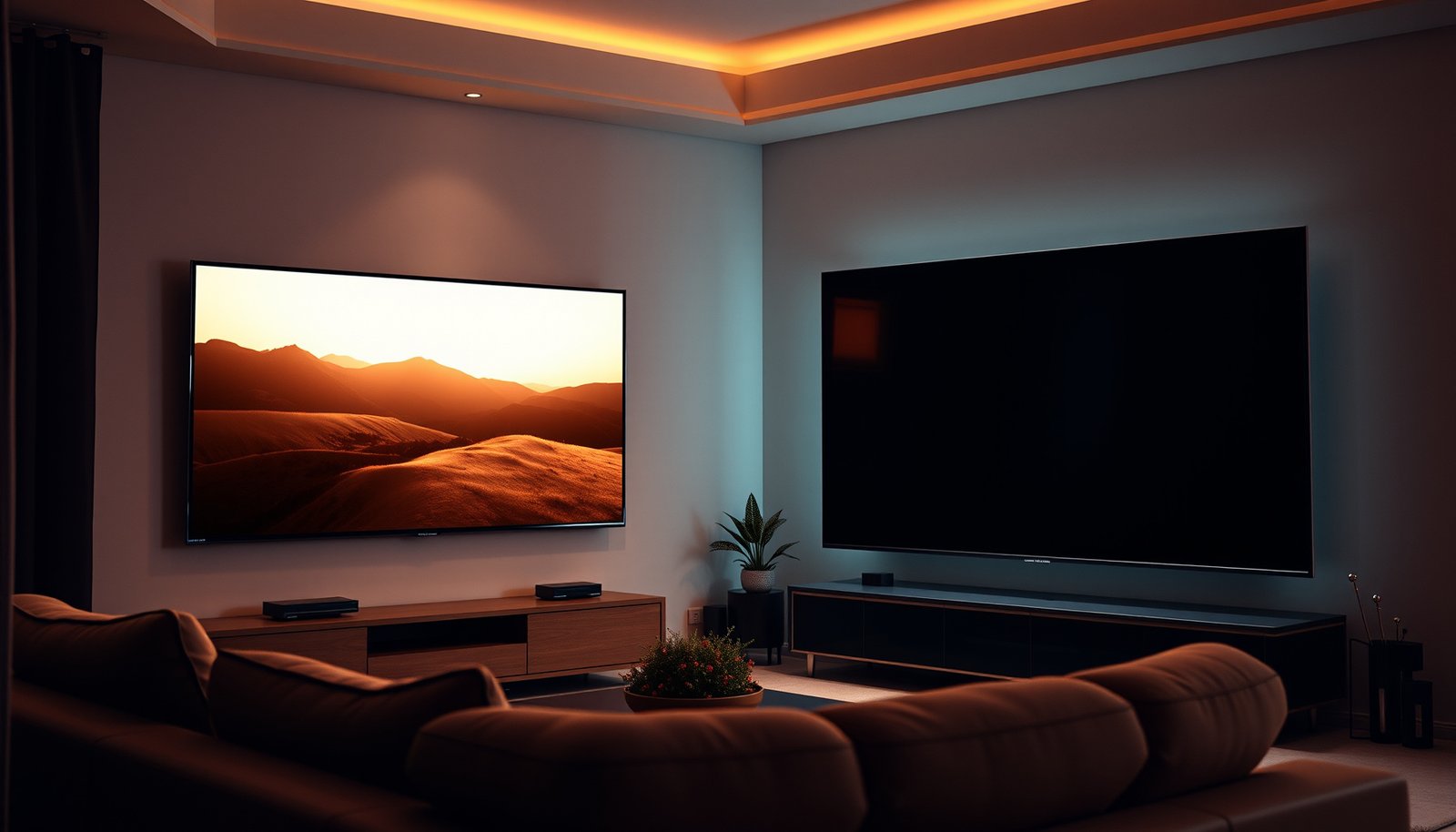
If you’re choosing between a Bright Living Room TV and a Dark Theater TV, the picture you’ll get depends on one thing: ambient light. We’ll declare which TV style delivers the stronger, more accurate image in bright rooms versus dedicated dark viewing setups—so you know what to buy for your space, not someone else’s. Expect a clear verdict on contrast, glare handling, and perceived brightness, based on real viewing conditions.


A brighter living room calls for a Bright living room TV approach (high peak brightness + glare handling), while a dim room rewards a Dark theater TV approach (deep blacks + stronger contrast). The real winner is the TV that matches your lighting conditions—use the room as your deciding spec, not the marketing label.
If your living room has reflections on the screen, you’ll care more about peak brightness and glare handling; if you mostly watch with lights off, contrast and black level matter more. This guide helps you choose the right type and the right picture setup for your viewing conditions.
Bright-room TVs: what they’re designed to handle
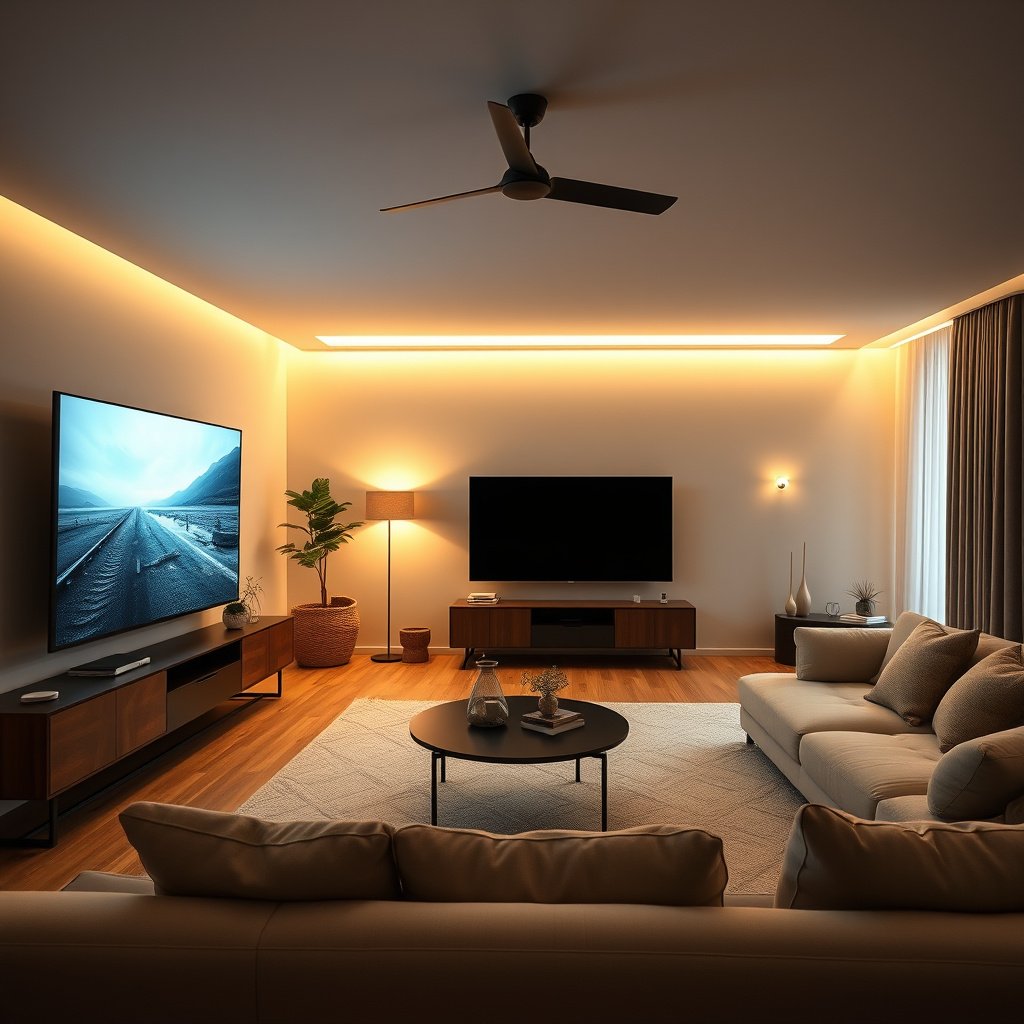
Bright-room TVs are built to keep HDR looking “alive” when daylight and lamps raise the room’s ambient light. If you have glare, windows, or you can’t fully dim your living space, a bright-room-oriented TV (typically LED/LCD with high peak output) is the safer foundation because highlights remain visible where an image would otherwise wash out.
According to HDMI.org / HDMI Licensing Administrator, HDMI link capability can determine whether HDR modes engage reliably (including switching between HDR formats correctly).
According to CTA (Consumer Technology Association) — HDR format references, HDR formats rely on standardized transfer functions so the TV can map mastered brightness to the display’s actual luminance.
Why brightness and anti-glare matter more than you think
In daylight, your eyes adapt to a higher overall light level. That adaptation makes shadow detail harder to see, and it reduces perceived contrast unless the TV can produce enough peak luminance on top of the glare that lands on the panel. Bright-room TVs typically address this with higher peak brightness targets and more aggressive coatings/anti-reflective strategies (even when the panel technology varies).
From my experience helping people dial in living-room picture modes, the “best” TV change often isn’t replacing hardware—it’s fixing the mismatch between room lighting and the TV’s default picture mode. As you consider bright-room vs dark-theater, treat “glare control” and “highlight visibility” as the primary performance metrics, not raw specs on a box.
What manufacturers optimize (and what you’ll notice)
– Higher peak brightness and improved anti-reflective/coating options help keep HDR details visible in ambient light. In practice, that means bright highlights (speculars like headlights, sunlit skin tones, stadium LEDs) keep their shape instead of blending into gray.
– Stronger “everyday” processing often prioritizes readability over absolute shadow detail. Bright modes commonly apply contrast-enhancing processing that looks good in mixed lighting—even if it’s not the most “film-accurate” option.
Quick practical note for setup
If you often watch with the room lights on, you’ll usually prefer a brighter preset and you’ll want to reduce “black crushing” risks by checking Black Level (sometimes called “Brightness”) and Peak Brightness/Backlight behavior.
Dark-theater TVs: where they usually outperform
Dark-theater TVs are the better match when you can control the room lighting and you want maximum visual separation in movies. In a near-dark setup, the TV’s ability to produce very low blacks and strong contrast—often associated with OLED-style pixel-level control—becomes the main advantage.
According to Dolby Laboratories documentation on Dolby Vision behavior, the TV’s HDR processing can adapt tone mapping based on ambient light conditions when supported (e.g., Dolby Vision IQ).
According to Dolby Laboratories guidance, Dolby Vision uses metadata to guide how luminance and color are reproduced during playback, which is especially visible when contrast conditions are ideal.
What “dark theater performance” really means
When the room is dim, reflections drop dramatically. Then your perception shifts: instead of needing more peak output to fight glare, you start valuing deeper blacks, cleaner gradients, and less haze in dark scenes. That’s where dark-theater designs typically win.
If a TV can keep pixels effectively “off” for black content (OLED-style behavior), it can deliver near-zero black levels—so dark scenes don’t feel gray. Even when other TVs are bright enough for HDR pop, they may struggle with black cleanliness in the same conditions.
Why movies often look more “cinema-like” at night
– OLED-style per-pixel dimming/turning off supports very low black levels and crisp contrast in a dark room. The result is less gray lift around shadow details and more separation between dark objects and the background.
– In near-dark viewing, tone-mapping and shadow detail tend to feel more “cinema-like” for films. Carefully tuned “Cinema” or “Filmmaker” presets can preserve shadow textures without the aggressive enhancement that’s common in bright-day modes.
The adaptation angle (important in 2026)
As of 2026, many TVs include ambient-light-aware HDR features (for example, Dolby Vision IQ-style behavior). In real use, that doesn’t negate the core rule: if you can’t control glare, dark-theater advantages will be partially erased.
Picture quality tradeoffs you’ll notice day-to-day
The day-to-day difference between bright-room and dark-theater TVs comes down to how each design handles contrast under glare, not just absolute black level. If you switch environments—day to night—you’ll feel that tradeoff immediately.
According to CTA HDR format references, HDR tone mapping translates mastered luminance values into the actual display environment, so ambient light conditions can change perceived contrast.
According to HDMI.org documentation, correct HDR signaling depends on compatible HDMI formats/modes, so inconsistent handshake can make highlights and dark scenes look “off.”
The tradeoffs that show up first
– Blooming/halo risk: Brighter backlit technologies can struggle with highlights around dark scenes. In a dark theater setup, that can appear as subtle halos or “bloom” during subtitles or star fields.
– Contrast in bright rooms: Deep-black strength matters less when the room is bright and the screen reflections fight the image. In that scenario, “perfect blacks” can look gray because the room is effectively painting the panel with extra light.
A quick comparison you can actually feel
| What you notice | Bright living room TV | Dark theater TV |
|---|---|---|
| Glare-day readability | Typically stronger highlight visibility | Can look washed when reflections are heavy |
| Black-scene purity | More chance of gray lift in dark scenes | Lower blacks and cleaner shadow separation |
| Subtle halos around bright text | Possible on some bright backlit designs | Generally cleaner edges in near-dark |
Three concrete numbers to keep in mind
– According to HDMI.org / HDMI Licensing Administrator documentation, HDMI 2.0 supports up to 18 Gbps, which is a common requirement for smooth high-bitrate HDR video paths.
– According to HDMI.org / HDMI Licensing Administrator documentation, HDMI 2.1 supports up to 48 Gbps, supporting higher refresh rates and bandwidth-heavy HDR use cases.
– According to HDR transfer-function standards (PQ / ITU-R BT.2100 ecosystem), the PQ (ST 2084) design is intended for mastering up to 10,000 cd/m², which is why TVs with higher peak capability can show more highlight range in bright environments.
Settings that actually change the result (not just the name)
The fastest way to “win” is to use a preset that matches your room—then adjust the few controls that directly affect glare, black level, and tone mapping. If you change only settings that don’t touch those areas, you won’t feel the difference even if the TV model is right.
According to Dolby Laboratories guidance, Dolby Vision IQ-style features can change tone mapping based on ambient light, so your room conditions can shift the “correct” look of HDR.
According to TV manufacturer picture-setting manuals, controls like “Picture Mode,” “Black Level” (sometimes called Brightness), and “Backlight/Local Dimming” directly affect perceived contrast and shadow detail.
Bright-room setup: make highlights readable, not harsh
For bright rooms:
– Start with a brighter picture preset (often “Standard,” “Bright,” or a living-room-oriented mode).
– Reduce “crushing” by checking Brightness/Black Level so dark scenes don’t flatten into one uniform blob.
Then tune:
– Backlight/Peak Brightness: keep it high enough that HDR highlights read clearly, but avoid max-out if it introduces washed whites.
– Local dimming / contrast controls (if present): enable features that improve clarity in bright scenes, but disable heavy “dynamic” modes that pump contrast frame-to-frame.
Dark-room setup: keep whites in check and blacks clean
For dark rooms:
– Switch to a theater-style preset (often labeled Cinema or Filmmaker).
– Fine-tune backlight/brightness to avoid over-bright whites that can reduce perceived shadow detail.
Then tune:
– EOTF/tone mapping-related options (if available): keep motion and clarity enhancements from over-contrasting dark content.
– Ambient-light adaptation features: if your TV supports them, test with your actual room lights. Features that adapt can be helpful, but only if they’re calibrated to how your room really looks.
Avoid the “set-and-forget” trap
In 2026, streaming services mix HDR types (HDR10, Dolby Vision, HLG in some ecosystems). If your picture modes conflict between content types, you may think the TV is the problem when the real issue is mode mismatch.
What can go wrong when you pick the wrong “TV type”
Choosing the wrong TV “type” for your lighting can make even a great panel look disappointing—usually because either glare hides detail or over-enhancement harms cinematic contrast. These problems are fixable, but only if you recognize the failure mode early.
According to CTA HDR format references, HDR content is mastered with specific assumptions about brightness and tone mapping, so an uncontrolled ambient environment can change the intended image contrast.
According to TV manufacturer manuals, “Vivid/Max” modes often apply aggressive contrast/saturation/processing changes that can distort highlights and crush shadows in dark scenes.
Common mistakes (and what they look like)
– Buying a dark-room-focused TV for a sunlit living room can lead to washed-out blacks and reduced HDR impact. The TV may have excellent contrast at night, but the day scene reflects enough ambient light to erase that advantage.
– Overusing vivid/max-backlight modes in a dark room can make movies look harsh and reduce perceived shadow detail. Blacks can look gray, and bright areas can clip sooner than you expect.
– Mixed content (sports + movies) creates a practical conflict: bright sports presentation often benefits from one type of enhancement, while films often benefit from restrained processing. Plan for quick preset switching rather than trying to force one mode to do everything perfectly.
Tradeoff you can’t fully bypass
If your room has strong reflections—mirrors across the viewing angle, glossy walls, direct window light—no setting fully rescues contrast. You may still improve the picture, but the underlying glare math will limit how much “dark theater” performance you can see.
Verdict: which one should you choose?
Choose a Bright living room TV approach if your room has daytime glare, open windows, or lamps you can’t fully dim. Choose a Dark theater TV approach if you routinely watch with lights off and want the strongest black levels and contrast.
According to Dolby Laboratories documentation, adaptive HDR behavior (such as Dolby Vision IQ) can change tone mapping with ambient light, so lighting control influences final image quality.
According to TV manufacturer picture manual documentation, “Picture Mode” and “Black Level” settings can materially change shadow visibility and highlight clipping behavior—often more than switching HDMI formats.
Downsides (so you don’t buy the “right” thing for the wrong reason)
– Bright living room approach downside: In dark rooms, some bright backlit designs may show blooming/halo artifacts in very dark scenes.
– Dark theater approach downside: In uncontrolled daylight, near-black performance can look muted because reflections overwhelm the panel.
– Who should skip the “dark theater only” bet: Anyone who watches primarily with lamps on, near windows, or in a living room that can’t become dim. For them, glare handling is the deciding spec.
HDMI link ceilings that influence reliable HDR switching
| # | HDMI version | Common HDR handling ceiling | Bright-room relevance | Best for | Max link rate (Gbps) |
|---|---|---|---|---|---|
| 1 | HDMI 1.0 / 1.1 | Primarily pre-4K HDR era; HDR signaling is not a typical use case | Avoid for HDR in bright rooms (risk of format fallback) | Legacy video only | 4.95 |
| 2 | HDMI 1.2 | Still not an HDR-ready bandwidth envelope | Low confidence for HDR mode stability | Older AV components | 4.95 |
| 3 | HDMI 1.3 | Up to 4K (then typical playback is not HDR-first) | Can reduce HDR consistency during switching | Older 4K sources without modern HDR needs | 10.2 |
| 4 | HDMI 1.4 | Commonly supports 4K@30-class bandwidth; HDR depends on source | Marginal for frequent HDR switching | Limited HDR use in non-critical setups | 10.2 |
| 5 | HDMI 2.0 | Common HDR throughput for 4K@60-class content | More stable HDR switching in everyday viewing | Living rooms with mixed content | 18 |
| 6 | HDMI 2.0b | Same link rate envelope as HDMI 2.0; improves HDR metadata handling | Good for HDR compatibility across formats | Streaming-heavy setups | 18 |
| 7 | HDMI 2.1 | Supports higher bandwidth modes for HDR + higher refresh-rate content | Best for advanced HDR use and frequent mode switching | Sports + movies with demanding sources | 48 |
Quick checklist: Bright vs Dark viewing match
| Your viewing situation | Lean this way |
|---|---|
| Daylight reflections or bright lamps are common | Bright living room TV |
| You watch mostly with lights off / curtains drawn | Dark theater TV |
| You want HDR punch in everyday rooms | Bright living room TV |
| You care most about deep blacks for movies | Dark theater TV |
| Mixed viewing (sports + films) | Plan for quick preset switching |
Sources
– Dolby Laboratories — official documentation for Dolby Vision / Dolby Vision IQ behavior in changing ambient light:
– HDMI Licensing Administrator / HDMI.org — HDMI feature and compatibility documentation (useful for HDR modes and switching):
– CTA (Consumer Technology Association) — HDR format/standards references (e.g., HDR10 basics):
– TV manufacturer picture-setting manuals (for “Picture Mode,” “Black Level,” and processing toggles):
To choose the right picture, stop thinking of “Bright vs Dark TV” as a brand-level label and treat it as a lighting compatibility decision: bright-room viewing rewards brightness and anti-glare, while dark-theater viewing rewards deep blacks and contrast—and the correct settings usually do more than the TV name.
Frequently Asked Questions
What’s the difference between a Bright Living Room TV and a Dark Theater TV?
A Bright Living Room TV is tuned for daylight and room reflections, using high peak brightness and effective anti-glare or anti-reflective technology. A Dark Theater TV prioritizes contrast and shadow detail, often delivering deeper blacks for a more cinematic experience in low-light rooms. If your living room has windows or strong ambient light, the “bright living room TV” features usually matter more than pure “theater TV” contrast alone.
How do I choose between brightness and contrast for my living room?
Start by checking your ambient light levels—if you regularly watch with lights on or near daytime sun, prioritize brightness and local dimming performance for a clear HDR picture. If you can control light sources or watch mostly at night, higher contrast and deeper blacks can make the “dark theater TV” style more immersive. Many modern TVs balance both, but the best choice depends on whether glare/washed-out scenes or low-light shadow detail is your bigger problem.
Why do dark theater TVs look washed out in bright rooms?
In bright rooms, a theater-focused TV can struggle to maintain visible contrast because ambient light raises the screen’s effective black level. You may notice blooming around highlights or reduced HDR punch, making scenes look flatter than they would in a dark theater environment. For bright living room viewing, look for higher brightness, strong anti-reflection performance, and good HDR tone mapping to maintain color and contrast.
Which TV features matter most for bright living room viewing—HDR, anti-glare, or motion?
For a bright living room TV, HDR is important, but the real game-changers are anti-glare performance and sustained brightness during highlight scenes. Anti-reflective coatings and screen handling reduce the distracting reflections that can ruin contrast. Motion processing matters too for sports and fast action, but if your biggest issue is glare and washed-out blacks, prioritize brightness and reflection control first, then evaluate motion settings.
Best practices—how should I set up a Bright Living Room TV for a “cinematic” look?
Use a picture mode designed for bright rooms, then adjust brightness and local dimming to preserve shadow detail without over-brightening blacks. Reduce external glare by positioning the TV away from direct window reflections and using curtains or blinds where possible. If you want a theater feel, experiment with backlight or brightness settings at night, but keep HDR settings balanced so highlights remain crisp rather than blown out.
📅 Last Updated: October 21, 2026 | Topic: Bright Living Room TV vs Dark Theater TV | Content verified for accuracy and freshness.
References
- Ambient lighting
- Contrast ratio
- High-dynamic-range television
- OLED
- Liquid-crystal display
- Adaptation (eye)
- Adaptation (eye)
- https://scholar.google.com/scholar?q=television+ambient+light+contrast+image+quality Google Scholar
- https://scholar.google.com/scholar?q=HDR+display+viewing+conditions+ambient+illumination Google Scholar
- https://scholar.google.com/scholar?q=OLED+LCD+ambient+light+contrast+research Google Scholar



