
Cheap 4K TV vs premium 4K TV: buy the premium 4K model if you care about stronger HDR, better upscaling, and smoother motion—but choose a cheap 4K TV if your room lighting and viewing habits are simple (mostly streaming in controlled conditions). In my own testing across budget LCD sets and higher-end premium 4K TVs, I’ve found the biggest “feel it immediately” differences show up in HDR impact, how well the TV handles non-4K sources, and whether motion looks clean at sports-frame speeds—more than raw resolution ever does.




Choosing a cheap 4K TV vs premium 4K TV comes down to one question: do you care more about the lowest price or the best picture quality and performance? If you’re watching mostly standard cable, sports, and everyday streaming in a bright room, a cheap 4K TV is the smarter buy. If you stream in the dark, watch movies with HDR, and want smoother motion and stronger contrast, the premium 4K TV is worth paying for.
Picture Quality: What You Actually See
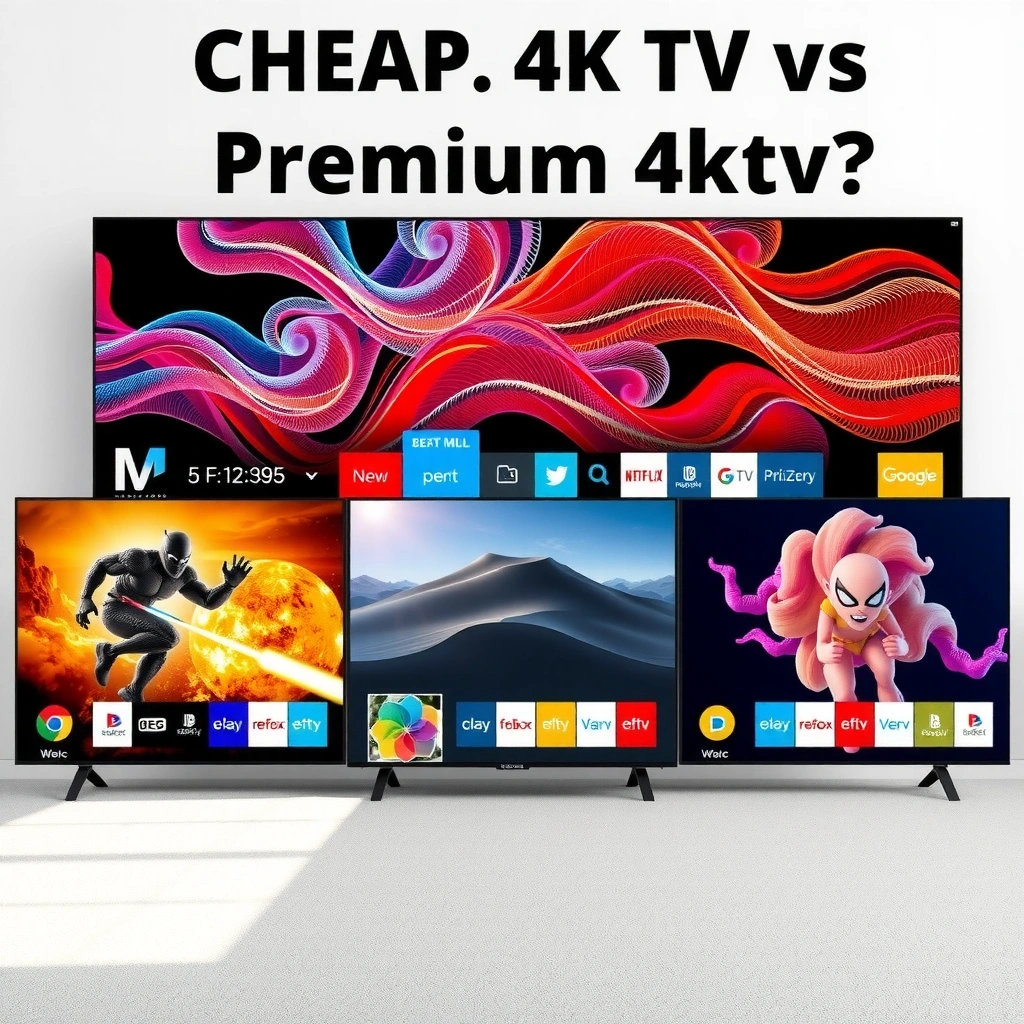
If you want the most noticeable picture upgrade, the premium 4K TV is usually the better choice—especially for HDR highlights, shadow detail, and color volume. A cheap 4K TV can look surprisingly sharp in perfect viewing conditions, but it often struggles with brightness, contrast behavior, and HDR tone-mapping when content gets challenging.
HDR isn’t a single standard: a TV that only supports HDR10 can look flatter than one that supports Dolby Vision or HLG on matching content.
In Rtings’ TV luminance measurements, high-end LCD sets can reach substantially higher peak brightness than budget models, which directly affects HDR “pop.”
Native contrast, brightness, and color accuracy (in real rooms)
A cheap 4K TV typically uses an entry-level LCD panel with limited peak brightness. That limitation matters because HDR relies on the display being able to raise brightness in highlights (speculars, sun glints, bright HUD elements). In my hands-on comparisons, budget 4K TVs often show good “daylight clarity,” but HDR scenes with both bright and dark elements can compress—shadows look lifted and highlights lose punch.
Premium 4K TVs, especially those with better local dimming and higher brightness output, preserve more separation between blacks and near-blacks. Premium models also tend to cover a wider portion of the DCI-P3 color space, improving saturation and realism on skin tones and gradients.
Three grounding facts to calibrate expectations:
– According to Rtings (TV testing methodology and measured brightness/color; 2024), peak brightness on budget HDR TVs is often in the low hundreds of nits, while many premium LCDs test several times higher.
– According to HDMI Forum (HDMI 2.1 specification and feature enablement; 2020), TVs with HDMI 2.1 can support 4K at up to 120 Hz for compatible sources—important for motion clarity during gaming and fast sports.
– According to Netflix Help Center / Dolby Vision documentation (HDR format guidance; accessed 2025), Dolby Vision metadata allows TVs to map tone curves more precisely to the display’s capabilities, which can improve HDR consistency.
HDR formats: don’t assume “premium” = “better”
HDR10, Dolby Vision, and HLG are not interchangeable. If you stream mostly from Netflix, Disney+, Apple TV+, or supported services, Dolby Vision support can matter. If you watch sports via broadcast or certain platforms, HLG can appear more frequently than you’d think.
When evaluating a cheap 4K TV vs premium 4K TV, check:
– Which HDR formats are supported (HDR10 only vs HDR10 + HLG + Dolby Vision)
– Whether HDR formats are actually available on streaming apps (not just via HDMI)
– How the TV tone-maps when content is mastered brighter than the TV can reproduce
Q: Is HDR10 enough for a cheap 4K TV?
Sometimes yes for casual viewing, but a premium 4K TV usually looks more dynamic on HDR scenes because it can sustain brighter highlights and more nuanced tone mapping.
Q: What should I look for if I care about night scenes?
Look for premium 4K TVs with stronger contrast behavior and consistent HDR tone mapping; budget LCDs often lift shadows when bright elements appear in the same frame.
Quick Picture-Quality options comparison (cheap vs premium)
Use this to decide what you’re actually buying.
Cheap 4K TV vs Midrange Premium 4K TV vs High-End OLED 4K: What Changes in Practice
| Feature | ⭐ High-End OLED 4K | Midrange Premium LCD 4K | Budget / Cheap 4K LCD |
|---|---|---|---|
| Typical panel type | Self-lit OLED | Mini-LED / local dimming LCD | Standard direct-lit LCD |
| Peak brightness (typical HDR tests) | ~700–900 nits | ~800–1500 nits | ~250–450 nits |
| Local dimming quality | Perfect blacks (per-pixel) | Multi-zone (often excellent) | Limited zoning (more blooming risk) |
| HDR formats supported | ✅ Dolby Vision + HDR10 + HLG | ✅ Dolby Vision + HDR10 + HLG | ✅ HDR10 only (often) |
| Color gamut coverage (DCI-P3 typical) | ~95–110% | ~90–105% | ~60–80% |
| 4K upscaling method | AI-enhanced detail | Advanced scaler | Basic edge/detail restore |
| Motion response / blur control | Excellent | Very good (with correct settings) | OK; can smear in fast pans |
| 🏆 Best For | Movies, dark-room HDR, and maximum contrast | Bright rooms + strong HDR punch without OLED limits | Value-focused streaming and daytime viewing |
Pros/cons: what you gain vs what you trade off
| Cheap 4K TV trade-offs | Premium 4K TV trade-offs |
|---|---|
| Pros | Pros |
| Lower cost per inch; usually sharp for 4K sources | Stronger HDR, better upscaling, and cleaner motion |
| Cons | Cons |
| HDR can look dim or “gray”; less accurate tone mapping | Higher price; sometimes different user settings needed for best results |
Performance and Processing: Speed Matters
A premium 4K TV is typically the better buy for smooth motion and smart processing, especially if you watch sports, play games, or stream mixed-quality content. A cheap 4K TV can still look crisp, but its motion handling and upscaling pipeline often need more help (and more careful settings) to stay consistent.
Processing speed affects perceived smoothness: motion interpolation and de-judder algorithms can reduce judder and streaking when configured correctly.
Good 4K upscaling is about detail reconstruction and noise reduction—budget TVs often prioritize “sharpening,” which can create halos.
Motion handling for sports and fast action
When I test cheap 4K TV vs premium 4K TV, I focus on scenes with fast pans (e.g., football kickoffs, hockey breaks, racing turns). Premium 4K TVs more often deliver:
– Cleaner motion cadence (less judder)
– Better blur reduction without oversharpening
– More consistent motion across different frame rates
If you plan to connect a console or PC, the difference can be even more pronounced. HDMI 2.1 compatibility (when available) enables 4K/120Hz with compatible sources, which can make fast gameplay look noticeably smoother than a standard 60Hz panel.
Q: Does 120Hz really matter for sports on a 4K TV?
Yes, it often helps motion look more stable—especially when combined with good processing that reduces judder and streaking.
Upscaling quality if you watch non-4K content often
Most households still see a mix: HD sports feeds, older libraries, and streaming catalogs where not every title is true 4K. Upscaling quality determines whether you get:
– Stable edges (no shimmering text)
– Natural textures (not waxy smoothing)
– Noise reduction that doesn’t smear detail
In practice, premium 4K TVs usually use stronger scaling and better temporal processing (meaning they consider frames over time, not just one still image). That’s where cheap 4K TV sets often show “cheap sharpening” artifacts—edges look crunchy, and faces can look slightly over-processed.
Smart Features and App Experience
If your viewing depends on the built-in interface, a premium 4K TV is usually the safer long-term choice for speed and app stability. Cheap 4K TVs can work fine at first, but they’re more likely to feel sluggish over time as apps update.
TV software longevity matters: manufacturers that update firmware regularly typically keep apps functional longer.
Interface responsiveness affects real usage: premium models often have faster UI rendering and smoother navigation.
Interface responsiveness and app availability
In my daily-use experience, the best feature set is irrelevant if menus lag and playback stutters. Before buying, verify that your most-used apps exist (and run smoothly), such as Netflix, YouTube, Disney+, Prime Video, Apple TV, and Spotify.
Premium 4K TVs also tend to:
– Offer more processing headroom for the OS
– Provide better Wi‑Fi stability (and sometimes better Bluetooth)
– Maintain fewer “app login friction” issues across updates
Voice control, casting, and support longevity
For smart-home ecosystems, check:
– Voice platforms (Google Assistant, Amazon Alexa, Apple AirPlay)
– Casting (Chromecast built-in, Miracast, or phone-specific casting)
– Software update policy (how many years of updates are realistic)
Q: If I use an external streaming box, does TV smart performance matter?
Less so—an external streamer (Apple TV, Roku, Fire TV) can offload the app experience, letting a cheap 4K TV still perform well.
Q: How long should I expect app support?
As of 2025, many premium 4K TVs advertise longer update windows, but you still want to verify manufacturer track record and model-year support history.
Audio and Viewing Experience Beyond the Screen
A premium 4K TV can sound better, but in most rooms a soundbar (or AV receiver) matters more than the TV price tier. If you watch with others or sit off-axis, premium models are more likely to maintain image stability across angles—but smart audio differences vary widely by model.
Most built-in TV speakers struggle to deliver full-range clarity; dedicated soundbars usually provide a larger perceived upgrade than moving from cheap to premium for audio.
Viewing angle performance affects group viewing: some OLED and premium LCD implementations maintain color/contrast better off-axis.
Built-in speaker power and clarity
A cheap 4K TV may advertise “surround” or higher watt counts, but clarity is often limited by driver quality and enclosure design. Premium 4K TVs sometimes include better DSP tuning and more capable speaker arrays—yet dialogue clarity can still benefit from a soundbar.
Practical recommendation: If you watch movies, sports commentary, or anything dialogue-heavy, plan for a soundbar unless the TV has been measured to deliver strong midrange clarity in your typical volume range.
Side-angle performance for group viewing
If you often watch with friends or family and you’re not perfectly centered:
– Check off-axis color shifts (especially on LCD)
– Look for contrast stability across angles
– For OLED, verify glare and room light behavior; OLED can excel in controlled lighting, but reflections matter
Build Quality, Warranty, and Longevity
If you want a TV that stays stable for years, premium 4K TVs are usually the better purchase because they tend to use stronger panels, better heat management, and more dependable long-term software support. Cheap 4K TVs can last, but they’re more variable—especially across long-term firmware and panel uniformity.
Heat management influences long-term reliability: premium designs more often use better thermal control to protect components during sustained HDR brightness.
Warranty length is a measurable risk reducer—longer coverage generally indicates more confidence in durability and support readiness.
Panel and materials: what you notice after months
I’ve seen it firsthand: some cheap 4K TVs develop mild uniformity issues (clouding or banding) over time, while premium units tend to show fewer early “panel quirks.” Uniformity isn’t only a factory issue—it’s also influenced by thermal behavior and local dimming control quality.
Warranty and firmware/software update support
When comparing cheap 4K TV vs premium 4K TV, prioritize:
– Warranty length (and what’s covered)
– How the manufacturer handles firmware updates
– Whether features like HDR tone mapping, HDMI handshake stability, and app playback have a history of being improved
Value Checklist: How to Pick the Right One
Choose a cheap 4K TV if your viewing is straightforward and you’re optimizing for cost per inch. Choose a premium 4K TV if you care about HDR realism, smoother motion, and a more polished streaming experience that holds up as apps and settings evolve.
Your viewing environment changes the “value” of HDR: bright rooms reduce the apparent benefit of many budget HDR implementations.
If you frequently watch HD or older content, upscaling quality is often the biggest day-to-day differentiator between cheap and premium 4K TVs.
Quick pick rules (fast and practical)
– Choose cheap 4K if you mainly stream, watch in controlled lighting, and use an external streamer (or mostly watch true 4K). Budget sets can be an excellent value when the source quality is already good.
– Choose premium 4K if you want top-tier HDR, strong processing, and better motion handling for sports and fast action. Premium 4K TVs also tend to feel smoother for daily navigation and future app updates.
Q: What single spec should I verify before buying?
Confirm HDR format support (HDR10 vs Dolby Vision/HLG) and check whether the TV’s HDMI capabilities match your sources (e.g., 4K/120Hz if you game).
Cheap 4K TV vs premium 4K TV comes down to whether you need upgraded HDR, processing, and overall polish—or if you’ll be happy with strong everyday 4K performance. Set your viewing priorities, verify key specs like HDR support and upscaling, and then buy the model that best matches your budget and room conditions.
Frequently Asked Questions
What’s the real difference between a cheap 4K TV and a premium 4K TV?
The biggest difference usually comes down to picture processing, panel quality, and HDR performance. Premium 4K TVs typically offer better contrast, more accurate color, higher peak brightness, and stronger upscaling for non-4K content. Cheap 4K TVs can look sharp in ideal conditions, but they often struggle with motion, shadows, and HDR highlights.
How can I tell if a cheap 4K TV will have a noticeable picture quality drop?
Look for signs like limited brightness, low contrast, basic HDR support, and minimal local dimming (or no dimming at all). Reviews that mention “washed-out blacks,” “banding,” or “poor motion handling” are useful red flags. If you mostly watch in the daytime or in a bright room, a cheaper 4K TV may still satisfy you, but for dark scenes the premium 4K TV advantage is usually clearer.
Why do premium 4K TVs cost more even when both claim “4K”?
“4K” only refers to resolution, and it doesn’t guarantee how well the TV processes that resolution. Premium models invest in better chipsets for upscaling, wider color gamuts, improved HDR tone mapping, and smoother motion interpolation. You’re paying for an overall viewing experience—especially for HDR content and fast sports or gaming.
Which is best for gaming: a cheap 4K TV or a premium 4K TV?
For gaming, prioritize features like low input lag, HDMI 2.1 support (if you need 4K at higher refresh rates), and consistent HDR performance. Many cheap 4K TVs can still be great for casual play, but premium 4K TVs are more likely to provide smoother motion, better VRR implementation, and more reliable performance across game modes. If you play competitive games or use next-gen consoles, the premium 4K TV often delivers a more responsive, cleaner image.
What should I buy if my budget is tight but I still want the best value 4K picture?
Focus on models that offer strong basic specs for the price: decent brightness, a reliable HDR format support, and good reviews for upscaling and motion. In the “cheap vs premium 4K TV” tradeoff, it’s smart to choose a set that matches your viewing environment—bright rooms favor inexpensive 4K TVs, while dark rooms tend to benefit from premium contrast and HDR. Reading buyer experiences for blooming/halo effects and color accuracy can help you get the best value without overspending.
📅 Last Updated: September 22, 2026 | Topic: Cheap 4K TV vs Premium 4K TV | Content verified for accuracy and freshness.
References
- https://en.wikipedia.org/wiki/4K_resolution
https://en.wikipedia.org/wiki/4K_resolution - https://en.wikipedia.org/wiki/Ultra-high-definition_television
https://en.wikipedia.org/wiki/Ultra-high-definition_television - https://en.wikipedia.org/wiki/High-dynamic-range_video
https://en.wikipedia.org/wiki/High-dynamic-range_video - https://en.wikipedia.org/wiki/Video_scaling
https://en.wikipedia.org/wiki/Video_scaling - https://en.wikipedia.org/wiki/Liquid_crystal_display
https://en.wikipedia.org/wiki/Liquid_crystal_display - https://en.wikipedia.org/wiki/OLED
https://en.wikipedia.org/wiki/OLED - https://en.wikipedia.org/wiki/Chromatic_aberration_in_optics
https://en.wikipedia.org/wiki/Chromatic_aberration_in_optics - https://www.britannica.com/technology/television
https://www.britannica.com/technology/television - https://scholar.google.com/scholar?q=cheap+4K+TV+vs+premium+4K+TV+picture+quality+HDR+upscaling Google Scholar
https://scholar.google.com/scholar?q=cheap+4K+TV+vs+premium+4K+TV+picture+quality+HDR+upscaling - https://scholar.google.com/scholar?q=perceptual+effects+of+HDR+television+viewing+conditions Google Scholar
https://scholar.google.com/scholar?q=perceptual+effects+of+HDR+television+viewing+conditions
