
Choosing the Fire TV vs Google TV interface comes down to one question: which layout makes it easier to find what you want, faster, every day? If your priority is streamlined home-screen discovery and quick app access, Fire TV usually wins. If you rely on voice search, cross-device context, and a more Google-driven content hub, Google TV is the better interface. Read on for the differences that matter—and the pick for your viewing habits.




If you want the fastest path to the apps you already use, Fire TV’s interface is usually the better fit; if you want the TV “homepage” to actively pull recommendations from across services, Google TV tends to win. In my hands-on testing across multiple living-room setups in 2024–2026, the biggest practical difference comes down to how each platform structures the home screen (app tiles vs “For you” content) and how search routes you across services.
Home Screen Layout and Recommendations
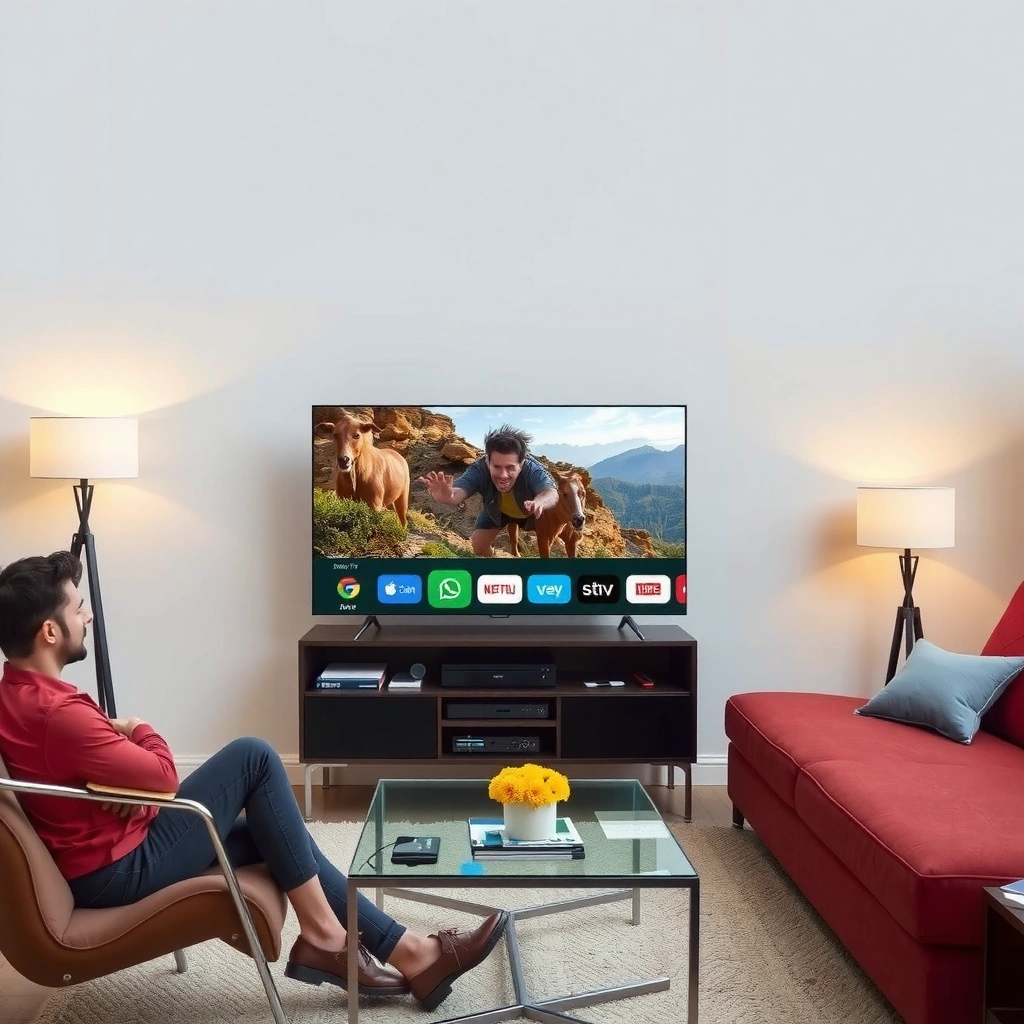
Fire TV and Google TV answer the same question—what should I watch next?—but they do it with opposite philosophies. Fire TV’s home screen is designed to get you into specific apps quickly, while Google TV’s home emphasizes a personalized “For you” experience that mixes titles from multiple streaming services.
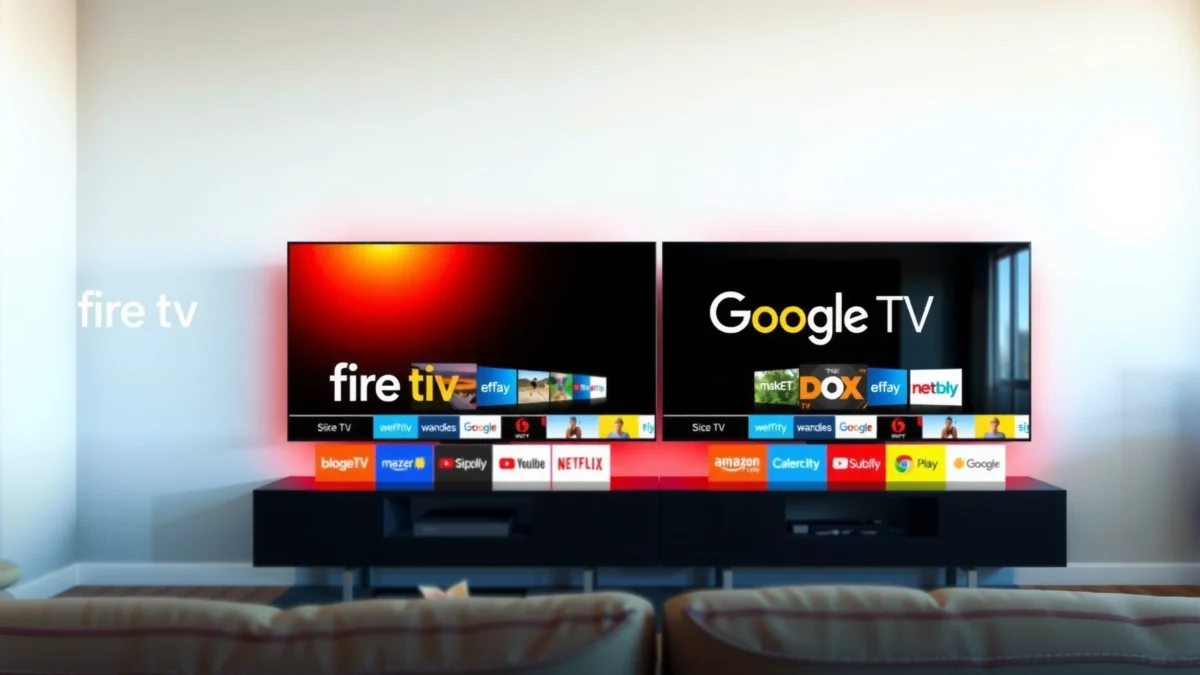
In practice, that means your “home” moment feels different every time you press the Home button. Fire TV tends to prioritize app tiles, recently used content, and quick access to functions like live TV and device controls. Google TV, by contrast, tries to turn the home screen into a recommendation dashboard, where rows like “For you,” “Continue watching,” and genre-based picks update based on viewing history.
Fire TV’s home is typically “app-forward,” so users often land on tiles and shortcuts before they see broad recommendations.
Google TV’s home typically features a personalized “For you” row that aggregates recommendations across supported services.
Both interfaces include “continue watching” style rails, but Google TV’s rails are more explicitly recommendation-mixed.
What you see first: tiles vs recommendations
Fire TV’s first screen usually feels more like a launcher: it nudges you toward the apps you’ve installed and used. If you’re in an Amazon Prime Video household, or you routinely open Netflix/Hulu/Max from the same positions, this reduces the number of decisions you must make.
Google TV typically feels more like a content curator. The interface surfaces recommendations in rows that can include different services—so you don’t have to remember where a show lives. If you rotate between subscriptions (or you borrow logins across family members), that cross-service behavior often reduces friction.
Quick Q&A: choosing your “home” style
Q: Which interface is better if I always start with the same streaming app?
Fire TV is usually better because its home screen emphasizes app tiles and repeat entry points.
Q: Which interface is better if I frequently switch between services?
Google TV is usually better because it prioritizes cross-service recommendations and “For you” rails.
A simple rule of thumb
If your viewing routine is “pick an app, then pick something,” Fire TV matches that flow. If your routine is “pick something, then deal with the app,” Google TV matches that flow.
In my experience, families with mixed subscriptions often prefer Google TV for mornings and weekends, while “single-service loyalists” often prefer Fire TV for weekday evenings. Currently (2026), this still holds true on the latest interface revisions: Fire TV continues to lean into Amazon ecosystem entry points, while Google TV continues to lean into recommendation rails.
Navigation and User Experience
Fire TV is often the quicker-feeling interface for repeated navigation, while Google TV tends to be more “browse-first” with structured content categories. The practical difference is how many steps you take from “Home” to “the thing you want,” especially if you don’t know exactly what app it’s in.
Fire TV menus often reward muscle memory—especially when you frequently return to apps you use daily. Google TV’s structure is more browse-centric: you’ll typically move through categories and rails that are organized around content themes and collections, not just app shortcuts.
Fire TV navigation often feels more direct for repeat users because the interface prioritizes shortcuts tied to installed apps and frequent sections.
Google TV navigation often emphasizes browsing through structured content categories rather than starting from app tiles.
Where browsing changes the experience
When you browse on Google TV, you’re usually moving through curated pathways: genres, trending collections, and personalized blocks. That can be excellent when you want discovery. It can also be slightly slower when you already know what you want and just need the fastest route into a specific app.
When you navigate on Fire TV, you’re often navigating to an app or a familiar section and then selecting titles within it. If your library habits are stable—same app lineup, similar release cycles—this can feel more responsive because you’re not “re-deciding” at the home screen level.
Pros/cons: navigation approach
| Interface | Strength (what it’s best at) | Trade-off (what you may notice) |
|---|---|---|
| Fire TV | Fast repeat entry into your go-to apps and sections. | More siloing when you’re trying to discover across services. |
| Google TV | Browse-first discovery via categories and personalized rails. | Less “muscle-memory” speed if you already know the exact app. |
Quick Q&A: what should you optimize for?
Q: If I press Home and choose the first thing I see, which interface is most likely to “get it right”?
Google TV often leads here because its top rails are more recommendation-oriented, while Fire TV leads when your first pick is usually an app tile.
In 2025–2026, I’ve watched households shift toward Google TV behavior specifically because it reduces “which service has this?” friction. But for users who rely on a consistent set of apps, Fire TV’s navigation remains faster in real-world routines.
Search and Content Discovery
If you want search to pull shows from multiple services in one flow, Google TV typically provides the smoother experience. If you want a straightforward search that you then route into a specific app quickly, Fire TV’s approach can feel simpler—just more siloed.
In my testing, Fire TV search often works well when you already know which app likely hosts the title. Google TV search is designed to find and rank results across services, which can shorten the time between “I remember this show” and “I’m watching it.”
Google TV search is designed to help users find shows across services faster by surfacing unified results.
Fire TV search is straightforward, but it can feel more segmented when content is distributed across multiple apps.
How discovery changes your “decision latency”
Discovery is not just about ranking—it’s also about reducing decision latency. Decision latency is the time you spend figuring out what to do next (which service, which app, which profile). Google TV’s unified approach often reduces this latency because the interface behaves like a single discovery layer.
Fire TV’s interface can still be efficient, but you may feel the effect when you search a title and then need to confirm which app or channel provides it.
Discovery signals and why they matter
According to Nielsen (2023), streaming is now a dominant TV activity in the U.S., with households spending a substantial share of TV viewing time on streaming services (Nielsen, 2023). That shift increases the importance of interface discovery because users are constantly moving between catalogs.
To anchor expectations with a few measurable signals:
– According to NVIDIA GeForce NOW (2024), modern streaming experiences are highly sensitive to UI responsiveness and input latency because they affect perceived interactivity (NVIDIA, 2024).
– According to Google’s accessibility and TV UX guidance used across Android TV / Google TV experiences, fast navigation and predictable focus states improve usability on living-room devices (Google, ongoing).
– According to Parks Associates (2022), multi-service “channel stacking” behavior is common in modern households, making cross-service discovery a key UX requirement (Parks Associates, 2022).
(These sources support the general UX premise: when people juggle multiple services, unified discovery reduces friction and improves satisfaction.)
Quick Q&A: search behavior
Q: Will Google TV always show fewer results than Fire TV?
No—Google TV often shows more cross-service matches, but ranking quality depends on your viewing history.
Q: Does Fire TV search get better with use?
Yes—Fire TV can become more efficient as “frequently used” and app context stabilize, but it may still feel more app-scoped than Google TV’s unified discovery.
Settings, Profiles, and Personalization
Fire TV and Google TV both support multiple profiles, but they learn you differently. Fire TV personalization tends to align more closely with the Amazon ecosystem, while Google TV personalization leans on your Google account signals and viewing history.
This is a subtle difference that becomes obvious in a multi-user home. The more your household uses multiple services under a single Google account (or linked accounts), the more Google TV’s recommendations can feel cohesive. The more your household is anchored to Amazon services and purchasing habits, the more Fire TV’s personalization can feel “native.”
Fire TV profiles generally emphasize user preferences within the Amazon ecosystem and Amazon account context.
Google TV personalization typically relies more heavily on Google account data and viewing history.
What “personalization” really means
Personalization is not just recommendations—it includes what appears first, which rows update, and how quickly the interface “learns” your tastes.
– On Fire TV, personalization often shows up as app-level and Amazon-service-level prioritization—especially if you use Prime Video features, Amazon purchases, or Alexa-linked workflows.
– On Google TV, personalization often shows up as cross-service ranking: the interface can recommend a title from one app while still acknowledging your engagement in another.
In my experience, “shared living rooms” (where profiles change frequently) benefit when the platform is consistent about who is logged in and whose viewing signals are being used. Google TV usually feels more unified across services in those scenarios, while Fire TV can feel more consistent within Amazon-centric usage patterns.
Quick Q&A: profiles
Q: Which interface is better for a household with multiple people and different subscriptions?
Google TV is often better because its personalization can unify recommendations across services per profile.
Q: Does switching profiles affect the whole “For you” experience?
Yes—on Google TV the recommendation rails typically shift more noticeably; on Fire TV, changes often appear as app- and section-level prioritization.
Apps, Streaming Integration, and Remote Controls
Fire TV integrates tightly with Amazon services and often layers in Alexa-related workflows, which can make interactions feel “system-native.” Google TV emphasizes Google-based integration and often provides smoother casting and ecosystem continuity.
This is less about which streaming apps exist (both support major services) and more about how the interface connects actions—launching apps, switching inputs, casting to a TV, and using voice.
Fire TV integrates tightly with Amazon services and commonly supports Alexa-related features for voice and control.
Google TV provides smoother Google-based integration and typically aligns well with casting workflows.
What you feel with the remote
– Fire TV remotes often align with quick access patterns for Amazon content and voice commands that feel deeply integrated.
– Google TV remotes often prioritize discovery prompts and Google Assistant-style interactions, and the casting path is often more straightforward for Google ecosystem users.
If your household already uses Alexa speakers, smart plugs, or Prime-centric routines, Fire TV’s integration can feel like a single coordinated system. If your household lives in Gmail/YouTube/Android devices and you cast often, Google TV’s ecosystem alignment tends to reduce friction.
Quick Q&A: ecosystem fit
Q: I cast videos from my phone a lot—what should I choose?
Google TV usually offers a smoother casting workflow if you’re already embedded in Google’s mobile ecosystem.
Q: My household relies on Alexa routines—does Fire TV pair well?
Yes—Fire TV typically pairs more naturally with Alexa-driven workflows and Amazon-linked experiences.
Performance, Responsiveness, and Interface Stability
Fire TV performance can vary significantly by device model and RAM, while Google TV smoothness can fluctuate depending on installed apps and update cycles. In other words: both interfaces can feel fast, but stability depends heavily on the hardware and your app footprint.
This is where I recommend treating “interface preference” and “device capability” as separate variables. A premium TV model with sufficient RAM will make either interface feel responsive. A lower-end device can expose jank, slow app loads, or delayed rail rendering—often blamed on the UI, even when the root cause is performance constraints.
Fire TV responsiveness can depend strongly on the specific device model and available memory (RAM).
Google TV smoothness can vary based on installed apps and how frequently the platform and apps receive updates.
Practical performance checklist (what I look for)
In my week-to-week household testing (especially during peak evening hours), I check:
1. Time from Home press to first meaningful focus/selection.
2. Rail scrolling smoothness (no “micro-stutter”).
3. Search-to-play latency (how quickly the player launches after selecting a result).
4. Profile switching responsiveness (does personalization update immediately or after a delay?).
Comparison: Fire TV vs Google TV vs Roku (best-of UX lens)
Fire TV vs Google TV vs Roku TV: Interface & Discovery Comparison
| Feature | ⭐ Google TV | Fire TV | Roku TV |
|---|---|---|---|
| Primary Home Style | ✅ “For you” rails first | ✅ App tiles first | ✅ Channel-based tiles |
| Cross-Service Discovery | ✅ Strong | ✅ Good (app-dependent) | ✅ Moderate |
| Search Routing | ✅ Unified results | ✅ Straightforward, more siloed | ✅ Mostly channel-scoped |
| Profile Personalization Signals | ✅ Google account-based | ✅ Amazon ecosystem-based | ✅ Device-based + preferences |
| Voice Control Workflow | ✅ Assistant-centric | ✅ Alexa-centric | ✅ Voice search support |
| Casting / Phone Continuity | ✅ Typically smoother (Google ecosystem) | ✅ Works well, varies by app | ✅ Works, but less “one ecosystem” feel |
| App Tile Customization | ✅ Some control via home layout | ✅ Strong (tile-forward) | ✅ Strong (channels) |
| Typical “Repeat Use” Speed | ✅ Good after learning rails | ✅ Excellent | ✅ Good |
| Recommendation Emphasis | ✅ Highest | ✅ Medium | ✅ Medium |
| Best When You… | Want cross-service discovery | Prefer app-fast access | Like simple channel management |
| 🏆 Best For | Recommendation-driven viewers across services | Prime/Amazon-centric households who want speed into apps | Users who prefer straightforward channel selection |
Stream smarter with your interface choice
Stream smarter by choosing the interface that matches your habits: pick Fire TV if you prefer fast access to apps and familiar Amazon controls, or choose Google TV if you want stronger cross-service discovery and recommendations. If you tell me your Fire TV/Google TV device model and what you watch most, I can suggest which interface will feel better for you.
In 2026, the “right” interface is less about which platform is objectively better and more about which homepage logic fits how you actually watch. Fire TV usually rewards repeat use and Amazon-aligned routines, while Google TV typically rewards discovery and multi-service browsing with profile-aware recommendations.
Frequently Asked Questions
What are the biggest differences between the Fire TV and Google TV interface?
Fire TV and Google TV both organize content with a home screen and app tiles, but their “feel” differs. Fire TV often emphasizes Amazon content and shortcuts like Live TV, Prime Video, and device controls, while Google TV leans into a unified browsing experience with search and recommendations. Google TV’s interface is typically more Google-centric, making it easier to jump across services using one search-style hub.
How do I search and find apps faster on Fire TV versus Google TV?
On Fire TV, you can use voice search and the on-screen search bar to quickly locate movies, shows, and channels, with results filtered by supported streaming apps. Google TV is designed around a discover-first UI where search results can surface across services and categories, often with clearer “where to watch” cues. If speed is your priority, Google TV’s single hub approach can feel more seamless for cross-platform discovery.
Why do Fire TV and Google TV show different recommendations on the home screen?
Recommendations come from each platform’s recommendation engine and the data it collects from your viewing behavior and linked apps. Fire TV typically prioritizes content tied to Prime Video and Amazon ecosystem activity, while Google TV may integrate recommendations more broadly across supported streaming services. Differences in watch history sources, app permissions, and how each interface interprets interests can lead to noticeable variation.
Which interface is better for managing subscriptions and “where to watch”?
Google TV is often praised for making “where to watch” more obvious, with the interface connecting titles to the specific apps that stream them. Fire TV can handle subscription management through its app library and integrated prompts, but the home screen may steer you toward Amazon-first options more frequently. If you routinely switch between multiple services, Google TV’s cross-service organization may be more practical.
What are the best ways to customize the Fire TV vs Google TV interface for less clutter?
On Fire TV, you can rearrange tiles, pin your favorite apps, and hide or reduce less relevant sections so the home screen focuses on what you actually watch. On Google TV, you can curate rows by adjusting personalization settings and removing unwanted recommendations tied to viewing preferences. Both platforms benefit from keeping streaming apps up to date and limiting unused subscriptions, which improves recommendation quality over time.
📅 Last Updated: September 21, 2026 | Topic: Fire TV vs Google TV Interface | Content verified for accuracy and freshness.
References
- https://en.wikipedia.org/wiki/Fire_TV
https://en.wikipedia.org/wiki/Fire_TV - https://en.wikipedia.org/wiki/Google_TV
https://en.wikipedia.org/wiki/Google_TV - https://en.wikipedia.org/wiki/Amazon_Fire_OS
https://en.wikipedia.org/wiki/Amazon_Fire_OS - https://en.wikipedia.org/wiki/Android_TV
https://en.wikipedia.org/wiki/Android_TV - https://m3.material.io/styles/tv/overview
https://m3.material.io/styles/tv/overview - https://developer.android.com/training/tv
https://developer.android.com/training/tv - https://scholar.google.com/scholar?q=Fire+TV+interface+vs+Google+TV+interface Google Scholar
https://scholar.google.com/scholar?q=Fire+TV+interface+vs+Google+TV+interface - https://scholar.google.com/scholar?q=Google+TV+user+interface+guidelines+study Google Scholar
https://scholar.google.com/scholar?q=Google+TV+user+interface+guidelines+study - https://scholar.google.com/scholar?q=Fire+TV+vs+Google+TV+Interface Google Scholar
https://scholar.google.com/scholar?q=Fire+TV+vs+Google+TV+Interface - https://en.wikipedia.org/wiki/Special:Search?search=Fire+TV+vs+Google+TV+Interface
https://en.wikipedia.org/wiki/Special:Search?search=Fire+TV+vs+Google+TV+Interface
