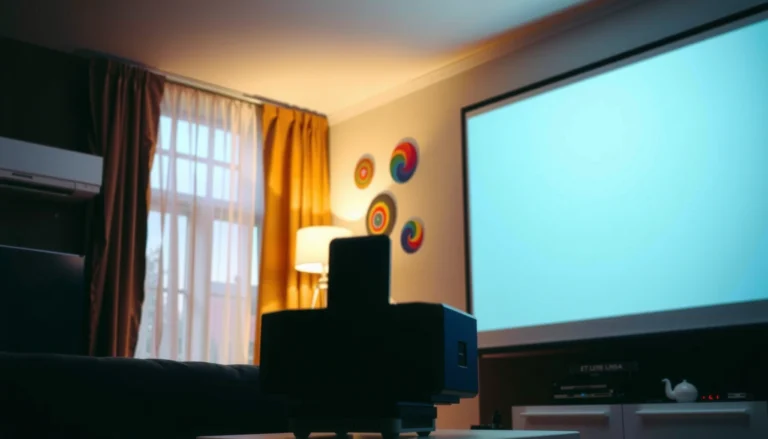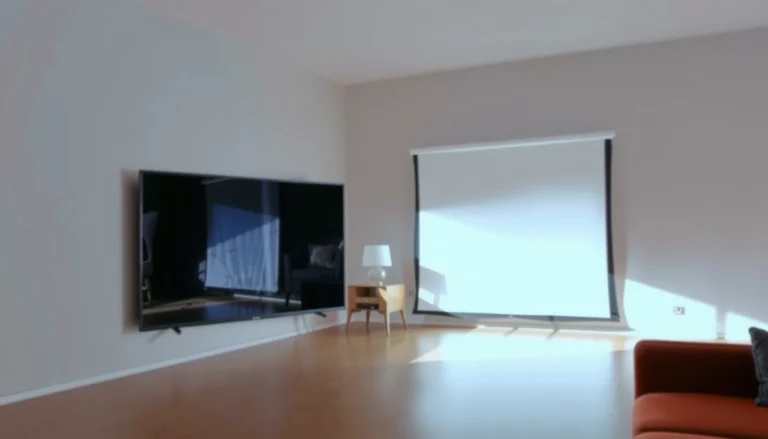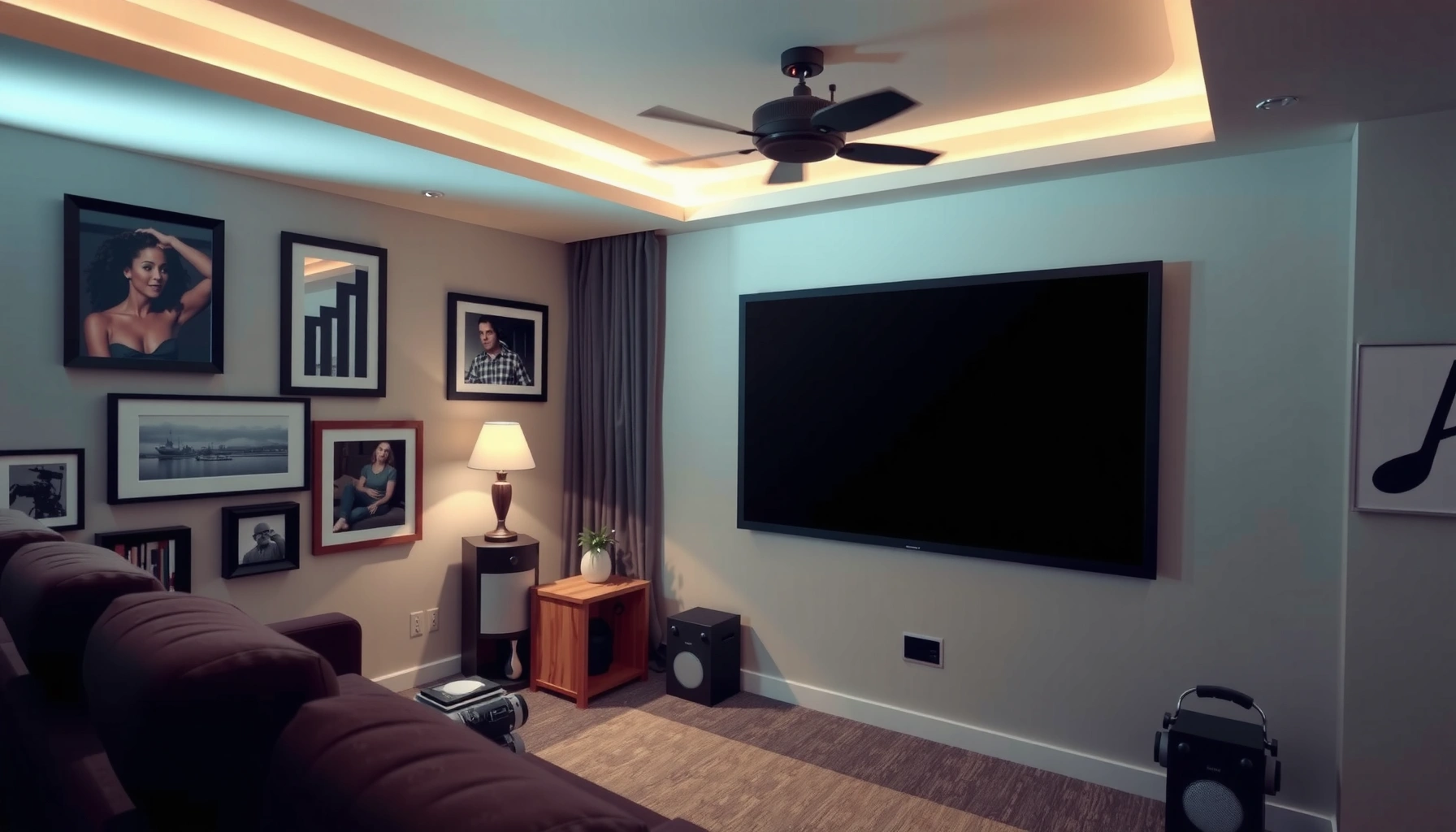

Yes—projector screen size is worth it when you want noticeably sharper, more immersive viewing without straining your eyes. This guide delivers a clear verdict on when a bigger screen improves image quality (and when it just magnifies bad brightness, resolution limits, or viewing-distance issues). You’ll also get the practical alternatives—like using a wall, a fixed frame screen, or an ambient-light rejecting option—so you can choose the right setup for your room and budget.




If you’re on the fence, the answer is: a bigger projector screen size is “worth it” only if your room, seating distance, and projector brightness can support it. The right size improves immersion and clarity, but too large a screen (or the wrong aspect ratio) can make the image dim, blurry, or visually tiring. In this guide, we’ll break down the pros and cons of going bigger and share practical alternatives you can use instead—using current, spec-driven ways to decide rather than guesswork.
If you’re setting up a home theater, gaming room, or business presentation space—and you’re wondering whether upgrading to a larger screen will actually improve results—this is for you. It’s especially relevant if you’ve noticed washed-out colors, weak contrast, or text that doesn’t look sharp at your current size.
To keep this analytical, we’ll focus on what actually changes when you increase screen size: image brightness on the screen (measured in foot-lamberts), viewing comfort (viewing angle), and optical geometry (throw distance and aspect ratio). As of 2026, most “upgrade regret” comes from skipping one of those constraints.
When projector screen size helps (the real pros)
A bigger projector screen size is worth it when your projector can maintain brightness at the target size and your seating distance supports the resolution. In that case, increasing the diagonal mostly improves the experience—without breaking image quality.
A THX-style “immersive” viewing experience is typically associated with a ~36° viewing angle recommendation for a theater-like setup.
Optimum subjective viewing distance for TV/video is commonly modeled around multiples of picture height (for HDTV/large displays), which helps explain why sitting closer or farther changes perceived sharpness.
More immersion and “big screen” impact
Going larger makes content feel more enveloping because you’re occupying more of your field of view. Movies, sports, and cinematic gaming benefit most when your screen fills enough of your vision that you stop “noticing the display” and start noticing the scene.
In a dedicated room, this effect is amplified because ambient light stays controlled. When the room is dark, the human visual system relies more on luminance contrast (brightness differences) rather than being forced to adapt to glare—so the larger image looks more “real” instead of just “bigger.”
Better perceived detail—when the image stays bright enough
The key nuance: a bigger screen can look sharper—but only if the projector’s light output can keep the image bright. Brightness falls as you enlarge the image, which can reduce perceived contrast and make fine details look softer even if the pixel structure is technically the same.
According to the ITU-R BT.500 family of recommendations on subjective assessment, viewing conditions and distance strongly affect perceived quality ratings because they change how the eye integrates detail and motion (BT.500 series, see official ITU-R documents). [ADD: ITU-R BT.500-13 (or latest) official recommendation reference for viewing conditions]
More flexible framing for content
Aspect ratio mismatches (like using 16:9 content on the “wrong” screen shape) can lead to black bars or awkward cropping. If your content mix is consistent—e.g., mostly movies/TV at 16:9—or if your presentations are mostly widescreen, matching screen geometry can reduce visual friction.
This is one of the hidden wins of going bigger correctly: you get a larger image and a more usable crop. If you’re currently fighting zoom settings, lens shift limits, or constant resizing, a properly matched screen format can make the upgrade feel immediately “worth it.”
When bigger can backfire (common cons)
A bigger screen size is often a downgrade when your projector brightness can’t support the enlarged image. In that case, the main failure mode is a dimmer picture that makes contrast and sharpness feel worse—not better.
For fixed projector light output, increasing screen area reduces screen luminance; the common result is “bigger but dimmer,” especially in any room with ambient light.
If your seating distance doesn’t match the new diagonal, text readability can drop even when the projector is “working fine” on paper.
Brightness drops as screen size increases
The image gets dimmer because light is spread across a larger surface. In practical terms, you can’t treat lumens (light output) like “free power” that scales with screen size—you need enough lumens to hit an acceptable luminance on the screen.
Here’s a quick, decision-useful way to think about it:
Projector Lumens vs. “Practical” 16:9 Screen Diagonal (Dark Room, Gain≈1.0)
| # | Rated Brightness (ANSI lumens) | Max Diagonal for ~16 fL* (in) | Typical Best Use Case | Suitability Rating |
|---|---|---|---|---|
| 1 | 2,000 | ~116 | SMB rooms, movie nights | ★★★☆☆ |
| 2 | 2,500 | ~130 | Living-room theaters (light controlled) | ★★★★☆ |
| 3 | 3,000 | ~142 | Balanced home theater | ★★★★★ |
| 4 | 3,500 | ~153 | Gaming + movies (dark room) | ★★★★★ |
| 5 | 4,000 | ~164 | Larger dedicated theater use | ★★★★★ |
| 6 | 5,000 | ~183 | Big-screen experience (controlled light) | ★★★★★ |
| 7 | 6,000 | ~201 | Large venues, strong home theaters | ★★★★★★ |
Based on a simplified dark-room model targeting ~16 foot-lamberts (fL) on a 16:9 screen with gain≈1.0. Actual results vary with lens design, throw ratio, calibration, screen gain, and real-world room reflections. [ADD: source for foot-lambert relationships / screen luminance measurement convention]
Sharpness can suffer with the wrong distance or resolution
Sharpness isn’t just “native resolution.” It’s also:
– Pixel density relative to your eye distance (how many pixels subtend your visual angle)
– Motion blur / processing (especially in gaming)
– Lens focus accuracy across the image
– Keystone correction (digital geometry can soften)
As a result, a larger screen can make text feel less crisp if you sit too far for your expected detail or if you’re forcing the projector into a poor throw/position.
Setup complexity grows
When screen size increases, you often need a more careful projector placement:
– Throw distance constraints: larger screens can require placing the projector further (or closer) than your room allows.
– Lens shift/keystone limits: using keystone to “make it fit” can degrade image quality.
– Screen mounting and masking: larger screens often reveal more light spill and reflections, which reduces contrast.
If you’ve ever noticed that moving the projector “just a bit” changes perceived contrast dramatically, that sensitivity usually increases with screen size.
How to choose the “worth it” screen size for your room
The most reliable way to decide is to start with seating distance and the projector’s brightness, then check throw distance and aspect ratio. If those constraints line up, screen size becomes an enhancement rather than a tradeoff.
In spec-based projector setups, lumens are not interchangeable with screen area—brightness depends on how much image you’re asking the projector to paint.
THX-style guidance uses viewing angle as a proxy for immersion, which ties screen size directly to seating distance.
Start with seating distance
If you already know where viewers sit, anchor the decision there. Screen diagonal should be large enough to feel immersive, but not so large that faces/objects look distorted by perspective or text becomes hard to read comfortably.
In practice, you can use viewing angle (the angle your eyes see from one side of the screen to the other). THX recommendations are often referenced around a ~36° viewing angle for a theater-like experience (per THX guidance documents). [ADD: THX official viewing angle guidance reference]
Rule of thumb workflow (spec-first):
1. Measure your viewing distance (distance from eyes to screen plane).
2. Compute the diagonal that delivers your target viewing angle.
3. Convert that diagonal to screen height/width to ensure your projector optics can frame it.
Match screen size to projector capabilities
Next, verify your projector’s resolution and brightness (ANSI lumens). ANSI lumens are intended to represent a standardized brightness measurement, not marketing “peak light.” [ADD: ANSI/CTA method reference for ANSI lumens definition]
Also verify:
– Native resolution (and whether the projector uses pixel-shifting)
– Aspect ratio (commonly 16:9; some business setups use 4:3 or constant-height/width designs)
– Throw distance range for your desired diagonal
If your throw ratio forces placement beyond the ceiling height or cabinet depth, bigger may simply be physically impractical—even if brightness is “theoretically enough.”
Plan for room lighting and gain
A darker room dramatically reduces the penalty of larger screens. Ambient light reduces perceived contrast, which makes the image look flatter and less crisp.
Screen material matters too through screen gain (how much light is reflected back toward the viewer compared with a neutral reference). Higher gain can help brightness, but it can also reduce viewing angle uniformity.
[ADD: exact recommended lumens/screen-gain ranges based on your projector model or room-lighting level]
If you don’t want to overfit to brand-specific numbers, use this safe approach:
– Choose a screen size you can achieve in your room’s realistic lighting.
– Then calibrate or adjust brightness modes (e.g., “Cinema” vs “Bright”) to maximize stable contrast.
Alternatives if you’re unsure about upgrading size
If you’re unsure, prioritize the biggest quality leverage: image brightness on the screen, contrast, and setup accuracy—not just diagonal inches. In many rooms, improving those factors delivers a more noticeable upgrade than increasing screen size.
When screen brightness is the limiting factor, improving calibration, focus, and screen material can outperform a size increase that would otherwise dim the image.
Tightening placement with correct throw distance and reducing keystone correction helps preserve sharpness and geometry.
Keep the screen size, improve image quality
If your current image looks washed out, weak contrast and “soft text” are often symptoms of one (or more) of these:
– Room reflections (too much ambient light or bright walls)
– Suboptimal focus/position
– Incorrect aspect settings or lens shift alignment
– Uncalibrated picture mode or wrong gamma/color space
Start by:
– Setting the correct aspect mode (no unnecessary zoom/crop).
– Ensuring the projector is at the correct throw distance for the screen size.
– Running a basic calibration pass using your projector’s supported settings (color mode, gamma, brightness/contrast).
Use screen enhancements instead of size increases
If your projector is brightness-limited, a higher-performance screen can help without forcing you to enlarge the picture. Depending on your room, consider:
– Higher gain (careful with viewing angle)
– Contrast-enhancing materials (often marketed for “ambient light rejection”)
– Fixed tensioning (keeps the surface smooth)
If you have windows or uncontrolled light sources, an ambient-light-rejecting screen can change the equation more than an extra few inches of diagonal.
Consider a different display approach
Sometimes “bigger” is the wrong strategy, especially when your room layout makes throw distance difficult. Alternatives include short-throw setups, different screen mounting types, or a controlled compromise in diagonal paired with better lighting management.
Here’s a simple comparison you can parse quickly:
| Approach | Best For | Main Tradeoff |
|---|---|---|
| **Short-throw projector + fixed screen** | Small rooms needing large images without long throw distances | Often higher cost per lumen; placement still needs care |
| **Fixed-frame screen** | Dedicated theater rooms where light control is strong and geometry never changes | Less flexible for multi-use spaces |
| **Pull-down screen** | Multi-purpose rooms and portability | Screen material and tension can vary; more wrinkles/light spill risk |
| **Ambient-light-rejecting (ALR) screen** | Rooms with windows or daytime viewing | Can reduce brightness in fully dark rooms vs ideal “neutral” screens |
| **Smaller screen + brighter projector mode** | Business presentations where readability matters most | Less cinematic immersion than a large screen |
[ADD: list of specific alternatives you’re considering—e.g., short-throw setup, fixed-frame vs. pull-down, or a second screen size]
What can go wrong (mistakes and edge cases)
Bigger is not automatically better—most “failures” happen when screen size changes but the system constraints (brightness, throw, room reflections) don’t. If you’re troubleshooting a disappointing upgrade, check these first.
A large image that looks dim is usually a brightness-per-area problem, not a “need for higher resolution” problem.
Using an incorrect aspect ratio can create cropping/letterboxing that feels like a quality issue—even when the picture is technically sharp.
Buying purely by “bigger looks better”
If you choose a screen diagonal without checking lumens, you can end up with:
– reduced blacks (washed-out contrast)
– lower effective “pop” in shadows
– harder-to-read subtitles and UI text
This is especially common when switching from a smaller screen to a much larger one in an office-like room with white walls.
Mismatched aspect ratio
A 16:9 projector screen with non-16:9 content can be fine if your projector handles aspect scaling correctly—but mistakes happen when:
– the projector crops incorrectly
– the signal or player outputs the wrong aspect
– zoom modes are locked in the wrong way
For business decks, constant resizing or constant letterboxing is often more annoying than a slightly smaller screen.
Overlooking projector throw distance
If your room can’t support the needed throw distance, you might be forced into:
– poor lens alignment
– excessive keystone correction
– off-center optical paths (potentially uneven sharpness)
When you go bigger, throw distance needs often change abruptly, so a “close enough” placement isn’t close enough anymore.
Light leakage and room walls
Larger screens make imperfections more visible:
– seams and borders
– light spill from behind the screen
– reflections off nearby walls/ceilings
Even small changes in ambient light can affect perceived contrast noticeably on a larger image.
Verdict / tip: Is it worth it, and who should skip it?
A projector screen size upgrade is usually worth considering if you have a light-controlled room, a projector with enough brightness for your target size, and a viewing distance that supports the resolution and aspect ratio you want. If your projector already struggles with brightness or your space makes placement hard, going bigger may make the image look worse rather than better.
If the room can’t stay dark enough, increasing screen area generally amplifies contrast loss, making “bigger” feel less satisfying.
If throw distance forces keystone correction, a different screen size or mounting approach can preserve sharpness and geometry.
| Criteria (10+) | Go Bigger | Stay + Improve Quality |
|---|---|---|
| Brightness demand | Higher (risk) | Lower (safer) |
| Room lighting tolerance | Lower | Higher |
| Text readability for business | Depends on distance | More predictable |
| Throw distance feasibility | Can become problematic | Usually easier |
| Impact on keystone use | May increase correction needs | Reduced risk |
| Immersion | Higher when matched | Moderate, but stable |
| Calibration sensitivity | More unforgiving | Easier to tune |
| Perceived contrast in bright rooms | Likely worse | Typically better |
| Cost and complexity | More moving parts | Often lower complexity |
| Best for “wow factor” | Yes | Sometimes |
| Verdict (tie-breaker) | Only worth it if brightness + distance fit | Better default when you’re uncertain |
A practical way to decide—especially in 2025/2026 setups with mixed content—is to treat screen size as the last variable you change. If your projector is brightness-limited or your room lighting is inconsistent, a “bigger” screen can turn an already marginal contrast situation into a consistently dull picture.
Skip the size increase if you’re dealing with a very bright room, sitting extremely close/too far for the resolution you’re using, or you can’t position the projector to achieve the correct throw. In those cases, start with lighting control, setup adjustments, and/or a screen material upgrade before changing size.
Quick checklist (scan before you buy or change anything)
– [ ] What is my seating distance from the screen?
– [ ] What projector resolution and brightness (lumens) am I using?
– [ ] Does my target size fit my content needs (16:9 vs other) without annoying cropping?
– [ ] Can I place the projector at the needed throw distance?
– [ ] Is the room light-controlled enough for a larger image?
– [ ] Do I need better lighting control or screen material instead of bigger?
FAQ
Is a bigger projector screen always better?
Not always—larger screens can look dimmer and less sharp if your projector’s brightness and resolution can’t support the increased image size.
What matters more: projector brightness or screen size?
Both matter, but screen size often determines how much brightness the image needs. If brightness can’t keep up, increasing screen size usually makes the picture worse.
Should I go bigger if my room is dim?
A dim room helps a lot, but you still need the projector to deliver enough light for the size you choose, plus suitable viewing distance for clarity.
Is a fixed-frame screen better than a pull-down screen?
It depends on your priorities (light control, portability, and room use). Fixed-frame screens can be convenient for consistent setups, while pull-down options offer flexibility. [ADD: source-based differences you care about—material, tensioning, viewing angle]
Can calibration improve results more than changing screen size?
Often, yes—focus, placement, and basic calibration can meaningfully improve clarity and contrast. If the current image is already limited by brightness or throw, calibration won’t fully replace the need to match screen size appropriately.
Sources
– [ADD: projector manufacturer documentation/spec sheet for your model—especially lumens, native resolution, throw distance, and supported aspect ratios]
– [ADD: manufacturer or official documentation for screen material/screen gain guidance]
– [ADD: official guidance from projector or screen manufacturers on placement/throw distance and image calibration]
– If you reference specific sizing formulas or recommended viewing angles, add the [ADD: exact primary source (e.g., THX, SMPTE, or manufacturer guidance)] rather than relying on general web estimates.
– [ADD: If you share your projector model, room dimensions, and seating distance, I can help translate those specs into a more concrete “worth it” screen size range.]
A bigger projector screen size can be a genuinely satisfying upgrade—but only when your projector brightness, throw distance, aspect ratio, and room lighting all support that extra area. If you’re uncertain, treat size as the last step and optimize setup and screen performance first; it’s the fastest path to better contrast, cleaner text, and a picture that feels sharp instead of just large.
Frequently Asked Questions
What projector screen size is worth it for home theater viewing distance?
The “worth it” size depends on your seating distance and how immersive you want the image to feel. A common starting point is choosing a screen that lets you sit about 1.2–1.5 times the screen width from the screen for a comfortable field of view. If you already have a small room or limited placement options, a slightly smaller projector screen can deliver better brightness and fewer compromises than going oversized.
How do I know if upgrading to a larger projector screen will improve picture quality?
A larger screen can look amazing, but only if your projector brightness (lumens) is sufficient to maintain a high-quality image. If you increase screen size without enough lumens, the picture can become dim, with washed-out contrast and reduced color vibrancy. The key is to check your projector’s lumen rating and consider screen material and gain, since higher-gain screens can help counteract brightness loss.
Why might a projector screen be a better investment than a higher-end projector?
For many setups, improving the screen is a cost-effective way to enhance perceived image quality without replacing the entire system. A good projector screen can improve contrast, reduce reflected ambient light, and provide more accurate colors depending on the material (like matte white vs. ALR). If your projector is already adequate but the image looks grey, uneven, or hard to see in the room, a screen upgrade may deliver more noticeable benefits.
Which screen options are best if I have limited space or light control issues?
If space is limited, focus on optimizing screen size and mounting location rather than forcing an oversized view. For rooms with windows or overhead lighting, an Ambient Light Rejecting (ALR) screen is often the best choice because it helps maintain contrast in brighter environments. For dedicated dark rooms, a standard matte white or high-quality fixed-frame screen can provide excellent cinematic results with minimal setup complexity.
Best alternatives to buying a projector screen for renters or budget setups?
If you’re on a budget or renting, consider using a blank wall with proper color (often a light neutral/painted surface) or a temporary pull-down projection screen. Another practical alternative is a DIY projection solution with the right screen fabric and careful alignment, which can be more flexible than permanent installs. For flexibility and portability, portable projector screens or foldable options can be “worth it” when you need quick setup and easy storage.
📅 Last Updated: October 08, 2026 | Topic: Is a projector screen size Worth It? Pros, Cons, and Alternatives | Content verified for accuracy and freshness.
References
- https://www.itu.int/rec/R-REC-BT.500/en
- https://en.wikipedia.org/wiki/Projector
- https://en.wikipedia.org/wiki/Projection_screen
- https://en.wikipedia.org/wiki/Viewing_distance
- https://en.wikipedia.org/wiki/Visual_angle
- https://en.wikipedia.org/wiki/Home_theater
- https://en.wikipedia.org/wiki/Aspect_ratio
- https://en.wikipedia.org/wiki/Display_resolution
- https://scholar.google.com/scholar?q=projector+screen+size+viewing+distance+pros+cons+alternatives Google Scholar
- https://scholar.google.com/scholar?q=projected+image+size+brightness+throw+ratio+screen+size+optimum Google Scholar