
If your JBL speaker isn’t turning on, the issue could often be resolved with a few simple checks. Start by ensuring it’s charged; this is often the most common oversight. If the speaker still doesn’t power up, you should inspect it for any potential damage and check connectivity issues. In this article, we’ll guide you through the necessary steps to troubleshoot your JBL speaker effectively and help you get it back in working order.
Check the Battery Charge
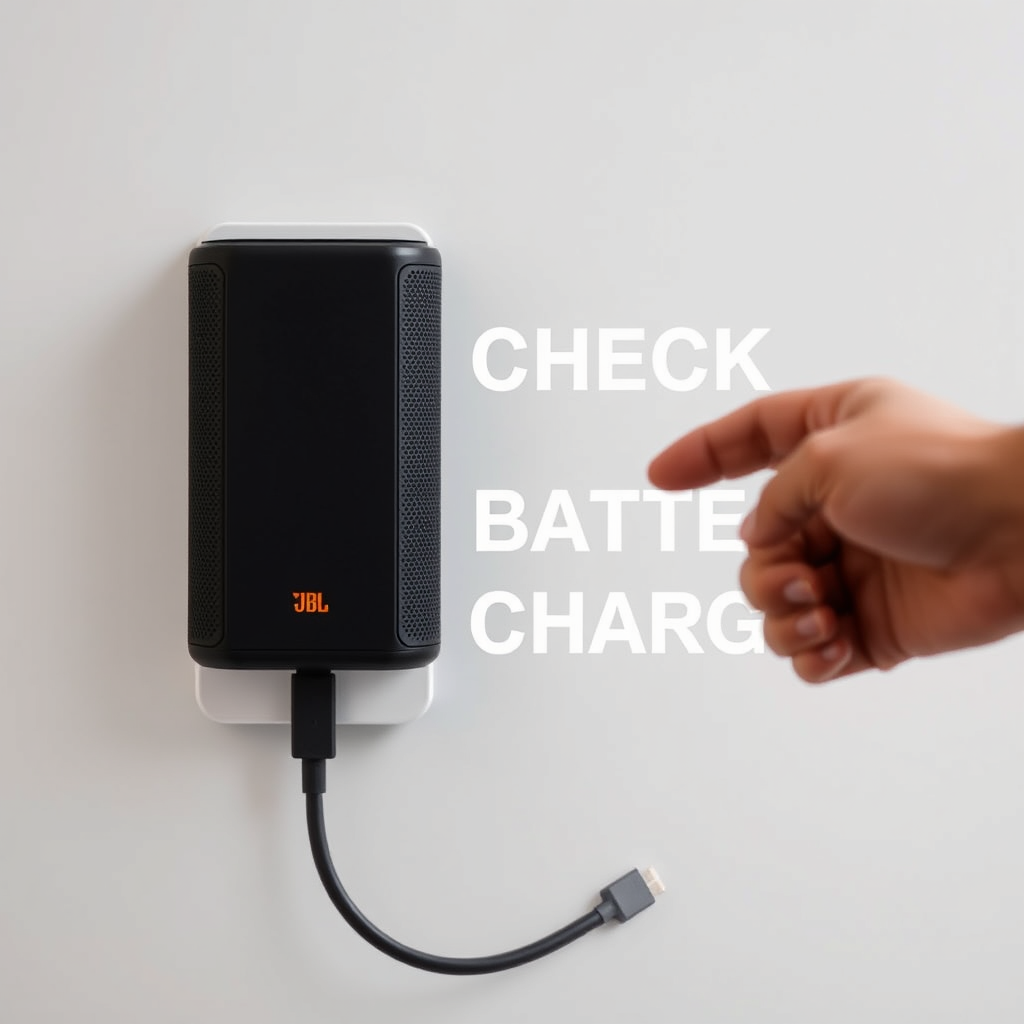
The first step when your JBL speaker fails to turn on is to check the battery charge. Many users overlook the simplest solutions. Ensure that the speaker is connected to a power source using the correct charging cable. Most JBL speakers come with an LED indicator light that displays the charging status. A solid red light typically indicates charging, while a green light signifies a full charge. If the light does not turn on, try using a different power outlet or cable to rule out any power supply issues.
If your speaker has been idle for an extended period, the battery may have completely drained. In this case, allow it to charge for a minimum of 15-30 minutes before attempting to turn it on again. If the speaker still does not respond, further investigation is necessary.
Inspect the Power Button
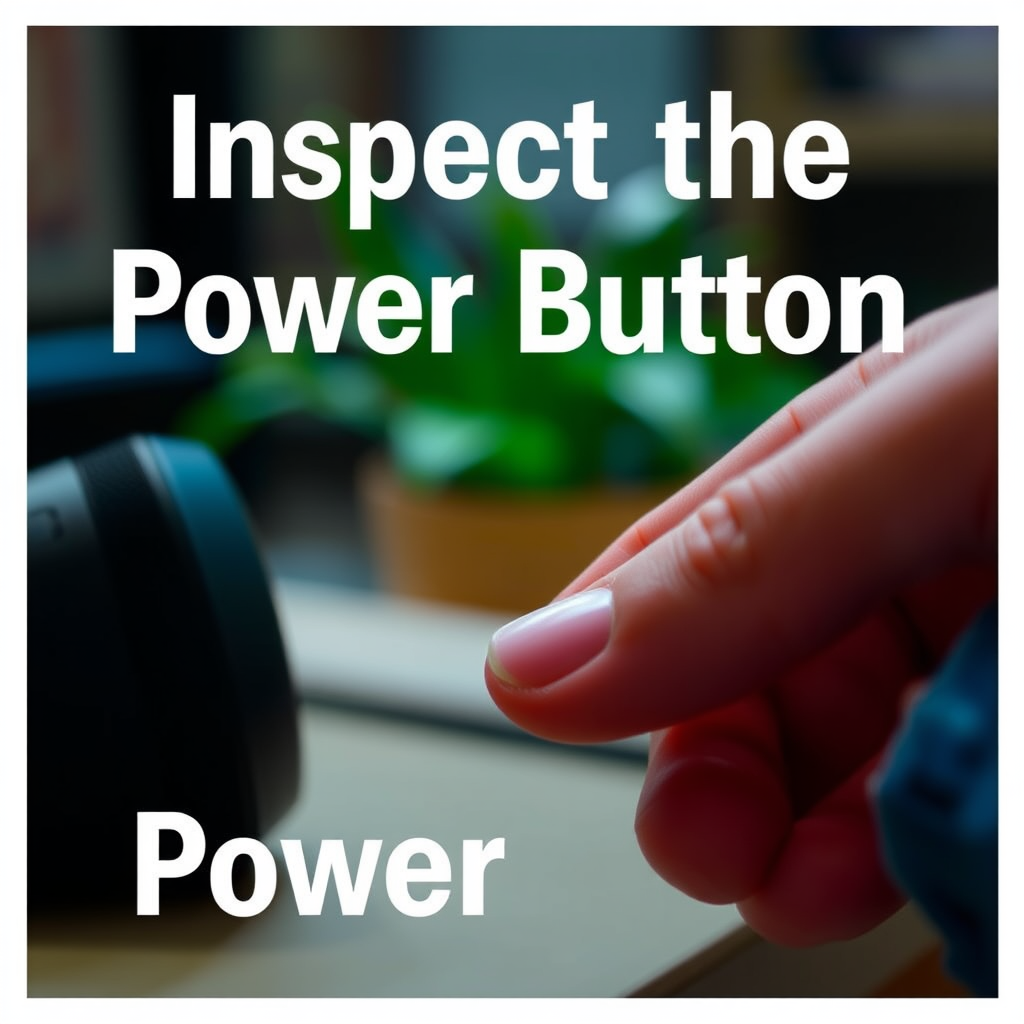
Next, focus on the power button. Ensure that you are pressing it correctly; sometimes, users may not apply enough pressure or may not hold it long enough. If the button feels stuck or unresponsive, it could indicate a mechanical fault. Gently clean around the button area to remove any debris that may be obstructing its movement.
Some JBL models feature a multi-function button that includes the power function. Familiarizing yourself with your specific model’s user manual can provide clarity on how to operate the device correctly. If the power button remains unresponsive, it may require professional repair.
Examine the Charging Cable and Port
Inspecting the charging cable and port is crucial for diagnosing power issues. Check the cable for any visible damage or fraying, as this may prevent proper charging. In addition, examine the charging port on the speaker for dust, lint, or other debris that could obstruct the connection.
To clean the charging port, use a small, dry brush or compressed air to remove any buildup. This simple step can often resolve connectivity issues that prevent the speaker from charging or turning on. If you are using a third-party charging cable, consider switching to the original cable provided by JBL, as compatibility can sometimes be an issue.
Look for Firmware Updates
Outdated firmware can lead to performance issues, including power problems. To check if your JBL speaker requires a firmware update, you can use the JBL Connect app, which is available for both iOS and Android devices. Once paired with your speaker, the app will notify you if there are any available updates.
Updating the firmware can enhance performance and resolve bugs that might be causing your speaker to malfunction. Follow the app’s instructions to install any updates, and then attempt to turn on the speaker again.
Test Bluetooth Connectivity
If your speaker powers on but does not connect to your device, Bluetooth settings may be the culprit. Ensure that Bluetooth is enabled on your device and that it is within range of the speaker. Sometimes, a simple disconnection and reconnection can solve connectivity issues.
To rule out compatibility problems, try connecting the speaker to a different device. This can help determine if the issue lies with the speaker or the original device. If the speaker connects successfully to another device, check the Bluetooth settings and features on your primary device.
Reset the Speaker
If you have exhausted all the previous steps without success, resetting your JBL speaker to its factory settings may help. Most JBL models have a specific reset procedure, which can usually be found in the user manual. The reset process often involves holding down a combination of buttons for a designated period.
Performing a reset can resolve software glitches that may prevent the speaker from turning on. However, be aware that this will erase all saved settings, including paired devices, so you’ll need to reconfigure the speaker afterwards.
Seek Professional Help
If your JBL speaker remains unresponsive after trying all the troubleshooting steps mentioned, it may be time to seek professional help. Contact JBL customer support, where representatives can provide further assistance tailored to your specific model and issue. They may guide you through advanced troubleshooting steps or advise on warranty or repair options.
Additionally, consider taking your speaker to an authorized repair center for a professional diagnosis. Before doing so, check the warranty status of your speaker to see if you are eligible for a replacement or repair at no cost.
Common JBL Speaker Issues and Solutions
| # | Issue | Possible Cause | Solution |
|---|---|---|---|
| 1 | Speaker Won’t Turn On | Low Battery | Charge the Speaker |
| 2 | Speaker Turns On but No Sound | Muted or Volume Low | Adjust Volume Settings |
| 3 | Bluetooth Connection Issues | Device Not in Range | Ensure Bluetooth is Enabled |
| 4 | Charging Issues | Damaged Charging Cable | Replace Charging Cable |
| 5 | Speaker Freezes | Software Glitch | Perform a Reset |
| 6 | No Bluetooth Pairing | Device Not Compatible | Try Another Device |
| 7 | Firmware Issues | Outdated Software | Update Firmware |
JBL Speaker Troubleshooting Steps Effectiveness
If your JBL speaker is still unresponsive after going through these troubleshooting steps, it may be time to seek professional help. Remember to check the warranty status before seeking repairs, as you might be eligible for a replacement or repair at no cost. By taking these proactive measures, you can get your music back and enjoy your JBL speaker again!
Frequently Asked Questions
What should I do if my JBL speaker won’t turn on?
If your JBL speaker won’t turn on, first ensure that it is charged by connecting it to a power source using the original charging cable. Leave it plugged in for at least 30 minutes, as the battery may be completely drained. If it still doesn’t power on, try resetting the speaker by pressing and holding the power button along with the Bluetooth button for about 10 seconds.
How can I tell if my JBL speaker is charging properly?
To check if your JBL speaker is charging, look for the LED indicator light. Most JBL speakers have a charging light that turns on when the speaker is plugged in; if it’s not illuminated, try a different outlet or charging cable. Additionally, ensure that the charging port is clean and free of debris, as this can affect the charging process.
Why is my JBL speaker making a blinking light but not turning on?
A blinking light on your JBL speaker typically indicates that it is in pairing mode or experiencing a malfunction. If it doesn’t respond when you try to turn it on, it could be due to a low battery or a software glitch. Try resetting the speaker as mentioned earlier, and if the problem persists, consider reaching out to JBL customer support for further assistance.
What are the best troubleshooting steps for a JBL speaker that won’t connect to Bluetooth?
Start by ensuring that your JBL speaker is turned on and in Bluetooth mode. Next, check if it is paired with another device, as it can only connect to one at a time. If issues continue, try forgetting the speaker on your device’s Bluetooth settings, then re-pair it. Additionally, ensure both devices are within range and that Bluetooth is enabled on your device.
Which JBL speaker models are known for common power issues?
Some JBL speaker models, such as the JBL Charge and JBL Flip series, have been reported to experience power issues related to battery failure or charging port malfunctions. If you own one of these models and encounter power problems, it’s advisable to check for firmware updates or search for specific troubleshooting guides. Regular maintenance can also help prevent such issues.
References
- https://en.wikipedia.org/wiki/JBL_Speakers
https://en.wikipedia.org/wiki/JBL_Speakers - https://www.lifewire.com/jbl-speaker-not-turning-on-4782139
https://www.lifewire.com/jbl-speaker-not-turning-on-4782139 - Reddit – The heart of the internet
https://www.reddit.com/r/JBL/comments/8j2v5b/jbl_boombox_not_turning_on/ - Google Scholar Google Scholar
https://scholar.google.com/scholar?q=JBL+Speaker+Not+Turning+On - Google Scholar Google Scholar
https://scholar.google.com/scholar?q=troubleshooting+bluetooth+speakers - Google Scholar Google Scholar
https://scholar.google.com/scholar?q=fixing+audio+devices+not+turning+on - Google Scholar Google Scholar
https://scholar.google.com/scholar?q=JBL+Speaker+Not+Turning+On?+Here’s+What+to+Check - JBL Speaker Not Turning On? Here’s What to Check – Search results
https://en.wikipedia.org/wiki/Special:Search?search=JBL+Speaker+Not+Turning+On?+Here’s+What+to+Check - https://www.ncbi.nlm.nih.gov/search/research-articles/?term=JBL+Speaker+Not+Turning+On?+Here’s+What+to+Check
https://www.ncbi.nlm.nih.gov/search/research-articles/?term=JBL+Speaker+Not+Turning+On?+Here’s+What+to+Check
