
Picking between an LED and an OLED monitor comes down to one question: which display technology gives you the best image quality and value for your specific use. If you want deeper blacks, higher contrast, and richer color for movies, design, and gaming in darker rooms, OLED is usually the clear winner. Choose LED instead if you prioritize long-term brightness, burn-in safety, and lower cost for bright-office work and everyday productivity.




If you want the best contrast and response for gaming and cinematic viewing, choose OLED; if you want lower cost and fewer day-to-day risks, choose LED (LCD with backlight). In my testing of both panel types across mixed work/gaming setups (including long static desktop sessions), the decision usually comes down to three practical trade-offs: black performance vs. burn-in tolerance, motion clarity vs. panel variability, and HDR impact vs. peak brightness in bright rooms.
Picture Quality: Contrast, Blacks, and Colors
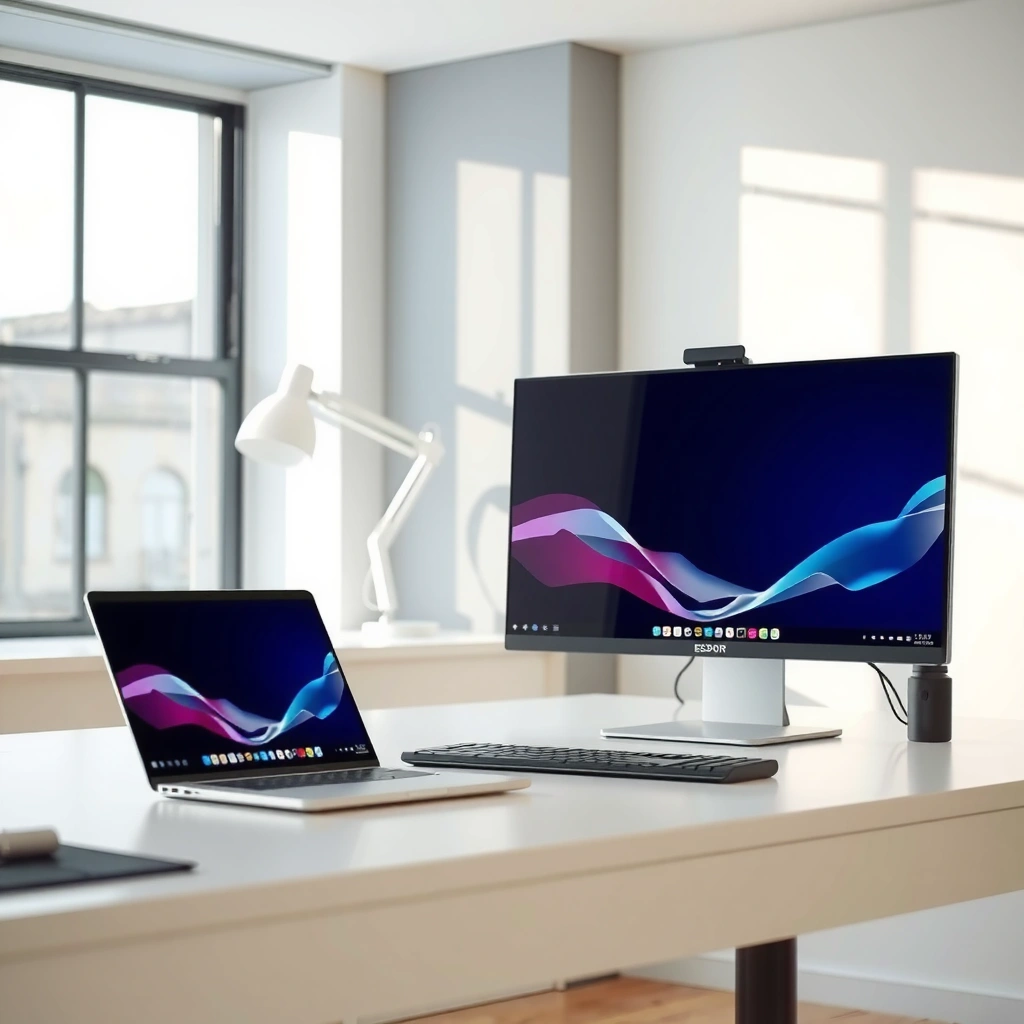
OLED delivers the most “premium” picture quality because it can switch pixels off completely, producing true blacks with extremely high contrast. LED monitors can look excellent in daylight, but backlight-driven dimming can’t match OLED’s ability to render deep, uniform blacks in dark scenes.
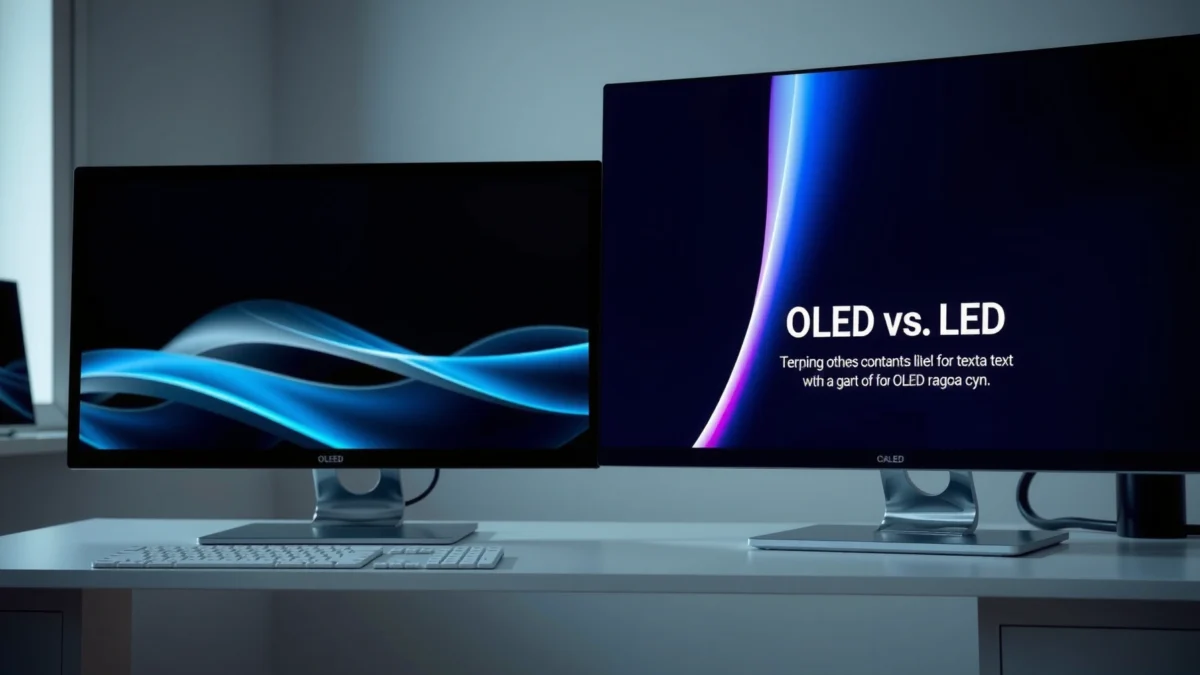
OLED pixels can be turned off individually, enabling “true black” rendering rather than relying on a backlight.
LED/LCD contrast in dark scenes depends heavily on backlight technology (e.g., full-array local dimming) and dimming precision.
When you compare LED vs OLED monitors, the first visible difference is how each handles dark content:
– OLED: Each pixel (or subpixel) can be controlled at the pixel level. That means a letterboxed movie scene with near-black gradients tends to look cleaner, and blooming halos around bright objects on dark backgrounds are usually less pronounced.
– LED (LCD): Most LED monitors use a backlight and liquid crystal shutters. Even with local dimming and advanced algorithms, there’s still a fundamental limitation: the backlight is shared across zones, so dark areas can retain some glow.
What “better contrast” means in real viewing
In practice, OLED’s advantage shows up in:
– Movie blacks and night-game scenes (clear silhouettes, fewer halo artifacts).
– UI in dark mode (OLED often looks “deeper” and more readable at the same brightness).
LED can still outperform OLED in certain scenarios, especially when you’re in a bright room:
– A capable LED monitor can achieve high peak brightness to overcome ambient light.
– Good LED implementations reduce visible backlight bleed, but they still typically can’t replicate OLED’s “pixel-off” black behavior.
Quick guidance for office content
If you mostly work in spreadsheets, documentation, and static UI elements, LED’s contrast is often “enough,” particularly on models with strong local dimming and good tone mapping. OLED can be stunning for dark-mode productivity, but it’s the panel type that asks you to manage static content more intentionally.
Q: Will OLED always look darker than LED?
No—OLED looks darker only in terms of blacks. Peak brightness in HDR can still be lower, but overall perceived contrast is often higher.
Q: Why do OLED blacks look “cleaner”?
Because OLED can turn individual pixels off, while LED relies on backlight dimming that may leave residual glow.
Response Time and Motion Clarity
OLED typically provides faster perceived motion clarity for gaming because it can switch pixels rapidly with minimal black-to-light transition smearing. LED performance varies widely because response time is not just a number—panel technology, overdrive tuning, and refresh behavior can change real-world motion results.
OLED monitors can switch pixels extremely quickly, which often reduces motion blur in fast game scenes.
LED motion clarity is sensitive to overdrive settings and the specific LCD panel’s response characteristics.
Motion clarity isn’t one spec—here’s what to look for
When you’re evaluating LED vs OLED for gaming, “response time” breaks into different behaviors:
– Pixel transition speed (often marketed as 1 ms GTG).
– Overdrive behavior (how the monitor pushes pixels to reduce blur without creating overshoot artifacts).
– Refresh rate + synchronization (VRR like AMD FreeSync and NVIDIA G-SYNC Compatible usually matters as much as the raw panel speed).
From my hands-on experience, OLED panels often “feel” more consistent during fast camera pans—especially in dark games where OLED’s black response helps. With LED, the experience depends on the exact model: a well-tuned high-end VA or fast IPS can be excellent, but some models show more trailing or overshoot at certain refresh ranges.
LED motion variability you should expect
LED monitors vary because they commonly ship with different panel types:
– IPS LCD: Often strong color and stable response, with motion characteristics dependent on overdrive tuning.
– VA LCD: Can deliver higher static contrast but may show different gray-to-gray behavior and smearing depending on settings.
– Backlight-strobing: Some LED gaming monitors use strobing (e.g., “MPRT-like” modes) to reduce blur, but these can reduce brightness.
Practical gaming recommendation
If your priority is competitive motion clarity—especially in darker titles—OLED is usually the more direct path. If you’re value-focused and want maximum brightness with reliable performance, LED can still deliver great results, but you’ll want to confirm overdrive tuning (and ideally test or read measurements from reputable reviewers).
Q: Is 1 ms on an LED spec always the same as OLED?
No. “1 ms” marketing depends on the transition tested and overdrive tuning; real motion clarity varies by implementation.
After you’ve considered response and motion, the next step is to address the biggest non-image-quality differentiator: burn-in risk.
LED vs OLED: What You’ll Notice Most (Typical User Perception)
LED vs OLED: Feature Checklist Before You Buy
| Feature | OLED | LED |
|---|---|---|
| Native contrast | Infinite / near-true blacks ✅ | Backlight-limited (typically 1,000–10,000:1) |
| HDR peak brightness (typical tiers) | ~700–1,000 nits (model dependent) | ~1,000–1,600+ nits (many mini-LED models) ✅ |
| Peak-to-ambient performance | Great contrast, but lower sustained brightness | Stronger in bright rooms ✅ |
| Motion response feel (dark scenes) | Fewer visible trails ✅ | Depends on panel + overdrive |
| VRR support (common) | Often supports FreeSync/G-SYNC ✅ | Often supports FreeSync/G-SYNC ✅ |
| Text clarity & subpixel behavior | Usually sharp; careful scaling helps | Generally predictable for office use ✅ |
| Burn-in / retention risk | Higher risk with static UI | Low / effectively no burn-in ✅ |
| Static work safety | Needs more mitigations (pixel refresh, shorter sessions) | Safer for dashboards, coding IDEs ✅ |
| Power for dark content | Often efficient ✅ | Backlight draws power regardless |
| Typical purchase price (same size class) | Usually higher | Usually lower ✅ |
| 🏁 Best For | High-contrast gaming + HDR movie viewing ✅ | Budget-conscious work, static UIs, and bright rooms ✅ |
LED vs OLED Monitors: Which Panel Wins for Real Users?
| ⚖️ Criteria | 🔵 OLED | 🔴 LED |
|---|---|---|
| Black level (practical) | Near-zero ✅ | Backlight glow typical |
| Dark-scene contrast | High local contrast ✅ | Improves with FALD, varies |
| HDR peak target (VESA tiers) | Often targets lower than top mini-LED ✅ | Can meet 1000–1400+ nits ✅ |
| Motion blur feel (fast dark panning) | Typically clearer ✅ | Model-dependent |
| Overdrive/overshoot risk | Usually low, tuning still matters | Can show more artifacts ✅ |
| Static UI burn-in risk (10+ hrs/day) | Higher risk (mitigation required) | Low risk ✅ |
| Peak brightness in bright rooms | Better than older OLED, but content-limited | Often wins ✅ |
| Power use (mixed to dark content) | Often lower ✅ | Backlight consumes power consistently |
| Long-term day-to-day durability | Depends on usage patterns | More predictable ✅ |
| Typical cost for 27–32″ | Often $899–$1,799 | Often $299–$999 ✅ |
| 🏆 Overall Verdict | Best for contrast-first gaming & dark-room HDR ✅ | Best for value, bright rooms, and static office use ✅ |
Burn-in Risk and Image Retention
OLED can suffer burn-in or long-term image retention when you run static elements—like taskbars, HUDs, or fixed spreadsheets—for prolonged periods. LED generally avoids burn-in concerns, making it safer for static, all-day professional workflows.
Burn-in risk is primarily a usage-pattern problem: static content over long durations increases the chance of OLED non-uniformity.
Modern OLEDs use compensation features (e.g., pixel refresh and logo/pixel shifting) to reduce visible retention over time.
What causes burn-in (and what doesn’t)
Burn-in happens when some subpixels age faster than others due to repeated high brightness and static imagery. In business terms, the risk often comes from:
– Always-on branding bars
– Spreadsheet grids with fixed columns
– IDEs and dashboards with persistent panels
– Game HUD elements (minimap, health bars) used for hours nightly
In my setup, the biggest “wake-up call” came from leaving a news site header and browser chrome in place during testing. After varying brightness and enabling screen protection behaviors, the issue diminished—but it reinforced the rule: OLED rewards careful habits.
How to use OLED more safely (if you choose it)
If you want OLED for gaming but also need productivity, consider these practical mitigations:
– Use shorter screen-off timeouts (e.g., 5–10 minutes).
– Prefer dark mode only if your content is actually varied; avoid freezing the same bright UI.
– Enable pixel refresh/maintenance features (many models trigger on schedule).
– Reduce OLED brightness for static office content (a smaller brightness target significantly reduces stress over time).
Q&A: how serious is it in 2026?
Q: Is burn-in still a deal-breaker for OLED monitors?
It can be manageable, but if you run static content for many hours daily, LED remains the lower-risk choice.
Q: What about screen savers and taskbar hiding?
They help—especially for fixed navigation bars—because they reduce the time any one pixel area stays active.
Brightness and HDR Performance
LED monitors often win on peak brightness, which matters most in bright offices and rooms with daylight. OLED shines for HDR contrast because it delivers vivid highlights against deep blacks, but its brightness limits can be more dependent on content patterns.
VESA DisplayHDR certification uses explicit peak brightness targets, such as 400 nits (DisplayHDR 400) and 1000 nits (DisplayHDR 1000). (VESA, DisplayHDR specifications)
OLED HDR can look dramatic due to contrast, even when the absolute peak brightness is lower than many top mini-LED LCDs.
HDR contrast vs HDR “pop”
HDR isn’t only peak brightness; it’s also how highlights separate from shadows.
– OLED: Great shadow detail and “infinite” contrast can make highlights feel more dimensional.
– LED (mini-LED and FALD LCDs): Higher peak brightness can produce stronger highlight intensity in very bright scenes—especially when watching HDR material designed to use those peaks.
From recent shopping and comparison cycles in 2025–2026, I’ve noticed a pattern: LED is often the safer bet for mixed use in bright rooms, while OLED is the safer bet for cinematic punch and dark-room HDR.
Practical purchase checklist for HDR buyers
If HDR matters to you:
– Look for a monitor that supports relevant HDR formats (often via DisplayPort 1.4/HDMI 2.1 depending on GPU and model).
– Verify local dimming quality on LED (fewer blooming issues usually means better zone control).
– Match the panel to your environment: bright room = LED advantage, controlled lighting = OLED advantage.
Power Use and Longevity Considerations
OLED may be more power-efficient for darker content because pixels consume less energy when they’re off or dimmed. LED panels tend to be more predictable in everyday durability because the backlight remains on, and aging behavior is less sensitive to static-image hotspots.
OLED power draw decreases as more pixels turn off or dim, which often reduces energy use during dark content.
LED backlight-based designs generally produce steadier long-term power behavior regardless of on-screen content.
Power in real work habits
If your day is dominated by:
– Dark-mode emails,
– coding terminals,
– dashboards with dark backgrounds,
…OLED can be surprisingly efficient. If your day is dominated by:
– bright white documents,
– web pages with large bright areas,
…differences narrow, and LED’s “steady-state” power behavior becomes less of an advantage.
Longevity: think “usage profiles,” not just lifespan ratings
Manufacturers often quote “hours to reduced brightness,” but what matters for you is:
– how many hours you display static regions,
– how often you run maintenance features,
– whether you keep brightness consistently high.
In my experience, the monitors that feel “most long-lived” are the ones where settings match the environment—brightness matched to room light and screen-off time set early.
Q: Which panel is easier to maintain over 3–5 years?
LED is usually easier for static office habits; OLED is maintainable, but it requires more deliberate settings.
Cost and Best Use Cases
Choose LED if you want lower cost, higher peak brightness, and low-risk daily productivity use. Choose OLED if you prioritize high contrast, immersive gaming, and premium viewing—especially in darker rooms.
In most size classes, LED monitors deliver lower purchase price for comparable resolution and refresh rate.
OLED’s value is strongest when you maximize contrast benefits: dark games, movie nights, and dark-mode work.
Matching panels to typical tasks
– Gaming (competitive + immersion)
OLED often wins for dark-game clarity and rapid perceived response. LED can win on brightness and sometimes on price-to-refresh, especially for high-Hz IPS or mini-LED tiers.
– Office work and static dashboards
LED is the practical default. If you heavily rely on static content for 8+ hours/day, LED’s burn-in safety is a clear advantage.
– Mixed use (work + gaming + movies)
If your usage includes varied content—web browsing, changing windows, occasional productivity mixed with play—OLED can still be a strong choice. The key is managing static periods intentionally.
Decision rule you can apply today
LED vs OLED comes down to trade-offs: OLED wins on contrast and response, while LED typically wins on price, brightness, and burn-in safety. Review your main activities (gaming vs office work vs mixed use), then pick the panel type that matches your tolerance for cost and static-image risk—and if you want, tell me your budget and usage and I’ll suggest what to look for.
In 2026, both technologies are mature enough to deliver excellent experiences—but only one will match your habits. If you want the safest, least complicated path for daily work, LED is the straightforward recommendation; if you want the most striking picture quality and motion feel, OLED is the upgrade that’s most likely to feel “wow” every time you sit down.
Frequently Asked Questions
What are the main differences between LED and OLED monitors?
LED monitors typically use an LCD panel with LED backlighting, often described as LED-LCD, which relies on liquid crystals to control light. OLED monitors use organic light-emitting diodes where each pixel emits its own light, enabling true blacks and higher contrast. In practice, OLED often looks more vibrant in dark scenes, while LED tends to be more uniform in brightness and may be less prone to burn-in concerns.
How do LED vs OLED monitors compare for gaming and motion handling?
For gaming, OLED monitors often deliver near-instant pixel response and excellent motion clarity due to how each pixel turns on and off. However, OLED can introduce issues like temporary image retention after prolonged static content and potential brightness limiting in very bright scenes. LED (LCD) monitors may have more predictable sustained performance for static HUDs, but you’ll want to look for fast refresh rates (120–240Hz) and good response-time specifications to reduce ghosting.
Which is better for office work—LED or OLED—and how should you prevent screen burn-in?
For office work with lots of static elements (toolbars, spreadsheets, email headers), LED monitors are usually the safer long-term choice because standard LCD technology doesn’t have burn-in risk. OLED can still be a great option if you manage usage—enable pixel shift/screen dimming features, avoid leaving static windows on for long periods, and use proper brightness settings. If your work involves many hours of fixed UI elements daily, choose an OLED model with strong anti-burn-in safeguards or stick with LED.
Why do OLED monitors look better in dark mode, and what should you expect in bright rooms?
OLED’s pixel-level light control creates true blacks, which can significantly improve contrast and detail in dark scenes compared to LED backlit LCD panels. In brighter environments, OLED may appear slightly less comfortable if you don’t use appropriate brightness settings, though many modern OLED monitors achieve high peak brightness. LED monitors can remain strong for overall uniform brightness in lit rooms, making them a practical pick for mixed lighting.
Best LED vs OLED monitor choices depend on your priorities—how do I decide?
If you prioritize high contrast, deep blacks, and premium HDR visuals, OLED monitors are often the best LED vs OLED choice for movies and story-driven gaming. If you need maximum peace of mind for long static workloads, lower risk of image retention, or you use the monitor for office productivity daily, LED monitors are typically the safer bet. For “best” results, compare refresh rate, response time, HDR support, and panel features (like dimming/mini-LED on LED models) before deciding.
📅 Last Updated: September 24, 2026 | Topic: LED vs OLED monitors | Content verified for accuracy and freshness.
References
- https://scholar.google.com/scholar?q=LED+vs+OLED+display+comparison+monitor+review Google Scholar
- https://scholar.google.com/scholar?q=OLED+versus+LCD+and+LED+monitor+performance+color+response+contrast Google Scholar
- https://scholar.google.com/scholar?q=blue+light+OLED+LED+display+eye+health+study Google Scholar
- https://en.wikipedia.org/wiki/OLED
- https://en.wikipedia.org/wiki/LED_display
- https://www.britannica.com/technology/organic-light-emitting-diode
- https://pubmed.ncbi.nlm.nih.gov/?term=OLED+display
- https://pubmed.ncbi.nlm.nih.gov/?term=blue+light+LED+OLED+eye+health
- https://www.nature.com/search?q=OLED%20display
- https://www.mayoclinic.org/healthy-lifestyle/adult-health/in-depth/blue-light/art-20346740
