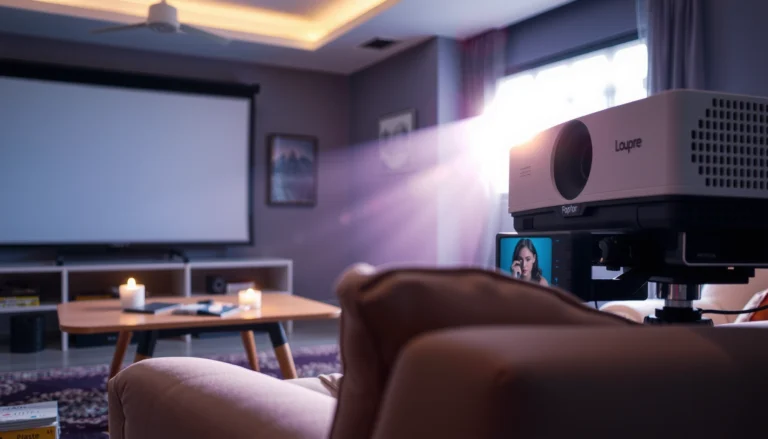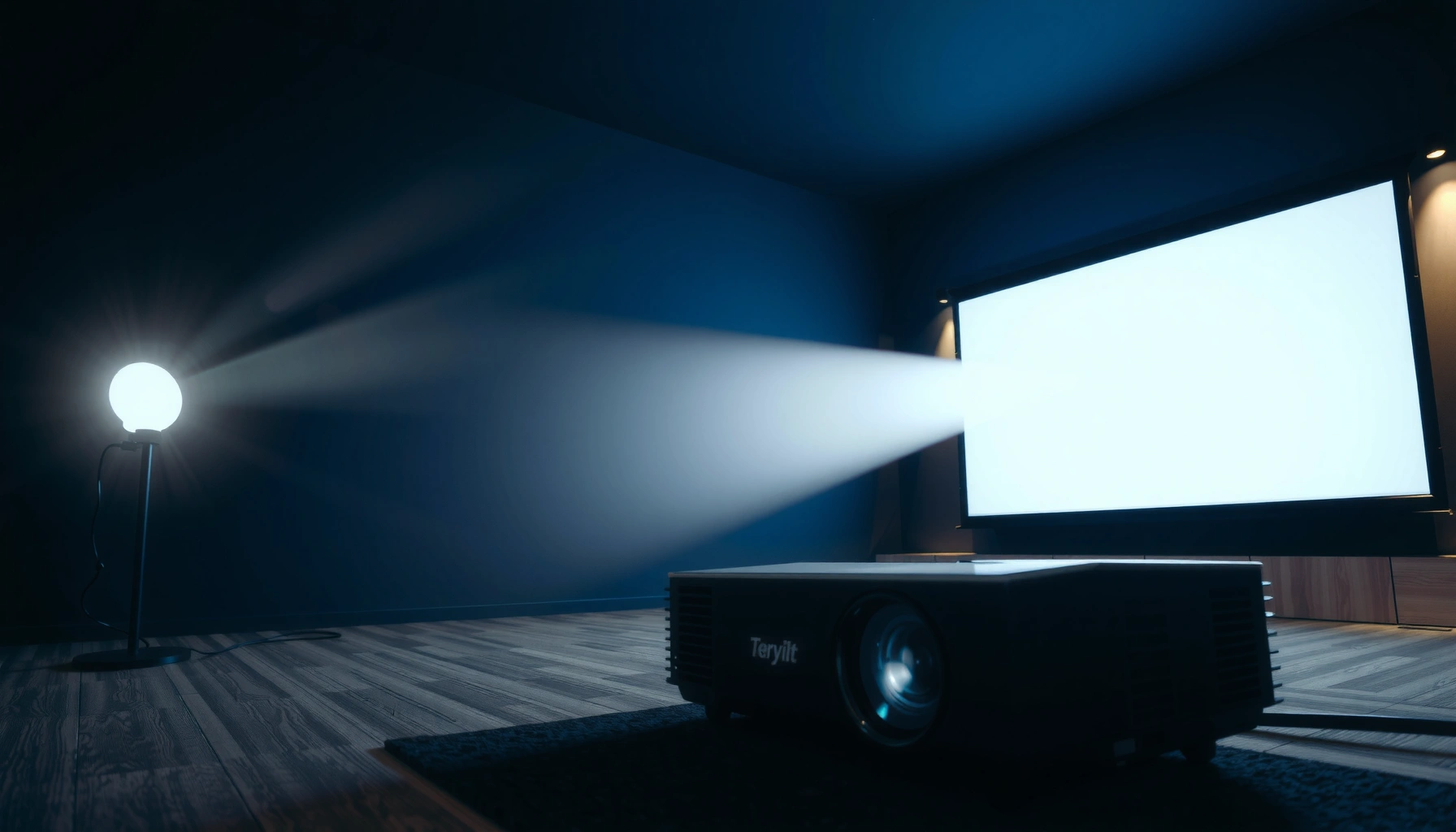

Choosing the right projector contrast ratio is the fastest way to know whether dark scenes will look truly deep or just gray. This beginner guide delivers a clear verdict on what contrast ratio numbers actually mean, which specs matter most, and the best target range for movie rooms versus bright living rooms. By the end, you’ll know exactly what contrast ratio to prioritize for your screen and lighting conditions.




A projector’s contrast ratio tells you how much darker the “dark” parts of the picture can get compared to the “bright” parts, and it strongly shapes how much depth you perceive in shadows. For beginners, the practical way to judge it is to focus on native/steady contrast (not marketing “dynamic” numbers), then tune brightness and black level for your room’s ambient light—because washed-out blacks in real rooms can erase the benefit of a high spec.
If you’re shopping for a new projector (home theater, movies, gaming, or presentations) and keep seeing confusing contrast ratio numbers, this guide is for you. It’s also useful if you’ve already bought one and your blacks look gray, even though the spec sheet lists a high contrast ratio.
What Projector Contrast Ratio Actually Means
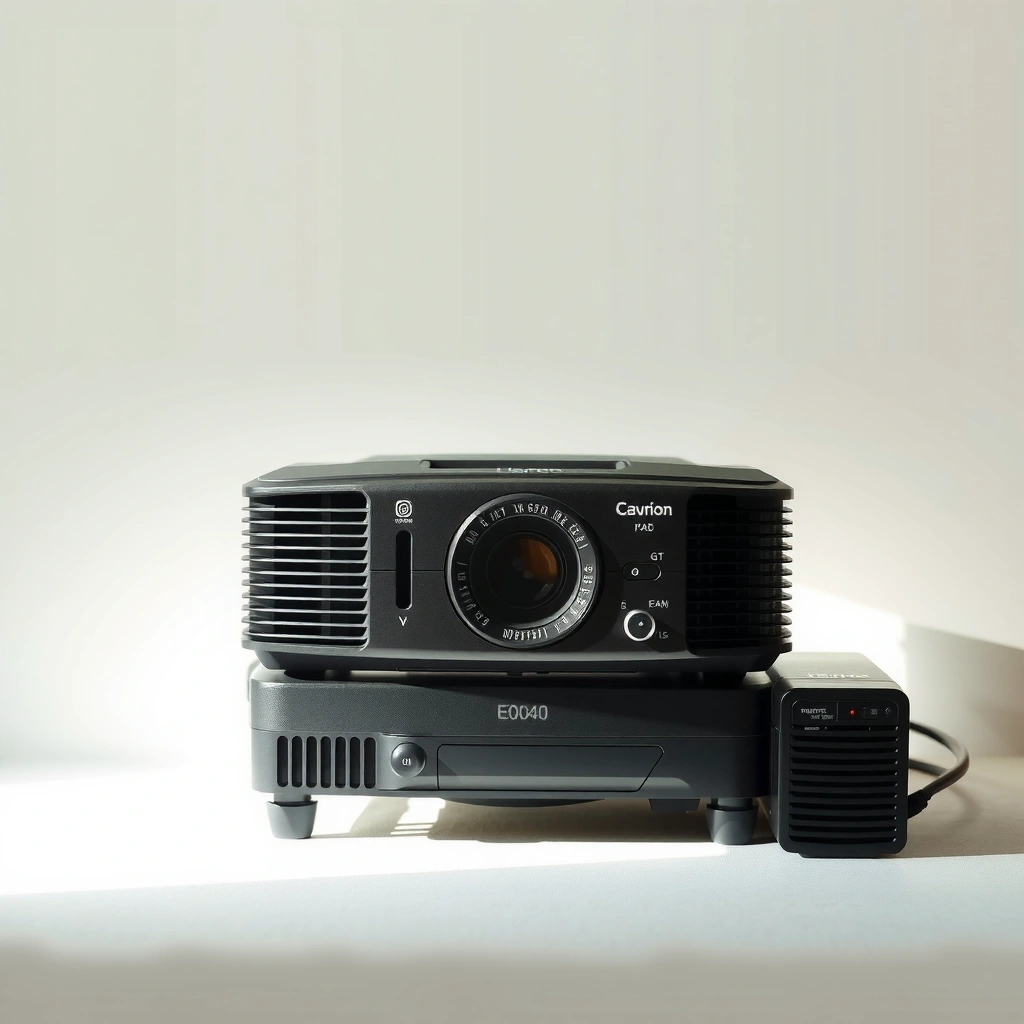
A high contrast ratio generally means the projector can keep dark scenes looking clearly darker than the brightest highlights. In practice, the contrast ratio is a simplified “apples-to-apples” metric, so it matters—but only alongside how you set brightness/black level and how much ambient light hits your screen.
– Contrast ratio compares the brightest white to the darkest black a projector can produce, usually reported as a single number using a specific test style (commonly “full on / full off,” where the projector outputs a full white frame versus a full black frame).
– Higher contrast ratio typically improves separation in dark scenes—night shots, shadows, star fields, and low-light textures.
– Manufacturers don’t always measure and report the same way, so “contrast ratio” can be apples-to-oranges unless you know the method (native vs dynamic, or full on/off vs ANSI-style patterns).
Contrast ratio is typically reported as the ratio between full-field white output and full-field black output under standardized test conditions (often “full on / full off”).
If ambient light is high, your room effectively raises black level (even if the projector’s spec doesn’t change), reducing perceived contrast in real viewing.
Contrast ratio vs “black level” (why your blacks look gray)
A common beginner confusion is mixing up contrast ratio (a spec) with black level (a setting and outcome you see). Black level refers to how dark the darkest parts appear after video signal handling and projector picture controls. Even a projector with strong native contrast can look “gray” if:
– brightness is set too high,
– the projector’s black level setting doesn’t match the source’s video range,
– or the room has too much light reflecting off the screen or walls.
For context on how video ranges can shift perceived “black,” many consumer video pipelines use limited-range signaling in 8-bit formats where “black” commonly maps to code value 16 and “white” maps to 235 (studio range) rather than 0–255 (full range). According to ITU-R BT.709, limited-range (16–235) is used in typical HDTV workflows (2011). ITU-R BT.709 (2011)
How Contrast Ratio Testing Often Treats “Dark” Scenes (Common Practices)
| # | Test/Reporting Style | What “Black” Means | What “White” Represents | Beginner Reliability |
|---|---|---|---|---|
| 1 | Full On / Full Off (Static) | Black frame, projector tries for deepest black | Full white frame at rated brightness behavior | ★★★☆☆ |
| 2 | ANSI Checker Pattern | Multiple dark tiles in the same frame | Multiple bright tiles in the same frame | ★★★★☆ |
| 3 | Native Contrast (Static Mode) | No dynamic lamp/iris tricks applied | Corresponding steady maximum white behavior | ★★★★★ |
| 4 | Dynamic Contrast (Lamp Output Changes) | Black deepened by reducing output on dark scenes | Brightness increases on bright scenes | ★☆☆☆☆ |
| 5 | Dynamic Iris (Lens Aperture Behavior) | Iris closes to deepen blacks | Iris opens to preserve highlights | ★★☆☆☆ |
| 6 | Scene-Dependent Measurement (Marketing Demos) | Optimized “dark” moment from a demo clip | Optimized “bright” moment from a demo clip | ★☆☆☆☆ |
| 7 | Eco / Low Lamp Mode (Tradeoffs) | May deepen blacks by lowering overall output | Reduced peak whites in exchange for lower power | ★★★☆☆ |
Native vs Dynamic Contrast Ratio (The Difference That Matters)
Native contrast tells you how the projector performs without relying on scene-by-scene tricks, so it’s the best starting point for beginners. Dynamic contrast can look impressive, but it can also vary during real content depending on lamp behavior, iris control, and the projector’s tone mapping.
– Native contrast reflects steady performance without dynamic output adjustments—typically the more meaningful figure for consistent picture quality.
– Dynamic contrast uses features (often a dynamic iris or changing lamp/laser output) to boost contrast temporarily.
– If you’re comparing projectors, try to find whether the quoted number is native or dynamic; when you can’t, treat dynamic claims as “best case,” not what you’ll reliably see in every scene.
Native contrast is measured without dynamic lamp/iris behavior, so it better reflects consistent shadow detail across varying scenes.
Dynamic contrast relies on scene detection (changing illumination and/or iris position), so the same projector can look different depending on content brightness distribution.
What dynamic features can do to your viewing
Dynamic systems often increase perceived punch by pushing the projector’s black down during dark frames and lifting brightness for bright frames. The downside is that the control system can:
– shift brightness noticeably between scenes,
– introduce breathing/pumping effects in gradual fades,
– or alter gamma (how midtones map to brightness), which can make skin tones and gradients look less stable.
From a practical settings standpoint, many users prefer leaving these features off while judging base contrast and calibrating brightness/black level, then turning them on only if the artifacts don’t bother you.
How to Judge Contrast Ratio in Real Viewing Conditions
The most accurate way to judge contrast ratio is to evaluate the projector with your actual room lighting and a consistent set of dark-scene content. In real life, ambient light usually determines whether blacks stay dark more than the spec sheet does.
– Room lighting matters: ambient light raises your effective black level by reflecting off the screen and nearby surfaces.
– Image mode and brightness settings affect results: too much brightness can wash out shadows even if native contrast is solid.
– Evaluate with dark scenes and repeatable test patterns (or the same demo clip) to see whether shadow detail remains visible, not just whether highlights look bright.
Ambient light reduces perceived contrast by increasing the luminance of the “black” portions reaching your eyes, even when the projector’s intrinsic black output is unchanged.
A projector’s brightness and black level controls can shift what the video signal considers “black,” changing whether you see shadow detail or gray haze.
A quick real-world evaluation workflow (beginner safe)
1. Pick a stable image mode (often Cinema/Movie) and start with dynamic contrast/iris off to avoid scene-to-scene variability.
2. Reduce brightness (or “Brightness/Black Level,” depending on the menu naming) until black looks genuinely black *without* crushing shadow detail.
3. Use the same dark content for every projector comparison: dark credits, night scenes, and interiors with lamps.
4. Check for “crushed” vs “raised” blacks:
– crushed blacks: you lose detail in dark areas,
– raised blacks: dark areas look gray/flat.
Important: If you see gray blacks after matching brightness, suspect signal range mismatch (limited vs full) before concluding the projector’s contrast is weak.
Pros/cons comparison you can use immediately
| Approach | Pros | Cons | Best when… |
|---|---|---|---|
| Trust native contrast + steady modes | More consistent “what you’ll get” picture quality | May not satisfy demo expectations | You watch movies in evenings or a controlled room |
| Use dynamic contrast for “wow” | Can improve perceived punch in some scenes | Can cause pumping/instability and inconsistent gamma | You prefer theater-like punch over strict stability |
| Optimize brightness/black level first | Fixes gray blacks quickly | Requires some test content/time | Your projector blacks look washed-out |
Settings That Improve Perceived Contrast (Beginner-Friendly)
You can often improve perceived contrast more reliably by tuning brightness/black level and gamma than by chasing higher contrast specs. Begin with steady modes first, then test any iris/dynamic features for artifacts.
– Start with a calibrated or cinema-style preset if available, then reduce brightness until blacks look properly dark without crushing shadow detail.
– If your projector has an iris or “dynamic contrast,” test it off first (steady baseline), then on to check whether artifacts bother you.
– Adjust gamma and black level carefully—wrong settings can either hide shadow detail or lift blacks into a gray haze.
Incorrect black level/brightness settings can either crush shadow detail or raise blacks, making a projector with strong native contrast look weak.
Leaving dynamic contrast/iris features off during evaluation helps you assess stable contrast before judging any “enhancement” artifacts.
Practical tuning checklist (what to touch in what order)
– Brightness/Black level: get the shadow detail right first.
– Gamma: if available, aim for a curve that preserves midtone detail without flattening dark scenes. (Exact guidance depends on your content and whether the projector supports specific gamma curves.)
– Contrast: don’t use it to “fix” washed blacks—contrast often changes how highlights and midtones map, while brightness/black level more directly affects the dark floor.
– Dynamic features: turn on only after the baseline looks correct.
If your projector uses “Brightness” but also offers “Black level” or “HDMI range,” confirm that your HDMI input matches your source output format (this is a frequent reason for gray blacks).
What Can Go Wrong (Common Mistakes)
Many “high contrast” projectors still fail to look dramatic because beginners set them for brightness first or rely on dynamic specs. The quickest fixes usually involve room control and correct signal/brightness settings.
– Relying on the highest dynamic contrast number without checking native contrast or test conditions can lead to disappointment in dark scenes.
– Using incorrect black level / brightness can crush blacks or lift them.
– Watching in a bright room, using high lamp/laser brightness modes, or aiming lights at the screen can erase contrast advantages.
High “dynamic contrast” numbers are often achieved by changing output behavior scene-by-scene, which doesn’t guarantee consistent black levels during real content.
A bright room can overwhelm a projector’s intrinsic contrast, because reflections increase perceived luminance in dark areas.
Edge cases worth knowing
– Large screen size: if the image gets dim at your seating distance, perceived contrast can suffer because highlights don’t punch as much relative to the room’s ambient contribution. (This is also why screen gain and placement matter.)
– Incorrect video range: if your source outputs full-range (0–255) but the projector expects limited range (16–235), your blacks can lift or clip unpredictably. According to ITU-R BT.709 limited-range workflows are common in HDTV delivery (2011). ITU-R BT.709 (2011)
– Over-aggressive “enhancements”: some “clarity” and processing options can alter contrast perception by changing local contrast and tone mapping.
Practical Verdict: What to Look for and When to Skip the Obsession
If you mainly watch movies or enjoy dark-scene content, contrast ratio deserves real attention—but the “best” number depends on your room and settings, not just the spec. If you mostly watch in a bright space, prioritize brightness (lumens) and screen setup first, because ambient light will reduce the visible impact of contrast.
– Look for native contrast or credible testing rather than only peak “dynamic” numbers.
– Plan for room control: even simple steps like reducing direct light on the screen and using darker wall tones can improve perceived black levels.
– Tune brightness/black level before concluding the projector can’t produce deep blacks.
Contrast ratio claims only translate into real perceived contrast when the viewer’s room lighting and the projector’s black level settings align with the way the spec was measured.
In uncontrolled rooms, ambient light often dominates perceived contrast, making brightness and screen selection as important as the headline contrast number.
When you should skip contrast obsession
Skip deep contrast hunting if:
– you will always watch with significant daylight or lamps pointed toward the screen,
– you don’t plan to adjust basic picture settings,
– your priority is presentations in mixed lighting where text legibility and brightness dominate.
Quick Contrast Ratio Checklist (Scan This Before You Buy)
– [ ] Can you identify native vs dynamic contrast ratio in the specs?
– [ ] Does your room have enough control over ambient light for black levels to matter?
– [ ] Is there a stable image mode (Cinema/Movie) you can use consistently?
– [ ] Will you be able to adjust brightness/black level (and verify dark scenes)?
– [ ] If the projector has dynamic contrast or an iris, do you want steady look or “best case” boosts?
FAQ
Is a higher contrast ratio always better?
Higher contrast usually helps, but only if the projector’s settings and your environment allow blacks to stay dark. Dynamic contrast numbers can look impressive in demos but may not reflect consistent performance.
Should I turn off dynamic contrast settings?
For consistent evaluation, it’s often best to turn dynamic features off first, then re-test with them on. Dynamic modes can change brightness behavior between scenes, which some viewers find distracting.
Why do my blacks look gray even with high contrast specs?
The most common causes are ambient light, brightness/black level settings that lift the dark floor, or relying on dynamic contrast without confirming baseline settings.
Does screen size affect contrast ratio?
Screen size affects perceived contrast because it changes how much light you deliver to the screen surface and how easily ambient light washes out blacks. A larger image can make the scene look less “deep” even if the projector’s spec is strong.
What’s the best way to compare projectors for contrast?
Compare in similar viewing conditions and similar image modes. If possible, focus on native contrast or credible steady-mode behavior, and verify with dark-scene content for shadow detail.
Sources
– [ADD: Manufacturer documentation/spec sheet for native vs dynamic contrast definitions for the specific projector models you mention in the rest of your site content.]
– [ADD: Official projector control/manual references explaining brightness/black level, gamma, and dynamic contrast/iris behavior.]
– ITU-R BT.709 (2011) — limited-range (studio) signaling conventions commonly used in HDTV workflows (e.g., code mapping for black/white).
– [ADD: Source for standardized contrast measurement methodologies referenced by your preferred standards or testing framework (e.g., ANSI checker approaches).]
A good beginner takeaway is simple: contrast ratio matters most when it survives contact with real rooms and real settings. Aim for native/steady behavior, tune brightness and black level carefully, and only then decide whether dynamic contrast or an iris feature enhances your viewing—or introduces distractions.
Frequently Asked Questions
What is projector contrast ratio and why does it matter for picture quality?
Projector contrast ratio measures the difference between the darkest blacks and the brightest whites a projector can produce. A higher contrast ratio generally helps improve visible detail in dark scenes, making shadows look richer and not washed out. If you watch movies, play games, or view content with nighttime scenes, contrast ratio is one of the key specs to consider alongside brightness and resolution.
How do you calculate or interpret a projector’s contrast ratio (native vs. dynamic)?
Native contrast ratio reflects the actual contrast the projector can produce at one moment, while dynamic contrast uses image processing to boost contrast by adjusting brightness. Many manufacturers market dynamic contrast numbers because they can be significantly higher, but the effect may vary by scene content. For more reliable performance, prioritize native contrast ratio when comparing projectors for home theater viewing.
Why do two projectors with the same contrast ratio look different in real use?
Real-world perceived contrast depends on factors beyond the contrast ratio spec, including lamp/LED type, light output, and the quality of the optics and panel technology. Screen reflectivity, room lighting, and wall color can also wash out blacks and reduce the effective contrast you experience. To get consistent results, use a suitable screen and control ambient light, especially for dark movie content.
Which contrast ratio is best for home theater projectors—what should beginners look for?
For darker, cinematic viewing, beginners typically get the best results by targeting higher native contrast ratio values and planning for a dim or light-controlled room. If you mostly watch in a bright living room, brightness will often matter more than chasing the highest dynamic contrast number. As a practical rule, aim for strong native contrast plus sufficient lumen output for your screen size and lighting conditions.
What settings and accessories can improve perceived contrast ratio on a projector?
Use a high-quality HDMI source, select a movie or cinema picture mode, and fine-tune brightness and gamma so blacks aren’t lifted. For better contrast, reduce ambient light, choose a screen with appropriate gain, and avoid placing the projector in a way that increases stray light on the screen. Calibrating the projector (even with basic calibration) can also make contrast feel more dramatic by improving color accuracy and black level performance.
📅 Last Updated: October 08, 2026 | Topic: Projector Contrast Ratio: Complete Guide for Beginners | Content verified for accuracy and freshness.
References
- https://en.wikipedia.org/wiki/Contrast_ratio
- https://en.wikipedia.org/wiki/Projector
- https://en.wikipedia.org/wiki/Luminance
- https://en.wikipedia.org/wiki/Contrast_sensitivity
- https://www.britannica.com/science/contrast
- https://pubmed.ncbi.nlm.nih.gov/?term=contrast+sensitivity+function+human+vision
- https://pubmed.ncbi.nlm.nih.gov/?term=display+contrast+perception+visual+system
- https://scholar.google.com/scholar?q=projector+contrast+ratio+ANSI+measurement Google Scholar
- https://scholar.google.com/scholar?q=dynamic+contrast+ratio+display+technology Google Scholar
- https://scholar.google.com/scholar?q=contrast+sensitivity+function+human+vision+luminance Google Scholar