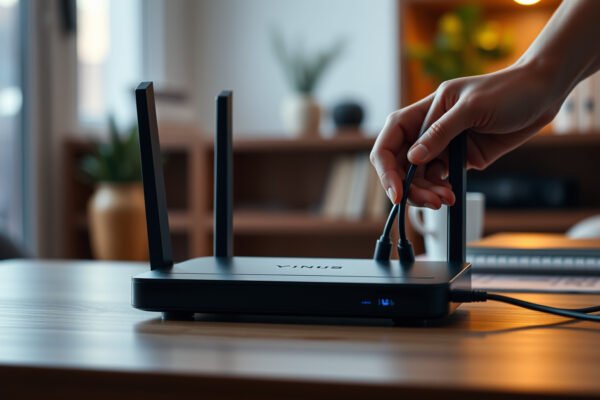
A person considering when to replace a router for enhanced security in their home network.

When Should You Replace a Router for Security?

Replace your router for security when it no longer receives timely firmware updates, when it can’t be upgraded to protect against known vulnerabilities, or when its security features can’t meet today’s baseline (like strong WPA3 support). If you’re still using an older model that’s stuck on outdated software—or you can’t reliably install patches—replacing the router…

Read Full News
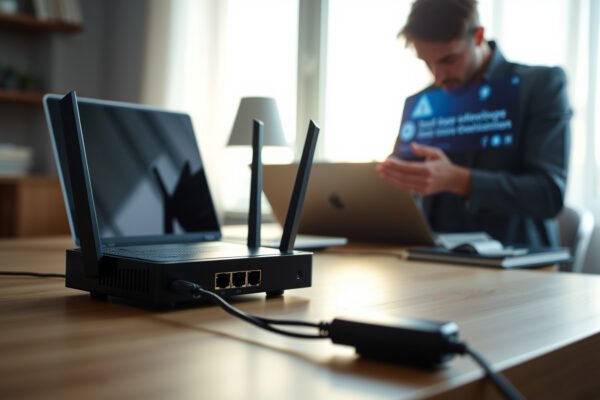
Image illustrating factors to consider when choosing a router brand for your home or office network.

Does Router Brand Matter? What to Consider Before You Buy

Router brand matters—but only within certain buying conditions. If you prioritize reliable firmware updates, strong security, and stable performance under load, choosing a top-tier router brand is the difference between smooth coverage and constant resets. If you’re on a tight budget or need a simple, short-range setup, brand matters far less than features like Wi‑Fi…

Read Full News
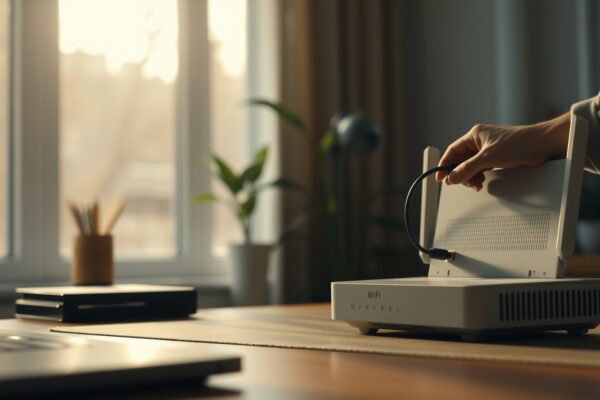
Image illustrating best practices for securing your modem, including settings, Wi-Fi, and admin tips.

How to Secure Your Modem: Settings, Wi-Fi, and Admin Best Practices

Want to know how to secure your modem fast and for real? Use a hardening checklist that starts with the admin interface—change default credentials, disable remote management, and update firmware—then lock down Wi‑Fi with WPA3/WPA2, a strong passphrase, and a modern router configuration. If you want the quickest path to fewer intrusions, this settings-first approach…

Read Full News
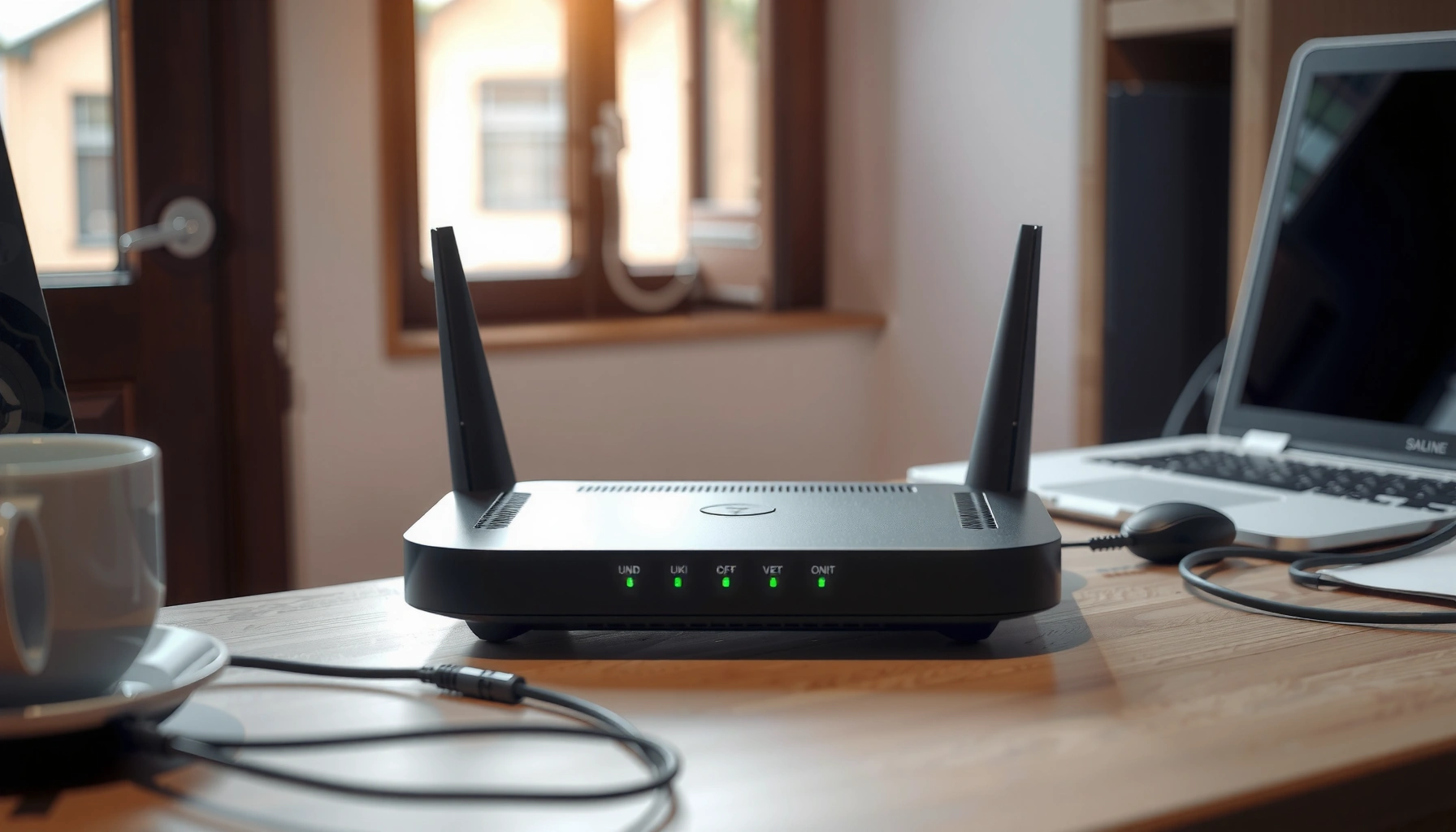
Visual guide on setting up router security with essential steps and best practices.

How to Set Up Router Security: Essential Steps and Best Practices

If you want to set up router security with the fewest mistakes and the fastest wins, follow these essential steps that harden your network immediately. You’ll learn exactly what to change—strong admin credentials, secure Wi‑Fi settings, encryption, firmware updates, and safe remote access—plus the best practices that prevent common intrusions. By the end, you’ll know…

Read Full News

How to Perform Regular Firmware Updates on Your Wireless Audio System

Keeping your wireless audio system up-to-date with regular firmware updates is crucial for optimal performance and security. By performing these updates, you can enhance sound quality, fix bugs, and ensure that your system is protected against vulnerabilities. This guide will walk you through the essential steps to ensure your audio system runs smoothly and efficiently,…

Read Full News

How to Fix a Denon AV Receiver That Doesn’t Recognize Speakers

If your Denon AV receiver isn’t recognizing your speakers, the solution often lies in checking connections, settings, and firmware updates. Following a systematic approach can help diagnose and resolve the issue effectively. In this article, you’ll learn the key troubleshooting steps to get your system back up and running smoothly, ensuring that your home theater…

Read Full News