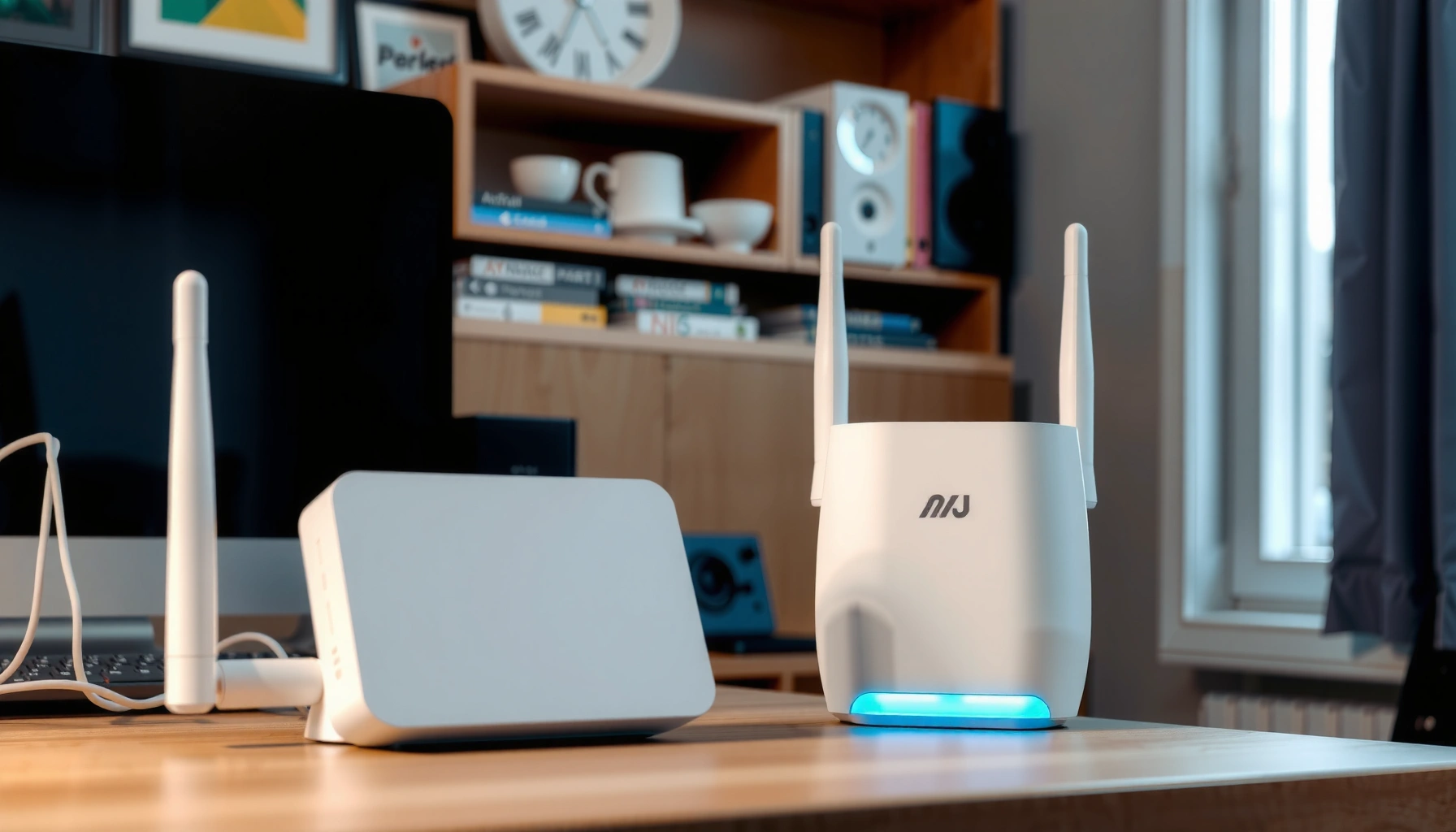
A visual representation of mesh Wi-Fi systems designed for large houses, showcasing multiple access points.

Mesh Wi-Fi for Large Houses

Mesh Wi-Fi beats a single router in large houses where distant rooms or multiple floors suffer from weak coverage. The key question is which mesh setup will eliminate those dead zones without paying for unnecessary nodes. Expect a clear verdict: wired-backhaul mesh wins when Ethernet is available; a tri-band system with dedicated wireless backhaul is…
Read Full News
Comparison of Dual-Band Mesh and Tri-Band Mesh Wi-Fi systems for better connectivity.

Dual-Band Mesh vs Tri-Band Mesh

Dual-band mesh vs tri-band mesh comes down to how your nodes connect: tri-band is the stronger choice when a dedicated wireless backhaul keeps traffic between nodes off the bands serving your devices, while dual-band usually offers better value with wired backhaul. Which setup is worth paying for in your home? This comparison gives a clear…

Read Full News
Illustration showing optimal placement of mesh nodes for improved network performance

How to Optimize Mesh Node Placement

To optimize mesh node placement, position each wireless node between your router and the weak-signal area—not inside the dead zone. When nodes rely on wireless backhaul, a closer, open location with a strong upstream connection beats a distant spot that merely extends the network’s footprint. Here’s how to determine the best spacing, avoid signal-blocking obstacles,…

Read Full News
Step-by-step guide on how to remove a mesh node in 3D modeling software.

How to Remove a Mesh Node

To remove a mesh node permanently, use your mesh system’s removal controls rather than simply unplugging it. Disconnecting power is sufficient for a temporary shutdown, but it may leave the node listed in your network. This guide explains how to remove it, when a factory reset is necessary, and how to check coverage afterward. To…

Read Full News