
If your Sony speaker is making a popping noise, the issue could stem from various sources, including connectivity problems or hardware malfunctions. To effectively address this issue, you can follow a series of troubleshooting steps designed to help identify and resolve the popping noise. This guide will walk you through essential checks and adjustments to restore your speaker’s audio quality.
Check the Connections
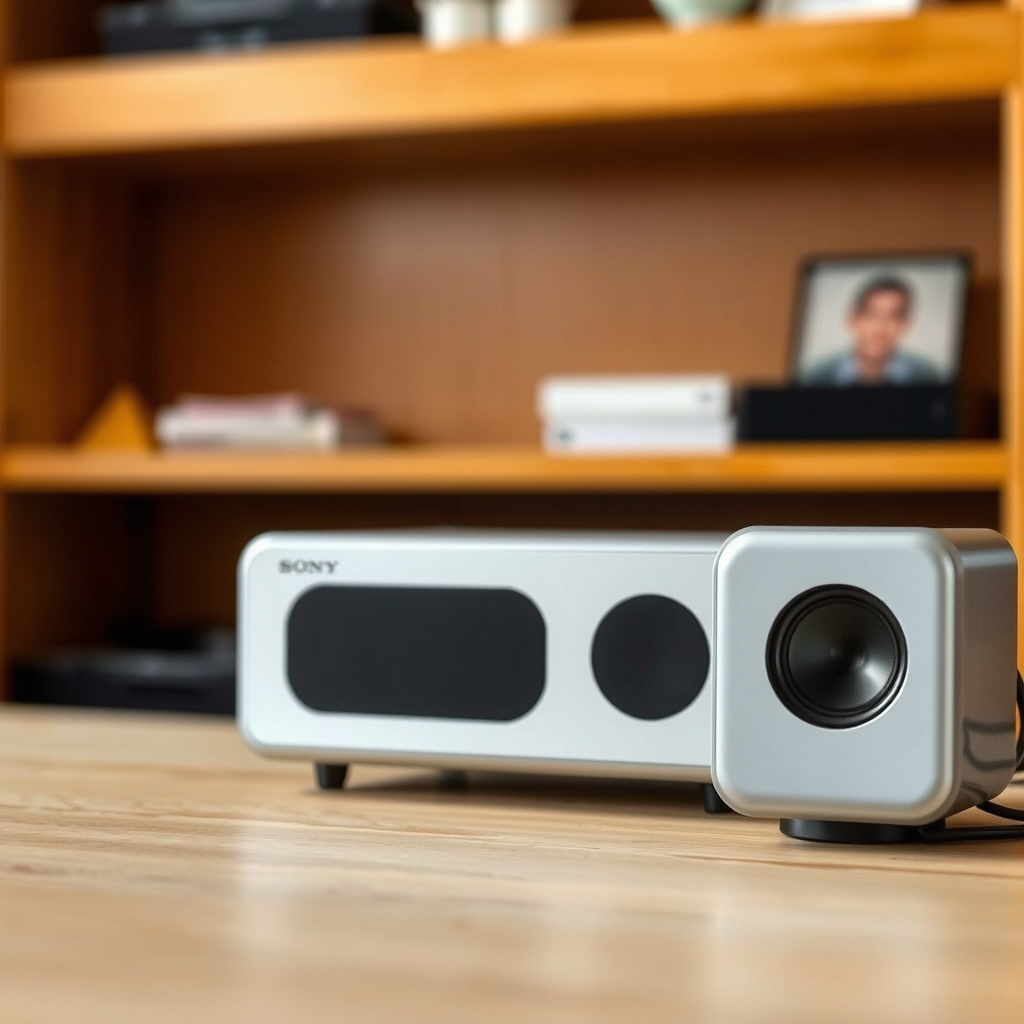
One of the most common reasons for popping noises in speakers is poor connections. Ensure that all cables are securely connected to both the speaker and the power source. Loose connections can create intermittent power issues, leading to audible popping.
Inspect the cables for any signs of fraying or damage. A damaged cable may cause interference, leading to sound distortions. If you discover any issues, consider replacing the cables or using a different power outlet. Remember that both the speaker wire and power cable play crucial roles in delivering consistent audio performance.
Assess Bluetooth Connectivity
If you are using a Bluetooth connection, it is important to check the pairing status. Disconnect and then reconnect your Bluetooth device to refresh the connection. Sometimes, a simple reset of the Bluetooth link can eliminate interference or syncing issues that may be causing the popping noise.
Additionally, ensure that you are within an appropriate range of the speaker. Objects and walls can obstruct Bluetooth signals, so try moving closer to the connected device. If the popping sound persists, you may want to forget the device on your Bluetooth settings and re-pair it entirely.
Examine Audio Source
The issue could also be tied to the audio source itself. To investigate this, test the speaker with different devices such as smartphones, tablets, or computers. If the popping noise only occurs with one specific device, the issue may lie within that device rather than the speaker.
Furthermore, play various types of audio files to determine if the popping is file-specific. For instance, high-compression audio formats may introduce artifacts in sound, leading to popping noises. Experimenting with different formats can help isolate the problem.
Common Audio File Formats and Their Characteristics
| # | Format | Bit Rate | Quality | Compatibility |
|---|---|---|---|---|
| 1 | MP3 | 128-320 kbps | Good | Universal |
| 2 | WAV | Uncompressed | Excellent | Widely compatible |
| 3 | FLAC | Lossless | Superior | Compatible with many players |
| 4 | AAC | 64-256 kbps | Good | Apple devices |
| 5 | OGG | Variable | Good | Broad compatibility |
| 6 | AIFF | Uncompressed | Excellent | Apple devices |
| 7 | DSD | High-resolution | Exceptional | Limited compatibility |
Update Firmware
Keeping your speaker’s firmware up to date is crucial for optimal performance. Manufacturers regularly release firmware updates to fix bugs, improve functionality, and enhance compatibility with new devices. To check for updates, visit Sony’s official website and navigate to the support section for your specific speaker model.
Once you’ve located the updates, follow the provided instructions to download and install them. This process typically involves connecting the speaker to a computer or using a mobile app. Regular updates can help resolve sound issues, including unwanted popping noises.
Reset the Speaker
If the popping noise persists despite your troubleshooting efforts, consider resetting the speaker to its factory settings. This step can often eliminate glitches and restore the speaker’s performance. Locate the reset button or procedure in your user manual, as it can vary by model.
Performing a factory reset will erase all custom settings, so ensure you have a backup if needed. After resetting, retest the speaker to see if the popping sound has been resolved. This method often acts as a last resort, but it can be effective for persistent issues.
Check for Interference
Electronic interference can also be a source of popping noises. Devices such as microwaves, wireless routers, and other Bluetooth devices can disrupt the audio signal. To rule out interference, move any potential sources away from the speaker and see if the sound improves.
Additionally, try using the speaker in a different location. Sometimes, physical barriers in your environment can cause audio issues. By relocating the speaker, you may find a better audio experience without the annoying popping.
Consult Customer Support
If none of the previous steps resolve the issue, it may be time to consult Sony’s customer support. They can provide specialized assistance based on your speaker model and the specific issues you are experiencing. When contacting support, have your model number and purchase information ready to expedite the process.
This proactive approach can lead to a quicker resolution, whether through troubleshooting tips or warranty considerations. Customer service representatives are trained to handle various issues and may offer solutions that are not available in the user manual.
Common Sources of Interference Affecting Speakers
By following these troubleshooting steps, you can identify the source of the popping noise in your Sony speaker and take appropriate action. If issues persist, don’t hesitate to seek professional help or consider warranty options. Addressing these issues promptly can enhance your audio experience and prolong the life of your speaker.
Frequently Asked Questions
What causes my Sony speaker to make a popping noise?
A popping noise in your Sony speaker can be caused by several factors, including electrical interference, loose connections, or issues with the audio source. Additionally, if the speaker is being pushed beyond its limits with high volume levels or low-frequency signals, it can produce popping sounds as it struggles to keep up.
How can I troubleshoot the popping sound in my Sony speaker?
To troubleshoot the popping sound, start by checking all connections to ensure they are secure and free from damage. Next, try using a different audio source or cable to rule out any issues with the input. Additionally, lowering the volume and adjusting the equalizer settings can help reduce popping during playback.
Why does my Sony speaker pop when playing certain songs?
If your Sony speaker pops when playing specific songs, it may be due to the audio file’s encoding or high dynamic range, which can cause distortion. Another possibility is that certain frequencies in the music are causing the speaker to react poorly, especially if the speaker is not designed to handle those specific sound waves.
What is the best way to prevent my Sony speaker from making popping noises?
To prevent popping noises in your Sony speaker, ensure that it is properly powered and that all connections are tight and secure. Avoid playing audio at maximum volume levels, as this can strain the speaker. Regularly check for firmware updates and keep your audio files in high-quality formats to minimize potential issues.
Which settings should I adjust if my Sony speaker continues to pop?
If your Sony speaker continues to pop, consider adjusting the bass and treble settings on your audio device to find a more balanced sound. You should also check the speaker’s built-in equalizer settings, if available, and consider lowering any enhanced bass options that may be causing distortion.
References
- https://en.wikipedia.org/wiki/Speaker_(audio
https://en.wikipedia.org/wiki/Speaker_(audio - https://www.bbc.com/news/technology-61539676
https://www.bbc.com/news/technology-61539676 - https://www.sciencedirect.com/topics/engineering/audio-speakers
https://www.sciencedirect.com/topics/engineering/audio-speakers - https://www.reuters.com/article/us-tech-speakers-idUSKBN2A70MX
https://www.reuters.com/article/us-tech-speakers-idUSKBN2A70MX - https://www.theguardian.com/technology/2020/jun/01/how-to-fix-your-bluetooth-speaker
https://www.theguardian.com/technology/2020/jun/01/how-to-fix-your-bluetooth-speaker - https://www.nytimes.com/2018/09/14/technology/sonos-speaker-troubleshooting.html
https://www.nytimes.com/2018/09/14/technology/sonos-speaker-troubleshooting.html - Google Scholar Google Scholar
https://scholar.google.com/scholar?q=Sony+Speaker+Popping+Noise+Troubleshooting - Google Scholar Google Scholar
https://scholar.google.com/scholar?q=audio+speaker+issues+and+fixes - Google Scholar Google Scholar
https://scholar.google.com/scholar?q=speaker+noise+problems+solutions - Google Scholar Google Scholar
https://scholar.google.com/scholar?q=Sony+Speaker+Making+a+Popping+Noise?+Troubleshooting+Steps
