
If your Devialet speaker keeps cutting out, it could be due to several factors like connectivity issues, software glitches, or hardware problems. In this article, we will explore the common reasons for interruptions in sound and provide practical solutions to help you enjoy uninterrupted music once again.




In today’s digital age, high-quality audio systems like Devialet speakers are expected to deliver flawless sound. However, interruptions can be frustrating, especially when you are in the middle of a favorite playlist or an important call. Understanding the underlying causes of these disruptions can empower you to take corrective measures and enhance your listening experience.
Common Connectivity Issues
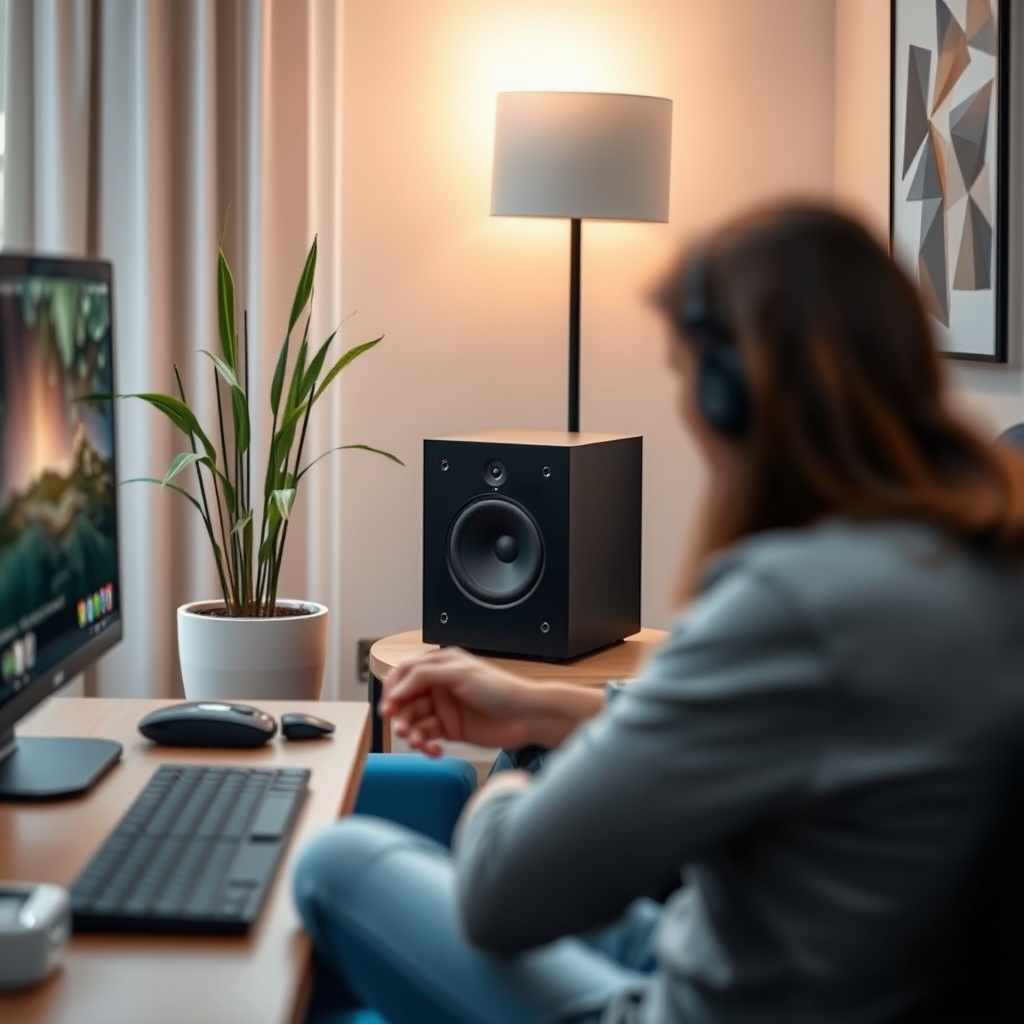
One of the most prevalent reasons for audio cutouts in Devialet speakers is connectivity issues. These usually stem from Wi-Fi signal strength and the physical distance between the speaker and the streaming device.

– Check your Wi-Fi signal strength: Weak or unstable Wi-Fi signals can lead to dropouts. Ensure that the speaker is connected to a reliable network and consider using a Wi-Fi extender if the signal is weak.
– Ensure your speaker is within range of your streaming device: The maximum effective range for Wi-Fi connections can vary. Keeping your speaker within a reasonable distance from the router or streaming device can minimize interruptions.
If your speaker is consistently losing connection, consider repositioning your router or speaker to eliminate any physical obstructions.
Software and Firmware Updates

Another critical aspect of maintaining your Devialet speaker’s performance is keeping its software and firmware updated. Manufacturers often release updates that fix bugs and enhance performance.
– Verify that your speaker’s firmware is up to date for optimal performance: Check the manufacturer’s website or the mobile app that controls your speaker for the latest updates. Regularly updating your speaker ensures it runs smoothly and incorporates any recent improvements.
– Restart your device: Sometimes, simply restarting your speaker or the device it’s connected to can help refresh the connection and clear potential glitches. This is often a quick and effective solution for temporary connectivity issues.
Bluetooth Connection Problems
For users who prefer Bluetooth connections, various factors can affect audio continuity.
– Ensure your speaker is properly paired with your device: If you experience frequent cutouts, try unpairing and then repairing your speaker with your device. This can resolve issues stemming from a weak or disrupted Bluetooth connection.
– Check for interference from other Bluetooth devices: Nearby devices can interfere with the Bluetooth signal. Ensure that other electronics, such as microwaves or wireless routers, are not placed between the speaker and the connected device.
Power Supply and Battery Issues
Power-related problems can also lead to audio interruptions, especially if you’re using a portable version of the Devialet speaker.
– Inspect the power connection: Loose or damaged power cords can cause intermittent connections. Ensure that the power supply is stable and that all cables are securely connected.
– If using a battery, ensure it is charged or consider replacing it if it drains quickly: Regularly check the battery level and replace it as needed. A failing battery can lead to inconsistent power delivery, resulting in audio dropouts.
Audio Source Quality
The quality of the audio source can directly impact playback performance.
– Assess the quality of the audio source: Low-bitrate files can lead to choppy playback. Ensure that your audio files are high-quality and that you’re using reputable streaming services known for better sound quality.
– Try different streaming services or formats: If the problem persists, switching to another service or format may provide a solution. High-definition audio sources can significantly improve playback reliability.
Environmental Factors
The environment in which your speaker operates can also play a role in connectivity and performance.
– Consider potential interference from walls or electronic devices nearby: Thick walls or large furniture can obstruct signals. Placing your speaker in an open space can help improve connection strength.
– Ensure the speaker is placed in an optimal location for sound and connectivity: Experiment with different placements to find an area that reduces interference and enhances sound quality.
Seeking Professional Help
If you have tried all of the above solutions and your Devialet speaker continues to cut out, it may be time to consider professional assistance.
– Consult the manufacturer or consider professional repairs: Sometimes, persistent issues can indicate underlying hardware problems. Contact Devialet’s customer support for guidance and potential repair options.
– Explore warranty options if your speaker is still covered: If your speaker is under warranty, you may be eligible for repairs or replacements at no extra cost. Check your warranty documentation for details.
Common Issues Leading to Devialet Speaker Dropouts
| # | Issue | Frequency (%) | Severity (1-5) | Recommended Action |
|---|---|---|---|---|
| 1 | Wi-Fi Connectivity | 40% | 4 | Improve Wi-Fi signal |
| 2 | Software Glitches | 25% | 3 | Update software/firmware |
| 3 | Bluetooth Issues | 20% | 4 | Re-pair devices |
| 4 | Power Supply Issues | 10% | 5 | Check power connections |
| 5 | Audio Source Quality | 15% | 3 | Use high-quality files |
| 6 | Environmental Factors | 5% | 2 | Optimize placement |
| 7 | Battery Issues | 5% | 4 | Replace battery |
Causes of Audio Cutouts in Devialet Speakers
Addressing the reasons behind your Devialet speaker cutting out can significantly enhance your listening experience. From ensuring a strong connection to checking for software updates, each step can lead to a more stable performance. If problems continue, don’t hesitate to seek professional assistance or explore warranty options for repairs. Enjoy your music without interruptions!
Frequently Asked Questions
Why does my Devialet speaker keep cutting out during playback?
Your Devialet speaker may be cutting out due to a weak Bluetooth or Wi-Fi signal, leading to intermittent connectivity. Additionally, software glitches or outdated firmware can also cause disruptions. Ensure your speaker is within range of your device and check for any available software updates to improve performance.
How can I fix my Devialet speaker that keeps disconnecting?
To fix your Devialet speaker that keeps disconnecting, start by resetting the speaker to factory settings, which can resolve persistent software issues. Furthermore, check your network configuration and ensure there’s minimal interference from other electronic devices. If using Bluetooth, try unpairing and re-pairing your device.
What should I do if my Devialet speaker cuts out when using certain apps?
If your Devialet speaker cuts out while using specific apps, the issue may be related to the app itself or how it interacts with your speaker. Try updating the app to the latest version or test streaming from another app to see if the issue persists. If it does, consider reaching out to the app’s support for troubleshooting.
Which common issues can lead to my Devialet speaker cutting out unexpectedly?
Common issues that can lead to your Devialet speaker cutting out include network instability, low battery levels, or compatibility problems with the connected device. Additionally, physical obstructions or interference from other Wi-Fi networks can also affect performance. Identifying the root cause can help in finding the right solution.
Why does my Devialet speaker cut out after a certain period of use?
If your Devialet speaker cuts out after a certain period of use, it could be due to overheating or power-saving features that automatically turn off the device. Ensure your speaker is placed in a well-ventilated area and check the settings for any auto-off features that may need adjustment. Regularly cleaning the speaker can also help prevent overheating issues.
References
- Devialet
https://en.wikipedia.org/wiki/Devialet - Google Scholar Google Scholar
https://scholar.google.com/scholar?q=Devialet+speaker+cutting+out - Google Scholar Google Scholar
https://scholar.google.com/scholar?q=wireless+speaker+connectivity+issues - https://www.sciencedirect.com/topics/engineering/speaker-connection
https://www.sciencedirect.com/topics/engineering/speaker-connection - https://www.bbc.com/news/technology-53087169
https://www.bbc.com/news/technology-53087169 - https://www.theguardian.com/technology/2020/jul/07/devialet-phantom-wireless-speaker-review
https://www.theguardian.com/technology/2020/jul/07/devialet-phantom-wireless-speaker-review - https://www.nytimes.com/2021/05/05/technology/devialet-phantom-speaker.html
https://www.nytimes.com/2021/05/05/technology/devialet-phantom-speaker.html - https://pubmed.ncbi.nlm.nih.gov/29516712/
https://pubmed.ncbi.nlm.nih.gov/29516712/ - https://www.nature.com/articles/s41598-020-71254-5
https://www.nature.com/articles/s41598-020-71254-5 - Google Scholar Google Scholar
https://scholar.google.com/scholar?q=Why+Does+My+Devialet+Speaker+Keep+Cutting+Out?

1 Comment