
If your home theater sound is low, it might be due to several common issues ranging from improper settings to faulty equipment. Fortunately, identifying and addressing these problems can significantly enhance your audio experience. In this article, we will cover various factors that could be contributing to your low sound levels and provide actionable solutions to elevate your home theater’s audio performance.
Check Your Audio Settings
One of the first steps in troubleshooting low sound levels is to check your audio settings. Start by verifying that the volume levels are appropriately set on both your television and audio receiver. It’s easy to overlook the fact that both devices have independent volume controls. Sometimes, the TV might be set at a lower volume while the receiver is cranked up, or vice versa.
Additionally, explore any sound modes or enhancements available on your audio equipment. Many receivers come with settings like surround sound or night mode, which can boost certain frequencies to improve clarity and overall sound. For instance, if you’re watching a movie with dialogue-heavy scenes, activating speech enhancement might make a noticeable difference. Don’t forget to check if your TV has any built-in equalizer settings that can also help adjust sound levels to your liking.
Inspect Your Speakers
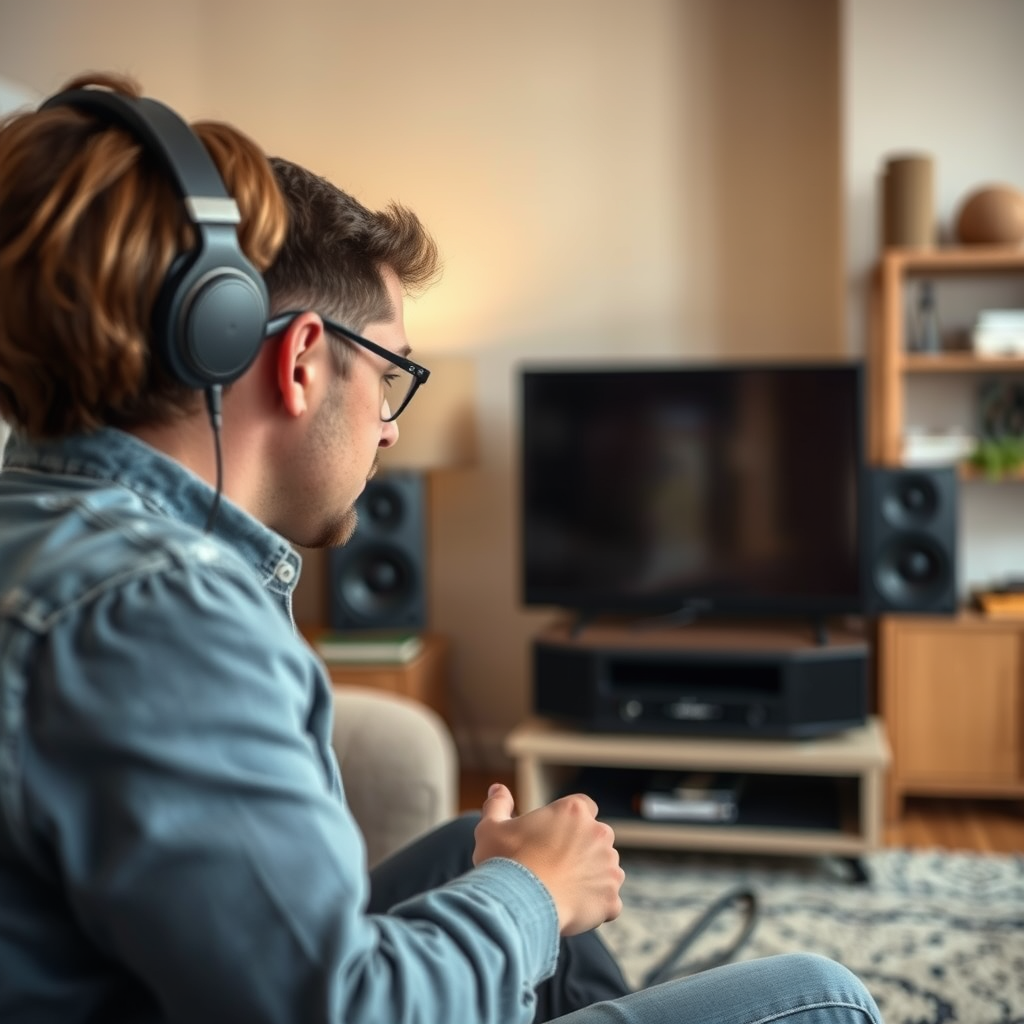
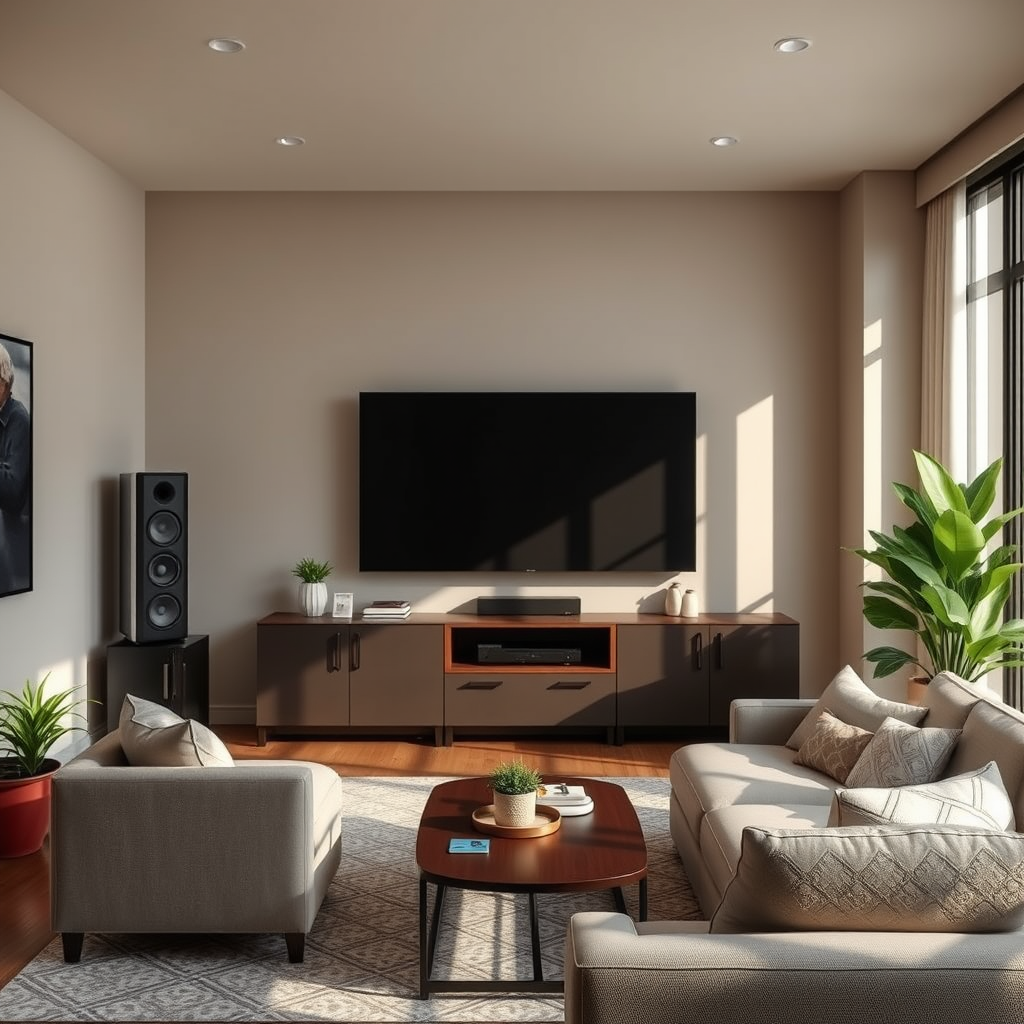
Another common culprit for low sound in a home theater setup is the speakers themselves. Start by confirming that all your speakers are properly connected and functioning. Loose wires or incorrect connections can result in sound loss or diminished audio quality. If you have a surround sound system, ensure each speaker is connected to the correct output; a rear speaker connected to the front channel will certainly lead to an imbalanced sound experience.
Next, check for any physical damage or obstructions that may be affecting sound quality. Look for tears in speaker cones or signs of wear and tear that might impede performance. It’s also important to ensure that your speakers aren’t blocked by furniture, curtains, or other objects. A simple repositioning might be all it takes to unlock the full potential of your audio system.
Room Acoustics and Placement
Room acoustics play a crucial role in how sound is perceived in your home theater. The placement of your speakers can significantly impact audio quality; they should be positioned to create an optimal sound stage. Ideally, front speakers should be at ear level when seated, while subwoofers can be placed in a corner to maximize bass response.
Consider the overall acoustics of the room as well. Soft furnishings like carpets, curtains, and cushions can absorb sound, which may result in a quieter experience. If your room is mostly bare, you might want to add some soft elements to enhance sound reflection. For instance, adding a plush area rug or draping some heavy curtains can help balance sound and prevent it from echoing too much.
Cable Connections and Quality
The quality of your audio cables can also affect sound levels. Begin by examining all audio cables for any signs of damage or loose connections. Frayed wires can lead to poor audio transmission, resulting in lower sound levels or static noise. Make sure to secure all connections firmly; sometimes, a simple re-plugging of cables can resolve sound issues.
Additionally, consider investing in high-quality cables that support the best audio formats for your system. Cheaper cables might not transmit sound effectively, especially for high-definition audio formats. Look for cables that are well-shielded and designed for your specific audio needs, such as HDMI cables for modern systems or optical cables for digital audio transmission.
Source Material Quality
The quality of your source material can significantly impact your audio experience. If you find that low sound levels persist even after checking your equipment, consider testing different audio sources. Streaming services, DVDs, and digital files can vary in quality, and low-resolution audio files may not deliver the sound experience you expect.
Make sure your media player is configured to output the best audio settings for your system. For example, if you are streaming from an app, ensure that it is set to the highest audio quality available. Some platforms allow you to choose between different audio formats, and opting for a lossless format can often result in richer sound.
Firmware and Software Updates
Keeping your audio receiver and TV firmware up-to-date is crucial for optimal performance. Manufacturers often release updates to fix bugs, enhance features, and improve sound quality. Regularly check for updates and install them as needed to ensure that your equipment is functioning at its best.
Don’t forget to look into your streaming devices or media players, as they may also require updates to improve sound output. Many devices have automatic updates, but it’s good practice to manually check occasionally. An updated device can enhance audio capabilities, providing you with a better overall experience.
Consider Upgrading Your Equipment
If you’ve tried all the troubleshooting steps and still experience low sound, it might be time to invest in better speakers or a soundbar. Sometimes, older equipment may not provide the clarity or power you need for an immersive audio experience. Evaluating your current system’s compatibility with newer audio technologies can also be beneficial.
For instance, soundbars have become increasingly popular due to their ability to deliver high-quality sound in a compact form, often featuring integrated surround sound capabilities. If your home theater lacks a subwoofer, adding one can also significantly enhance bass performance, making your audio experience more robust.
By addressing these common issues, you can greatly improve the sound performance of your home theater system. Make adjustments as needed, and don’t hesitate to seek professional help for persistent problems. Elevating your home audio experience will not only enhance your movie nights but also provide a richer environment for music and gaming.
In conclusion, low sound levels in your home theater can stem from various sources, including audio settings, speaker issues, room acoustics, cable quality, source material, updates, and even the need for equipment upgrades. By systematically checking each of these areas, you can enhance your audio experience and ensure that every movie, show, or song resonates with the power it deserves. Happy viewing!
Frequently Asked Questions
Why is my home theater sound so low even when the volume is turned up?
If your home theater sound remains low despite increasing the volume, it could be due to several factors. First, check the speaker connections and ensure they are securely plugged into the receiver. Additionally, verify the audio settings on your receiver and TV; settings like “night mode” or “dynamic range control” can limit sound output. Lastly, consider the audio format being used; some formats may not provide the full dynamic range, resulting in lower volume levels.
How can I improve the sound quality in my home theater?
To enhance sound quality in your home theater, start by properly positioning your speakers; they should be at ear level and appropriately spaced. Use high-quality cables to minimize signal loss, and consider adding a subwoofer for deeper bass. Additionally, calibrate your audio settings using your receiver’s built-in calibration tool or a sound meter to adjust for room acoustics, ensuring a balanced and immersive listening experience.
What are common reasons for low sound levels in a home theater system?
Common reasons for low sound levels in a home theater system include incorrect audio settings, faulty speaker connections, or the use of poor-quality cables. Additionally, the type of content being played can affect sound levels; some movies or shows have lower audio mixes. Lastly, environmental factors such as room acoustics and furniture placement can absorb sound, leading to a diminished audio experience.
Which audio settings should I adjust if my home theater sound is too quiet?
If your home theater sound is too quiet, start by checking the receiver’s audio settings, focusing on the speaker levels and subwoofer settings. Look for options like “speaker configuration” to ensure all speakers are enabled and balanced. Additionally, adjust the equalizer settings to enhance frequencies that may be underrepresented, and disable any sound enhancement features that could be compressing the audio output.
What is the best way to troubleshoot low sound in my home theater?
To troubleshoot low sound in your home theater, begin by ensuring all components are properly connected, including HDMI, optical, or RCA cables. Test the system with different audio sources to identify if the issue is source-specific. Next, check the receiver’s settings for any muted channels or low volume levels. If problems persist, consider updating the firmware on your receiver or performing a factory reset to restore original settings.
References
- Home cinema
- https://www.cnet.com/home-theater/home-theater-sound-setup-guide/
- https://www.lifewire.com/home-theater-sound-system-setup-1847155
- https://www.soundonsound.com/techniques/home-theatre-sound-setup
- https://www.aarp.org/home-family/personal-technology/info-2021/home-theater-sound.html
- https://www.techhive.com/article/3538179/how-to-set-up-a-home-theater-sound-system.html
