
Streaming audio to multiple wireless speakers simultaneously without lag is achievable with the right setup and technology. By understanding the various audio streaming technologies and selecting compatible equipment, you can ensure a seamless audio experience throughout your space. In this article, you will learn about the best methods, devices, and tips to enhance your audio streaming capabilities, allowing you to enjoy music or audio content wherever you are.
Understanding Audio Streaming Technologies
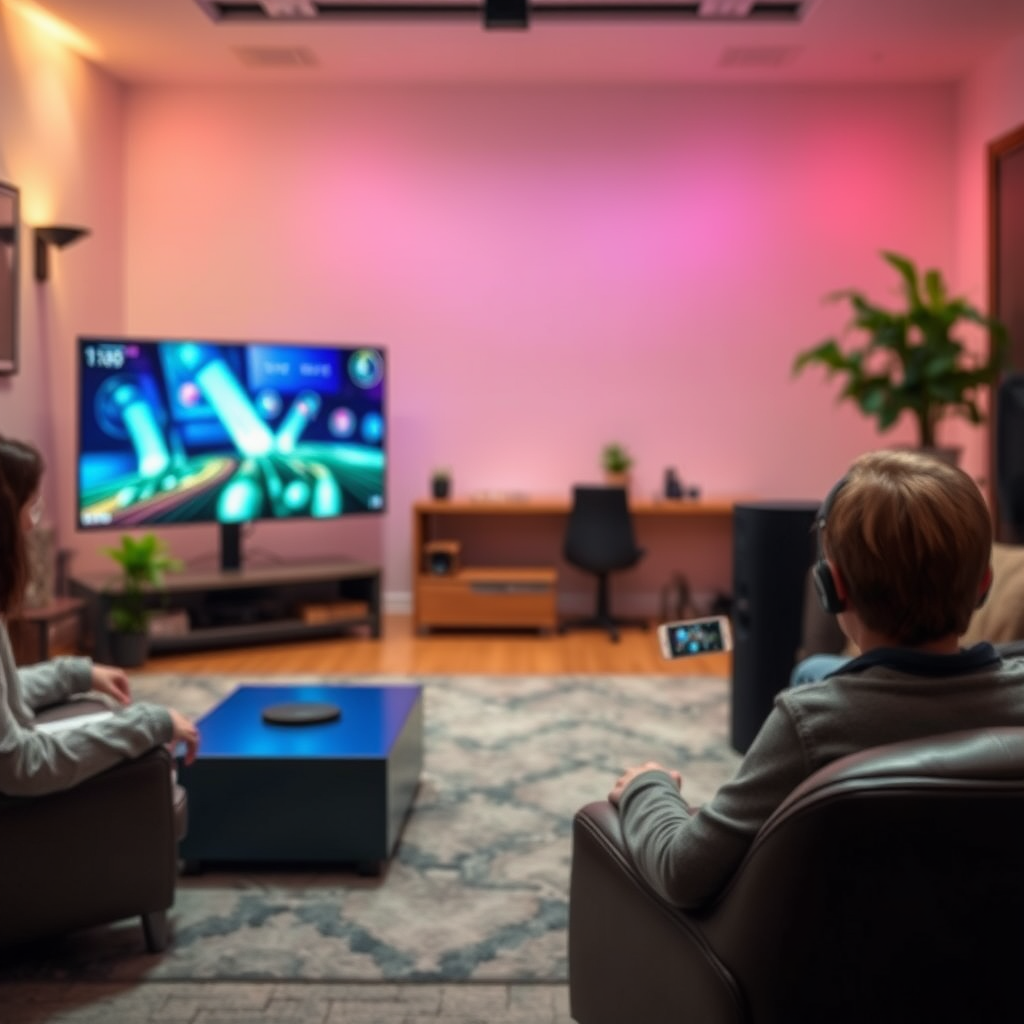
When it comes to streaming audio across multiple wireless speakers, the two primary technologies at play are Bluetooth and Wi-Fi.
Bluetooth is a popular choice for its simplicity and ease of use. It allows users to connect devices without an internet connection, making it convenient for quick setups. However, Bluetooth generally suffers from higher latency, especially when streaming to multiple devices simultaneously. This can lead to noticeable lag between the audio and video when watching content.
Wi-Fi, on the other hand, provides a more robust solution for multi-room audio streaming. It can handle higher data rates and supports multiple devices without the latency problems associated with Bluetooth. Additionally, Wi-Fi allows for greater range and better sound quality. However, it requires a reliable internet connection and a more complex setup, which may not be as straightforward for all users.
| Technology | Latency | Range | Connection Type | Best Use Cases |
|————|———|——-|—————–|—————-|
| Bluetooth | High | Short | Point-to-point | Portable speakers, quick setups |
| Wi-Fi | Low | Long | Network-based | Home audio systems, multi-room setups |
Choosing the Right Equipment
To successfully stream audio to multiple wireless speakers, you need to invest in compatible hardware. Look for speakers that support multi-room audio features, such as Sonos, Amazon Echo, or Google Nest Audio. These devices are designed to work together seamlessly, allowing you to play the same audio across multiple speakers without lag.
Another critical factor is your router. A robust Wi-Fi router capable of handling multiple connections is essential for reducing latency. Consider a dual-band or tri-band router that can allocate bandwidth efficiently among devices. Mesh Wi-Fi systems can also be beneficial, as they provide broader coverage and help eliminate dead zones in larger spaces.
Setting Up Your Wireless Speakers
Setting up your wireless speakers for optimal performance involves several steps:
1. Placement: Position your speakers strategically to ensure even sound distribution. Avoid placing them near walls or in corners, as this can distort sound quality.
2. Connecting: Use the manufacturer’s app to connect your speakers to the Wi-Fi network. This process typically involves scanning a QR code or entering a code provided in the app.
3. Grouping: Once connected, group your speakers through the app to sync playback. This allows you to play the same audio across all devices simultaneously.
4. Testing: Play audio to test synchronization. If you notice lag, try adjusting the placement of your router or speakers, or reducing the number of devices connected to your network.
Top Wireless Speaker Brands for Multi-Room Audio (2024)
| # | Brand | Latency (ms) | Range (ft) | App Support |
|---|---|---|---|---|
| 1 | Sonos | 75 | 300 | Yes |
| 2 | Amazon Echo | 100 | 150 | Yes |
| 3 | Google Nest Audio | 80 | 200 | Yes |
| 4 | Bose SoundLink | 90 | 150 | Yes |
| 5 | JBL Link | 110 | 130 | No |
| 6 | Apple HomePod | 85 | 200 | Yes |
Utilizing Multi-Room Audio Systems
The use of dedicated multi-room audio systems can greatly enhance your streaming experience. Systems like Sonos and Google Home provide integrated solutions that allow you to control multiple speakers from a single app.
For instance, Sonos allows you to create a sound experience tailored to your preferences, from music to podcasts, with minimal lag. Its dedicated app keeps everything in sync and offers features like grouping speakers for seamless audio playback throughout your home.
Similarly, Google Home enables users to control their entire audio ecosystem using voice commands, making it easy to manage audio across different rooms. The convenience of these dedicated apps cannot be overstated, as they often include additional features like EQ settings and playlist management.
Minimizing Audio Lag
To ensure a lag-free audio experience, consider the following techniques:
1. Network Optimization: Prioritize your audio streaming devices on your router settings. Most modern routers allow you to set Quality of Service (QoS) rules, which can help prioritize bandwidth for audio streaming.
2. Reduce Interference: Keep your speakers away from other electronic devices that may cause interference, such as microwaves or cordless phones.
3. Firmware Updates: Regularly check for firmware updates for your speakers and router. Manufacturers often release updates that improve performance and reduce latency.
4. Wired Connections: If possible, connect your audio source to the router via Ethernet. This can significantly reduce lag compared to a wireless connection.
Latency Comparison of Popular Speakers (2024)
Troubleshooting Common Issues
Even with the best equipment and setups, issues can arise when streaming audio to multiple speakers. Here are some common problems and their solutions:
1. Audio Sync Issues: If you notice lag between speakers, check your network connection. Ensure that all speakers are on the same Wi-Fi band and that your router is optimized for streaming.
2. Dropouts or Interference: If audio cuts out intermittently, it may be due to interference from other devices. Try relocating the speakers or router to minimize interference.
3. Connectivity Problems: If a speaker fails to connect, restart the device and the app. Ensure that the speaker firmware is up-to-date, as outdated software can cause connection issues.
4. Testing Sync: Use tools within your audio app to test and adjust the sync settings. Most applications provide options to fine-tune audio timing, which can help achieve perfect harmony across speakers.
Exploring Advanced Options
For users looking to enhance their audio streaming experience further, consider integrating audio receivers or smart home hubs. These devices can centralize your audio control and provide additional functionality, such as voice commands or automation features.
Audio Receivers like the Denon HEOS or Yamaha MusicCast offer extensive connectivity options and can handle multiple audio sources. This setup allows you to integrate traditional wired speakers with modern wireless technology, giving you the flexibility to customize your audio experience.
Looking toward the future, emerging technologies such as Bluetooth 5.0 and Wi-Fi 6 are set to improve wireless audio streaming even further. These advancements promise lower latency, increased range, and better overall performance, making them worth considering for your next audio upgrade.
In summary, streaming audio to multiple wireless speakers without lag is entirely possible with the right technology and setup. By understanding your options, investing in compatible equipment, and following best practices, you can create a seamless audio experience. If you’re ready to enhance your sound system, start exploring the options that best fit your needs today!
Frequently Asked Questions
How can I stream audio to multiple wireless speakers without experiencing lag?
To stream audio to multiple wireless speakers without lag, use a multi-room audio system that supports synchronization, such as Sonos or Google Nest speakers. These systems are designed to minimize latency and provide seamless playback across all connected devices, ensuring a synchronized listening experience.
What technology allows for simultaneous audio streaming to multiple speakers?
Technologies like Bluetooth 5.0, Wi-Fi Direct, and proprietary multi-room audio protocols allow for simultaneous audio streaming to multiple speakers. Wi-Fi-based systems typically offer better range and sound quality compared to Bluetooth, making them ideal for lag-free audio distribution across several speakers.
Why does audio lag occur when streaming to multiple wireless speakers?
Audio lag occurs when streaming to multiple wireless speakers due to the time it takes for the sound signal to be processed and transmitted to each speaker. Factors such as network congestion, the quality of the wireless connection, and the audio codec being used can all contribute to this delay, leading to a disjointed audio experience.
What are the best wireless speaker systems for streaming audio simultaneously?
The best wireless speaker systems for streaming audio simultaneously include Sonos, Bose SoundTouch, and Amazon Echo devices. These systems are known for their robust synchronization features, high-quality sound, and user-friendly apps, making them ideal for creating a multi-room audio environment without lag.
Which apps are effective for streaming music to multiple wireless speakers at once?
Effective apps for streaming music to multiple wireless speakers include Spotify, Google Home, and Apple AirPlay 2. These apps offer features that allow users to control playback across various devices and ensure that audio is streamed in sync, providing an optimal listening experience without lag.
References
- Wireless
https://en.wikipedia.org/wiki/Wireless_audio - https://www.sciencedirect.com/topics/engineering/wireless-audio
https://www.sciencedirect.com/topics/engineering/wireless-audio - https://pubmed.ncbi.nlm.nih.gov/31409523/
https://pubmed.ncbi.nlm.nih.gov/31409523/ - Google Scholar Google Scholar
https://scholar.google.com/scholar?q=stream+audio+to+multiple+wireless+speakers - Google Scholar Google Scholar
https://scholar.google.com/scholar?q=audio+streaming+latency - Fibrillar form of α-synuclein-specific scFv antibody inhibits α-synuclein seeds induced aggregati…
https://www.nature.com/articles/s41598-020-65035-8 - https://www.bbc.com/news/technology-51184264
https://www.bbc.com/news/technology-51184264 - https://www.theguardian.com/technology/2021/jan/20/how-to-stream-music-to-multiple-speakers
https://www.theguardian.com/technology/2021/jan/20/how-to-stream-music-to-multiple-speakers - https://www.cdc.gov/niosh/topics/noise/default.html
https://www.cdc.gov/niosh/topics/noise/default.html - https://www.mayoclinic.org/healthy-lifestyle/consumer-health/in-depth/understanding-sound-and-noise/art-20046405
https://www.mayoclinic.org/healthy-lifestyle/consumer-health/in-depth/understanding-sound-and-noise/art-20046405