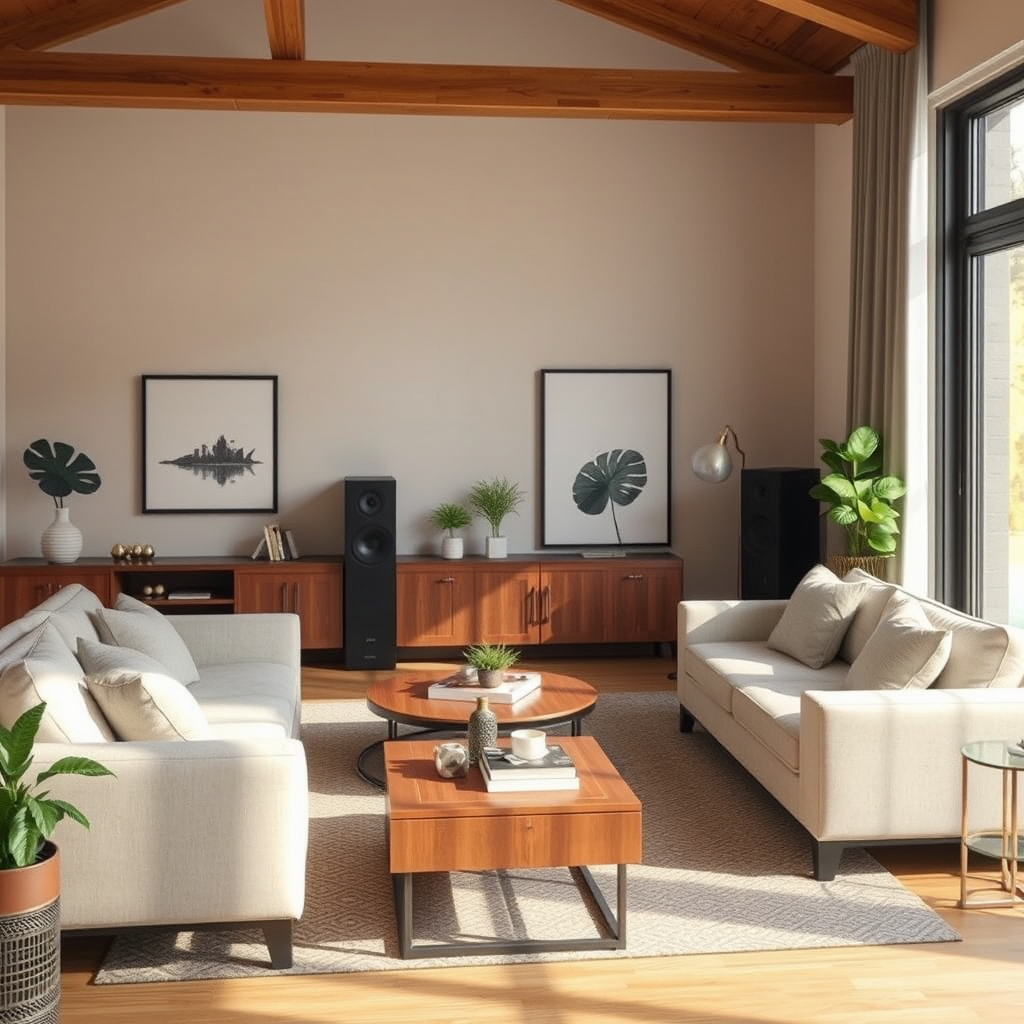
To fix audio imbalance in your home audio system, first ensure that all speakers are properly positioned and calibrated. Achieving balanced sound requires a systematic approach that includes checking connections, adjusting settings, and utilizing software tools. This article will guide you through various troubleshooting steps and adjustments to help you attain an optimal audio experience.
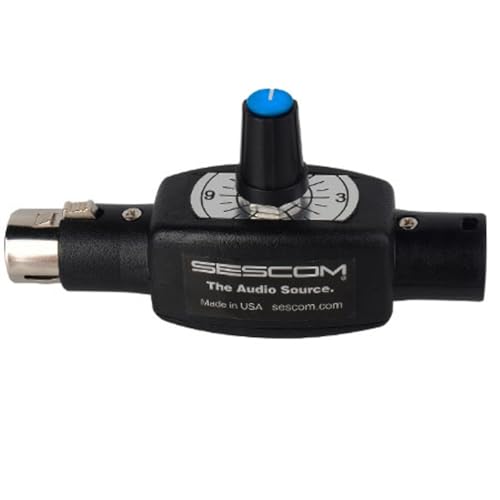



Understanding Audio Imbalance
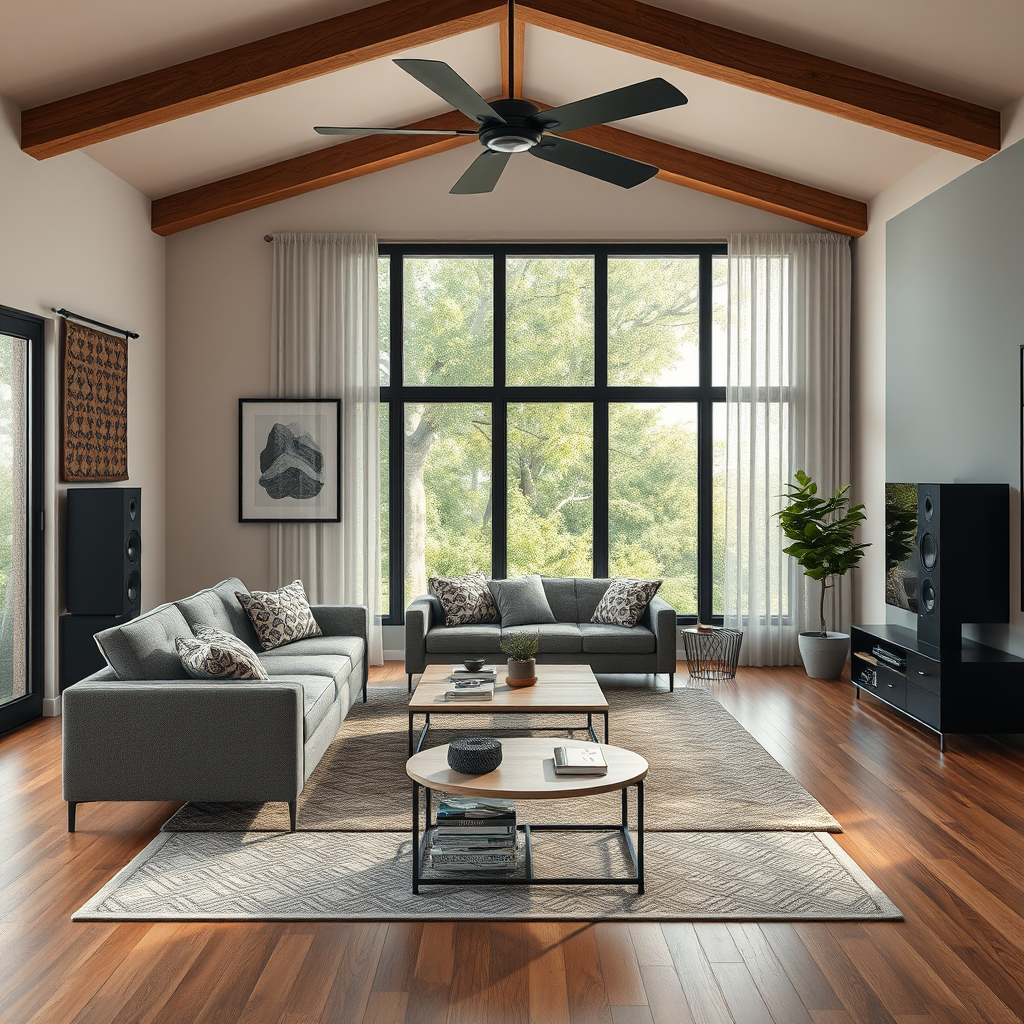
Audio imbalance refers to a situation where sound is not evenly distributed across all speakers in a system, leading to a lopsided listening experience. This can manifest as one speaker sounding significantly louder or clearer than others, which detracts from the overall sound quality. Common causes of audio imbalance include improper speaker placement, faulty connections, or misconfigured audio settings.
Speaker positioning plays a crucial role in how sound is distributed in your space. If speakers are positioned too close to walls or are not angled correctly, certain frequencies may be amplified or diminished, resulting in an uneven audio experience. Additionally, the acoustics of the room itself, such as furniture placement and wall materials, can further affect sound dispersion. Therefore, it is essential to consider both the physical placement of speakers and the acoustic environment when addressing audio imbalance.
Checking Speaker Connections
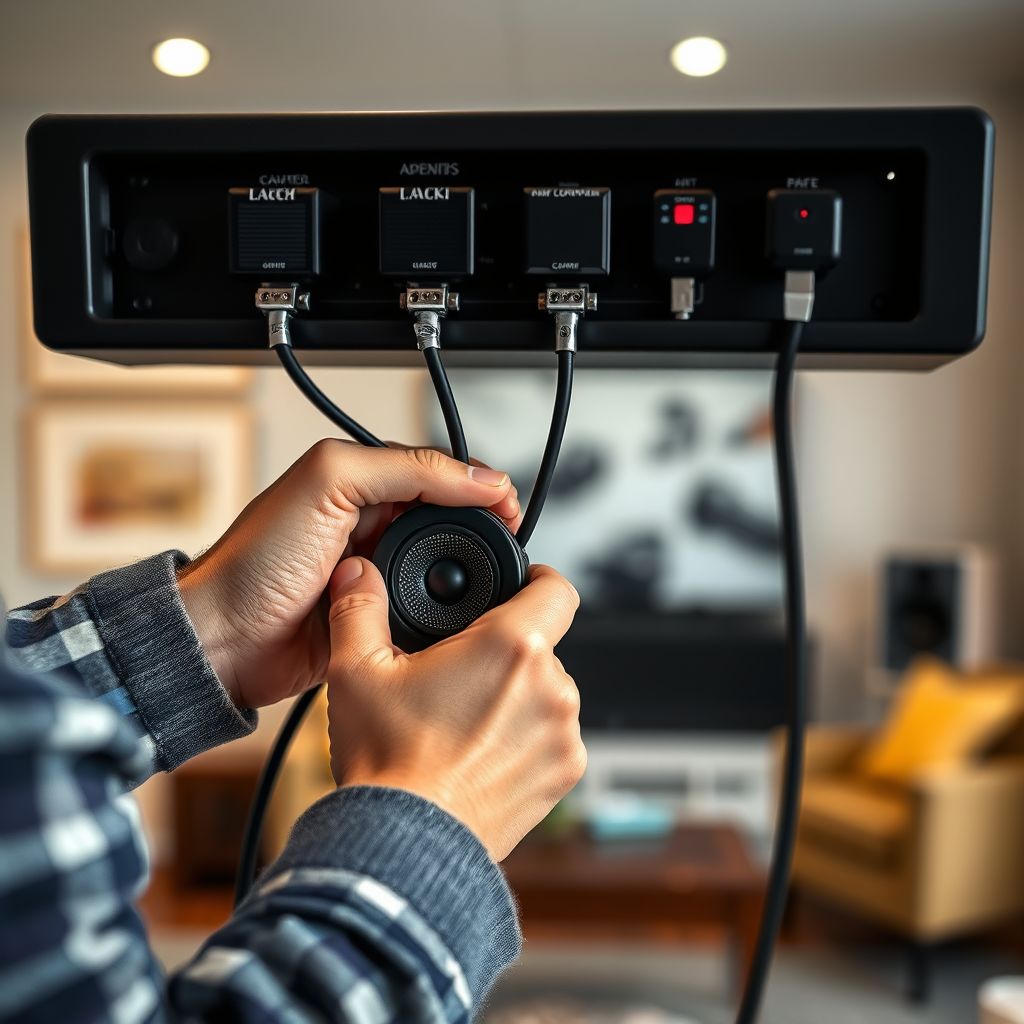
The first step in resolving audio imbalance is to ensure that all speaker connections are secure and functioning properly.
– Secure Connections: Check each cable to confirm that it is firmly connected to both the speakers and the audio receiver. Loose connections can cause intermittent sound issues or complete speaker failure.
– Inspect for Damage: Look for any signs of wear or damage to the cables, such as fraying or cuts. Replacing damaged cables can often resolve audio issues.
– Correct Channel Configuration: Verify that each speaker is connected to the correct channel. Miswiring can lead to one speaker receiving the wrong audio signal, resulting in an imbalance. A common mistake is connecting a left speaker to the right channel and vice versa.
Adjusting Volume Levels
Once the connections are confirmed, the next step is to balance the volume levels for each speaker.
– Audio Settings: Most audio receivers come with built-in settings that allow you to adjust the volume of individual speakers. Use these settings to ensure that each speaker plays at a uniform volume level.
– Decibel Meter App: To achieve precise measurements, consider using a decibel meter app. These apps can help you compare the sound output of each speaker and adjust accordingly to achieve uniform sound levels.
Here’s a table that outlines common audio setup features that can help ensure balanced sound:
Key Features of Audio Systems for Balance
| # | Feature | Importance | Impact on Balance |
|---|---|---|---|
| 1 | Speaker Placement | High | Critical |
| 2 | Volume Level Adjustments | High | Critical |
| 3 | Room Acoustics | Medium | Moderate |
| 4 | Equalizer Settings | High | Significant |
| 5 | Calibration Software | Medium | Moderate |
| 6 | Speaker Quality | High | Critical |
| 7 | Cables | High | Critical |
Utilizing Equalizer Settings
Equalizer settings allow you to fine-tune the frequency response of your audio system, which is crucial for achieving a balanced sound.
– Adjusting Frequencies: Most audio receivers and software provide controls for adjusting the bass, midrange, and treble frequencies. By slightly boosting or cutting certain frequencies, you can compensate for any imbalances caused by room acoustics or speaker placement.
– Presets and Custom Settings: Many audio systems come with preset equalizer settings optimized for various genres of music. Experimenting with these presets can help you find the best sound for your preferences. Additionally, consider creating custom settings that cater to your unique audio tastes.
Software Solutions for Calibration
In the digital age, various software tools are available to help you calibrate your audio system effectively.
– Popular Calibration Software: Tools like Sonarworks, Dirac Live, and Audyssey MultEQ can analyze your audio setup and make real-time adjustments to ensure balanced sound. These solutions often use sophisticated algorithms to assess your room’s acoustics and speaker performance.
– Step-by-Step Guide:
1. Install the Software: Download and install the calibration software on your computer or audio system.
2. Connect Calibration Microphone: Use a calibrated microphone to capture the audio output at various points in your room.
3. Run Calibration Process: Follow the software’s instructions to perform the calibration, which may take a few minutes as it analyses and adjusts the sound.
4. Save Settings: Once the calibration is complete, save your settings for future use.
Troubleshooting Hardware Issues
If the above steps do not resolve the audio imbalance, hardware issues may be at play.
– Common Problems: Look for signs of damage in your speakers, such as blown drivers or faulty connections. Testing each speaker individually can help identify the problematic unit.
– Professional Help: If you suspect a more significant issue, such as a malfunctioning receiver or speaker, it may be time to consult a professional technician. They can perform more in-depth diagnostics and repairs.
Regular Maintenance for Optimal Performance
Maintaining your audio system is vital to preventing future imbalances.
– Periodic Checks: Regularly inspect and clean your equipment. Dust and debris can accumulate and affect performance.
– Updating Settings: As you change your room layout or add new components, revisit your audio settings to ensure optimal balance remains.
– Calibration: Consider recalibrating your system every few months or after significant changes to your setup or room acoustics.
By following these steps, you can effectively address and fix any audio imbalance in your home audio system. Regular checks and adjustments will not only enhance your listening experience but also ensure that your audio setup remains in top condition. Start by checking your connections and adjusting your settings today for a balanced sound experience.
Frequently Asked Questions
What are the common causes of audio imbalance in a home audio system?
Common causes of audio imbalance include speaker placement, differences in speaker sensitivity, and faulty wiring. Additionally, a suboptimal audio source or uncalibrated audio settings on your receiver can lead to uneven sound distribution. Ensuring that all components are in good condition and correctly set up is essential for achieving balanced audio.
How can I fix audio imbalance in my home theater setup?
To fix audio imbalance in your home theater setup, start by adjusting the speaker levels through your receiver’s settings. Use an audio calibration tool or test tones to measure sound output from each speaker and make necessary adjustments. Also, consider repositioning speakers to ensure they are equidistant from the listening area, which can significantly enhance balance.
Why is my left speaker louder than my right speaker?
A left speaker being louder than the right can be due to several factors, including incorrect wiring, a faulty speaker, or uneven volume settings on your audio receiver. To diagnose the issue, check the speaker connections, swap the speakers to see if the problem persists, and ensure that the balance settings are correct in your audio source.
What is the best way to calibrate my home audio system for balanced sound?
The best way to calibrate your home audio system for balanced sound is to use an audio calibration microphone and an automatic calibration tool, if available. This will analyze the acoustics of your room and adjust the speaker levels accordingly. If a calibration tool is not available, manually adjust the speaker volume levels and use test tones to achieve a balanced listening experience.
Which tools or equipment can help me fix audio imbalance at home?
Tools that can help fix audio imbalance include an audio level meter, a calibration microphone, and a sound analyzer app. Additionally, using an AV receiver with built-in calibration features or dedicated audio calibration software can streamline the process. Investing in quality speaker cables and connectors can also prevent signal loss that contributes to audio imbalance.
References
- Stereophonic sound
https://en.wikipedia.org/wiki/Audio_balance - https://www.hindawi.com/journals/jece/2020/8823650/
https://www.hindawi.com/journals/jece/2020/8823650/ - Google Scholar Google Scholar
https://scholar.google.com/scholar?q=Fixing+Audio+Imbalance+in+Your+Home+Audio+System - https://pubmed.ncbi.nlm.nih.gov/29409921/
https://pubmed.ncbi.nlm.nih.gov/29409921/ - https://www.sciencedirect.com/science/article/pii/S2352864818301880
https://www.sciencedirect.com/science/article/pii/S2352864818301880 - https://www.bbc.com/future/article/20200615-how-to-fix-audio-imbalance-in-your-home
https://www.bbc.com/future/article/20200615-how-to-fix-audio-imbalance-in-your-home - https://www.nature.com/articles/s41598-020-71521-6
https://www.nature.com/articles/s41598-020-71521-6 - Google Scholar Google Scholar
https://scholar.google.com/scholar?q=Home+Audio+System+Balance - https://www.researchgate.net/publication/337789456_An_Introduction_to_Audio_Balancing
https://www.researchgate.net/publication/337789456_An_Introduction_to_Audio_Balancing - Page Not Found – Site Help – Mayo Clinic
https://www.mayoclinic.org/healthy-lifestyle/adult-health/expert-answers/hearing-loss/faq-20058283




One thought on “Fixing Audio Imbalance in Your Home Audio System”