To solve the issue of your Devialet subwoofer not producing bass, start by checking the connections and settings. Often, the problem can be traced back to incorrect configurations or loose cables. This guide will walk you through troubleshooting steps to restore that deep, rich sound. By following this process, you can enhance your audio experience and ensure that your subwoofer delivers the low frequencies you expect.



A subwoofer is a critical component of any audio system, providing the deep bass that enhances music, movies, and gaming experiences. When your Devialet subwoofer fails to produce the expected bass, it can be frustrating. However, addressing this issue often requires only a few simple troubleshooting steps. In this article, we will explore effective methods to identify and resolve bass production issues with your Devialet subwoofer.
Check Connections and Cables
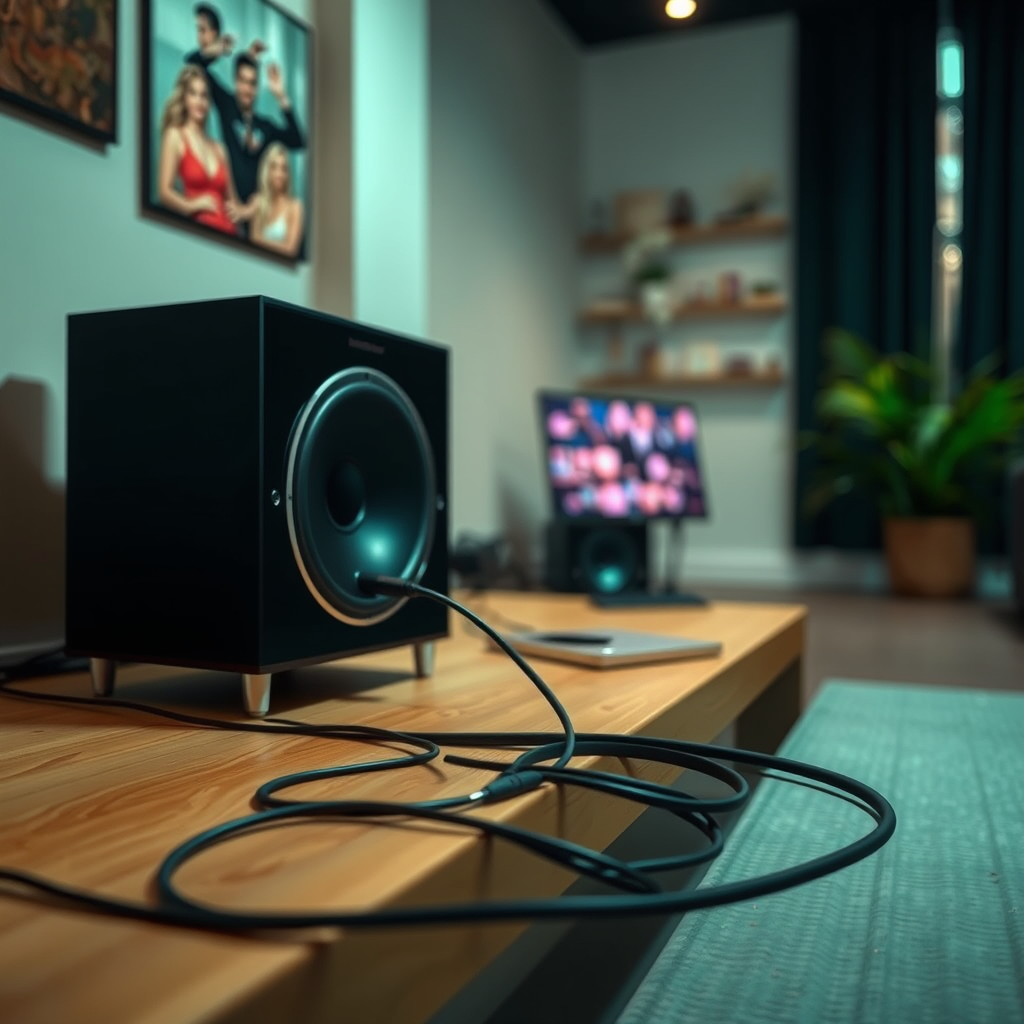
The first step in troubleshooting your Devialet subwoofer should always be to check the connections and cables. A loose or damaged cable can disrupt the signal and prevent the subwoofer from functioning properly.
– Secure Connections: Ensure that all cables are securely connected to both the subwoofer and the audio source. This includes checking the power cable, input cables, and any other connections that may be involved in the setup.
– Inspect for Damage: Examine your cables for any visible damage or wear. Frayed wires, bent connectors, or loose jacks can lead to poor audio performance. If you notice any issues, consider replacing the damaged cables with high-quality alternatives that are compatible with your subwoofer.
Verify Audio Settings
Once you’ve confirmed that the physical connections are intact, the next step is to verify the audio settings on your source device. Incorrect settings can significantly impact the performance of your subwoofer.
– Enable Subwoofer Output: Access the audio settings on your source device (such as a receiver, TV, or streaming device) and check that the subwoofer output is enabled. Some devices may require you to specifically activate the subwoofer channel.
– Adjust Volume and Crossover Settings: Ensure that the volume level for the subwoofer is set appropriately. Additionally, check the crossover frequency setting, which determines the point at which your subwoofer takes over from your main speakers. A lower crossover frequency (typically around 80Hz) is often optimal for achieving deep bass.
Update Firmware
Keeping your Devialet subwoofer’s firmware up to date is crucial for optimal performance. Manufacturers often release updates that enhance functionality and fix bugs.
– Check for Updates: Visit the Devialet website or use their companion app to check for the latest firmware updates for your subwoofer model.
– Follow Update Instructions: Carefully follow the manufacturer’s instructions to apply any updates. This process may involve connecting the subwoofer to a computer or using a specific app.
Common Features of Devialet Subwoofers
| # | Feature | Description | Importance |
|---|---|---|---|
| 1 | Wireless Connectivity | Allows for seamless integration with various audio sources | High |
| 2 | Adaptive Bass Management | Adjusts bass output based on room acoustics | High |
| 3 | Equalization Settings | Fine-tunes sound to user preference | Medium |
| 4 | Multi-Room Capability | Enables multiple subwoofers to work together | High |
| 5 | Compact Design | Fits easily into various room layouts | Medium |
| 6 | Powerful Amplification | Delivers high output for immersive sound | High |
| 7 | Customizable Settings | Users can adjust bass and treble levels | Medium |
Test with Different Audio Sources
If the above steps do not resolve the issue, it is advisable to test the subwoofer with various audio sources. This approach will help determine if the problem is specific to a particular device or if it lies with the subwoofer itself.
– Switch Devices: Connect the subwoofer to different audio sources, such as a smartphone, laptop, or dedicated audio receiver. This will help you identify if the issue is with the original device.
– Play Bass-Heavy Tracks: Use different genres of music, particularly those known for heavy bass, such as electronic, hip-hop, or orchestral music. This will allow you to assess the subwoofer’s response and determine if it can produce the desired bass frequencies.
Check for Placement Issues
The placement of your subwoofer can significantly affect its performance, particularly in terms of bass output. Room acoustics play a vital role in how sound waves interact with the environment.
– Experiment with Placement: Try placing the subwoofer in different locations within the room. Corners and walls can enhance bass response due to the way sound waves reflect off surfaces. Moving the subwoofer around can help you find the optimal position.
– Use Subwoofer Placement Tools: Some manufacturers provide guidelines or tools to help with optimal placement. These resources can assist in identifying the best location for your subwoofer to achieve maximum bass output.
Reset the Subwoofer
If all else fails, performing a factory reset on your Devialet subwoofer can restore default settings and eliminate any configuration errors that may be causing the issue.
– Follow Manufacturer Instructions: Refer to the user manual or the Devialet website for specific instructions on how to reset your subwoofer effectively. This process usually involves a combination of button presses or accessing settings through the companion app.
– Reconfigure Settings: After resetting, you will need to reconfigure your audio settings, including volume, crossover, and any other personalized adjustments.
Seek Professional Help
If the issue persists after completing all troubleshooting steps, it may be time to seek professional assistance. Sometimes, complex audio problems require expert intervention.
– Contact Devialet Support: Reach out to Devialet customer support, where you can provide them with a detailed account of the troubleshooting steps you have undertaken. They may offer additional guidance or solutions.
– Consult an Audio Technician: If you prefer hands-on help, consider hiring a professional audio technician who can diagnose the issue and recommend repairs or upgrades to your audio system.
Subwoofer Bass Response Testing
By following these steps, you should be able to identify and fix the issue with your Devialet subwoofer not producing bass. If problems continue, don’t hesitate to reach out for professional help to ensure your audio experience is restored to its full potential. Always remember that proper setup and maintenance are key to enjoying the deep, immersive sound that a subwoofer can provide.
Frequently Asked Questions
What are the common reasons for a Devialet subwoofer not producing bass?
Common reasons for a Devialet subwoofer not producing bass include incorrect settings in the audio source, improper placement of the subwoofer, and issues with the connection to the main speakers. Additionally, low-quality audio files or streaming services might not deliver the necessary bass frequencies, impacting the overall sound experience.
How can I adjust the settings on my Devialet subwoofer to enhance bass output?
To enhance bass output on your Devialet subwoofer, access the settings through the Devialet app or the device’s interface. Look for options such as “Bass Management” or “Equalizer” and adjust the low-frequency settings. Ensure that the subwoofer is set to the appropriate crossover frequency to complement your main speakers effectively.
Why is my Devialet subwoofer not responding to bass-heavy audio tracks?
If your Devialet subwoofer is not responding to bass-heavy audio tracks, it could be due to an incorrect connection or configuration. Ensure that the subwoofer is properly connected to the audio source and that the audio tracks are in a compatible format. Also, check the settings for any audio processing features that might be limiting bass response.
What is the best placement for my Devialet subwoofer to maximize bass performance?
The best placement for your Devialet subwoofer to maximize bass performance is usually in a corner or along a wall, as these locations can amplify low frequencies. Experiment with placement by moving it around the room to find the spot where it delivers the best bass response, often referred to as the “subwoofer crawl.”
Which troubleshooting steps should I take if my Devialet subwoofer is still not producing bass?
If your Devialet subwoofer is still not producing bass, start by checking all cable connections and ensuring they are secure. Next, verify that the subwoofer is powered on and not muted. If the issue persists, try resetting the device to factory settings or consult the user manual for specific troubleshooting tips related to your model.
References
- Subwoofer
https://en.wikipedia.org/wiki/Subwoofer - https://www.sciencedirect.com/topics/engineering/subwoofer
https://www.sciencedirect.com/topics/engineering/subwoofer - https://pubmed.ncbi.nlm.nih.gov/
https://pubmed.ncbi.nlm.nih.gov/ - Google Scholar Google Scholar
https://scholar.google.com/scholar?q=Devialet+subwoofer+bass+issues - Google Scholar Google Scholar
https://scholar.google.com/scholar?q=devialet+subwoofer+troubleshooting - https://www.nature.com/articles/s41598-020-70287-1
https://www.nature.com/articles/s41598-020-70287-1 - https://www.bbc.com/news/technology-58420016
https://www.bbc.com/news/technology-58420016 - https://www.theguardian.com/technology/2021/sep/10/devialet-review-incredible-sound
https://www.theguardian.com/technology/2021/sep/10/devialet-review-incredible-sound - https://www.reuters.com/technology/devialet-launches-new-subwoofer-2022-09-01/
https://www.reuters.com/technology/devialet-launches-new-subwoofer-2022-09-01/ - https://www.cdc.gov/niosh/docs/2005-118/default.html
https://www.cdc.gov/niosh/docs/2005-118/default.html



