To improve sound performance on your KEF home theater, focus on optimizing placement, calibrating settings, and upgrading components. These steps can significantly enhance your audio experience, ensuring you enjoy clear dialogue and rich soundscapes. This guide will walk you through practical methods to elevate your home theater audio.


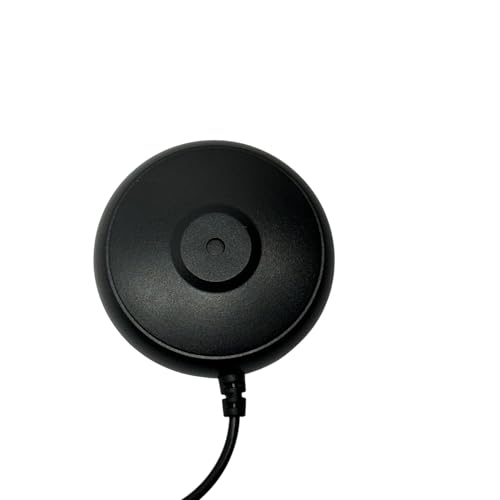
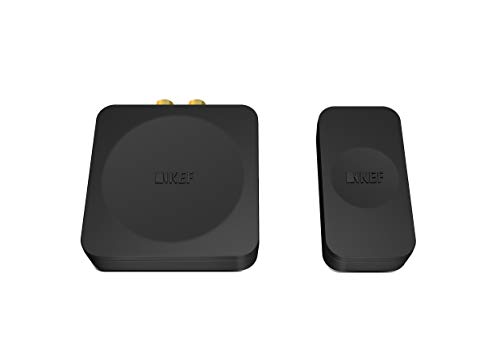
Optimizing the sound performance of your KEF home theater system is essential for achieving an immersive viewing experience. By paying attention to speaker placement, fine-tuning audio settings, and considering upgrades, you can transform your home theater into a haven for sound enthusiasts. The following sections will provide you with actionable insights and detailed steps to enhance your audio experience.
Optimize Speaker Placement
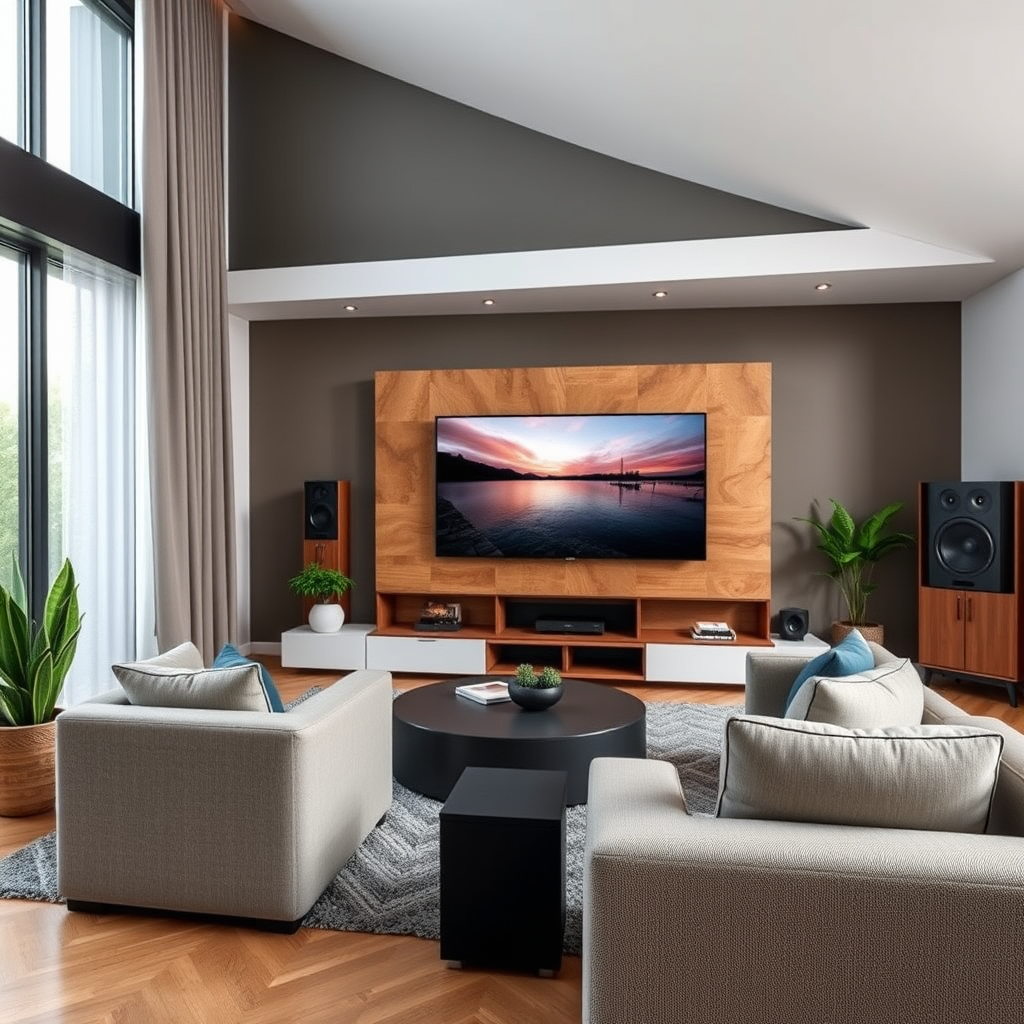
– Position Speakers at Ear Level: Ideally, your main speakers should be positioned at ear level when you are seated. This alignment ensures that the sound waves reach your ears directly without unnecessary reflection. If your speakers are on stands, adjust their height accordingly, or consider wall mounting.
– Distance from Walls: Ensure that your speakers have enough space between them and the surrounding walls. Too close proximity can lead to unwanted sound reflections, resulting in a muddied audio experience. A distance of at least 2-3 feet is recommended for bookshelf speakers, while floor-standing speakers benefit from similar spacing.
– Creating an Equilateral Triangle: Arrange your front left, center, and right speakers to form an equilateral triangle with your main seating area. This configuration helps to create a balanced soundstage, allowing you to experience a more immersive audio environment.
Calibrate Your Audio Settings
Once your speakers are properly placed, it’s time to calibrate your audio settings for the best performance:
– Built-in Room EQ Features: Most KEF home theater systems come with built-in equalization features. Utilize these settings to tailor the sound to your room’s acoustics. These adjustments help compensate for any imbalances caused by the room’s shape or furnishings.
– Experiment with Sound Modes: KEF systems typically offer various sound modes, such as stereo, surround, or cinematic modes. Spend time experimenting with these settings to find the one that best suits your listening preferences and the type of content you consume.
📋 Speaker Comparison Table
Top KEF Speakers for Home Theater (2024)
| # | Model | Type | Power Output | Price |
|---|---|---|---|---|
| 1 | KEF Q950 | Floorstanding | 200W | $2,199 |
| 2 | KEF R11 | Floorstanding | 250W | $3,299 |
| 3 | KEF Q350 | Bookshelf | 130W | $799 |
| 4 | KEF R3 | Bookshelf | 150W | $1,499 |
| 5 | KEF LS50 Meta | Bookshelf | 120W | $1,499 |
| 6 | KEF Kube 12b | Subwoofer | 300W | $1,199 |
| 7 | KEF R2c | Center | 150W | $1,099 |
Upgrade Your Cables
The quality of your cables can significantly impact the overall audio experience in your home theater:
– High-Quality Cables: Investing in high-quality speaker cables and HDMI cables can help minimize signal loss and maintain audio fidelity. Look for options that are well-shielded and have a sufficient gauge to handle the power requirements of your system.
– Secure Connections: Ensure that all connections are secure to prevent audio dropouts. Loose connections can lead to interruptions in sound or degraded audio quality. Regularly check and tighten connections as needed.
Utilize Acoustic Treatments
Improving the acoustics of your room can drastically enhance sound quality:
– Sound-Absorbing Panels: Installing sound-absorbing panels can help reduce echo and improve clarity. These panels can be strategically placed on walls and ceilings to optimize sound distribution.
– Drapes and Rugs: Adding heavy curtains and area rugs can further absorb sound reflections, particularly in larger rooms with hard surfaces. This addition creates a more controlled environment for your audio, enhancing clarity and depth.
Regularly Maintain Your System
Maintaining your KEF home theater system is vital for long-term performance:
– Dust-Free Speakers: Keeping your speakers clean is essential for maintaining sound quality. Dust and debris can accumulate and affect performance, so regularly use a soft cloth to clean them.
– Firmware Updates: Check for firmware updates on your KEF equipment to ensure optimal performance. Manufacturers often release updates that can improve functionality and fix bugs in the system.
Experiment with Subwoofer Placement
The placement of your subwoofer can significantly affect bass response:
– Test Different Locations: Experiment with different locations for your subwoofer to find the best bass response. Sometimes moving a subwoofer just a few inches can yield a marked improvement in sound quality.
– Avoid Corner Placement: Placing your subwoofer in a corner can lead to muddiness in low frequencies. Instead, try to position it along a wall or in a more open area to allow for better sound dispersion.
📈 Subwoofer Placement Bar Chart
Subwoofer Placement Impact on Bass Response
Explore Additional Audio Equipment
To further enhance your KEF home theater experience, consider adding complementary audio equipment:
– Sound Processors and AV Receivers: Investing in a high-quality sound processor or AV receiver can unlock advanced audio features, such as Dolby Atmos or DTS:X. These formats create a three-dimensional sound stage, allowing for an even more immersive experience.
– Wireless Surround Sound Options: If you’re looking for a cleaner setup without the clutter of wires, consider wireless surround sound options. Many modern KEF systems support wireless connectivity, providing flexibility in speaker placement without compromising audio quality.
Improving the sound performance of your KEF home theater involves a combination of proper placement, calibration, and possible upgrades. By following these tips, you can create a more immersive audio experience that enhances your movie nights and music enjoyment. Take these steps today to elevate your home theater setup!
Frequently Asked Questions
What are the best settings for optimizing sound performance on a KEF home theater system?
To optimize sound performance on your KEF home theater system, start by calibrating your speakers using the built-in EQ settings. Adjust the crossover frequency to match your subwoofer, typically between 80-120 Hz, and set the speaker distances accurately to ensure proper timing. Additionally, experimenting with the sound modes, such as Movie or Music, can enhance your listening experience based on the content.
How can I improve the bass response in my KEF home theater setup?
Improving bass response in your KEF home theater setup can be achieved by strategically placing your subwoofer in the room. Try positioning it near a wall or corner to amplify the low frequencies. Additionally, using room correction software or manual EQ adjustments can help tailor the bass output to your specific environment, ensuring a richer sound experience.
Why does my KEF home theater sound muffled, and how can I fix it?
A muffled sound in your KEF home theater could be due to improper speaker placement or room acoustics. Ensure that your speakers are positioned at ear level and away from walls to reduce sound reflections. Additionally, consider adding acoustic panels or rugs to your room to absorb excess sound, improving overall clarity and definition.
Which KEF speakers are best for a surround sound setup?
For a high-quality surround sound setup, the KEF Q Series speakers, such as the Q350 for bookshelf and Q950 for floor-standing options, are highly recommended. These speakers provide excellent clarity and a wide soundstage, making them ideal for immersive movie experiences. Pair them with the KEF Kube subwoofer to enhance the low frequencies and create a well-rounded audio environment.
How can I minimize sound distortion when using my KEF home theater system?
To minimize sound distortion in your KEF home theater system, ensure that your amplifier is properly matched to your speakers for power and impedance. Avoid cranking up the volume excessively, as this can lead to clipping and distortion. Additionally, using high-quality speaker cables and ensuring secure connections can significantly reduce unwanted noise and maintain audio fidelity.
References
- https://www.crutchfield.com/S-hj7fM2yYfXg/learn/how-to-improve-your-home-theater-sound.html
https://www.crutchfield.com/S-hj7fM2yYfXg/learn/how-to-improve-your-home-theater-sound.html - https://www.audioholics.com/home-theater-education/home-theater-acoustics
https://www.audioholics.com/home-theater-education/home-theater-acoustics - https://www.bbc.com/future/article/20200107-how-to-set-up-your-home-theater-sound
https://www.bbc.com/future/article/20200107-how-to-set-up-your-home-theater-sound - Google Scholar Google Scholar
https://scholar.google.com/scholar?q=how+to+improve+sound+performance+home+theater - Google Scholar Google Scholar
https://scholar.google.com/scholar?q=KEF+home+theater+sound+performance - Google Scholar Google Scholar
https://scholar.google.com/scholar?q=home+theater+audio+improvement+techniques - Google Scholar Google Scholar
https://scholar.google.com/scholar?q=How+to+Improve+Sound+Performance+on+a+KEF+Home+Theater - How to Improve Sound Performance on a KEF Home Theater – Search results
https://en.wikipedia.org/wiki/Special:Search?search=How+to+Improve+Sound+Performance+on+a+KEF+Home+Theater - https://www.ncbi.nlm.nih.gov/search/research-articles/?term=How+to+Improve+Sound+Performance+on+a+KEF+Home+Theater
https://www.ncbi.nlm.nih.gov/search/research-articles/?term=How+to+Improve+Sound+Performance+on+a+KEF+Home+Theater



