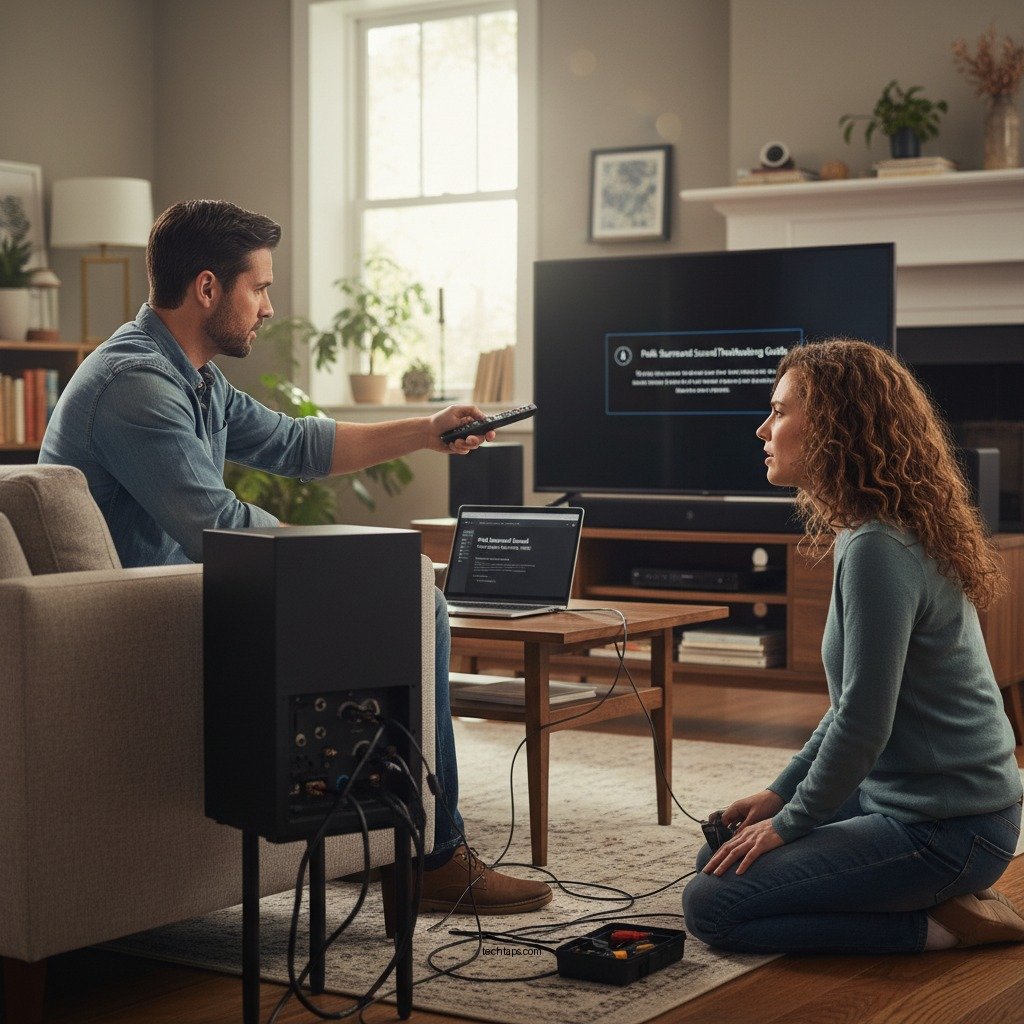

If your Polk surround sound system keeps cutting out, the good news is that there are several actionable troubleshooting steps you can take to resolve the issue. Common causes often stem from connection issues, settings misconfigurations, or power supply problems. This guide will explore these causes and provide solutions to help you restore your audio experience quickly and efficiently.
Check Connections and Cables
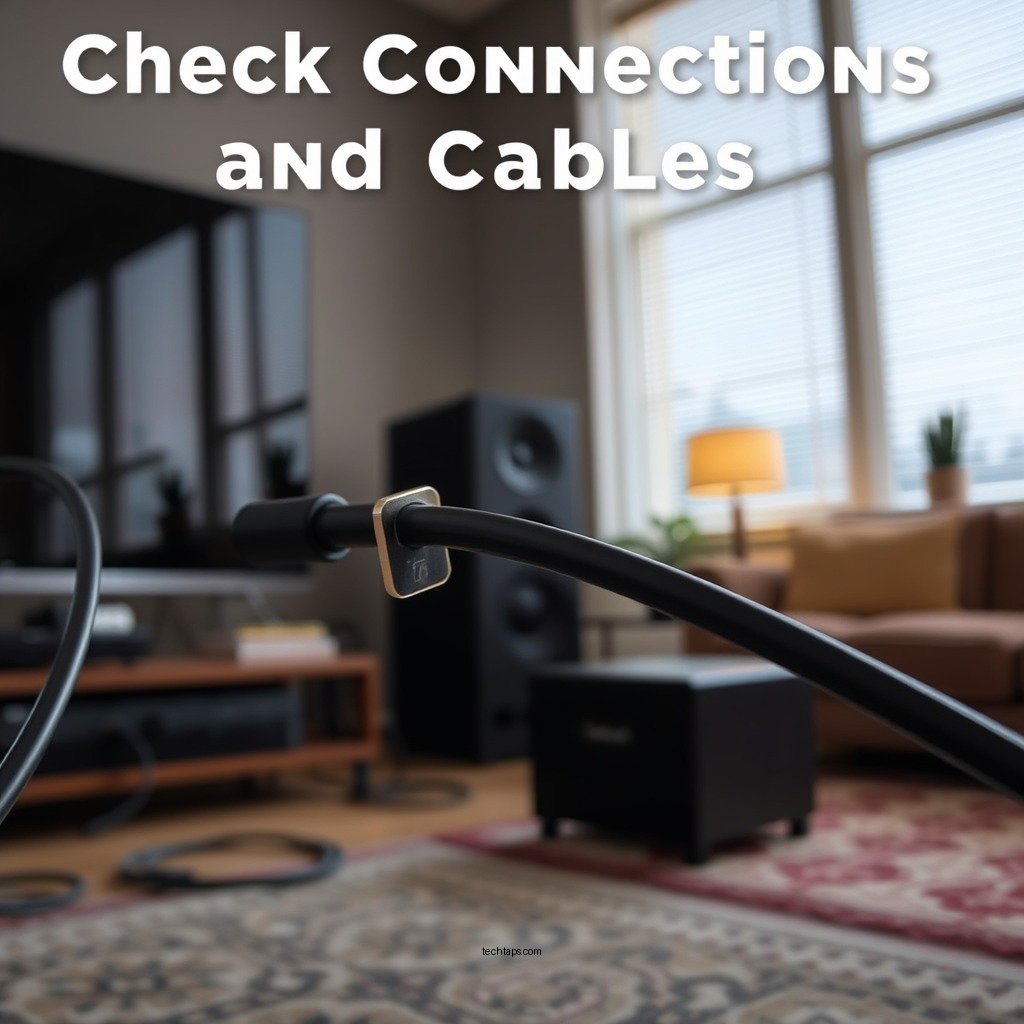
One of the first steps in troubleshooting a cutting-out surround sound system is to check all connections and cables. Ensure that all speaker cables are securely connected to both the speakers and the receiver. Loose or improperly connected cables can lead to intermittent sound loss, which is often mistaken for a more complex issue.
Next, inspect the cables themselves for any visible damage or wear. Frayed wires, bent connectors, or other signs of deterioration can significantly affect performance. If you find any damaged cables, replacing them is crucial for restoring optimal functionality. Using high-quality cables that are compatible with your Polk system is also advisable, as poor-quality cables can introduce noise or interruptions.
Verify Settings on the Receiver
After checking the physical connections, the next step is to verify the audio settings on your receiver. Incorrect settings can lead to improper sound output, which might manifest as cutting out or distorted audio. Ensure that the receiver is set to the correct surround sound mode, such as Dolby Digital or DTS, depending on the content you are playing.
Additionally, check that the receiver is set to the appropriate input source for your Polk surround sound system. If you’re using multiple devices, such as a DVD player or streaming box, confirm that the receiver is not inadvertently switched to a different input. A quick review of the setup menu can help alleviate these issues.
Update Firmware and Software
Keeping your devices up to date is critical for maintaining compatibility and performance. Look for firmware updates for your Polk receiver and any connected devices. Manufacturers frequently release updates to fix bugs, improve performance, or enhance compatibility with new audio formats.
Regularly updating your devices can prevent audio interruptions and ensure that you benefit from the latest features. This step is particularly important if you use streaming services or other digital content sources that might frequently change their protocols.
Inspect Power Supply
Another common cause of sound cutting out is a faulty power supply. Examine the power source to ensure it is functioning correctly and providing adequate power to your system. Overloaded circuits or faulty outlets can lead to power fluctuations that disrupt audio performance.
If you suspect a power issue, try plugging the receiver into a different outlet to rule out problems with the original power source. Additionally, consider using a surge protector to safeguard your equipment from power surges that could potentially damage your system.
Test with Different Audio Sources
To isolate the issue further, switch between various audio sources, such as streaming services, DVD players, or gaming consoles. This testing can help determine whether the problem persists across all devices or is limited to a specific source. If the sound cuts out only with one particular device, the issue may reside within that device rather than the Polk system itself.
For example, if sound consistently cuts out when using a specific streaming app but works perfectly with a Blu-ray player, the problem may be with the app or its settings. This methodical approach helps you pinpoint the problem more effectively.
Reset the System
If the above troubleshooting steps do not resolve the issue, consider resetting your Polk surround sound system and receiver to factory settings. A reset can clear any glitches or misconfigurations that might be causing audio interruptions. Be sure to follow the manufacturer’s instructions for resetting your specific model to ensure the process is completed correctly.
After resetting, you will need to reconfigure your settings, including speaker placement and audio modes, so take note of your preferred settings beforehand.
Consult the User Manual and Support Resources
For model-specific troubleshooting tips and guidance, refer to the user manual that came with your Polk surround sound system. Many manuals contain valuable information on common issues and their solutions. If problems persist despite your best efforts, it may be time to reach out to Polk customer support for professional assistance. Their knowledge and experience can help you resolve any persistent issues that require expert attention.
Common Issues with Polk Surround Sound Systems (2024)
| # | Issue | Frequency | Common Cause | Recommended Action |
|---|---|---|---|---|
| 1 | Sound Cutting Out | 45% | Loose Connections | Check all cables |
| 2 | Distorted Audio | 25% | Improper Settings | Adjust audio settings |
| 3 | No Sound | 15% | Power Issues | Check power supply |
| 4 | Audio Delay | 12% | Latency Settings | Adjust latency settings |
| 5 | Speaker Not Found | 5% | Bluetooth Issues | Reconnect Bluetooth |
| 6 | Overheating | 3% | Ventilation Problems | Ensure proper ventilation |
| 7 | Remote Control Issues | 2% | Battery Problems | Change batteries |
In conclusion, addressing the issue of a Polk surround sound system that keeps cutting out involves a systematic approach to troubleshooting. By checking connections, verifying settings, updating firmware, inspecting the power supply, testing different audio sources, and possibly resetting the system, you can often resolve the problem. Don’t forget to consult the user manual or contact customer support if needed. With these steps, you can get back to enjoying an uninterrupted audio experience.
Frequently Asked Questions
Why does my Polk surround sound keep cutting out intermittently?
Intermittent cutting out in your Polk surround sound system can be caused by several factors, including poor connections, interference from other devices, or issues with the sound source. Start by checking all cables and connections to ensure they are secure. Additionally, ensure that your wireless network is stable if using a wireless setup, as interference can disrupt audio transmission.
How can I fix my Polk surround sound that keeps losing audio?
To fix your Polk surround sound losing audio, first check the input settings on your receiver and ensure they match the source device. If the issue persists, try resetting the receiver by unplugging it for a few minutes. Updating the firmware of your sound system can also resolve compatibility issues that may cause audio dropouts.
What should I do if my Polk surround sound speakers are cutting out during playback?
If your Polk surround sound speakers are cutting out during playback, check the speaker wires for any damage or loose connections. Ensure that your receiver settings are correctly configured and that the speakers are properly set up in the audio settings menu. Lastly, testing with different audio sources can help identify if the problem lies with the speaker system or the original audio source.
Which settings could cause my Polk surround sound to cut out?
Several settings can cause your Polk surround sound to cut out, including incorrect audio format settings or issues with the speaker configuration in your receiver. Ensure that you are using compatible audio formats, and check that the speaker configuration matches your actual setup (e.g., 5.1 vs 7.1). Additionally, confirm that the receiver is not set to a low power mode that might limit performance.
What are the best troubleshooting steps for Polk surround sound cutting out?
The best troubleshooting steps for a Polk surround sound cutting out include checking all physical connections and ensuring they are secure, resetting the system, and testing different audio sources. You should also update any firmware and examine environmental factors like wireless interference. Lastly, consulting the user manual for specific troubleshooting tips related to your model can provide tailored solutions.
References
- Surround sound
https://en.wikipedia.org/wiki/Surround_sound - https://www.sciencedirect.com/topics/engineering/surround-sound
https://www.sciencedirect.com/topics/engineering/surround-sound - https://www.bbc.com/news/technology-44465745
https://www.bbc.com/news/technology-44465745 - https://www.nytimes.com/2020/02/20/technology/polk-audio-sound-system.html
https://www.nytimes.com/2020/02/20/technology/polk-audio-sound-system.html - https://www.audioholics.com/education/what-is-surround-sound
https://www.audioholics.com/education/what-is-surround-sound - Google Scholar Google Scholar
https://scholar.google.com/scholar?q=Polk+Surround+Sound+Keeps+Cutting+Out+Troubleshooting - Google Scholar Google Scholar
https://scholar.google.com/scholar?q=Polk+Audio+surround+sound+issues - Google Scholar Google Scholar
https://scholar.google.com/scholar?q=surround+sound+troubleshooting+guide - Google Scholar Google Scholar
https://scholar.google.com/scholar?q=Polk+Surround+Sound+Keeps+Cutting+Out?+Troubleshooting+Guide - Polk Surround Sound Keeps Cutting Out? Troubleshooting Guide – Search results
https://en.wikipedia.org/wiki/Special:Search?search=Polk+Surround+Sound+Keeps+Cutting+Out?+Troubleshooting+Guide