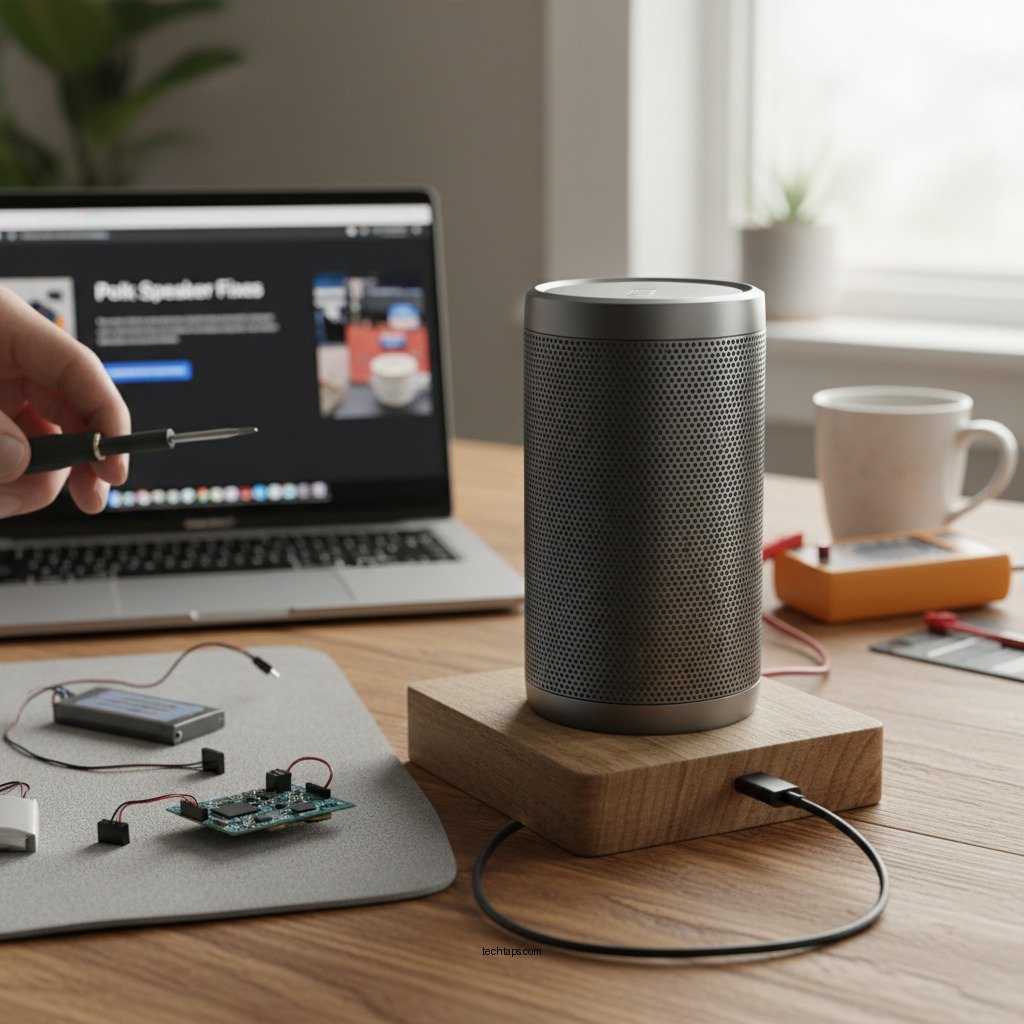

If your Polk wireless speaker isn’t charging, don’t worry—there are several troubleshooting steps you can take to resolve the issue. Common problems like faulty power sources, damaged charging ports, or outdated firmware can often lead to charging failures. This article will guide you through effective fixes that can help restore your speaker’s functionality, ensuring you can enjoy your music without interruption.



Check the Power Source
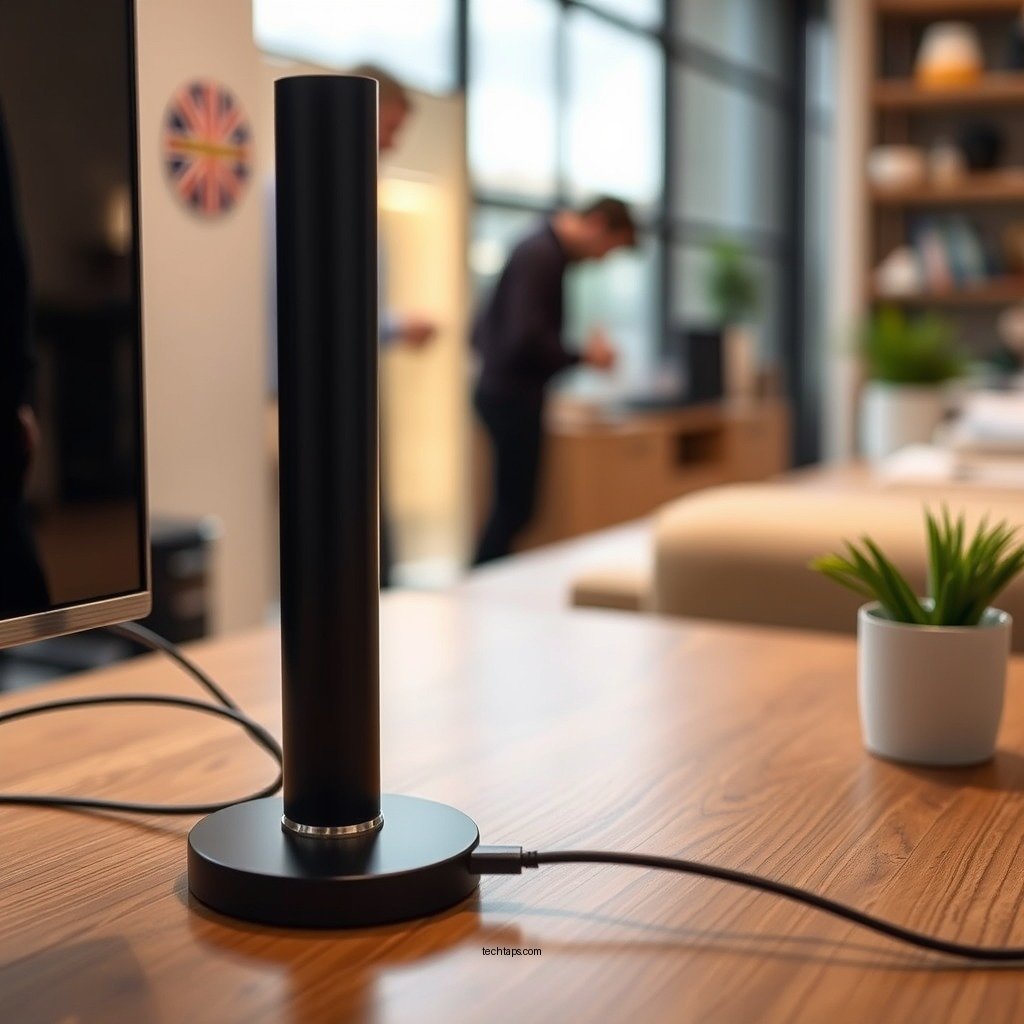
The first step in troubleshooting a charging issue is to examine your power source. Ensure that the outlet you are using is functional; you can do this by testing it with another device, such as a lamp or phone charger. If the outlet is inactive, try resetting your circuit breaker or using another outlet.
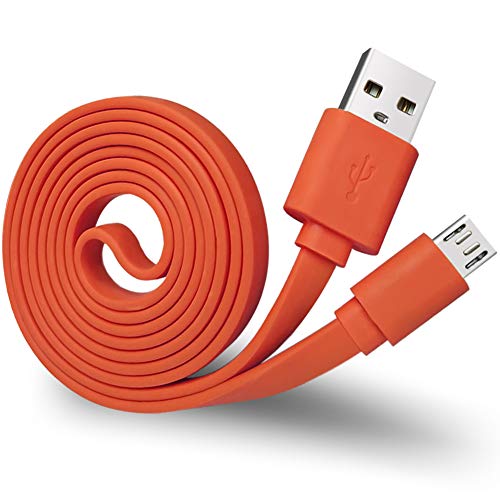
Next, the charging cable or adapter should be assessed. Often, these components can be the culprits behind charging failures. Try using a different charging cable or adapter that is compatible with your Polk speaker. Look for any visible signs of wear or damage on the cable, such as fraying or exposed wires, which could hinder proper charging.
Additionally, if your speaker features a USB-C or micro-USB port, ensure you’re using the correct cable type. Some cables are designed for data transfer and may not support charging.
Inspect the Charging Port
Another critical aspect to investigate is the charging port of your Polk speaker. Over time, dust, lint, or other debris can accumulate in the port, preventing a secure connection with the charging cable. Carefully inspect the charging port using a flashlight to identify any obstructions.
To clean it, use a soft brush or compressed air to remove any debris gently. Avoid using sharp objects that could damage the port. A clean charging port is essential for ensuring that power can flow effectively to the speaker.
Reset the Speaker
If your speaker still refuses to charge after checking the power source and cleaning the port, performing a factory reset can be an effective solution. Resetting the device can clear any software-related issues that may be causing charging problems.
To reset your Polk wireless speaker, refer to the manufacturer’s instructions, which can usually be found in the user manual or on their official website. Keep in mind that a factory reset may erase saved settings or paired devices, so you’ll need to reconfigure them afterward.
Update Firmware
Outdated firmware can also lead to charging issues, as manufacturers periodically release updates that improve performance and address known bugs. Check for any available firmware updates for your Polk speaker by visiting the manufacturer’s website or using the Polk app.
Follow the instructions provided to update the firmware. It is typically a straightforward process that involves connecting the speaker to a computer or using the app to initiate the update. Keeping your firmware current can enhance the overall functionality of your speaker, including its charging capabilities.
Battery Health Assessment
The health of your speaker’s battery can significantly influence its charging performance. If your Polk speaker is an older model, the battery may have diminished capacity due to age or frequent use. A battery that no longer holds a charge may require replacement.
If the battery is replaceable, consult the user manual or the manufacturer’s website for instructions on how to obtain a new one. In some cases, it may be more cost-effective to invest in a new speaker, especially if your current model is outdated or has other issues.
Contact Customer Support
If all troubleshooting methods have been exhausted and your Polk speaker still won’t charge, it may be time to reach out to customer support. Polk’s support team can provide professional assistance and may be able to diagnose the issue more effectively.
When contacting customer support, be prepared to provide detailed information about the problem, including any steps you have already taken to resolve it. This information can help expedite the troubleshooting process.
Explore Replacement Options
Finally, if your speaker is still under warranty, inquire about repair or replacement options through Polk’s customer support. Many manufacturers offer warranty coverage for defects or performance issues, which can save you from incurring additional costs.
If your speaker is out of warranty and you’re considering an upgrade, take the time to research new models that meet your audio needs. The market offers a wide array of wireless speakers with advanced features, improved battery life, and superior sound quality.
Top 7 Polk Wireless Speakers Compared (2024)
| # | Model | Battery Life | Charging Time | Water Resistance | Price |
|---|---|---|---|---|---|
| 1 | Polk Assist | 10 hours | 3 hours | IP67 | $149.99 |
| 2 | Polk Boom | 12 hours | 4 hours | None | $179.99 |
| 3 | Polk Signa | 8 hours | 2 hours | IPX6 | $129.99 |
| 4 | Polk MagniFi | 15 hours | 5 hours | IP68 | $199.99 |
| 5 | Polk BoomBit | 9 hours | 3 hours | None | $89.99 |
| 6 | Polk R500 | 10 hours | 4 hours | IPX5 | $159.99 |
| 7 | Polk S60 | 11 hours | 3.5 hours | IP67 | $139.99 |
If your Polk wireless speaker isn’t charging, it’s crucial to follow these troubleshooting steps to identify and fix the problem. From checking your power source and inspecting the charging port to performing a reset and contacting customer support, there are multiple avenues to explore. Don’t hesitate to reach out for professional support if needed, and enjoy your music once again!
Frequently Asked Questions
What should I do if my Polk wireless speaker won’t charge?
If your Polk wireless speaker won’t charge, first check the charging cable and wall adapter for any visible damage. Try using a different charging cable or adapter to see if the issue persists. Ensure the charging port on the speaker is clean and free from debris, as this can interfere with the connection.
How can I troubleshoot a Polk wireless speaker that is not charging?
To troubleshoot a Polk wireless speaker that is not charging, start by resetting the speaker according to the manufacturer’s instructions. Next, inspect the power source and try plugging it into a different outlet. If the speaker still doesn’t charge, consider updating its firmware or reaching out to customer support for further assistance.
Why does my Polk wireless speaker stop charging unexpectedly?
Your Polk wireless speaker may stop charging unexpectedly due to a faulty battery or charger. Over time, lithium-ion batteries can degrade, leading to charging issues. Additionally, using an incompatible charger may also prevent your speaker from receiving power, so always use the recommended charging equipment.
What are the best charging practices for Polk wireless speakers?
The best charging practices for Polk wireless speakers include using the original charger and avoiding overcharging, which can damage the battery. Make sure to charge the speaker in a cool, dry place to prevent overheating, and unplug it once it reaches a full charge to prolong battery life.
Which indicators show that my Polk wireless speaker is charging properly?
To determine if your Polk wireless speaker is charging properly, look for LED indicators that typically light up to signal charging status. A solid light often means it’s charging, while a blinking light may indicate a problem. Additionally, you can check the battery percentage through the associated app if available, to ensure it is increasing during charging.
References
- Google Scholar Google Scholar
https://scholar.google.com/scholar?q=Polk+Wireless+Speaker+Not+Charging - Reddit – The heart of the internet
https://www.reddit.com/r/hometheater/comments/8je2y3/how_to_fix_a_wireless_speaker_that_wont_charge/ - https://www.lifewire.com/wireless-speaker-not-charging-5073573
https://www.lifewire.com/wireless-speaker-not-charging-5073573 - Google Scholar Google Scholar
https://scholar.google.com/scholar?q=Bluetooth+Speaker+Charging+Issues - Google Scholar Google Scholar
https://scholar.google.com/scholar?q=Polk+Wireless+Speaker+Not+Charging?+Try+These+Fixes - Polk Wireless Speaker Not Charging? Try These Fixes – Search results
https://en.wikipedia.org/wiki/Special:Search?search=Polk+Wireless+Speaker+Not+Charging?+Try+These+Fixes - https://www.ncbi.nlm.nih.gov/search/research-articles/?term=Polk+Wireless+Speaker+Not+Charging?+Try+These+Fixes
https://www.ncbi.nlm.nih.gov/search/research-articles/?term=Polk+Wireless+Speaker+Not+Charging?+Try+These+Fixes