
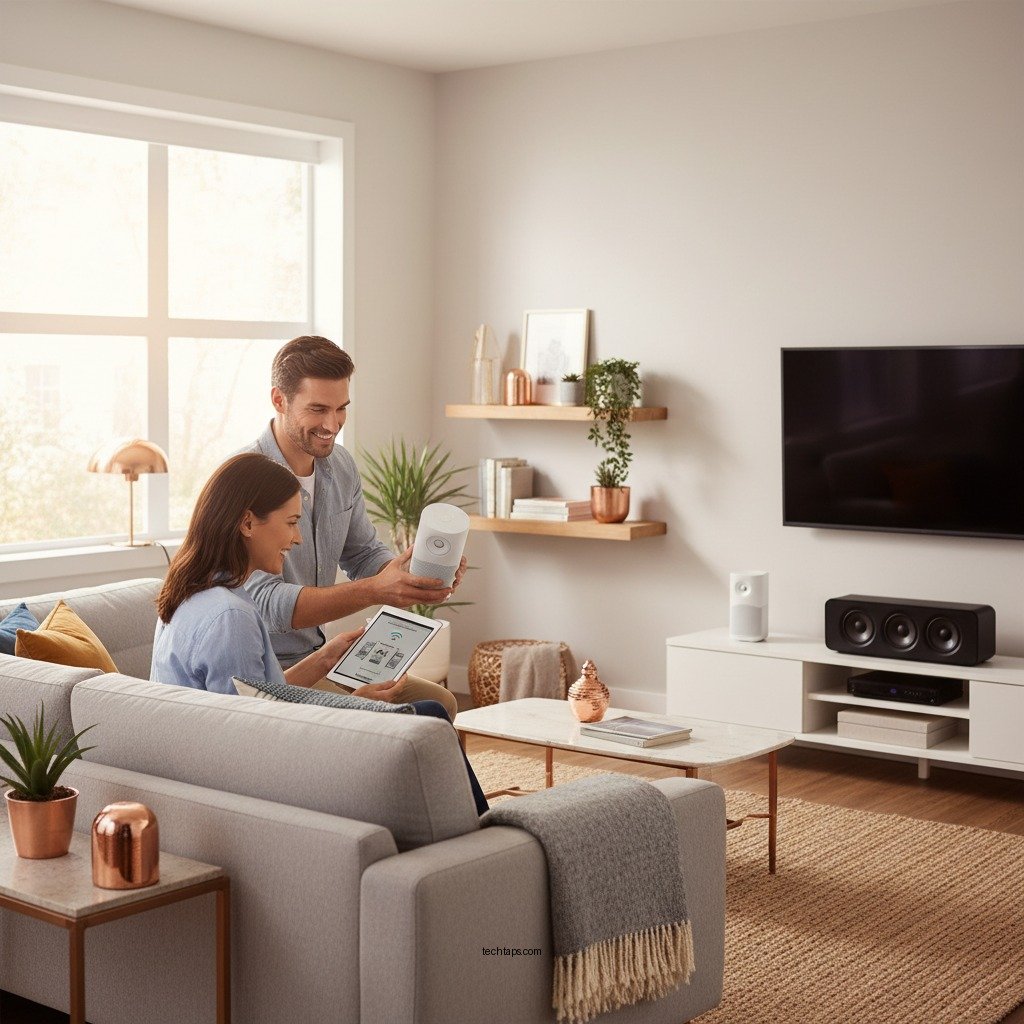

Setting up a wireless speaker system in your home is straightforward and can significantly enhance your audio experience. To get started, you need to choose the right speakers, ensure your Wi-Fi connectivity is strong, and follow a few simple steps to connect everything. This guide will walk you through the process to create a seamless, immersive sound experience in your living space.
Choosing the Right Wireless Speakers
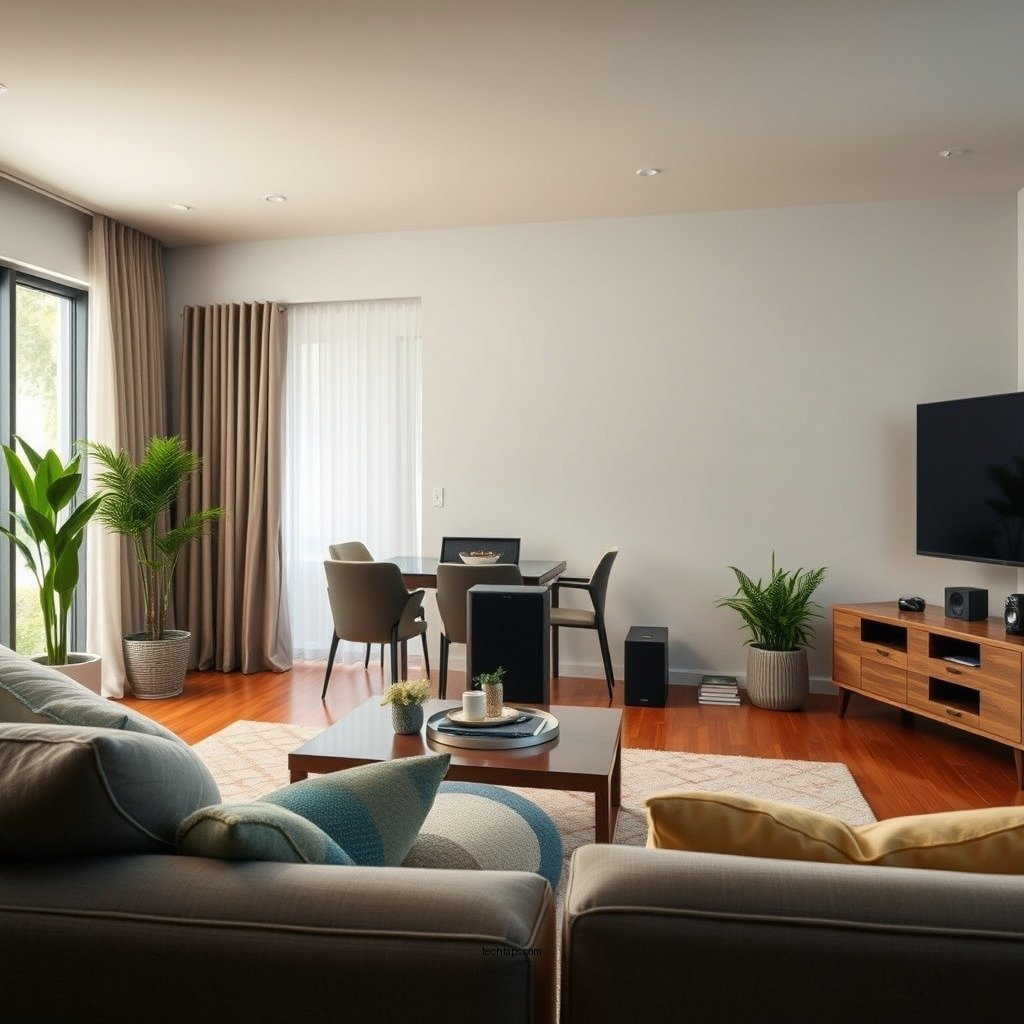
When selecting wireless speakers, it’s essential to consider the size of your space and the specific sound experience you wish to create. Larger rooms benefit from speakers with more power and a wider sound range, while smaller spaces can effectively utilize compact models without sacrificing audio quality. Additionally, assess your audio preferences—whether you prioritize deep bass for music or clear highs for dialogue in films.
Features are another crucial factor in your decision. Look for speakers that offer multi-room capability, allowing you to connect multiple devices throughout your home for synchronized sound. Bluetooth connectivity is a must for versatility, enabling connections to various devices, from smartphones to tablets. Furthermore, consider speakers with smart home integration, as this can enhance usability significantly. Brands like Sonos, Bose, and Amazon Echo offer various models tailored for different needs, providing options for everyone.
Preparing Your Home Network
Before diving into the setup process, ensuring that your home network is adequately prepared is vital for optimal performance. Place your Wi-Fi router in a central location within your home to maximize signal strength. This positioning reduces dead zones that may affect playback quality. If your router is located in a corner or an area with many obstructions, consider relocating it to a more open space.
Interference from other electronic devices can also affect your wireless speaker system. Cordless phones, microwaves, and other Wi-Fi networks can disrupt connectivity. To minimize these issues, try to keep your router away from such devices and consider using the 5 GHz band for your network if available, as it typically experiences less interference than the 2.4 GHz band.
Connecting Your Speakers
Connecting your wireless speakers is usually a straightforward process, but it’s essential to follow the manufacturer’s instructions closely for the best results. Start by powering on your speakers and placing them within range of your Wi-Fi router. Most modern wireless speakers come with a dedicated app that facilitates initial setup and pairing. Download the app, and follow the on-screen prompts to connect your speakers to your home network.
Once connected, you can pair your speakers with your devices, such as smartphones or tablets, through Bluetooth or Wi-Fi. This process usually involves selecting the speaker from a list of available devices in your phone’s settings or the app. After pairing, you may want to explore the app’s features, which often include options for adjusting settings, creating playlists, and managing multiple speakers in a multi-room setup.
Top 7 Wireless Speakers for Home Use (2024)
| # | Speaker Model | Power Output | Battery Life | Smart Features |
|---|---|---|---|---|
| 1 | Sonos One | 60W | 10 hours | Yes |
| 2 | Bose SoundLink Revolve+ | 30W | 16 hours | Yes |
| 3 | JBL Charge 5 | 40W | 20 hours | No |
| 4 | Amazon Echo Studio | 100W | 10 hours | Yes |
| 5 | Google Nest Audio | 30W | 12 hours | Yes |
| 6 | Ultimate Ears BOOM 3 | 20W | 15 hours | No |
| 7 | Sony SRS-XB43 | 30W | 24 hours | No |
Positioning Your Speakers
Proper positioning of your speakers can greatly enhance sound quality. Ideally, place your speakers at ear level when seated to ensure an optimal listening experience. This positioning allows the sound to travel directly towards you, creating a more immersive audio experience. If you’re using a multi-room system, ensure that each speaker is strategically placed to fill the room effectively, avoiding any sound dead zones.
Avoid placing speakers in corners or behind furniture, as this can lead to sound distortion and diminished audio clarity. Instead, aim for a balanced setup where speakers are spaced out evenly. If possible, conduct listening tests while adjusting the placement to determine the best positioning for your specific environment.
Integrating with Smart Home Systems
To enhance the functionality of your wireless speaker system, consider integrating it with your smart home setup. This integration allows you to control your speakers with voice commands through platforms like Amazon Alexa, Google Assistant, or Apple HomeKit. For instance, once connected, you can ask your smart assistant to play your favorite playlist, adjust the volume, or even turn off the speakers when you leave the room.
Moreover, explore automation options that can elevate your listening experience. Many smart home systems allow you to create routines, such as having your speakers play relaxing music at a specific time or adjusting the volume based on the time of day. This level of control not only adds convenience but also personalizes your audio experience.
Troubleshooting Common Issues
Even with the best equipment, you may encounter some common issues with your wireless speaker system. If you experience connectivity problems, a good first step is to restart both your router and your speakers. This can often resolve minor glitches and restore connectivity.
Another important aspect is to keep your speaker’s firmware updated. Manufacturers frequently release updates to improve performance and fix bugs. Check your speaker’s app regularly for updates and install them as needed to ensure optimal performance. If problems persist, consult the manufacturer’s troubleshooting guide or customer support for further assistance.
Enhancing Your Audio Experience
To truly enjoy your wireless speaker system to the fullest, consider experimenting with equalizer settings available in the accompanying app. Adjusting these settings allows you to tailor the sound profile to your personal preferences, whether you prefer more bass for music or a balanced tone for podcasts.
If you’re looking to enhance your audio experience further, consider adding more speakers to create a surround sound effect. This setup can transform your home into a cinematic experience, especially when watching movies or enjoying live music. Additionally, explore features like stereo pairing, which can enhance the audio separation and clarity for a truly immersive experience.
Summarizing your setup can make a significant difference in how you enjoy your music and media. By selecting the right equipment, ensuring a reliable network, and positioning your speakers thoughtfully, you can create an exceptional audio environment in your home. Start by assessing your needs and preferences, then follow the steps outlined in this guide to enjoy a wireless speaker system that brings your favorite sounds to life.
Frequently Asked Questions
How do I choose the right wireless speaker system for my home?
When selecting a wireless speaker system, consider factors such as sound quality, compatibility with your devices, and the size of your space. Look for systems that support Bluetooth or Wi-Fi streaming, and read reviews to gauge performance. Additionally, think about whether you want a multi-room setup or a single unit for a specific area.
What steps do I need to follow to set up my wireless speaker system?
To set up your wireless speaker system, first, unbox and place your speakers in desired locations, ensuring they are within range of your Wi-Fi network. Next, download the manufacturer’s app, connect your speakers to the app, and follow the prompts for pairing with your devices. Finally, configure any settings such as equalization and multi-room audio preferences.
Why is my wireless speaker system not connecting to Wi-Fi?
If your wireless speaker system isn’t connecting to Wi-Fi, check that your router is functioning properly and that the speaker is within range. Ensure that your speaker’s firmware is updated, as outdated software can cause connectivity issues. If problems persist, try resetting the speaker and re-establishing the connection according to the manufacturer’s instructions.
What are the best wireless speaker systems for home use?
Some of the best wireless speaker systems for home use include Sonos, Bose, and Google Nest Audio. These brands are known for their superior sound quality, user-friendly apps, and robust features like multi-room audio and voice control. Consider your budget and specific needs, such as portability or aesthetic design, when choosing the best option for your home.
Which wireless speaker system is ideal for outdoor use?
For outdoor use, look for wireless speaker systems that are weather-resistant and portable, such as the JBL Charge or Ultimate Ears MEGABOOM. These options typically offer long battery life and durable designs, making them perfect for outdoor gatherings. Additionally, ensure they have a reliable Bluetooth connection to maintain quality sound while you’re away from your home Wi-Fi.
References
- Wireless speaker
https://en.wikipedia.org/wiki/Wireless_speaker - https://www.lifewire.com/how-to-set-up-wireless-speakers-1846420
https://www.lifewire.com/how-to-set-up-wireless-speakers-1846420 - Google Scholar Google Scholar
https://scholar.google.com/scholar?q=wireless+speaker+system+setup - Google Scholar Google Scholar
https://scholar.google.com/scholar?q=home+audio+systems - Google Scholar Google Scholar
https://scholar.google.com/scholar?q=wireless+audio+technology - https://www.bbc.com/future/article/20210406-how-to-set-up-a-home-audio-system
https://www.bbc.com/future/article/20210406-how-to-set-up-a-home-audio-system - Google Scholar Google Scholar
https://scholar.google.com/scholar?q=How+to+Set+Up+a+Wireless+Speaker+System+in+Your+Home - How to Set Up a Wireless Speaker System in Your Home – Search results
https://en.wikipedia.org/wiki/Special:Search?search=How+to+Set+Up+a+Wireless+Speaker+System+in+Your+Home - https://www.ncbi.nlm.nih.gov/search/research-articles/?term=How+to+Set+Up+a+Wireless+Speaker+System+in+Your+Home
https://www.ncbi.nlm.nih.gov/search/research-articles/?term=How+to+Set+Up+a+Wireless+Speaker+System+in+Your+Home



