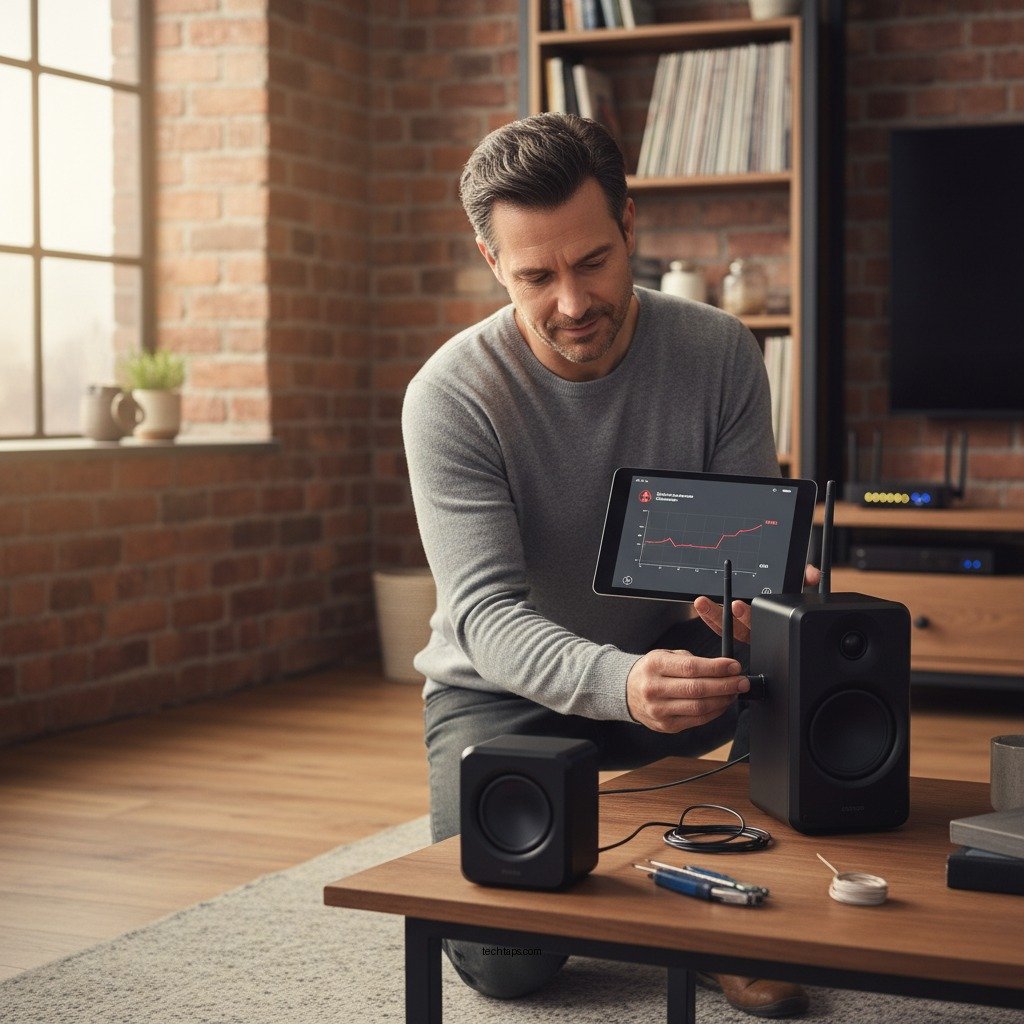
Experiencing audio dropouts in your wireless speaker system can be frustrating, but there are several effective solutions to resolve this issue. The key to fixing audio dropouts lies in identifying sources of interference, ensuring your devices are up-to-date, and optimizing your wireless settings. In this article, you’ll learn how to identify the causes of audio dropouts and implement quick fixes to ensure seamless sound performance.




Identify the Source of Interference
The first step in resolving audio dropouts is to identify potential sources of interference. Wireless devices operate on specific frequencies, and when multiple devices use the same frequency, it can lead to audio disruptions.
– Check for other wireless devices: Common household items such as wireless routers, microwaves, and even Bluetooth devices can interfere with the audio signals of your wireless speakers. For instance, if your speakers are connected via Bluetooth, devices like smartphones or tablets can create interference when they are in close proximity.
– Assess physical obstructions: Physical barriers such as walls, furniture, and appliances can weaken the signal between your speakers and the source device. For optimal performance, ensure that there are minimal barriers in the line of sight between your wireless speakers and the device they are paired with.
Update Firmware and Drivers
Keeping your devices updated is crucial in maintaining performance and resolving potential issues.
– Update speaker firmware: Manufacturers frequently release firmware updates that fix bugs and enhance the performance of wireless speakers. Check the manufacturer’s website or app for the latest firmware version and follow the instructions to update.
– Update device drivers: Likewise, ensure that the audio drivers on your computer or mobile device are current. Outdated drivers can lead to compatibility issues and audio dropouts. You can usually check for driver updates through your device’s settings or the manufacturer’s website.
Optimize Wireless Settings
Optimizing your wireless settings can significantly reduce interference and enhance audio quality.
– Change the Wi-Fi channel: Most routers operate on a default channel, which can become congested with multiple devices. Access your router’s settings and switch to a less congested channel to minimize interference from other networks.
– Use 5GHz Wi-Fi: If your wireless speakers support it, connecting to a 5GHz Wi-Fi network can provide a stronger and clearer audio signal. The 5GHz band typically experiences less interference than the 2.4GHz band, making it ideal for streaming audio.
Top 7 Causes of Audio Dropouts in Wireless Systems
| # | Cause | Impact Level | Resolution Ease | Frequency of Occurrence |
|---|---|---|---|---|
| 1 | Router Interference | High | Moderate | Frequent |
| 2 | Physical Barriers | Medium | Easy | Common |
| 3 | Low Battery | High | Very Easy | Frequent |
| 4 | Outdated Firmware | High | Moderate | Common |
| 5 | Conflicting Devices | Medium | Easy | Occasional |
| 6 | Improper Placement | Medium | Easy | Common |
| 7 | Connection Issues | High | Moderate | Frequent |
Check Battery Levels and Connections
Battery levels and secure connections are critical in maintaining a stable audio signal for wireless speakers.
– Inspect battery levels: Audio dropouts can often be attributed to low battery levels in wireless speakers. Regularly check and replace or recharge batteries as needed to ensure uninterrupted playback.
– Secure connections: Ensure that all cables and connections, including power cords and audio inputs, are tightly secured and free from damage. Loose or damaged connections can lead to intermittent audio dropouts.
Resetting the Speaker System
If the previous solutions do not resolve the issue, resetting your speaker system may help.
– Perform a factory reset: Resetting your speakers to factory settings can resolve persistent issues. Consult the user manual for the appropriate reset method for your specific model.
– Re-pair devices: After resetting, unpair and then reconnect your speakers with the source device. This fresh connection can often eliminate any lingering issues and restore optimal performance.
Evaluate Speaker Placement
Proper placement of your wireless speakers can significantly affect audio performance.
– Position speakers properly: Place your speakers in a location that minimizes obstructions and is closer to the source device. This can enhance the strength of the audio signal and reduce the likelihood of dropouts.
– Avoid cluttered areas: Keeping the area around the speakers free from clutter can also help maintain a clear signal. Avoid placing speakers near other electronic devices or behind large furniture that could obstruct the signal.
Seek Professional Assistance
If you have exhausted all troubleshooting options and continue to experience audio dropouts, it may be time to seek professional help.
– Contact customer support: Most manufacturers offer customer support services that can assist with troubleshooting specific to your device. Don’t hesitate to reach out for guidance.
– Consider expert repair services: For hardware issues that might be causing audio dropouts, seeking help from a professional technician may be necessary. They can diagnose and repair underlying problems that you may not be able to address on your own.
Addressing audio dropouts in your wireless speaker system involves a systematic approach to identifying potential interference, updating software, optimizing settings, and ensuring proper placement. By following these steps, you can enhance your listening experience and enjoy uninterrupted audio. If problems persist, don’t hesitate to seek professional help to ensure your system operates at its best.
Frequently Asked Questions
What causes audio dropouts in a wireless speaker system?
Audio dropouts in a wireless speaker system are often caused by interference from other electronic devices, weak Wi-Fi signals, or obstacles that block the connection between the speaker and the audio source. Additionally, outdated firmware or software can lead to connectivity issues, resulting in interruptions in sound playback.
How can I troubleshoot audio dropouts in my wireless speaker system?
To troubleshoot audio dropouts, start by checking the distance between your wireless speaker and the audio source, ensuring they are within the optimal range. Next, minimize interference by moving other electronic devices away and changing the Wi-Fi channel on your router. If problems persist, try resetting the speaker and updating its firmware.
Why is my wireless speaker cutting out intermittently?
Intermittent audio cutouts in a wireless speaker can be attributed to network congestion, especially if multiple devices are using the same Wi-Fi bandwidth. Additionally, physical barriers such as walls or large furniture can weaken the signal. Ensuring a clear line of sight and reducing connected devices can help improve audio stability.
What is the best way to prevent audio dropouts in wireless speakers?
The best way to prevent audio dropouts in wireless speakers is to use a dedicated Wi-Fi network for your audio devices, reducing interference from other devices. Additionally, consider using speakers that operate on a 5GHz frequency band, as they are less crowded than the 2.4GHz band. Regularly updating your speaker’s firmware can also enhance performance.
Which wireless protocols are most reliable for minimizing audio dropouts?
Wireless protocols such as Bluetooth 5.0 and Wi-Fi 5 (802.11ac) are known for their reliability in minimizing audio dropouts. Bluetooth 5.0 offers improved range and data transfer rates, while Wi-Fi 5 provides a stronger connection for streaming high-quality audio. Choosing speakers that support these protocols can enhance your listening experience.
References
- Wireless
https://en.wikipedia.org/wiki/Wireless_audio - https://www.sciencedirect.com/topics/engineering/wireless-audio
https://www.sciencedirect.com/topics/engineering/wireless-audio - https://www.ncbi.nlm.nih.gov/pmc/articles/PMC7121002/
https://www.ncbi.nlm.nih.gov/pmc/articles/PMC7121002/ - https://pubmed.ncbi.nlm.nih.gov/28249602/
https://pubmed.ncbi.nlm.nih.gov/28249602/ - https://www.bbc.com/news/technology-49007564
https://www.bbc.com/news/technology-49007564 - https://www.theguardian.com/technology/2018/jun/01/bluetooth-audio-dropouts-why-youre-hearing-it-and-how-to-fix-it
https://www.theguardian.com/technology/2018/jun/01/bluetooth-audio-dropouts-why-youre-hearing-it-and-how-to-fix-it - https://www.nytimes.com/2021/05/03/technology/wireless-speakers-bluetooth.html
https://www.nytimes.com/2021/05/03/technology/wireless-speakers-bluetooth.html - Google Scholar Google Scholar
https://scholar.google.com/scholar?q=wireless+speaker+audio+dropouts+fix - Google Scholar Google Scholar
https://scholar.google.com/scholar?q=wireless+audio+dropouts+solutions - Google Scholar Google Scholar
https://scholar.google.com/scholar?q=bluetooth+speaker+connectivity+issues



