
To achieve the ultimate gaming experience, setting up a home theater is essential. A well-designed space with the right equipment can elevate your gaming sessions to new heights. This guide will provide you with insights on how to select the right components, optimize your space, and create an immersive environment that enhances gameplay, ensuring you enjoy every moment of your virtual adventures.
Selecting the Right Display
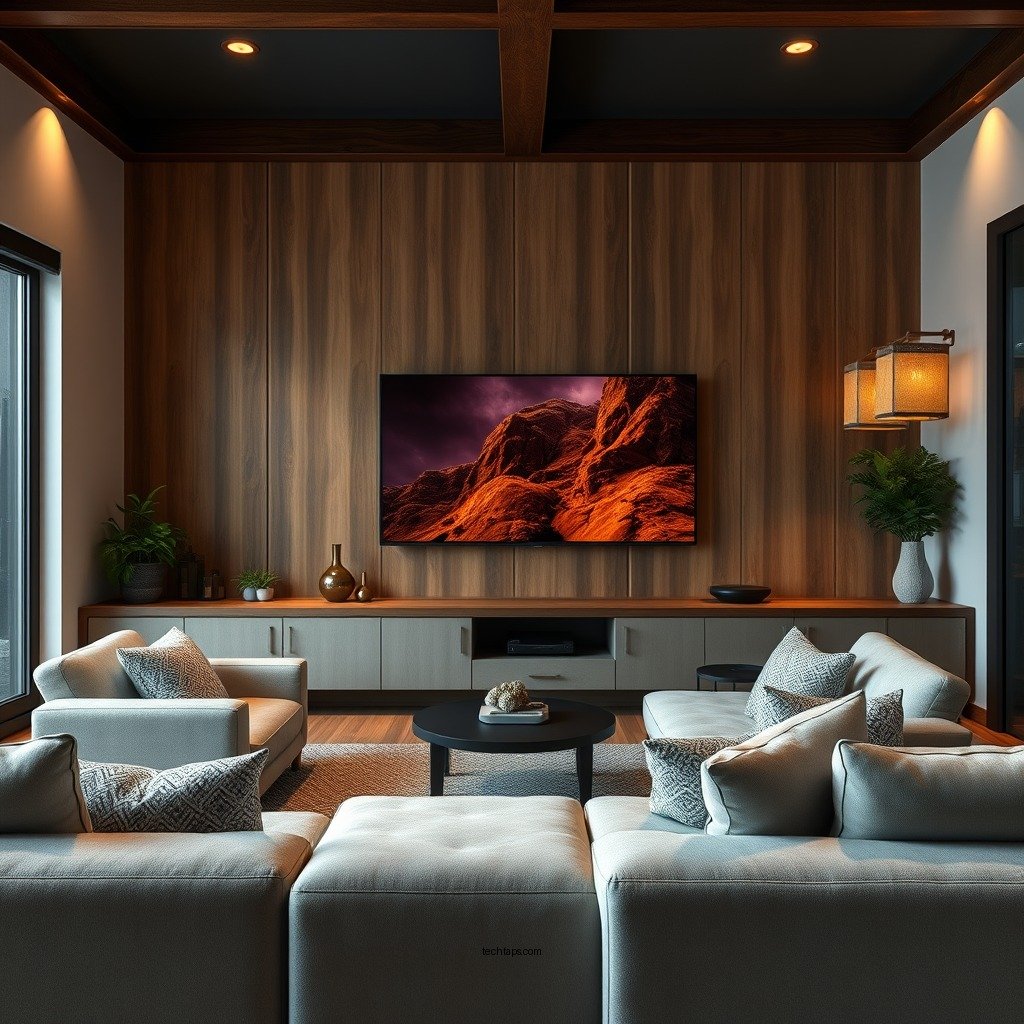
The display is arguably the most critical element of your home theater setup for gaming. Choosing between LED, OLED, or a projector is vital for achieving optimal picture quality.
– LED Displays: Known for their brightness and vivid colors, LED TVs are a popular choice for gaming. They provide excellent performance in well-lit rooms and are generally more affordable than OLEDs.
– OLED Displays: These offer superior contrast ratios and deeper blacks, which can significantly enhance the gaming experience, especially in darker games. The viewing angles are also excellent, allowing for a more immersive experience from various seating positions.
– Projectors: A high-quality projector can provide an enormous screen size, creating a cinematic experience. However, they require a dedicated space and can be more challenging to set up correctly.
When considering screen size, a general rule of thumb is to aim for a screen size of at least 55 inches for a more immersive experience, with 4K resolution being the gold standard for clarity. This combination ensures that you can see every detail in your games, making the experience much more engaging.
Audio Setup for Immersive Sound
An immersive sound experience can dramatically enhance your gaming sessions, making audio setup a crucial component of your home theater.
– Surround Sound System: Investing in a quality surround sound system can provide a more dynamic auditory experience. Systems with 5.1 or 7.1 configurations can create a sound stage that allows you to hear sounds coming from all directions, which can be especially helpful in first-person shooters.
– Soundbars: For those with limited space or budget, a high-quality soundbar can still produce excellent audio quality. Many modern soundbars come equipped with virtual surround sound technologies that can simulate a multi-speaker setup.
To optimize sound distribution, position your speakers at ear level and ensure that they are equidistant from your primary seating area. This configuration will enhance audio clarity and provide a more realistic sound environment, critical for gameplay immersion.
Comfortable Seating Arrangements
Comfort is paramount when setting up your home theater, especially for long gaming sessions.
– Ergonomic Seating: Choose seats that provide proper lumbar support and are designed for extended use. Gaming chairs are specifically designed with this in mind, offering various adjustments to suit your playing style.
– Seating Arrangement: The layout should prioritize sightlines to the screen. Arrange seating in such a way that everyone has an unobstructed view of the display. If space allows, consider tiered seating to enhance visibility, particularly if you plan to host gaming parties.
Creating a comfortable seating environment will not only enhance your gaming experience but also ensure that your friends and family can enjoy memorable gaming nights together.
Top 7 Gaming Headsets (2024)
| # | Headset | Surround Sound | Battery Life | Rating |
|---|---|---|---|---|
| 1 | SteelSeries Arctis Pro | Yes | 20 hours | ★★★★☆ |
| 2 | Razer BlackShark V2 | Yes | 24 hours | ★★★★☆ |
| 3 | Logitech G Pro X | Yes | 20 hours | ★★★★☆ |
| 4 | HyperX Cloud II | Yes | 30 hours | ★★★★☆ |
| 5 | Corsair Virtuoso RGB Wireless | Yes | 20 hours | ★★★★☆ |
| 6 | Astro A50 | Yes | 15 hours | ★★★☆☆ |
| 7 | Turtle Beach Stealth 700 | Yes | 30 hours | ★★★★☆ |
Lighting and Ambiance
Creating the right ambiance is essential to fully immerse yourself in a gaming environment. Lighting plays a significant role in reducing glare and enhancing visibility.
– Adjustable Lighting: Use dimmable lights or smart LED bulbs that allow you to control brightness and color temperature. This flexibility allows you to tailor the lighting to suit different game genres, enhancing the overall experience.
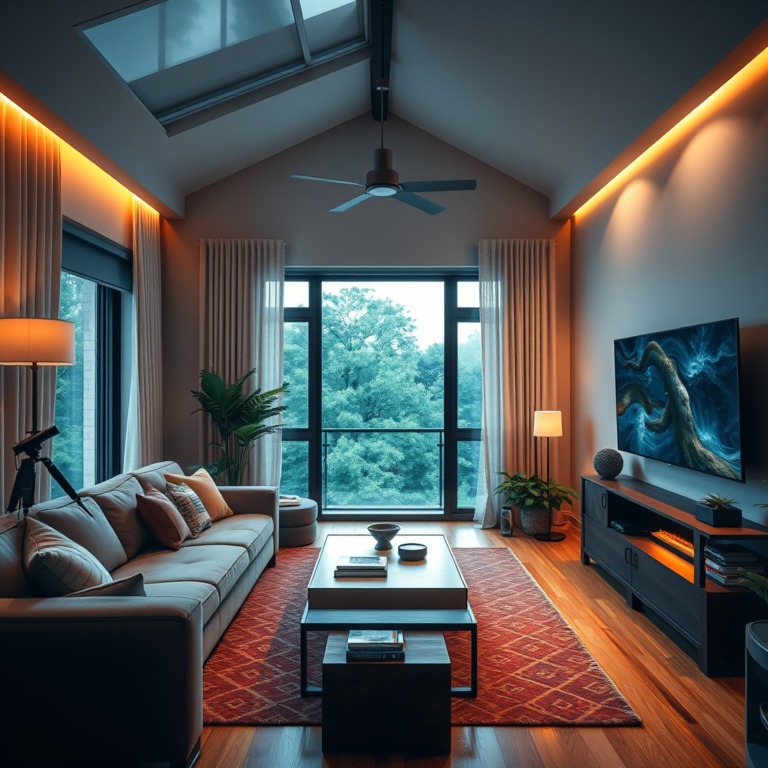
– LED Strips or Smart Lighting: Incorporating LED strips behind the display or around the room can create a captivating atmosphere. Smart lighting can also sync with your games to provide dynamic lighting effects that correspond to in-game actions.
By controlling the lighting in your gaming space, you can reduce distractions and ensure that the focus remains on the game, further enhancing your immersion.
Connectivity and Streaming Options
A robust connectivity setup is indispensable for a seamless gaming experience.
– High-Speed Internet Connection: Ensure you have a reliable and fast internet connection. Fiber-optic connections or high-speed cable broadband are optimal choices for online gaming, reducing latency and lag.
– Streaming Devices or Consoles: If you plan to stream games or use subscription services, consider investing in a reliable streaming device or console. Options like the latest gaming consoles or devices like NVIDIA Shield or Amazon Fire Stick can provide easy access to your games and services.
Having a dependable connectivity setup will ensure that you can quickly access games and enjoy uninterrupted sessions, particularly during crucial moments.
Cable Management and Organization
A well-organized home theater not only looks better but also enhances functionality.
– Cable Management Solutions: Utilize cable ties, sleeves, or clips to keep wires organized and out of sight. This will prevent tangles and make it easier to clean your space.
– Layout Planning: When planning your layout, consider the placement of power outlets, the length of your cables, and the arrangement of your components. A thoughtful setup will minimize clutter and create a clean, professional-looking environment.
Implementing effective cable management strategies will not only improve the aesthetics of your home theater but also make it easier to maintain and troubleshoot.
Enhancing the Gaming Experience
Finally, adding personal touches to your gaming environment can significantly enhance the overall experience.
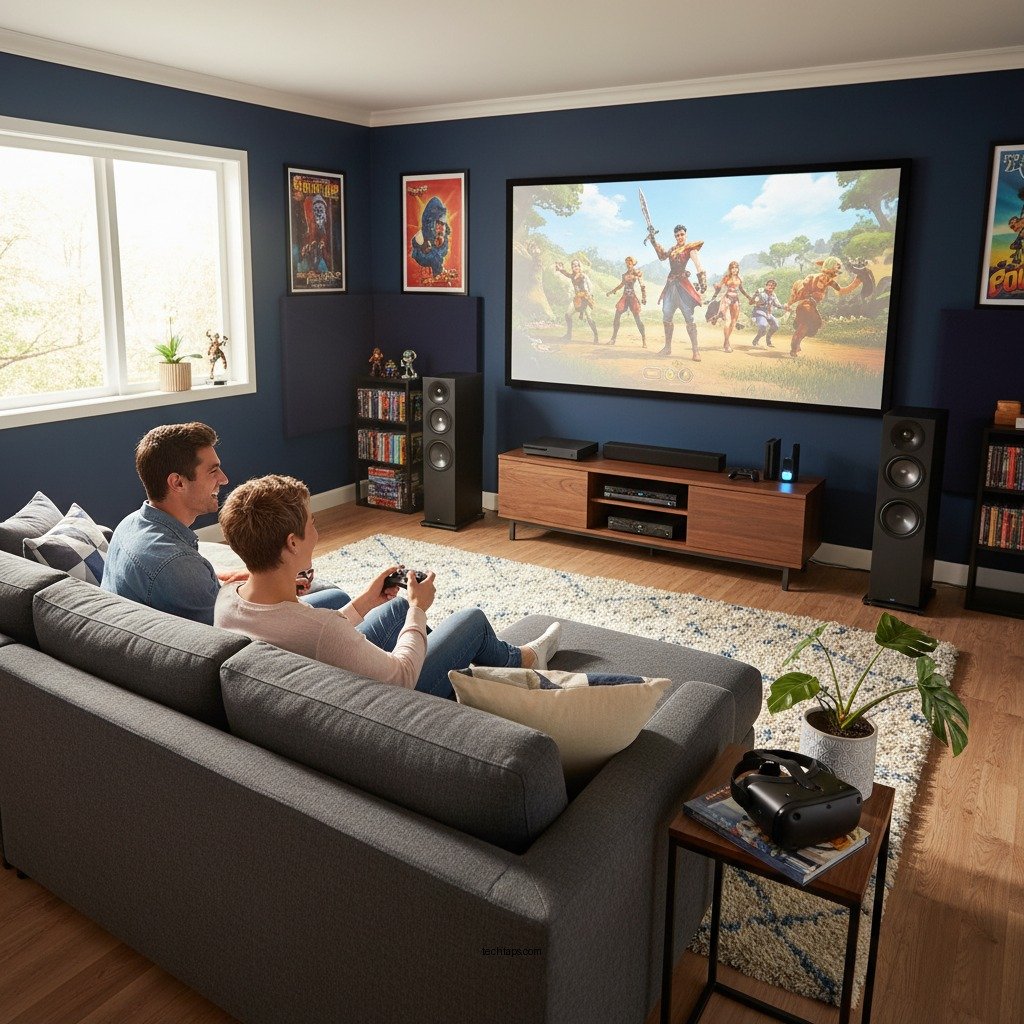
– Themed Decor and Memorabilia: Incorporate decor that reflects your gaming interests, such as posters, collectibles, or themed furniture. Personal touches can make the space feel more inviting and enjoyable.
– VR Setups and Accessories: If you are into virtual reality gaming, consider integrating a VR setup into your home theater. Additionally, investing in high-quality gaming accessories like custom controllers or racing wheels can elevate your gaming sessions to new levels of excitement.
By thoughtfully enhancing your gaming environment, you can create a space that not only looks great but also supports a more enjoyable gaming experience.
Creating the perfect home theater for gaming involves careful planning and attention to detail. By selecting the right equipment, optimizing your space, and enhancing the overall atmosphere, you can transform your gaming sessions into an incredible experience. Start by assessing your current setup and consider implementing these tips to take your gaming to the next level. Enjoy your ultimate gaming experience!
Frequently Asked Questions
What equipment do I need to set up a home theater for gaming?
To create the ultimate gaming experience in your home theater, you’ll need a high-definition TV or projector, a quality sound system (like a surround sound setup), a comfortable seating arrangement, and gaming consoles or a gaming PC. Additionally, consider investing in HDMI cables, a streaming device, and a reliable internet connection for online gaming.
How can I optimize the sound quality in my home theater for gaming?
To optimize sound quality, position your speakers correctly by creating an immersive surround sound setup, ideally with speakers placed at ear level. Use acoustic panels or sound-absorbing materials to minimize echo and improve clarity. Finally, adjusting the audio settings on your gaming console or PC to match your sound system can enhance the overall experience.
Why is screen size important for a home theater gaming setup?
Screen size significantly impacts your gaming experience as it affects immersion and detail visibility. A larger screen can enhance the visuals and make gameplay more engaging, especially in action-packed games. However, ensure that the screen is proportionate to your room size to avoid straining your eyes.
What is the best lighting setup for a home theater dedicated to gaming?
The best lighting setup for gaming is a combination of ambient and task lighting. Use dimmable LED lights or smart bulbs to create a relaxed atmosphere, and consider adding bias lighting behind your TV or projector screen to reduce eye strain. Avoid direct light on the screen to prevent glare, which can disrupt your gaming session.
Which seating arrangement works best for a home theater gaming experience?
For an optimal home theater gaming experience, arrange seating in a way that ensures everyone has a clear view of the screen, typically in a tiered layout. Use comfortable recliners or gaming chairs that provide support during long gaming sessions. Ensure that there is enough space between seats to allow easy movement and access to snacks or drinks.
References
- https://en.wikipedia.org/wiki/Home_theater
https://en.wikipedia.org/wiki/Home_theater - https://www.bbc.com/future/article/20200730-how-to-build-a-home-theatre
https://www.bbc.com/future/article/20200730-how-to-build-a-home-theatre - https://www.sciencedirect.com/topics/engineering/home-theater
https://www.sciencedirect.com/topics/engineering/home-theater - https://www.nytimes.com/2020/03/12/technology/personaltech/home-theater.html
https://www.nytimes.com/2020/03/12/technology/personaltech/home-theater.html - https://www.reuters.com/article/us-tech-home-theater-insight-idUSKBN2A10C
https://www.reuters.com/article/us-tech-home-theater-insight-idUSKBN2A10C - https://scholar.google.com/scholar?q=Home+Theater+Setup+for+Gaming Google Scholar
https://scholar.google.com/scholar?q=Home+Theater+Setup+for+Gaming - https://scholar.google.com/scholar?q=Home+Theater+Gaming+Experience Google Scholar
https://scholar.google.com/scholar?q=Home+Theater+Gaming+Experience - https://www.britannica.com/art/home-theater
https://www.britannica.com/art/home-theater - https://www.nhlbi.nih.gov/health-topics/home-theater-systems
https://www.nhlbi.nih.gov/health-topics/home-theater-systems - https://www.cdc.gov/healthyplaces/healthytips/home_theater.html
https://www.cdc.gov/healthyplaces/healthytips/home_theater.html