
Upgrading your home theater system to 4K audio and video is essential for an immersive viewing experience. By investing in high-quality equipment and ensuring compatibility, you can enjoy stunning visuals and crystal-clear sound that bring movies and shows to life. This guide will help you navigate the key components needed for a successful upgrade, from selecting the right TV to configuring your audio systems and streaming devices.




Choosing the Right 4K TV

The foundation of any home theater system is the television, and selecting the right 4K TV is crucial. When shopping for a 4K TV, start by looking for features such as High Dynamic Range (HDR). HDR significantly enhances color and contrast, providing a more lifelike viewing experience. TVs that support HDR10, Dolby Vision, or HLG can deliver richer colors and better highlights in bright scenes.
Additionally, consider the refresh rate of the TV. A higher refresh rate (120Hz or more) ensures smoother motion during fast-paced scenes such as action movies or sports broadcasts, reducing motion blur and making the viewing experience much more enjoyable. Furthermore, take into account the size of the screen and the distance from your seating area, as these factors will impact how immersive your viewing experience will be.

Upgrading Your Audio Equipment
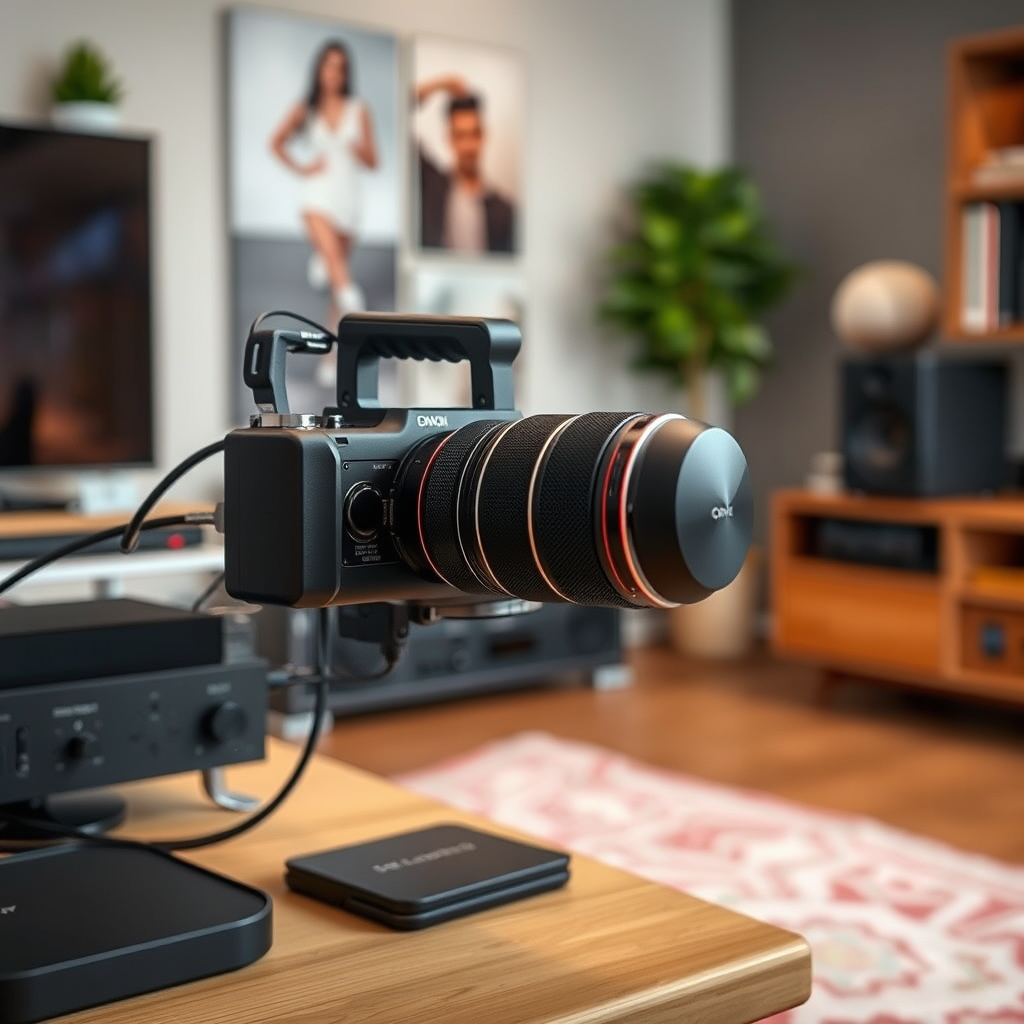
While stunning visuals are essential, audio quality plays an equally important role in creating an immersive home theater experience. To enhance sound quality, consider upgrading to a 4K-compatible AV receiver. A modern AV receiver will support various audio formats, including Dolby Atmos and DTS:X, providing a more dynamic audio experience with surround sound capabilities.
Investing in surround sound speakers is also crucial. A typical surround sound setup includes five speakers (two front, one center, and two rear) along with a subwoofer for deep bass. The placement of these speakers can significantly affect sound quality, so be sure to position them according to the manufacturer’s recommendations. For even greater immersion, consider adding height speakers or a soundbar that supports advanced audio formats.
Selecting 4K Streaming Devices
With 4K content becoming increasingly available from streaming platforms like Netflix, Amazon Prime Video, and Disney+, having the right streaming device is essential for accessing high-quality content. Opt for devices that support 4K streaming, such as the Roku Ultra, Apple TV 4K, or NVIDIA Shield TV. These devices not only provide access to a wide array of 4K content but also offer features such as voice control and user-friendly interfaces.
When selecting a streaming device, ensure that your internet connection can handle the bandwidth required for 4K content, which typically requires at least 25 Mbps for smooth playback. Investing in a robust router or considering a wired Ethernet connection can enhance streaming performance, minimizing buffering and ensuring a seamless experience.
Top 7 4K Streaming Devices (2024)
| # | Device | 4K Support | HDR Support | Price |
|---|---|---|---|---|
| 1 | Roku Ultra | Yes | HDR10, Dolby Vision | $99.99 |
| 2 | Apple TV 4K | Yes | HDR10, Dolby Vision | $179.00 |
| 3 | NVIDIA Shield TV | Yes | HDR10, Dolby Vision | $199.99 |
| 4 | Amazon Fire TV Stick 4K | Yes | HDR10, Dolby Vision | $49.99 |
| 5 | Google Chromecast with Google TV | Yes | HDR10, Dolby Vision | $49.99 |
| 6 | Raspberry Pi 4 (with Kodi) | Yes | No | $35.00 |
| 7 | Xiaomi Mi Box S | Yes | HDR10 | $59.99 |
Cables and Connectivity
To ensure that your upgraded home theater system performs optimally, using the correct cables and ensuring proper connectivity is vital. For transmitting 4K video and audio, use HDMI 2.0 or higher cables. These cables support the bandwidth necessary for 4K content, including HDR. It’s important to check the specifications of your current HDMI cables, as older versions may not support the required data rates.
Moreover, consider the layout of your home theater. If your equipment is spread across a large area, you may need HDMI extenders or active optical cables to maintain signal integrity over longer distances. Pay attention to the compatibility of all components in your setup, including your TV, AV receiver, and streaming devices, to avoid connectivity issues and ensure seamless operation.
Cable Types for 4K Setup
Setting Up Your Home Theater
Proper setup of your home theater system is crucial for maximizing your audio and video experience. Start by arranging your seating and speakers to create optimal sound and viewing angles. The ideal setup usually places the main viewing position about 1.5 to 2.5 times the diagonal size of your screen away from the TV.
When it comes to speaker placement, surround sound speakers should be positioned at ear level, with the center channel speaker directly above or below the TV. For a more immersive experience, up-firing or ceiling-mounted speakers can provide height effects.
Utilize calibration tools available in AV receivers or through specialized apps to adjust settings for both video and audio systems. This includes calibrating the colors, brightness, contrast, and sound levels to suit your room’s acoustics and lighting conditions.
Testing and Troubleshooting
Once your home theater system is set up, it’s time to test the overall configuration. Stream 4K content from your preferred service to evaluate the picture quality and audio synchronization. Pay attention to any issues such as lag, buffering, or poor audio sync.
Be prepared to troubleshoot common problems. Lag can often be resolved by checking your internet speed and ensuring all components are connected properly. If you experience audio sync issues, check the settings on your AV receiver and ensure that your streaming device is up to date.
If problems persist, consider consulting the user manuals for your devices or reaching out to customer support for assistance. Regular updates for both firmware and software can also help maintain optimal performance.
In summary, upgrading your home theater system to 4K audio and video involves selecting the right TV, audio equipment, streaming devices, and ensuring all components are compatible. Take the time to set everything up correctly for the best experience, and enjoy your new cinematic journey at home! If you’re ready to enhance your viewing experience, start researching your options today.
Frequently Asked Questions
What are the essential components needed to upgrade my home theater system to 4K audio and video?
To upgrade your home theater system to 4K audio and video, you will need a 4K Ultra HD TV or projector, a compatible 4K Blu-ray player or streaming device, and an AV receiver that supports 4K pass-through. Additionally, ensure you have high-speed HDMI cables that are rated for 4K to prevent any signal degradation.
How can I enhance my audio experience to match my new 4K video setup?
To enhance your audio experience when upgrading to 4K video, consider investing in a high-quality surround sound system that supports formats like Dolby Atmos or DTS:X. You may also want to look into soundbars as a simpler solution that can deliver immersive audio without the complexity of a full surround setup.
Why is it important to have a 4K-compatible AV receiver in my home theater system?
A 4K-compatible AV receiver is crucial for managing the high bandwidth requirements of 4K video and ensuring that all your devices communicate effectively. It allows you to take full advantage of 4K HDR content by supporting the necessary video formats and providing the best audio experience through advanced surround sound capabilities.
Which streaming services offer 4K content, and how can I access them?
Many popular streaming services, including Netflix, Amazon Prime Video, Disney+, and YouTube, offer 4K content. To access 4K programming, ensure that your streaming device is 4K-capable and that you have a high-speed internet connection, as streaming 4K requires a minimum of 25 Mbps for optimal performance.
What are the best cables to use for a 4K home theater system?
The best cables for a 4K home theater system are high-speed HDMI cables that support HDMI 2.0 or higher, as they are designed to handle the increased bandwidth required for 4K video and audio formats. Look for cables that are labeled as “Premium High Speed” or “Ultra High Speed” to ensure compatibility with 4K HDR content.
References
- https://en.wikipedia.org/wiki/4K_resolution
https://en.wikipedia.org/wiki/4K_resolution - https://www.sciencedirect.com/science/article/pii/S2468011121000144
https://www.sciencedirect.com/science/article/pii/S2468011121000144 - https://www.bbc.com/news/technology-59245618
https://www.bbc.com/news/technology-59245618 - https://www.nytimes.com/2023/08/15/technology/personaltech/4k-home-theater.html
https://www.nytimes.com/2023/08/15/technology/personaltech/4k-home-theater.html - Google Scholar Google Scholar
https://scholar.google.com/scholar?q=Upgrade+Your+Home+Theater+System+to+4K+Audio+and+Video - Google Scholar Google Scholar
https://scholar.google.com/scholar?q=4K+Audio+Video+Home+Theater+Upgrade - Google Scholar Google Scholar
https://scholar.google.com/scholar?q=How+to+Upgrade+Your+Home+Theater+System+to+4K+Audio+and+Video - How to Upgrade Your Home Theater System to 4K Audio and Video – Search results
https://en.wikipedia.org/wiki/Special:Search?search=How+to+Upgrade+Your+Home+Theater+System+to+4K+Audio+and+Video - https://www.ncbi.nlm.nih.gov/search/research-articles/?term=How+to+Upgrade+Your+Home+Theater+System+to+4K+Audio+and+Video
https://www.ncbi.nlm.nih.gov/search/research-articles/?term=How+to+Upgrade+Your+Home+Theater+System+to+4K+Audio+and+Video

9 Comments