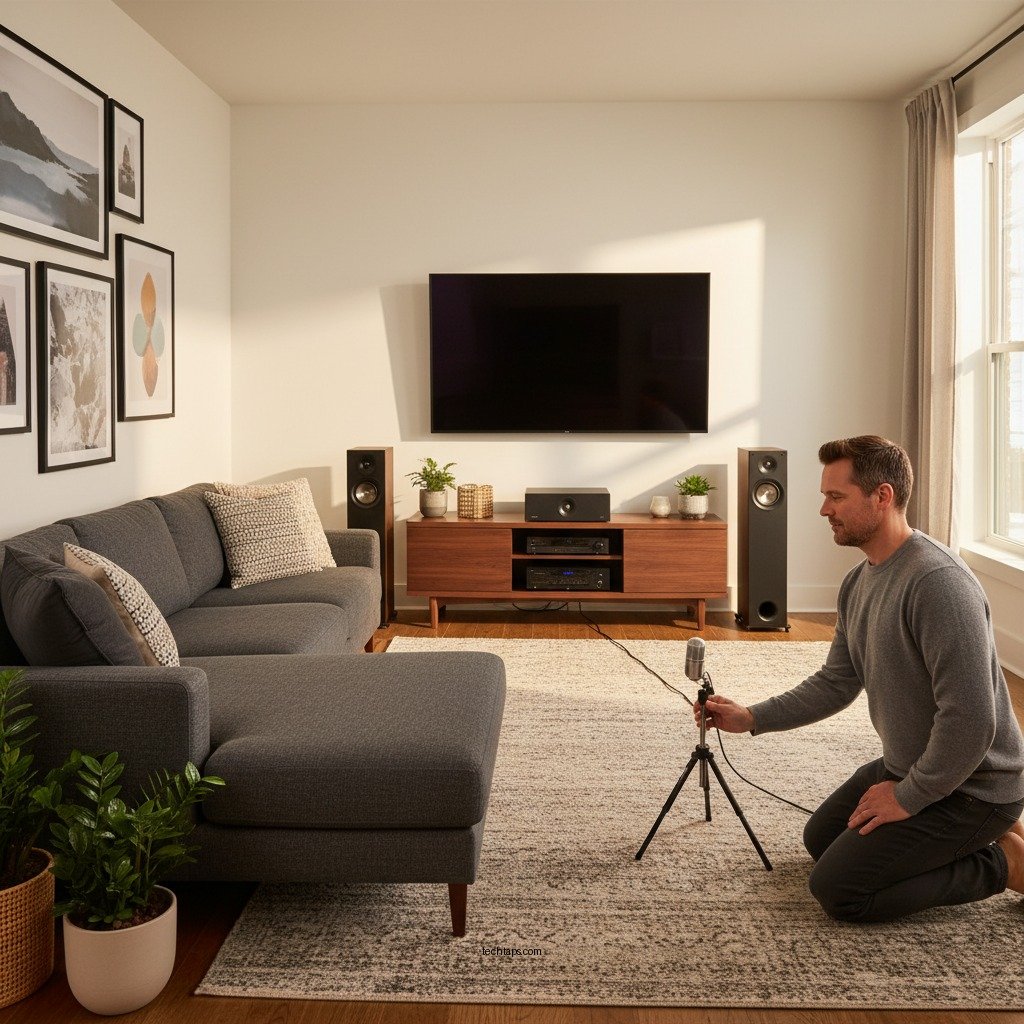
Calibrating your home theater system for optimal sound is essential for achieving the best audio quality and enhancing your viewing experience. Proper calibration involves adjusting settings and placements to tailor sound performance to your unique environment. This guide will walk you through practical steps to ensure your home theater delivers exceptional sound tailored to your space.




Understanding Room Acoustics
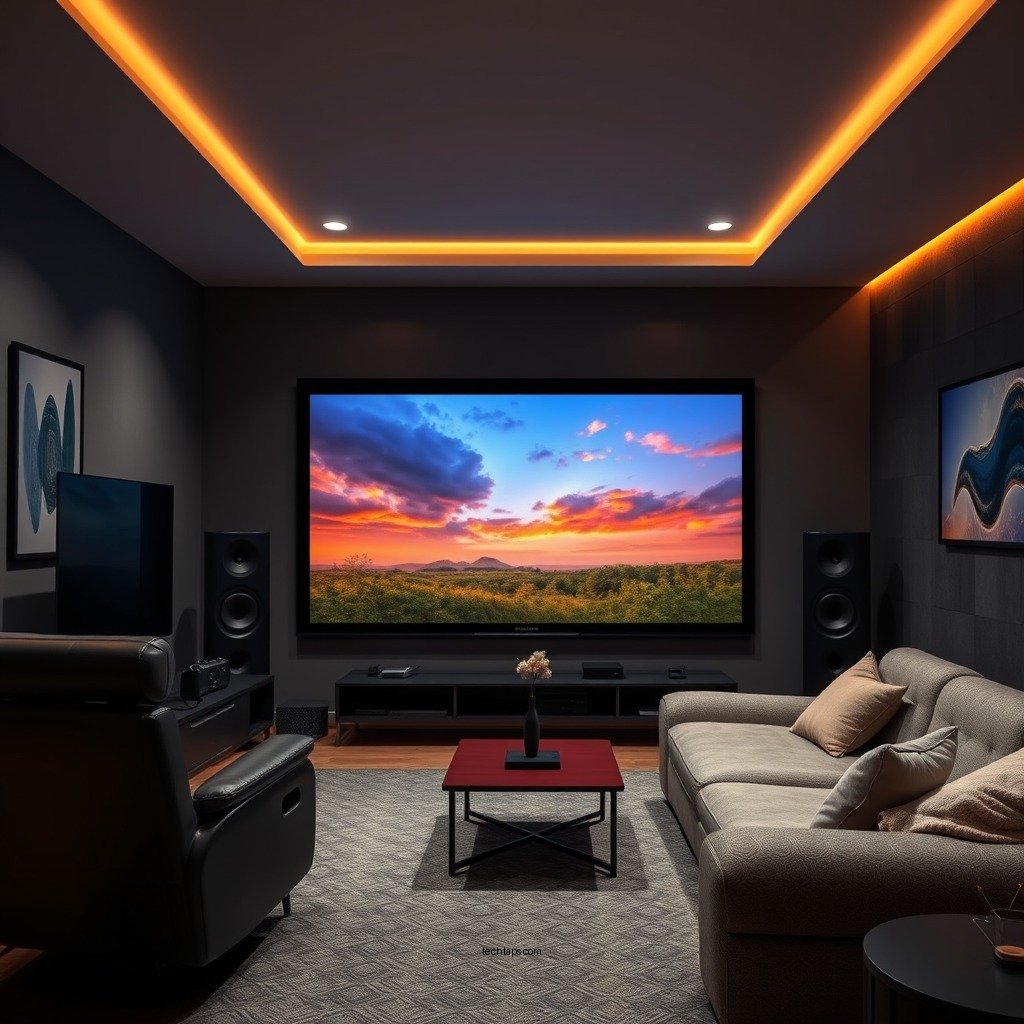
Room acoustics significantly affect sound quality, and understanding these characteristics is the first step in calibration. The shape of your room, the materials used in construction, and even the layout of furniture can impact how sound waves travel and interact within the space.
For instance, a room with hard surfaces—such as tile floors and bare walls—will reflect sound more than a room with carpets and drapes, leading to potential echoes and a less pleasant listening experience. Additionally, consider the placement of furniture, which can obstruct sound waves and create dead spots in your audio field.
To assess your room’s acoustics, listen for reflections and echoes by clapping your hands in different areas of the room. Pay attention to how sound behaves in various positions, which will guide you in making necessary adjustments.
Essential Calibration Tools
Calibrating your home theater system effectively requires the right tools. Sound level meters and calibration microphones are fundamental in measuring the sound output from your speakers, providing accurate readings that inform your adjustments.
Sound level meters gauge the volume of sound in decibels (dB), allowing you to ensure that each speaker is outputting sound at the same level. Meanwhile, calibration microphones work in tandem with room correction software, which analyzes the audio environment and suggests adjustments to optimize sound quality.
Room correction software is a critical component in modern home theaters. It utilizes complex algorithms to compensate for room acoustics, helping to achieve a balanced sound profile. Popular options include Dirac Live, Anthem Room Correction (ARC), and Audyssey MultEQ, each offering unique features to enhance your system’s performance.
Setting Speaker Placement
Speaker placement is a crucial factor in creating an optimal soundstage. The ideal positioning depends on the type of system you have—whether it’s a 5.1, 7.1, or Atmos setup—as well as your room’s layout.
For a 5.1 system, place the front left and right speakers equidistant from the screen and at ear level when seated. The center speaker should be directly in front of the viewing position, while the subwoofer can be positioned anywhere, but ideally in a corner for enhanced bass response. The surround speakers should be placed at ear level, slightly behind the listening area to create an immersive experience.
The distance and angle of each speaker also matter. The recommended distance between speakers is usually 60-70% of the distance from the listener to the screen. A slight angle (about 30 degrees) towards the listening position can enhance the surround sound experience, making it feel more enveloping.
Optimal Speaker Placement for Home Theater Systems
| Speaker Type | Recommended Position | Ideal Height | Distance from Listener |
|---|---|---|---|
| Front Left/Right | Equidistant from screen | Ear level | 30-40% of room width |
| Center | Directly in front | Ear level | N/A |
| Subwoofer | Corner or side wall | N/A | N/A |
| Surround Left/Right | Slightly behind listener | Ear level | 60-70% of distance from screen |
| Atmos Speakers | Above listening area | Above ear height | N/A |
Adjusting Receiver Settings
Once speakers are positioned correctly, the next step is to adjust the settings on your audio receiver. Familiarize yourself with key audio settings, including equalization (EQ) and crossover frequencies.
The EQ allows you to adjust the frequency response of your speakers, helping to compensate for any deficiencies caused by room acoustics. For instance, if you notice that bass is overpowering, you can lower the lower frequencies in the EQ settings. Conversely, if dialogue is muffled, increasing the mid-range frequencies can help clarity.
Crossover frequency settings are crucial for managing the transition between your subwoofer and other speakers. Setting the crossover frequency too high may result in a lack of bass, while setting it too low can cause overlapping frequencies and muddiness. Typically, a crossover setting of 80 Hz is a good starting point for most home theater systems.
Additionally, balancing your speakers is essential. Adjust the volume levels of each speaker to ensure they are outputting sound at the same level. Most modern receivers allow you to set speaker distances, which can also be adjusted to account for any physical distances from the listening position.
Conducting Test Tones
After you’ve set up your speakers and adjusted the receiver settings, it’s time to conduct test tones. Utilizing test tones and audio calibration tracks helps assess the sound quality and identify areas needing adjustment.
Most receivers come with built-in test tones, which can be played to help balance sound levels across all speakers. During this process, listen for any discrepancies in volume or clarity. If one speaker sounds significantly louder than another, return to your receiver settings to make further adjustments.
You can also find calibration tracks on platforms like YouTube or streaming services, designed to help tune your system. Pay attention to frequency sweeps, which can reveal how well your speakers respond across the audio spectrum.
Make adjustments based on the feedback from these test signals, ensuring you achieve a well-balanced and immersive sound experience.
Fine-Tuning for Personal Preference
While calibration provides a solid foundation, personal taste plays a significant role in audio experience. Different genres of media—such as action films, classical music, and podcasts—may require different audio tweaks.
For instance, you may prefer a bass-heavy sound for action movies to enhance the immersive experience, whereas a flatter response might be better for dialogue-heavy content. Most modern receivers allow for multiple user profiles, enabling you to switch between settings tailored for different types of media.
Consider experimenting with different EQ presets or custom settings to find what resonates best with your personal preferences. This fine-tuning process is essential to achieving a sound profile that feels just right for your specific tastes.
Maintaining Calibration Over Time
Finally, it’s essential to understand that maintaining calibration is an ongoing process. As room conditions change—due to new furniture, wall decorations, or even a change in speaker placement—your sound quality may be affected.
Periodic recalibration is necessary to ensure your system continues to perform optimally. It’s advisable to revisit your calibration every few months or whenever you make significant changes to your home theater setup.
In addition to recalibrating, regular maintenance of your equipment can help ensure consistent sound quality. Dust off speakers and equipment, check for loose connections, and ensure that your firmware is updated to benefit from the latest features and improvements.
By staying proactive in maintaining your home theater system, you can guarantee that your audio experience remains exceptional over time.
Regularly calibrating your home theater system ensures you enjoy optimal sound quality tailored to your unique space and preferences. By following the steps outlined above, from understanding room acoustics to fine-tuning for personal preference, you can transform your viewing and listening experience. Get started today by assessing your room and making those critical adjustments!
Frequently Asked Questions
How do I adjust the speaker levels in my home theater system for the best sound?
To adjust the speaker levels in your home theater system, start by using the built-in test tones or calibration microphone provided with your receiver. Play the test tones and adjust the volume for each speaker until they sound balanced at your primary listening position. This ensures that the sound distribution is even, enhancing your overall audio experience.
What is the best way to position my speakers for optimal sound quality in a home theater?
For optimal sound quality, position your front speakers at ear level, ideally forming an equilateral triangle with your main seating area. Place the subwoofer in a corner or near walls to boost bass response, while ensuring surround speakers are slightly above ear level and at the sides or slightly behind the listening area for immersive sound.
Why is room acoustics important when calibrating my home theater system?
Room acoustics play a crucial role in sound quality because the materials and layout of your room can affect how sound waves travel and interact. Hard surfaces can cause echo and reflections, while soft furnishings can absorb sound, leading to a more balanced audio experience. Consider using acoustic panels or rugs to improve your room’s acoustics during calibration.
Which calibration tools are the most effective for setting up my home theater system?
The most effective calibration tools include an AV receiver with automated calibration features, a sound level meter, and specialized calibration software or apps. Automated systems like Audyssey or Dirac can analyze your room and adjust settings accordingly, while a sound level meter helps you manually fine-tune speaker levels for precise sound optimization.
How often should I recalibrate my home theater system for the best performance?
It’s recommended to recalibrate your home theater system at least once a year or whenever you make significant changes to your room setup or speaker placement. Factors like new furniture, changes in decor, or upgrading equipment can alter sound dynamics, so regular recalibration ensures you maintain optimal sound performance in your home theater.
References
- https://www.audioholics.com/tutorials/home-theater-calibration
https://www.audioholics.com/tutorials/home-theater-calibration - https://www.bbc.co.uk/news/technology-58030172
https://www.bbc.co.uk/news/technology-58030172 - https://www.lifewire.com/calculate-your-home-theater-sound-1846838
https://www.lifewire.com/calculate-your-home-theater-sound-1846838 - https://www.researchgate.net/publication/322102083_Calibrating_your_home_theater_for_optimal_sound_quality
https://www.researchgate.net/publication/322102083_Calibrating_your_home_theater_for_optimal_sound_quality - https://www.sciencedirect.com/topics/engineering/home-theater
https://www.sciencedirect.com/topics/engineering/home-theater - Google Scholar Google Scholar
https://scholar.google.com/scholar?q=calibrating+home+theater+system - Google Scholar Google Scholar
https://scholar.google.com/scholar?q=optimal+sound+calibration+home+theater - Google Scholar Google Scholar
https://scholar.google.com/scholar?q=home+theater+system+setup+acoustics - Google Scholar Google Scholar
https://scholar.google.com/scholar?q=How+to+Calibrate+Your+Home+Theater+System+for+Optimal+Sound - How to Calibrate Your Home Theater System for Optimal Sound – Search results
https://en.wikipedia.org/wiki/Special:Search?search=How+to+Calibrate+Your+Home+Theater+System+for+Optimal+Sound



