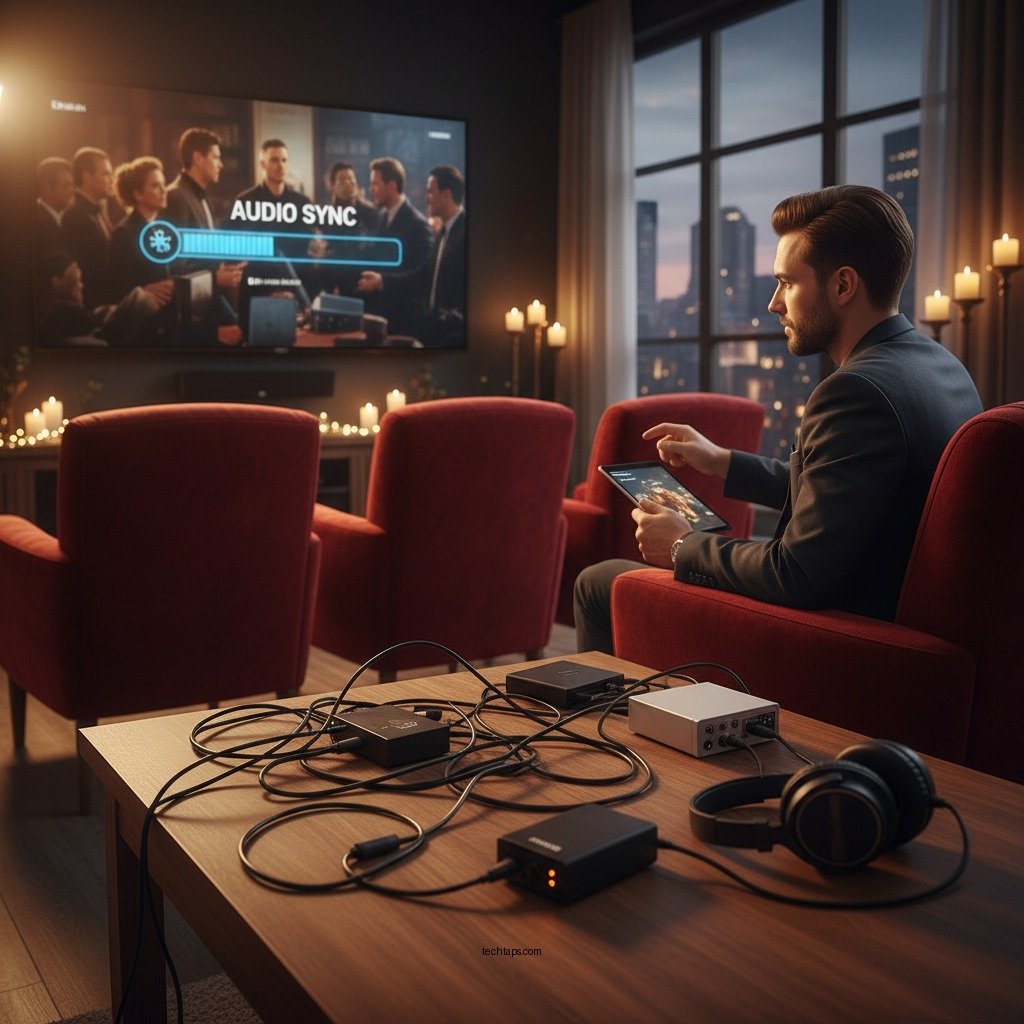

To resolve audio lag issues in streaming audio systems, start by adjusting your device’s settings and ensuring a stable internet connection. Audio lag can disrupt your listening experience, whether you’re streaming music, podcasts, or audiobooks. By addressing common causes of lag and implementing practical solutions, you can significantly enhance your audio streaming experience.
Understanding Audio Lag
Audio lag refers to the delay between the video and audio streams, causing a noticeable out-of-sync effect. This can occur due to various factors, primarily involving delays in processing or transmission. Common causes of audio lag include network instability, outdated software, or incompatible hardware. For instance, if you’re using Bluetooth speakers, the connection may inherently introduce latency. Understanding these causes is crucial for effectively troubleshooting and resolving lag issues.
Checking Your Internet Connection
A stable internet connection is fundamental for seamless audio streaming. Ensure you have a robust Wi-Fi signal; if possible, consider switching to a wired connection for more stable performance. Wireless connections are susceptible to interference from other devices and physical barriers, which can contribute to lag.
Testing your internet speed is also essential. Various online tools can help you assess whether your connection meets the necessary requirements for streaming audio. Generally, a minimum speed of 5 Mbps is recommended for standard streaming quality, but higher speeds are preferable for high-definition audio or multiple devices connected simultaneously.
Updating Device Software
Regularly updating the software on your streaming device and audio hardware can play a significant role in reducing audio lag. Manufacturers often release updates that address bugs, improve performance, and enhance compatibility with various streaming services.
Set reminders to check for updates on your devices, or enable auto-updates if possible. Neglecting updates can lead to persistent issues, including audio lag, as older versions may not support the latest streaming protocols or features.
Adjusting Audio Settings
Exploring and adjusting your device’s audio settings can help reduce latency substantially. Many devices offer a low-latency mode specifically designed to minimize audio lag. Enabling this feature can enhance your listening experience, particularly for music and live performances.
Additionally, experimenting with different audio formats and sample rates can yield better results. Some streaming services may allow you to adjust the audio quality settings. Finding the optimal configuration for your specific system can make a significant difference in reducing lag.
Top Audio Formats and Their Latency Levels
| # | Audio Format | Typical Latency (ms) | Best For | Quality Rating |
|---|---|---|---|---|
| 1 | PCM | 1-2 | High-Quality Audio | ★★★★★ |
| 2 | AAC | 10-15 | Streaming | ★★★★☆ |
| 3 | MP3 | 25-30 | Portable Devices | ★★★☆☆ |
| 4 | FLAC | 5-10 | Lossless Audio | ★★★★★ |
| 5 | WAV | 2-5 | Professional Audio | ★★★★★ |
| 6 | OGG | 30-50 | Streaming | ★★☆☆☆ |
| 7 | AC3 | 15-25 | Home Theater | ★★★★☆ |
Utilizing Quality Hardware
Investing in high-quality audio equipment can drastically reduce latency. Look for audio devices that are specifically designed for low latency performance. Bluetooth speakers and soundbars that support advanced codecs like aptX Low Latency can provide a more synchronized experience, especially when watching videos or playing games.
Additionally, ensure that your audio system is compatible with the streaming service you are using. Some systems may not support certain audio formats or features, leading to potential lag. Researching and selecting compatible equipment can save you from future frustrations.
Troubleshooting Common Issues
When experiencing audio lag, the first step is often a simple restart of your devices. This can clear temporary glitches that may be causing the issue. It might also help to disconnect any other devices on your network that might be consuming bandwidth, such as smart TVs or gaming consoles.
If the problem persists, consider resetting your network equipment, such as your router or modem. Many times, a fresh start can resolve connectivity issues that lead to audio lag.
Seeking Professional Help
If you continue to experience persistent audio lag issues despite implementing the suggested solutions, it may be time to consult with an audio specialist. Professional technicians can provide tailored advice specific to your system and may suggest advanced troubleshooting methods.
Additionally, online forums and manufacturer support can be invaluable resources. Engaging with others who have experienced similar issues can lead to unique solutions that are not commonly known.
By implementing these strategies, you can significantly reduce audio lag and enjoy a seamless streaming experience. If you encounter continued issues, don’t hesitate to seek further assistance or upgrade your equipment to ensure optimal performance. Taking proactive steps will enhance your overall audio experience, allowing you to get the most out of your streaming systems.
Frequently Asked Questions
What are the common causes of audio lag in streaming audio systems?
Common causes of audio lag in streaming audio systems include poor internet connection, outdated audio drivers, and insufficient device processing power. Additionally, buffer settings in the streaming application and the distance between the audio source and output device can also contribute to latency issues. Identifying these factors is crucial for effectively resolving audio lag.
How can I troubleshoot audio lag issues on my Bluetooth speaker?
To troubleshoot audio lag on your Bluetooth speaker, start by ensuring that both your device and the speaker are updated with the latest firmware. Next, check the distance between the devices, as being too far apart can cause delays. Additionally, try resetting the Bluetooth connection or using a wired connection to see if the lag persists.
Why does audio lag occur when streaming video and audio simultaneously?
Audio lag when streaming video and audio simultaneously often occurs due to the need for synchronization between the two streams. If your internet bandwidth is limited, it may struggle to handle both streams effectively, causing delays. Additionally, the processing time required by the device to decode and play both streams can exacerbate the lag issue.
What is the best way to reduce audio lag in streaming services?
The best way to reduce audio lag in streaming services is to ensure a stable and high-speed internet connection, ideally using a wired Ethernet connection for optimal performance. Additionally, adjusting the audio settings in your streaming application to lower latency options, and regularly updating your device’s software can also help mitigate lag issues significantly.
Which settings should I adjust to fix audio lag in my streaming software?
To fix audio lag in your streaming software, consider adjusting the buffer size and latency settings in the audio preferences. Lowering the buffer size can reduce delay but may increase the risk of dropouts, so find a balance that works for your system. Additionally, disabling any unnecessary audio effects or enhancements can also help enhance performance and reduce lag.
References
- Latency (audio)
https://en.wikipedia.org/wiki/Audio_latency - https://www.ncbi.nlm.nih.gov/pmc/articles/PMC3952579/
https://www.ncbi.nlm.nih.gov/pmc/articles/PMC3952579/ - https://www.sciencedirect.com/science/article/pii/S2352914817308888
https://www.sciencedirect.com/science/article/pii/S2352914817308888 - https://www.ncbi.nlm.nih.gov/pmc/articles/PMC6074214/
https://www.ncbi.nlm.nih.gov/pmc/articles/PMC6074214/ - https://www.bbc.com/news/technology-52647540
https://www.bbc.com/news/technology-52647540 - https://www.theguardian.com/technology/2021/may/06/how-to-fix-audio-lag-in-streaming
https://www.theguardian.com/technology/2021/may/06/how-to-fix-audio-lag-in-streaming - Google Scholar Google Scholar
https://scholar.google.com/scholar?q=Audio+Lag+Issues+in+Streaming+Audio+Systems - Google Scholar Google Scholar
https://scholar.google.com/scholar?q=Resolving+Audio+Latency+in+Streaming - Google Scholar Google Scholar
https://scholar.google.com/scholar?q=Audio+Latency+Solutions+for+Streaming - https://www.cdc.gov/nceh/ehs/ehsnet/faq/audio-lag.html
https://www.cdc.gov/nceh/ehs/ehsnet/faq/audio-lag.html