
Mesh Wi-Fi for brick houses has a clear winner when thick masonry separates rooms: a system with Ethernet backhaul, which connects mesh nodes by cable rather than through signal-blocking walls. Can a wireless-only mesh still deliver reliable coverage? This guide explains when it can—and when wired connections are worth the installation work.




Mesh Wi-Fi can improve coverage in a brick house, but adding nodes alone will not overcome walls that block the connection between them. For dependable coverage, prioritize wired connections between nodes where practical; otherwise, position nodes where they still receive a strong signal from the rest of the mesh. This guide explains how to choose a suitable setup, place it effectively, and recognize when another solution makes more sense.
This advice is for households with weak Wi-Fi across brick dividing walls, extensions, or multiple floors. First establish whether brick separates your rooms or is mainly on the exterior: the internal layout matters more than the description “brick house.”
Why Brick Walls Make Mesh Wi-Fi Harder
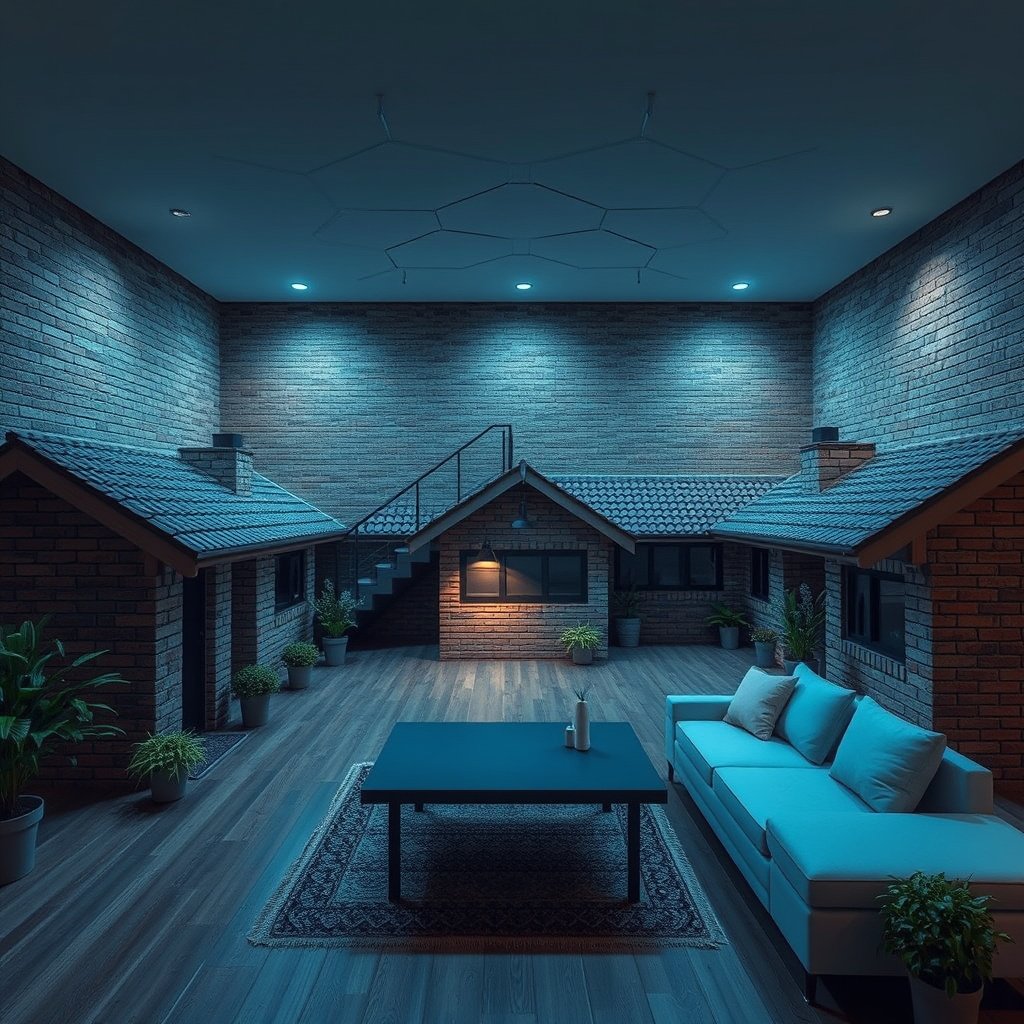
Brick can weaken Wi-Fi signals through absorption and reflection, but the effect depends on wall thickness, construction, moisture, and the signal’s path. A signal crossing masonry diagonally encounters more material than one crossing it directly.
A brick exterior does not automatically mean poor indoor Wi-Fi; internal masonry and the route between devices often matter more.
The National Institute of Standards and Technology’s Electromagnetic Signal Attenuation in Construction Materials documents how building materials affect radio transmission. Its laboratory measurements support the underlying explanation—not a universal prediction of performance in your house.
Separate device coverage, the connection between a phone or laptop and a node, from backhaul, the connection linking mesh nodes. Strong signal bars beside a satellite do not prove that satellite has a reliable connection upstream.
A mesh node cannot compensate for weak backhaul merely by broadcasting a strong local Wi-Fi signal.
Choose How Your Mesh Nodes Will Connect
Ethernet backhaul is generally the most dependable choice when brick separates nodes because the inter-node connection travels over cable. Wireless backhaul avoids cable installation but remains dependent on a usable radio path.
A dedicated wireless backhaul band can reduce competition with client traffic. It cannot eliminate attenuation through masonry, and a higher-frequency backhaul is not automatically better through walls.
Ethernet backhaul removes brick walls from the inter-node radio path, but devices still need adequate Wi-Fi coverage from their nearest node.
Check the exact model’s documentation rather than assuming every mesh product supports the same features. According to [TP-Link’s Deco XE75 specifications](https://www.tp-link.com/us/deco-mesh-wifi/product-family/deco-xe75/#specifications), the XE75 has three Wi-Fi bands, operates at 2.4, 5, and 6 GHz, and provides three Gigabit Ethernet ports per unit. These are manufacturer specifications, not independently verified performance results or guarantees for a 2026 installation.
A dedicated backhaul band provides radio capacity, not immunity to brick walls or poor placement.
The following comparison summarizes connection options, not measured performance rankings.
Seven Connection Options for Difficult Rooms
| # | Connection option | Inter-node medium | Main constraint | Brick-house assessment |
|---|---|---|---|---|
| 1 | Ethernet mesh backhaul | Ethernet cable | Cable installation | Strong option where practical |
| 2 | Shared-band wireless mesh | Radio shared with clients | Obstructions and shared airtime | Weak backhaul remains limiting |
| 3 | Dedicated-band wireless mesh | Separate backhaul radio band | Still needs a usable radio path | Not a wall-penetration guarantee |
| 4 | Mixed wired/wireless mesh | Ethernet and radio | System topology support | Useful partial-cabling approach |
| 5 | Ethernet-fed access point | Ethernet cable | Cabling and configuration | Targeted weak-room solution |
| 6 | MoCA-fed Ethernet connection | Coaxial cable via adapters | Compatible coax network required | Alternative to new cable routes |
| 7 | Powerline-fed Ethernet connection | Electrical wiring via adapters | Wiring, circuits, and electrical noise | Test before relying on it |
Place Nodes Along a Usable Signal Path
Place wireless nodes where they can still communicate reliably with the mesh—not at the center of an existing dead zone. Begin with the main unit in an open position where the internet connection permits.
Avoid cabinets, metal enclosures, and positions behind substantial furniture. Use hallways, doorways, and stairwells to find routes around masonry. For an extension behind an original exterior wall, a node near the connecting doorway may work better than one deep inside the extension.
Wireless mesh placement should follow a usable signal path rather than evenly spaced points on a floor plan.
After each move, check the mesh app’s backhaul assessment, then repeat normal activities in every problem room. Use the same device and comparable conditions; record video-call stability, streaming interruptions, and local or internet transfer results separately.
An app’s connection rating is a diagnostic aid; successful everyday use in the problem room is the practical acceptance test.
What Can Go Wrong
More nodes can add unnecessary wireless overlap without repairing a weak upstream connection. Reassess placement and backhaul before buying another unit.
Adding mesh nodes does not necessarily improve coverage when the underlying backhaul remains unreliable.
Mixed construction complicates predictions: an extension may combine brick, foil-backed insulation, steelwork, and modern glazing. Advertised coverage area cannot account for every combination of those obstacles.
Check the existing router before installing another router. Double NAT, where two routers each perform network address translation, can complicate inbound connections, port forwarding, and some gaming or VPN arrangements. Use the manufacturer-supported router, bridge, or access-point configuration; do not disable routing indiscriminately.
Double NAT is a network-topology issue, not evidence that brick walls are weakening Wi-Fi.
Is Mesh the Right Choice for Your House?
Mesh makes sense when several areas need coverage and coordinated management matters. Its disadvantages include hardware cost, power-outlet requirements, placement compromises, and possible cabling work.
Mesh is most useful when multiple coverage areas benefit from coordinated access points, not simply because a house contains brick.
Prefer wired backhaul where practical, but account for drilling, surface trunking, floor access, and making good in a finished home. A discreet cable route may cost more effort than the networking equipment itself.
Households with one isolated weak room should consider relocating the router or adding one Ethernet-fed access point before purchasing a multi-node kit.
One isolated weak room may need one targeted access point rather than a whole-home mesh purchase.
Save This Pre-Purchase Checklist
Buy against a mapped problem and an acceptance test, not a headline coverage figure. For a 2026 purchase, verify the exact model, hardware revision, regional specifications, and supported operating modes.
– Map the obstacles: Mark problem rooms, internal brick walls, the existing router, and potential cable routes.
– Check compatibility: Confirm backhaul options, supported connection layouts, operating modes, and feature limitations in manufacturer documentation.
– Plan verification: Check the return policy and identify the rooms, devices, and everyday tasks that determine success.
A useful mesh buying plan identifies both the coverage gaps and the proposed connection between nodes.
A return policy provides time to validate placement; it does not replace checking compatibility before purchase.
Sources Behind the Advice
Primary technical research supports the explanation of attenuation; manufacturer documentation establishes supported features and layouts. Neither establishes independently measured performance in the reader’s house.
– [NISTIR 6055: Electromagnetic Signal Attenuation in Construction Materials](https://nvlpubs.nist.gov/nistpubs/Legacy/IR/nistir6055.pdf): Primary laboratory research supporting the discussion of material-dependent radio attenuation.
– [TP-Link Deco XE75 specifications](https://www.tp-link.com/us/deco-mesh-wifi/product-family/deco-xe75/#specifications): Manufacturer source for bands, Ethernet ports, and operating modes.
– [TP-Link Deco Ethernet backhaul guidance](https://www.tp-link.com/us/support/faq/1794/): Supported wiring arrangements and Ethernet-backhaul troubleshooting.
– [TP-Link Deco placement guidance](https://www.tp-link.com/us/support/faq/1446/): Manufacturer recommendations for node positioning.
– [TP-Link Deco access-point mode guidance](https://www.tp-link.com/us/support/faq/1842/): Setup guidance when retaining an existing router.
– [MoCA technology overview](https://mocalliance.org/technology/): Primary industry documentation for networking over coaxial cable.
Manufacturer specifications document capabilities; they do not prove room-by-room coverage through a particular brick wall.
Reliable household performance claims require observations from the actual installation, with backhaul type and test conditions recorded.
The best mesh setup for a brick house depends on how reliably its nodes can communicate, not simply how many you install. Map your internal walls, check whether wired backhaul is practical, and verify coverage in the rooms that matter before expanding the system. If only one room has trouble, investigate a targeted fix before paying for whole-home mesh.
Frequently Asked Questions
What is the best mesh Wi-Fi system for a brick house with thick walls?
For brick homes, prioritize mesh Wi-Fi kits that support strong backhaul options (Wi‑Fi or Ethernet) and offer high throughput per node. Look for systems with multiple bands (including a dedicated 5 GHz band) and reliable roaming, since brick walls can weaken single-hop connections. If your home has coax or Ethernet cabling, choosing an Ethernet backhaul mesh system often delivers the most consistent coverage room to room.
How do I place mesh Wi‑Fi nodes in a brick house to get strong coverage?
Place your mesh nodes closer than you think they need to be, because brick walls and plaster can significantly reduce Wi‑Fi signal strength. Start with one node near your router in the center of the home, then add additional nodes on the other side of heavy walls or in problem areas like bedrooms, basements, or detached rooms. If possible, use a spot where each node can still “see” the previous node clearly for a stable backhaul link, and avoid placing nodes behind large metal objects.
Why does my mesh Wi-Fi keep dropping or buffering in brick rooms, and how can I fix it?
Dropping performance in brick areas usually comes from weak backhaul connections or interference from neighboring networks. Check whether nodes are too far apart or separated by multiple brick walls; moving a node slightly can dramatically improve throughput. You can also reduce congestion by enabling band steering, updating firmware, and switching to less crowded channels if your system allows it.
Which backhaul method—Ethernet or wireless—is better for mesh Wi‑Fi in brick homes?
Ethernet backhaul is often the best choice for brick houses because it avoids the signal loss that occurs when nodes rely on wireless backhaul through thick walls. Wireless backhaul can work well if nodes are placed within a strong signal range, but brick can reduce the effective speed between nodes. If running Ethernet isn’t practical, consider MoCA (over coax) where available to improve stability versus standard wireless backhaul.
How can I improve mesh Wi‑Fi performance for smart home devices and streaming in a brick house?
For streaming and latency-sensitive smart home devices, ensure each node has adequate backhaul bandwidth and that high-use devices aren’t always connecting to the weakest node. Use the app to monitor signal quality and re-position nodes so key devices (TVs, consoles, hubs, cameras) land on stronger links. If your mesh supports multiple SSIDs or band steering, keep devices on the most appropriate band and consider turning on QoS or smart prioritization features for smoother performance.
📅 Last Updated: October 16, 2026 | Topic: Mesh Wi-Fi for Brick Houses | Content verified for accuracy and freshness.
References
- Mesh networking
- Wi-Fi
- Radio propagation
- Path loss
- Alternative Topologies | Wi-Fi Alliance
- https://scholar.google.com/scholar?q=mesh+Wi-Fi+performance+through+walls Google Scholar
- https://scholar.google.com/scholar?q=Wi-Fi+signal+attenuation+brick+masonry Google Scholar
- https://scholar.google.com/scholar?q=IEEE+802.11s+mesh+networking+standard Google Scholar


One thought on “Mesh Wi-Fi for Brick Houses”