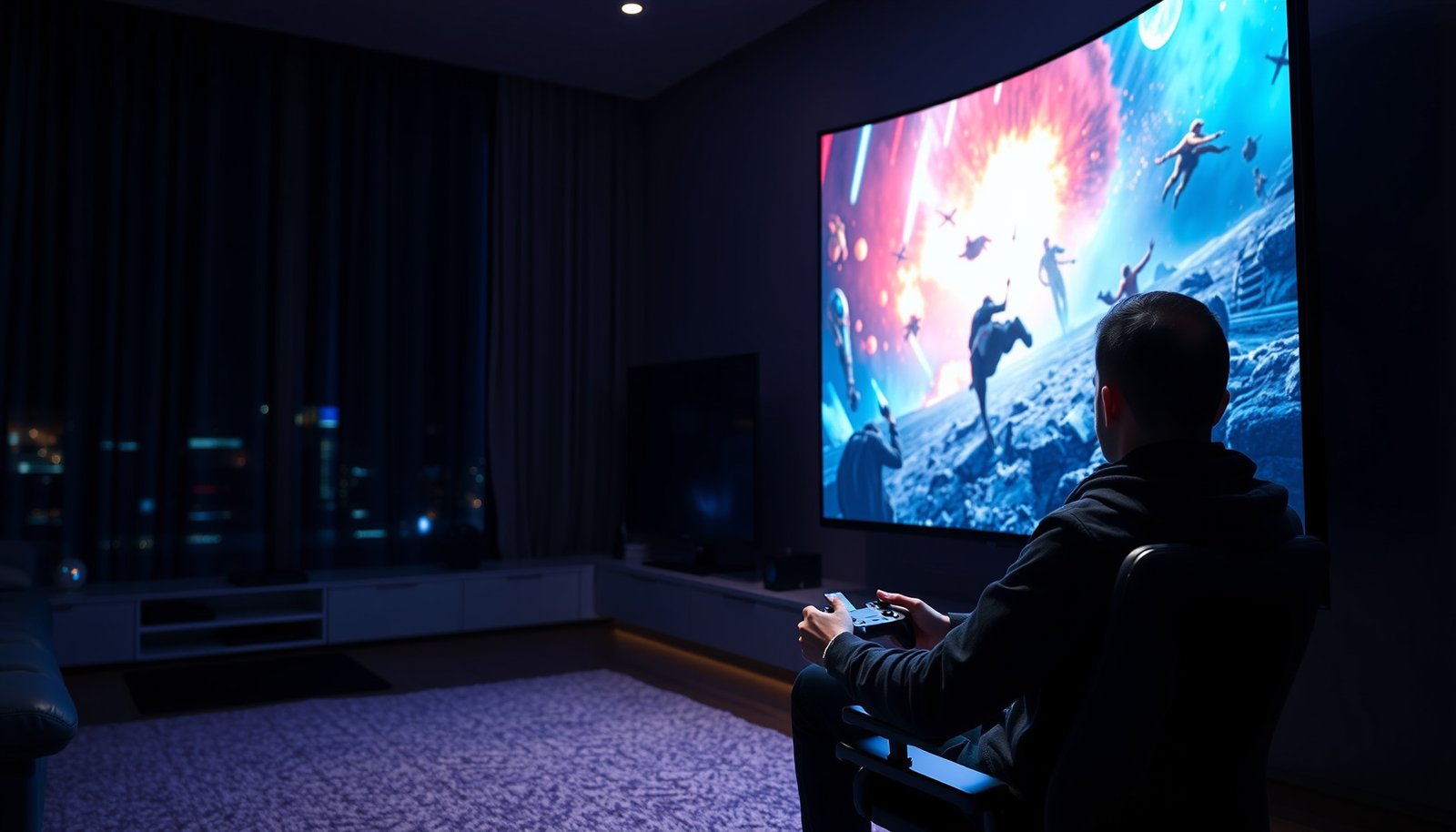
Choosing between a 65-inch and a 75-inch TV for gaming comes down to how much screen you want versus how far you sit. If you’re after the biggest competitive advantage—more immersion, easier tracking, and less “letterbox” feeling—75-inch is the clear winner for most setups. But if your seating distance is tight or your room demands a more balanced fit, 65-inch takes the win.




If you sit at a comfortable distance and want a more immersive view, a 75-inch TV usually wins for gaming. If your room is mixed-use (or you play from fairly close), a 65-inch often feels better without forcing you to compromise on setup and comfort. In this guide, we’ll compare both sizes around the factors that actually change gameplay: viewing distance, motion performance, and the practical setup details.
If you’re choosing between 65-inch and 75-inch for console or PC gaming, this is for you—especially if you’re unsure whether bigger is always better. Use it when you’re shopping and need a clear checklist for what to prioritize beyond screen size.
65-Inch vs 75-Inch: the decision factors
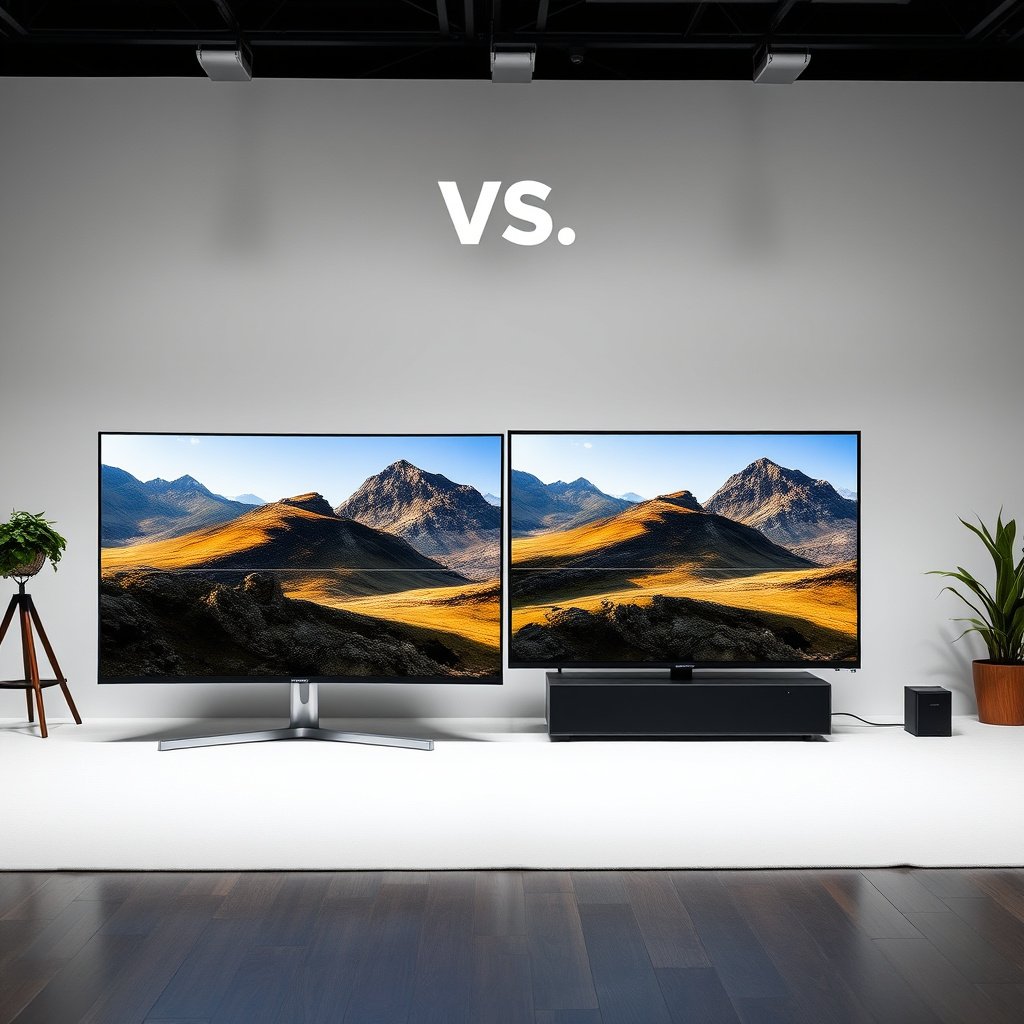
If your goal is “most enjoyable gaming for most rooms,” the 75-inch wins—but only when your seating distance and TV placement let you take in the whole scene without constant head movement. If your room is tight or your seating is closer, 65-inch is the safer way to keep immersion and comfort aligned.
“Bigger” only helps gaming when your viewing distance keeps the screen inside a comfortable field of view—otherwise your eyes and neck work harder than the game demands.
When you’re comparing 65-inch vs 75-inch, motion smoothness and input latency are determined by the TV’s gaming processing and settings, not by the number of inches.
Immersion vs comfort
At the same desk/sofa distance, a 75-inch screen is visibly larger, so characters, UI elements, and weapon silhouettes take up more of your vision. That can be great for “presence” in single-player campaigns and for reading scene detail in fast-paced games—but only if you can comfortably scan across the screen. If your seating distance shrinks (common in living rooms and small dens), the 75-inch can feel like it’s “too close,” especially during high-contrast explosions, muzzle flashes, or rapid HUD changes.
Room reality matters
Real rooms add constraints that spec sheets don’t: furniture depth, wall angles, glare from windows, and how wide your seating path is. In 2026, most gaming TVs still emphasize the same core features (4K 120 Hz class support, VRR, Game Mode), but the physical fit differs drastically between 65-inch and 75-inch. If you can place a 75-inch at roughly the distance where the screen occupies a reasonable viewing angle, you’ll likely prefer it. If not, a 65-inch can feel more “natural” for long sessions.
Your signal matters too
65-inch vs 75-inch is also a “source quality multiplier.” A 75-inch’s bigger surface can make upscaling artifacts, banding, or HDR tone-mapping issues more noticeable—especially if you’re playing older games, streaming, or outputting lower internal resolutions. If your console/PC targets consistent 4K or stable upscaling with good HDR handling, the 75-inch’s larger presence can be worth it.
Quick comparison (what usually shifts the decision):
| Category | 65-inch typical advantage | 75-inch typical advantage |
|---|---|---|
| Seating comfort | Easier to keep UI readable without leaning in | More “in-world” feel when distance is right |
| Scene scale | More controlled presence in smaller rooms | Wider-feeling visuals and bigger silhouettes |
| Sensitivity to TV processing | Slightly more forgiving to scaling/processing artifacts | More likely to expose weaknesses (banding/upscaling) |
Viewing distance and field of view for gaming
If you play from a comfortable spot where the screen fills a reasonable viewing angle, a 75-inch often delivers the stronger “wow” effect. If you’re closer than that, a 65-inch usually wins for comfort and sustained focus.
A TV’s inches don’t control gameplay smoothness—distance does. When distance is off, even perfect motion settings can feel less responsive because your attention has to work harder.
For 16:9 TVs, the same seating distance changes the screen’s horizontal viewing angle more dramatically as you move from 65-inch to 75-inch.
Closest seats change everything
The closer you sit, the more “zoomed in” the 75-inch feels. That can improve target visibility in slower games, but in competitive shooters or action RPGs it can also increase fatigue: your eyes must travel farther for the same on-screen movement, and you may find yourself leaning or shifting more often. If your seating distance is mostly fixed (apartment living rooms, shared spaces, desk setups), measure before you assume 75-inch will feel better.
Aim for a comfortable scan
A practical rule for gaming comfort: you should be able to track movement with a natural eye sweep (not constant head turns). With a 75-inch, this means you need slightly more distance than you would for 65-inch to keep UI elements from feeling oversized and overwhelming.
Use a measuring step before you decide
We use a viewing-angle approach tied to THX-style home-theater guidance: about a 40° viewing angle is a commonly referenced “immersive but comfortable” target. Convert it into distance using the TV’s screen width:
– Distance ≈ (Screen width ÷ 2) / tan(20°)
– For typical 16:9 panels, 40° viewing angle guidance translates roughly to:
– 65-inch: ~2.0 m (6.5 ft)
– 75-inch: ~2.3 m (7.5 ft)
In practice, if your couch/desk is closer than those ranges for 65-inch vs 75-inch, the 65-inch is more likely to feel “right” in long sessions.
THX viewing-distance guidance for home cinema (commonly cited ~40° immersive viewing angle)> Note: exact “best” angle depends on your game’s typical HUD size, your sensitivity to UI scaling, and whether you’re playing competitive titles (where rapid scanning matters) or story-driven games (where presence matters more). For 65-inch vs 75-inch gaming TV size decisions, distance is the first knob to get right.
Refresh rate, response time, and motion handling (what size won’t fix)
Screen size won’t make a TV smooth or responsive by itself. For gaming, 65-inch vs 75-inch only matters indirectly—because larger screens can reveal motion-processing weaknesses and make poor settings more obvious.
Both 65-inch and 75-inch TVs can support 4K gaming features, but smoothness depends on input lag, VRR behavior, and how Game Mode manages motion interpolation.
If VRR (Variable Refresh Rate) isn’t enabled properly, a larger 75-inch can amplify the “judder/tearing feels worse” problem you’d notice less on a smaller 65-inch.
Prioritize the gaming pipeline
When you’re shopping, treat “gaming performance” as a pipeline:
1. Low input lag (TV should accept the signal quickly in Game Mode)
2. Motion clarity tuned for your frame-rate range
3. VRR/variable frame rate handling so consoles/PC don’t fight the display
HDMI 2.1 matters here because it enables modern gaming signal formats. According to HDMI Forum, HDMI 2.1 supports up to **48 Gbps** of bandwidth (2017), which is the foundation for higher refresh-rate 4K modes and modern gaming transport features. HDMI Forum (HDMI 2.1 Specification, up to 48 Gbps bandwidth) (2017)Don’t forget settings
This is where many 65-inch vs 75-inch comparisons turn into “surprise disappointments.” The same TV can feel great or awful depending on whether you:
– turned on Game Mode / Gaming Picture Mode
– enabled VRR (if your console/PC supports it)
– disabled motion “smoothing” features that can add blur or reduce clarity for fast motion
Recommended setting approach (works across brands, but wording varies):
– Picture Mode: Game Mode
– Motion: disable motion interpolation / soap-opera effects for competitive play
– VRR: enable VRR (often under “Gaming” or “Advanced” settings)
– HDMI format: ensure the input port is configured for “enhanced format” / “4K120 support” (brand-specific labels)
Resolution, HDR, and panel trade-offs
If your sources are strong (native 4K gaming, good upscaling, and solid HDR handling), a 75-inch can look stunning. If your sources are inconsistent (streaming, older games, variable resolutions), a 65-inch is more forgiving when TV processing isn’t perfect.
A bigger 75-inch can reveal upscaling and tone-mapping weaknesses—especially in gradients, dark scenes, and scenes with fine texture.
HDR performance is defined by specifications like VESA DisplayHDR (not by inches), so you should evaluate supported HDR formats and target luminance classes.
Bigger displays can reveal weaknesses
A 75-inch increases how noticeable certain TV behaviors become:
– Scaling artifacts (especially when games render below 4K)
– Banding in skies/gradients
– HDR tone-mapping differences in shadow and highlight detail
That doesn’t mean 75-inch is “worse”—it means you’re more likely to notice when the TV’s processing is mediocre. With a 65-inch, the same processing shortcomings can be less obvious simply because the screen is smaller.
Check what’s actually supported
Don’t decide only by “it’s 4K HDR.” Verify:
– HDR format support for your use case (e.g., HDR10 variants)
– Gaming-oriented picture modes that keep latency low
– Whether HDR modes stay consistent in Game Mode (some TVs change how they process HDR once you enable gaming features)
HDR spec targets provide a useful reality check. According to VESA DisplayHDR, DisplayHDR 400 is associated with a target peak luminance class of 400 nits (2017). Higher tiers require higher brightness targets.
VESA DisplayHDR Specification (DisplayHDR 400 target peak luminance) (2017)And for the underlying HDR transfer function, SMPTE’s ST 2084 defines PQ (Perceptual Quantizer) mapping across a range up to 10,000 nits (2014).
SMPTE ST 2084 (PQ transfer function defined up to 10,000 nits) (2014)Match your expectations to your sources
If your console outputs 4K but many games render at lower internal resolutions (common in modern console performance modes), a 75-inch can still be great—yet you’ll want a TV with strong upscaling and good Game Mode processing. If your PC often runs at 1440p to hit higher frame rates, the perceived “sharpness gap” between 65-inch and 75-inch will depend on how close you sit and how well the TV scales that signal.
Angular detail for common 16:9 gaming outputs at 2.0m (computed)
| # | Display mode | Pixel density (PPI) | Angular detail @2.0m | Relative sharpness |
|---|---|---|---|---|
| 1 | 75-inch @ 8K (7680×4320) | 118.1 | 162.0 px/° | High |
| 2 | 65-inch @ 4K (3840×2160) | 67.8 | 93.1 px/° | High |
| 3 | 75-inch @ 4K (3840×2160) | 58.7 | 80.7 px/° | Medium-High |
| 4 | 65-inch @ 1440p (2560×1440) | 45.2 | 62.1 px/° | Medium |
| 5 | 75-inch @ 1440p (2560×1440) | 39.2 | 53.8 px/° | Medium-Low |
| 6 | 65-inch @ 1080p (1920×1080) | 33.9 | 46.6 px/° | Low |
| 7 | 75-inch @ 1080p (1920×1080) | 29.4 | 40.3 px/° | Low |
In plain terms: at the same 2.0 m viewing distance, a 65-inch 4K signal provides notably more angular detail than a 75-inch 1080p signal. That’s why 65-inch vs 75-inch decisions should account for your actual output resolution and how close you sit.
Connections, gaming modes, and setup basics
If your TV supports HDMI 2.1 gaming modes (and you actually enable them), a 75-inch can deliver the same responsiveness as a 65-inch. If the setup is sloppy—wrong HDMI port, VRR off, or Game Mode not engaged—a 75-inch can feel worse faster.
HDMI 2.1 features (including the signaling needed for modern high-refresh modes) are defined at the port/protocol level, so “it has 4K120” only matters if you use the correct HDMI input and settings.
Most gaming TVs include a dedicated “Game Mode,” and mixing Game Mode off with motion enhancement on can add latency or blur—regardless of whether you bought a 65-inch or 75-inch.
Verify the ports and feature support
Before you obsess over 65-inch vs 75-inch, confirm the connection path:
– Use the HDMI port(s) the TV labels for gaming/HDMI 2.1 features (brand-specific labeling is common)
– Confirm VRR and ALLM-type behavior (where supported) in the manual/spec
– Make sure your console/PC output settings match what the TV expects
In 2026, most modern gaming console output targets are designed around HDMI 2.1-era behavior; if a TV routes those features only through certain ports, using the “wrong” port can silently degrade your experience on both 65-inch and 75-inch models.
Use the right input mode
Many TVs label gaming presets under terms like Game Mode, Gaming Picture Mode, or Low Latency. Also check for an “enhanced format” toggle for the HDMI input; without it, 4K 120 Hz or VRR may not engage.
Run through a short setup checklist
Use this sequence when you set up a 65-inch or 75-inch for gaming:
1. Connect to the correct HDMI gaming port (per the TV manual/spec)
2. Turn on the TV’s Game Mode
3. Set console/PC to the TV-supported refresh rate and resolution
4. In-game, verify the selected performance mode actually runs at the intended Hz (where possible)
5. Disable motion enhancements that add blur (for many players, motion smoothing is a “feels laggier” trap)
Platform steps (practical and non-model-specific):
– Xbox (Series X|S): Settings → General → TV & display options → turn on 4K + 120 Hz support where available → ensure VRR is enabled if supported by both console and TV.
– PlayStation 5: Settings → Screen and Video → Video Output → enable 120 Hz and any VRR setting offered for your display.
– PC (Windows): Settings → System → Display → Advanced display → set refresh rate to the highest stable mode your TV advertises; then enable VRR in GPU/driver settings if supported.
What can go wrong (and when to skip 75-inch)
A 75-inch can be a great gaming upgrade, but it’s not the right call if your seating distance or TV placement forces awkward viewing. If you’re unsure, 65-inch is the more forgiving choice for comfort and fewer “setup gotchas.”
If your viewing angle is extreme—too close or too far to one side—a 75-inch increases fatigue faster than you expect, even when the TV is technically capable.
A cheaper 75-inch can look worse for gaming if it compromises motion processing, brightness headroom, or scaling quality—so “bigger” can still be the wrong gaming decision.
75-inch in a cramped room
If your couch is close (common in apartments) or your viewing position isn’t centered, a 75-inch can force constant micro-adjustments—leaning, turning your head, or moving your eyes across more distance. In that scenario, 65-inch usually feels more “stable” for long play sessions.
Overlooking the specific TV model
Two TVs can share the same inch size while having very different gaming behavior. One 75-inch might have excellent Game Mode processing, while another may reduce motion clarity or brightness in the very mode you need for gaming. This is especially noticeable when you’re sensitive to:
– dark-scene detail
– fast motion artifacts
– HDR tone mapping in highlights
Turning features off accidentally
One of the most common “gotchas” is assuming Game Mode automatically keeps every gaming enhancement enabled. In reality, some TVs disable certain enhancements when you switch picture modes, or they require you to turn on VRR/low-latency toggles separately.
Typical examples:
– VRR appears “off” because you forgot to enable it inside a gaming menu (or because Game Mode didn’t fully activate on the selected HDMI input)
– motion interpolation is left on from a movie preset, adding blur or making input feel less crisp
Quick checklist + scan table (save this)
Use this to decide fast before you buy:
| Factor | 65-Inch (usually best when…) | 75-Inch (usually best when…) |
|---|---|---|
| Seating comfort | You play from closer or in a smaller room | You have enough distance for comfortable scanning |
| Immersion | You want a big screen without feeling “too large” | You want stronger presence and wider-feeling visuals |
| Motion feel | The model supports strong gaming settings for smooth action | The model supports strong gaming settings (size won’t replace this) |
| Image quality tolerance | You prefer fewer noticeable scaling/processing issues | Your source quality and TV processing can handle upscaling/HDR well |
| Setup simplicity | Your current setup fits easily | You can place the TV so angles and viewing distance stay comfortable |
Verdict (plain and honest): If your room layout supports it and the TV model you’re considering has the right gaming features, a 75-inch for gaming can be a bigger “wow” with better immersion. If you’re playing closer, care about comfort during long sessions, or you’re unsure whether the TV’s processing/motion handling is strong, 65-inch is the safer, more forgiving pick. If you’re on the fence, prioritize comfort first—skip the 75-inch if it will force awkward viewing angles or make you feel like you “have to” keep adjusting your position.
If you can only measure one thing, measure distance and viewing angle—65-inch vs 75-inch decisions are won or lost there more often than in spec-sheet comparisons.
If motion and latency matter to you, start with the TV model’s gaming mode behavior, then decide whether 65-inch or 75-inch is the right physical size for your seating.
Sources
– HDMI Forum (primary): HDMI 2.1 feature specifications (e.g., VRR/ALLM-related signaling where applicable). HDMI Forum — “HDMI 2.1 Specification” (Fixed Rate Link/FRL and high-bandwidth signaling details)
– VESA (primary): HDR and display performance guidance for how HDR is defined (useful for understanding what HDR support means). VESA — “DisplayHDR Specification” (including DisplayHDR luminance targets such as 400/600/1000)
– Manufacturer TV manuals/spec sheets (primary): Game Mode behavior, supported input formats, and which HDMI port supports gaming features on the specific TV models you’re comparing.
SMPTE (primary): ST 2084 PQ transfer function definition (2014) THX (primary, commonly referenced): home-theater viewing-distance / viewing-angle guidance used for immersive viewing targetsIn short: for 65-inch vs 75-inch gaming TV size, the screen size you *feel* most during gameplay is the one that matches your distance and room constraints. If you can sit far enough and the TV model’s gaming modes are strong, a 75-inch is often the more immersive choice; if comfort is tighter or your setup is less predictable, 65-inch is the smarter, lower-regret pick.
Frequently Asked Questions
What screen size is better for gaming, 65-inch or 75-inch?
The 75-inch TV is typically better if you want a more immersive experience and play in a dedicated space where you can sit far enough to see the whole screen comfortably. A 65-inch TV can be the better choice for smaller rooms or tighter seating distances while still delivering great picture quality for consoles and PC gaming. The “best” option depends largely on your viewing distance and whether you prioritize immersion or space efficiency.
How far should I sit from a 65-inch or 75-inch TV for gaming?
For 65-inch TVs, many gamers aim for roughly 6.5 to 8.5 feet (about 2 to 2.6 meters), while 75-inch TVs often work best around 7.5 to 10 feet (about 2.3 to 3 meters). Sitting too close to a larger screen can make UI text harder to read, while sitting too far reduces the sense of immersion and detail. If you’re using a couch setup, measure your usual seat position and compare it to recommended viewing distance for optimal gaming comfort.
Which is more important for gaming on a 65-inch vs 75-inch TV: resolution or refresh rate?
For responsiveness and motion clarity, refresh rate and gaming features (like VRR and low input lag) are often more noticeable than the jump from 65-inch to 75-inch size. Resolution still matters—especially if you play competitive shooters on a 4K TV—but refresh rate helps reduce perceived lag and improves how fast-moving scenes look. In practice, many players prefer a 75-inch with strong gaming specs (4K, 120Hz, VRR) rather than a larger screen with weaker performance.
Why does a 75-inch TV feel more immersive for games than a 65-inch?
A larger 75-inch display fills more of your field of view, which can make explosions, racing lines, and open-world environments feel more “present.” This immersion effect is strongest when your seating distance matches the screen size so you don’t have to constantly scan the screen. If you sit at the right distance, the jump from 65-inch to 75-inch can noticeably improve cinematic gaming and HDR impact.
Best choice for competitive gaming: 65-inch or 75-inch for input lag and visibility?
Competitive gamers usually benefit from both low input lag and comfortable UI readability, so the choice can depend on your setup distance and how comfortably you can track targets. If a 75-inch screen forces you to sit farther back (or makes text harder to read), a 65-inch TV may give you a more precise feel. For the best competitive results, prioritize gaming mode performance, 120Hz support, VRR, and consistently low input lag—then choose the size (65 vs 75) that lets you play with minimal eye strain.
📅 Last Updated: October 21, 2026 | Topic: 65-Inch vs 75-Inch for Gaming | Content verified for accuracy and freshness.
References
- Lag (video games)
- Refresh rate
- Television
- https://www.nei.nih.gov/learn-about-eye-health/eye-conditions-and-diseases/digital-eye-strain
- Golfer's elbow (Medial epicondylitis) – Doctors and departments – Mayo Clinic
- https://www.itu.int/rec/R-REC-BT.500-13-201208-I/en
- Field of view
- https://scholar.google.com/scholar?q=65-inch+75-inch+tv+gaming+viewing+distance Google Scholar
- https://scholar.google.com/scholar?q=screen+size+viewing+distance+television+eye+strain Google Scholar
- https://scholar.google.com/scholar?q=television+input+lag+gaming+refresh+rate+study Google Scholar



