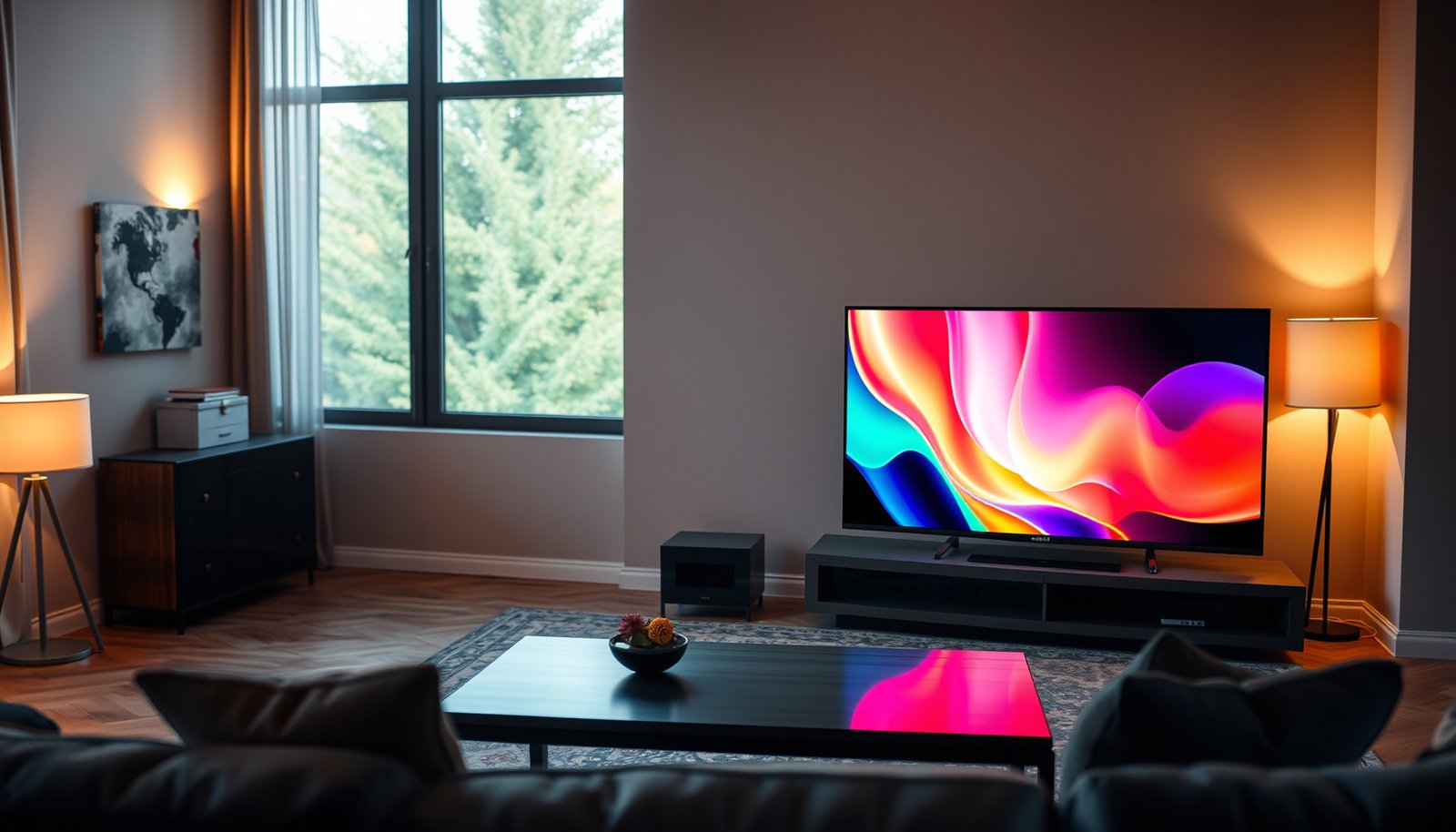
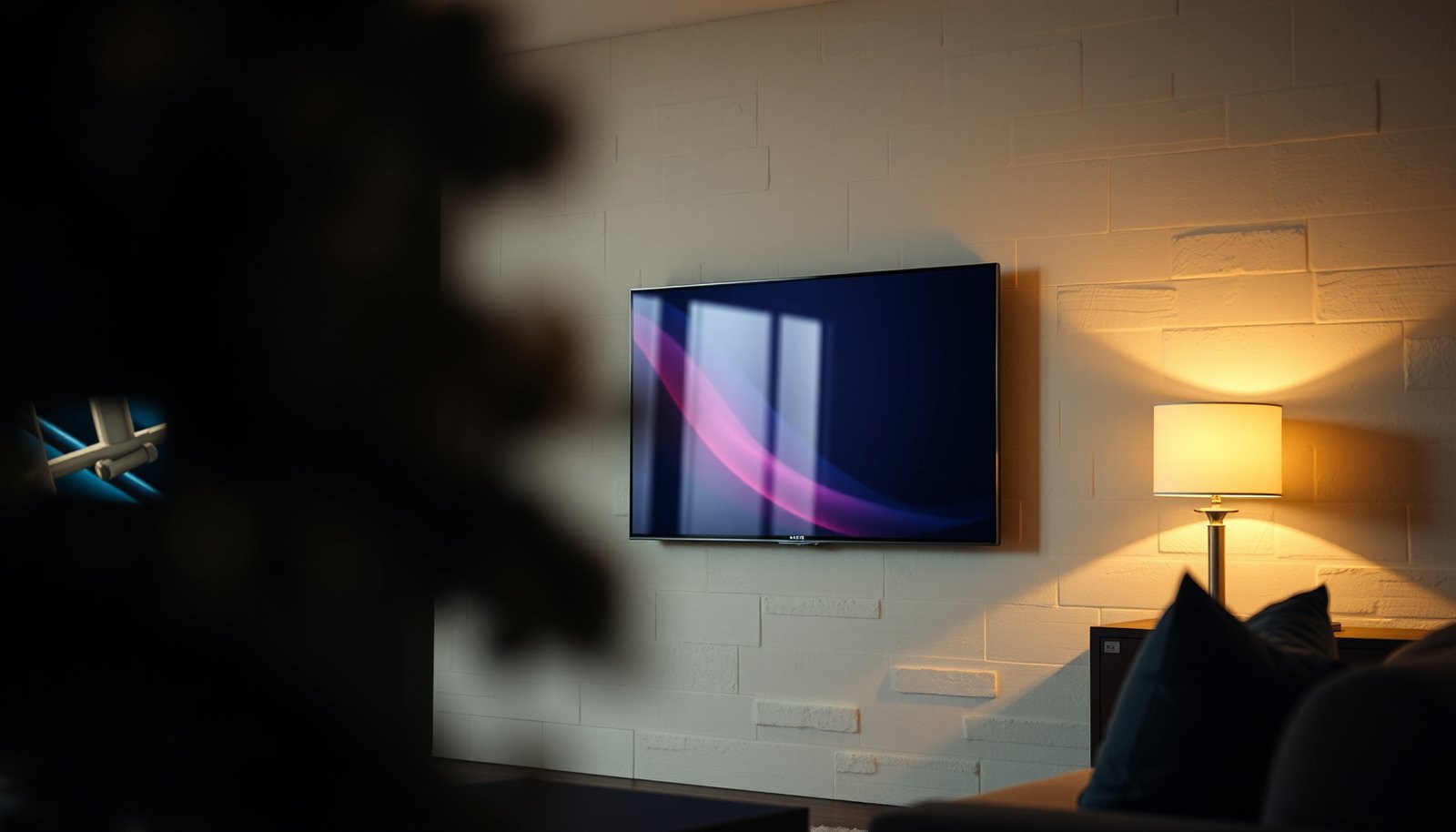
Basement TV vs Living Room TV: which one should you install for the best everyday viewing experience? This guide delivers a clear winner based on your room layout, seating distance, lighting, and how you’ll watch—sports and games, movies, or regular cable/streaming. By the end, you’ll know whether your basement should be your main screen or your living room is the smarter move.




If you’re choosing between a Basement TV vs a Living Room TV, the best option is the one that matches your viewing environment: light control, sound setup, and how often the space is used. Basements usually benefit from brighter, high-contrast displays and flexible mounting, while living rooms often prioritize viewing angles, furniture layout, and integrated audio. This guide will help you compare both setups so you can pick the right approach without overbuying or running cables the hard way.
If you’re planning a new TV installation—or upgrading an existing one—you’re likely dealing with real constraints like room lighting, seating distance, and whether you need a simple “plug-and-watch” setup or a more involved audio/video layout.
Basement TV: What matters most in that space
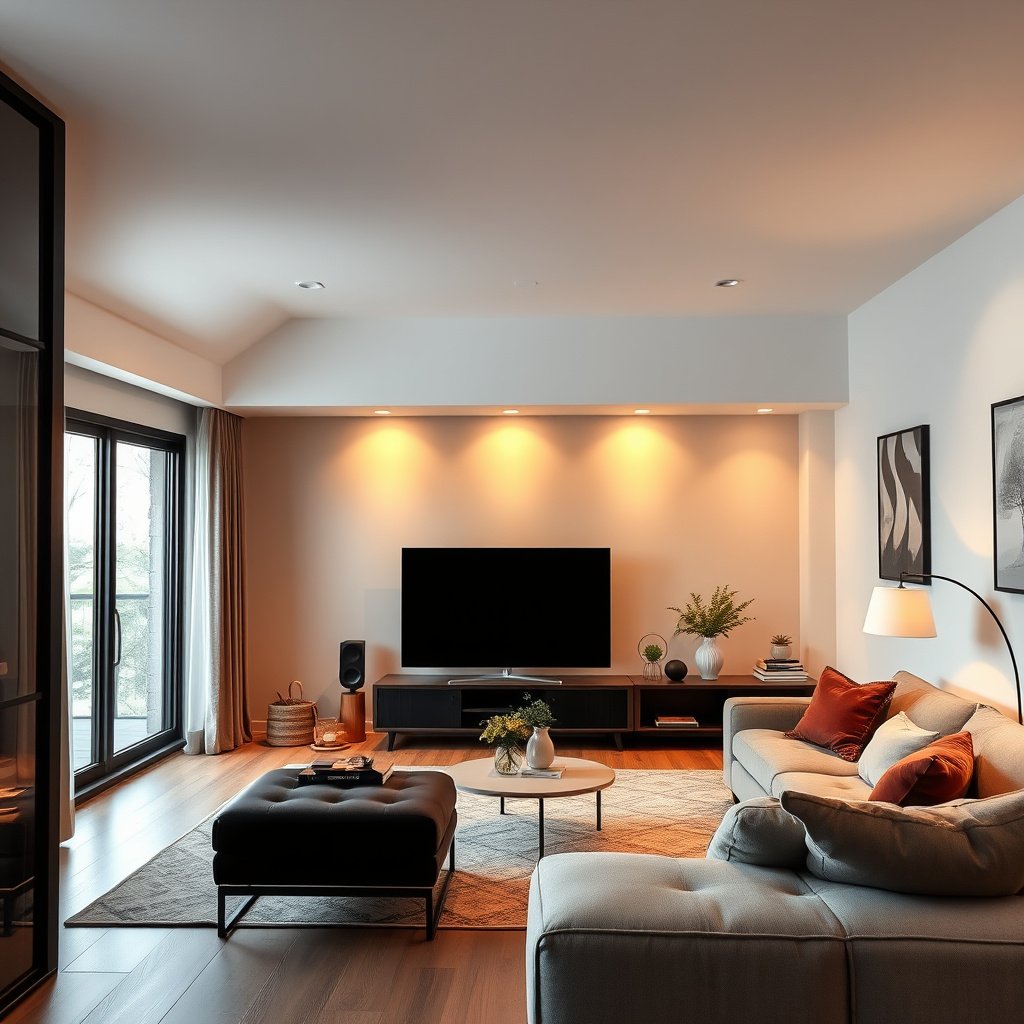
A Basement TV setup usually wins when your space is used for more intentional viewing (movie nights, sports, gaming) and you can control placement and glare. In practice, Basement TV success comes down to managing contrast in mixed lighting, mounting for uneven walls, and planning cables before the room is finished.
Basements often have fewer windows, but even small ceiling lights or reflective paint can noticeably reduce perceived contrast on a glossy TV.
Because basements frequently have low ceilings or sloped areas, the “standard” mounting height guideline can feel wrong once the couch cushions and eye level are considered.
– Lighting and glare: Basements can be dim most of the time, but some installations still have window glare, ceiling lights, or reflective surfaces that affect contrast. In 2026, many TVs prioritize HDR brightness on paper, but what you actually “see” depends on how much light is hitting the screen at viewing angles. A matte (anti-reflective) panel can help, yet placement still matters—an otherwise excellent Basement TV can look washed out if a light source aligns with the screen.
– Mounting and viewing angles: Low ceilings, sloped areas, and uneven wall surfaces can make “standard” TV mounting positions less ideal. With a Basement TV, even a small shift in mount height can change whether viewers look slightly up (eye fatigue) or look down (neck strain), especially if seating is on a slightly different elevation than in the living room.
– Cable planning for reliability: Basements are often where cable runs become tricky, so plan power, internet, and any streaming/sound connections before drywall work. If your Basement TV plan includes anything more than HDMI (for example, a soundbar with optical/ARC/eARC, a streaming device, or an Ethernet backhaul), cable planning becomes the difference between a clean installation and an “extension-cord compromise.”
When we talk about Basement TV vs Living Room TV, one repeatable lesson is that basements reward planning more than flexibility. If you’re currently deciding where to spend first, think of the Basement TV as a mini home-theater project: fewer variables can be fixed “later” without rework.
A quick decision framing (so Basement TV vs Living Room TV stays clear)
- Basement TV—best when you want:
- More intentional viewing, a stronger “media zone,” and a mount location you can tune to seating.
- Living Room TV—best when you want:
- Fast device switching, multiple seating viewpoints, and audio that fits a busy family layout.
Living Room TV: What matters most for everyday use
A Living Room TV is usually the safer starting point if your goal is frequent, casual viewing across different seats and device types. Here, the image isn’t only about maximum specs—it’s about consistency across angles, easy switching, and audio that doesn’t fight the room’s acoustics.
Living rooms typically have variable seating positions, so consistency across viewing angles affects whether the Living Room TV looks “good” all evening or only from one spot.
For everyday use, cable management and device switching (cable box, streaming, game console) matter as much as TV brightness in a Living Room TV setup.
– Seating distance and viewing angles: Living rooms usually have more variable seating positions, so consistent image quality across angles matters. In real homes, that usually means people sit on couches, chairs, or open-floor areas, not a single calibrated listening/viewing position. If the Living Room TV is too close to one side of the room, motion scenes (sports, action games) can reveal angle-dependent brightness and color shift.
– Audio priorities: Many living rooms benefit from simple soundbar placement, but the layout can either make that easy or create echo/reflection issues. Living Room TV audio can also suffer from common furniture choices—hard floors plus large reflective surfaces amplify echo. A soundbar may help, yet the best results come when the bar placement matches the room geometry rather than being an afterthought.
– Ease of access: Cable management, remote access, and device switching (cable box, streaming, game console) typically get more day-to-day use here. A Living Room TV is the “daily driver,” so minimizing steps to swap inputs is often the difference between using streaming apps comfortably vs returning to the simplest cable box feed.
In Basement TV vs Living Room TV comparisons, this is where the “used most” factor tends to win. If your family watches most evenings in the living room, Living Room TV planning usually reduces frustration immediately.
Picture quality comparison: contrast, brightness, and screen size
For the best Basement TV vs Living Room TV picture, match brightness and viewing distance to the actual ambient lighting—not just the TV’s headline spec. Then size the screen for distance so you get immersion without eye fatigue, especially in 2026 where more content is natively 4K.
THX’s viewing guidance uses a distance range tied to screen height (not diagonal), which is why changing screen size without measuring distance can create discomfort.
Even a high-brightness TV can look washed out if reflections and glare sources land in the same area of the screen as your primary viewing positions.
– Match brightness to the room: Basements often tolerate lower ambient light, while living rooms can need more brightness to fight reflections and daytime lighting. The Basement TV may look great at night even on moderate brightness; the Living Room TV often competes with lamps and windows. If you expect daylight viewing, plan for it before you buy.
– Screen size isn’t just “bigger is better”: In both spaces, size should track viewing distance—too large can cause eye strain, while too small reduces immersion. A common mistake is “shopping by diagonal” and forgetting that the screen’s height drives the viewing-distance recommendation.
– Consider glare and reflections: Even with strong specs, glossy screens can reflect lamps and windows, so place TVs where reflections won’t dominate. Basement TV installations often have fewer external light sources, but indoor ceiling fixtures can still reflect—especially when viewing angles aren’t centered.
7 Common TV Diagonals and THX-Based Viewing Distance Ranges
| # | TV Size (16:9) | Screen Height | Ideal Distance (ft) | Basement-Fit Index |
|---|---|---|---|---|
| 1 | 43-inch | 21.1 in | 2.8–4.6 ft | ★5 |
| 2 | 50-inch | 24.5 in | 3.3–5.3 ft | ★4 |
| 3 | 55-inch | 27.0 in | 3.6–5.8 ft | ★4 |
| 4 | 65-inch | 31.9 in | 4.3–6.9 ft | ★3 |
| 5 | 75-inch | 36.8 in | 4.9–8.0 ft | ★3 |
| 6 | 85-inch | 41.6 in | 5.6–9.0 ft | ★2 |
| 7 | 98-inch | 48.0 in | 6.4–10.4 ft | ★1 |
*How to read this table:* Distance ranges are calculated for 16:9 screens using a THX-style approach based on screen height (diagonal-to-height factor assumed for 16:9). THX provides viewing-distance guidance in terms of screen height rather than diagonal. The “Basement-Fit Index” is a practical heuristic: it treats *shorter seating layouts* (common in many finished basements) as more forgiving for Basement TV viewing distances.
(If you want, tell me your couch-to-screen measurement and TV diagonal preference, and I’ll help you sanity-check the fit for both Basement TV and Living Room TV.)
Audio and connectivity: soundbars, speakers, and device switching
A Basement TV vs Living Room TV audio setup should start with room layout and how you’ll switch sources—not just which speakers you buy. In most homes, a soundbar-first plan is the quickest path to good results, but only if placement and connection types match your TV ports and habits.
HDMI 2.1 supports up to 48 Gbps bandwidth, which is relevant when you use modern consoles or high-bitrate streaming on a Living Room TV or Basement TV.
For Dolby Atmos home theater layouts, speaker angles are specified rather than guessed (e.g., front left/right placement is commonly described in degrees), which is why room geometry matters.
– Pick audio based on layout: Basements may benefit from adding or repositioning speakers if the room layout creates dead spots or muddied sound. Because many basements are semi-enclosed with different surfaces than the main floor, Basement TV audio can sound “boxy” if you place speakers the same way you would in a living room. Start with the simplest configuration that places the audio source in a consistent line with the main couch.
– Plan inputs for real life: If you’ll use multiple devices (streaming box, console, Blu-ray if applicable), make sure switching and cable routing match your habits. A common Basement TV vs Living Room TV mistake is deciding the device list after drywall is done, which can force longer HDMI runs or extra splitters later. If you use an AV receiver, check that your HDMI layout supports the sources you actually have (and their resolutions/frame rates).
– Network reliability: If your basement is farther from the router, you may need a more stable connection method than relying on weak Wi‑Fi. For streaming apps feeding a Basement TV, buffering risk is higher if you don’t have strong signal strength. Consider Ethernet backhaul or a wired mesh node when practical, especially in 2026 where higher-bitrate video is increasingly common.
A note on Basement TV vs Living Room TV connectivity: if your TV uses eARC/ARC (enhanced Audio Return Channel) for soundbar routing, confirm the TV and soundbar both support the same audio return mode. Otherwise, you’ll end up with fragile workarounds like swapping cables or setting conflicting audio outputs every time you change inputs.
What can go wrong (and how to avoid it)
Most problems with Basement TV vs Living Room TV installations come from placement decisions made too early—before lighting, eye level, viewing distance, and audio routing are reconciled. If you avoid the common traps below, you reduce the chance of “great specs, disappointing experience.”
Mounting height affects comfort: even if a TV looks centered, a mismatch between screen center and seated eye level can cause neck strain over time.
Reflections can defeat brightness: a Living Room TV placed near lamps or windows can show glare patterns even when the panel’s peak brightness is high.
– Mounting too high or too low: A great TV can feel “off” if the center of the screen isn’t aligned with your typical eye level. Measure from the floor to seated eye height at the most used spot, then plan the mount so the screen center lands near that level.
– Overlooking room lighting: A basement that looks “dark enough” today may get brighter during evening gatherings, and a living room with strong lamps can wash out the image. For Basement TV planning, include lighting changes that happen during real use (holiday bulbs, ceiling fixtures turning on, portable lamps moved for hosting).
– Choosing screen size without distance: People often size up for excitement, then regret it after weeks of viewing. Use the viewing-distance approach based on screen height (not diagonal), and verify the couch-to-wall distance before you finalize the purchase.
– Ignoring cable routing early: Running power and video in a basement after everything is finished is usually where costs and delays expand. If your Basement TV plan includes Ethernet, speaker wire (if you go beyond a soundbar), or a dedicated network path, map those routes up front—before you close walls or finish ceilings.
Verdict: which one should you prioritize first?
If you want the most predictable upgrade path, prioritize the room you use most often—living rooms tend to get more daily viewing, while basements can be more “project-based” due to lighting and cable logistics. For many homes, a Living Room TV is the safer first choice if your goal is a straightforward entertainment setup; a Basement TV is worth it when you’re intentionally building a dedicated media zone and can plan mounting and connectivity carefully.
Downsides matter. A Basement TV can take longer to get right because mounting surfaces and cable paths are less forgiving, and small lighting changes can affect contrast. A Living Room TV can also disappoint if viewing angles are uneven or if the sound setup ignores reflections and furniture geometry—so it’s not “automatic success,” just a lower-risk starting point.
If you’re on the fence, a practical rule is this: if you can name your top 2–3 devices and describe exactly where people sit most in your Living Room TV area, start there. If your Basement TV plan includes a deliberate seating position and a clear cable path, it’s a strong second phase.
Quick checklist: Basement TV vs Living Room TV
– Room lighting: How bright is the space during normal viewing?
– Seating distance: How far are viewers from the screen most of the time?
– Mount position: Where will the TV sit relative to eye level?
– Audio plan: Soundbar only, or speakers too? Where will they go?
– Connectivity: Router location and expected Wi‑Fi strength (or need for Ethernet).
– Cable routing: Are power and inputs planned before final placement?
Sources
– THX viewing-distance guidance (screen height-based recommendations for home theater viewing)
– Dolby Laboratories speaker placement guidance for Dolby Atmos home theater (degree-based layout references)
– HDMI Licensing, LLC / HDMI Forum HDMI 2.1 specification bandwidth capability (48 Gbps)
A Basement TV vs Living Room TV decision is less about “which is better” and more about matching the setup to how you actually watch. If your room has strong daylight, variable seating, or frequent device switching, the Living Room TV typically offers the fastest path to a satisfying daily experience—while the Basement TV is best when you’re willing to plan mounting, lighting control, and connectivity for a dedicated viewing zone.
Frequently Asked Questions
What are the key differences between a basement TV setup and a living room TV setup?
A basement TV typically faces challenges like lower natural light, more ambient noise, and different wall materials, which can affect picture quality and speaker performance. A living room TV is often designed around viewing angles, seating layout, and lighting control, so factors like glare and cable routing are usually different. Because basements are frequently used for casual movie nights or sports, you may prioritize sound, brightness, and a comfortable viewing height over some living-room aesthetics.
How do you choose the right TV size for a basement versus a living room?
In a basement, you often sit closer or in a more enclosed layout, so measuring the viewing distance and considering whether the room is narrower helps you avoid a TV that feels too large. Living rooms usually have more varied seating positions, so you may want a slightly larger screen or a setup that keeps everyone within a comfortable viewing angle. As a baseline, match TV size to distance and ensure the screen center aligns with eye level while accounting for basement couch height and living room chair height.
Which is better for image quality in a basement: brightness level or anti-glare features?
Basements often have dimmer ambient lighting, so a high brightness level can still help maintain strong contrast for sports and action scenes, especially if you have some overhead lighting. If you have windows, reflective painted walls, or strong ceiling lights, anti-glare or matte screen technologies can reduce reflections that wash out the picture. For the best basement TV experience, balance brightness, local dimming (on compatible models), and glare handling so the image stays crisp during daytime and nighttime viewing.
Why is sound setup more important for basement TVs than living room TVs?
Basements are usually more enclosed, which can amplify echoes and make dialogue harder to hear without proper audio tuning. Many people rely on a TV speaker in a living room, but in a basement it’s often worth adding a soundbar, AV receiver, or subwoofer to improve clarity and bass impact. Better sound placement—like centering a soundbar under the TV and avoiding wall-muffled speaker placement—can make basement movie nights feel like a true home theater.
Best practices: should you mount a basement TV or place it on a stand like in the living room?
For many basements, mounting the TV can reduce clutter, improve cable management, and help you hit the correct viewing height—especially if you have a sectional or bar-style seating. However, if your basement has uneven studs, wiring constraints, or frequent furniture rearranging, a quality TV stand may be easier and more flexible. In both spaces, keep the screen centered to the main viewing position, use stable mounting hardware, and plan for power and HDMI access to avoid messy reruns later.
📅 Last Updated: October 21, 2026 | Topic: Basement TV vs Living Room TV | Content verified for accuracy and freshness.
References
- Tips & Prevention – American Academy of Ophthalmology
- https://www.nei.nih.gov/learn-about-eye-health/healthy-vision/eye-care-tips/computer-vision-syndrome
- Healthy eyes | AOA
- https://www.mayoclinic.org/diseases-conditions/computer-vision-syndrome/symptoms-causes/syc-20371425
- Glare
- https://www.britannica.com/technology/television
- https://medlineplus.gov/eyestrain.html
- https://scholar.google.com/scholar?q=ambient+light+home+theater+display+setup Google Scholar
- https://scholar.google.com/scholar?q=television+viewing+room+lighting+glare+contrast+research Google Scholar
- https://scholar.google.com/scholar?q=computer+vision+syndrome+television+viewing+distance Google Scholar