
To set up a full surround sound system for your gaming console, start by choosing the right audio equipment, including a receiver and compatible speakers. This initial choice is crucial as it directly impacts the quality of your audio experience. Furthermore, proper configuration of the system is essential to enhance your gaming experience with immersive sound. This guide will walk you through the essential steps to achieve a high-quality surround sound setup that can elevate your gaming sessions to new heights.


Choosing the Right Equipment
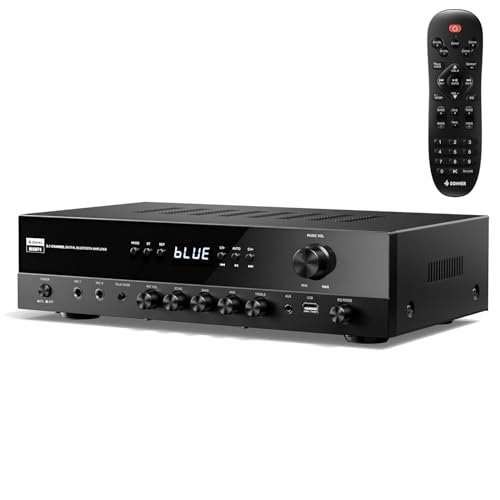
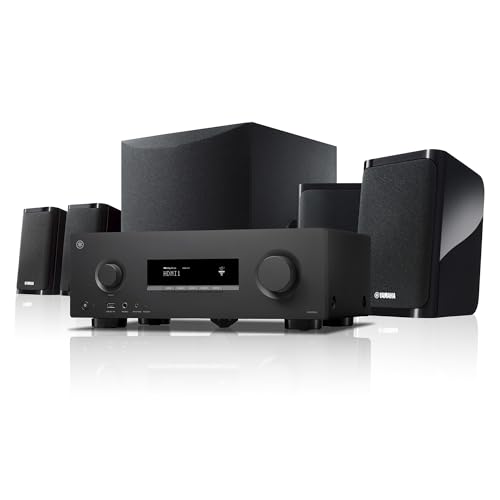
The foundation of an effective surround sound system begins with selecting compatible audio equipment. An AV receiver is the heart of your sound system, responsible for decoding surround sound formats and distributing audio signals to your speakers.
1. AV Receiver: Look for a receiver that supports advanced surround sound formats such as Dolby Atmos, DTS:X, or at least 5.1 and 7.1 channel audio. Models like the Denon AVR-S750H and Yamaha RX-V685 are excellent choices, offering multiple HDMI inputs, 4K pass-through, and built-in streaming capabilities.
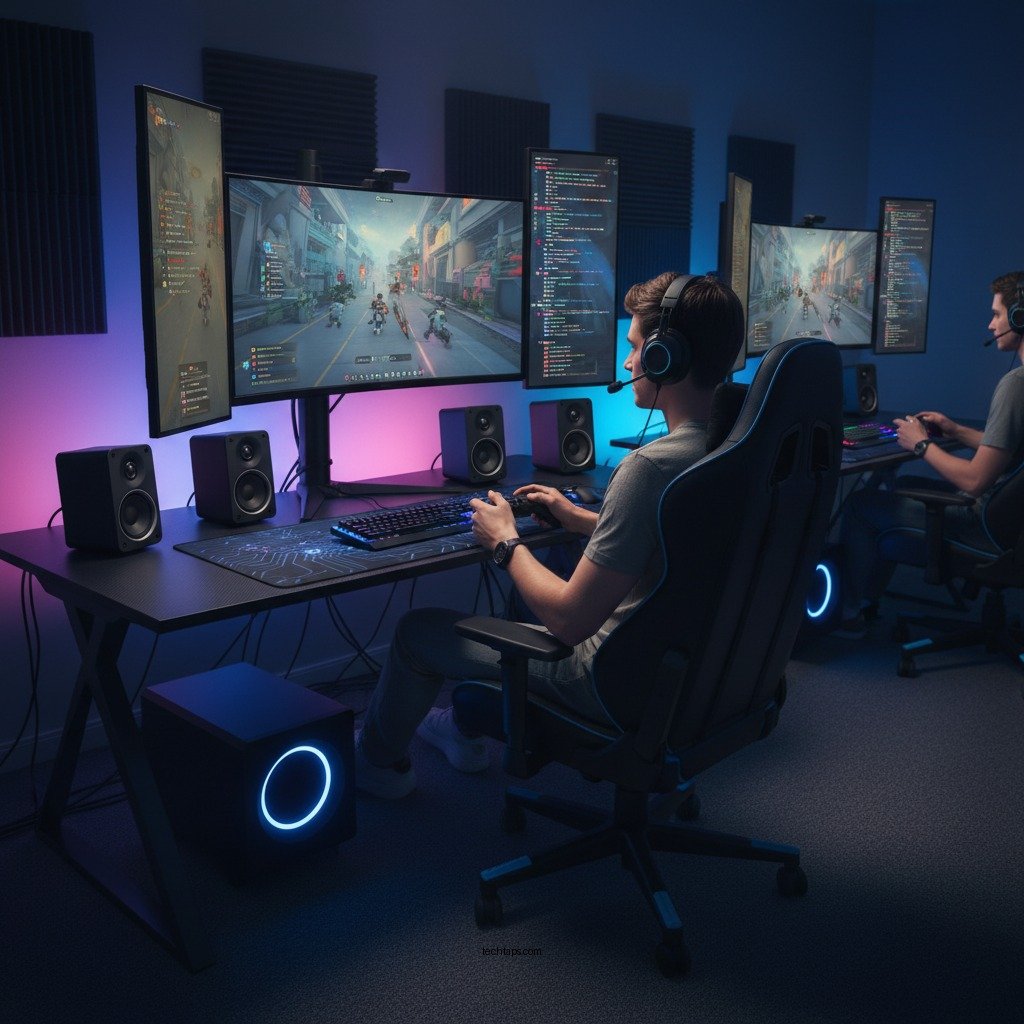
2. Speakers: For a full surround sound experience, consider investing in a 5.1 or 7.1 speaker system. A 5.1 setup includes five speakers (front left, front center, front right, and two surround speakers) and a subwoofer. A 7.1 system adds two additional rear speakers for improved sound positioning. Brands like Klipsch, Polk Audio, and JBL are known for producing high-quality speakers that deliver clear and powerful sound.
3. Cables: Don’t forget about the cables! High-quality HDMI cables are essential for connecting your console to the AV receiver and ensuring optimal audio and video quality.
Connecting Your Console
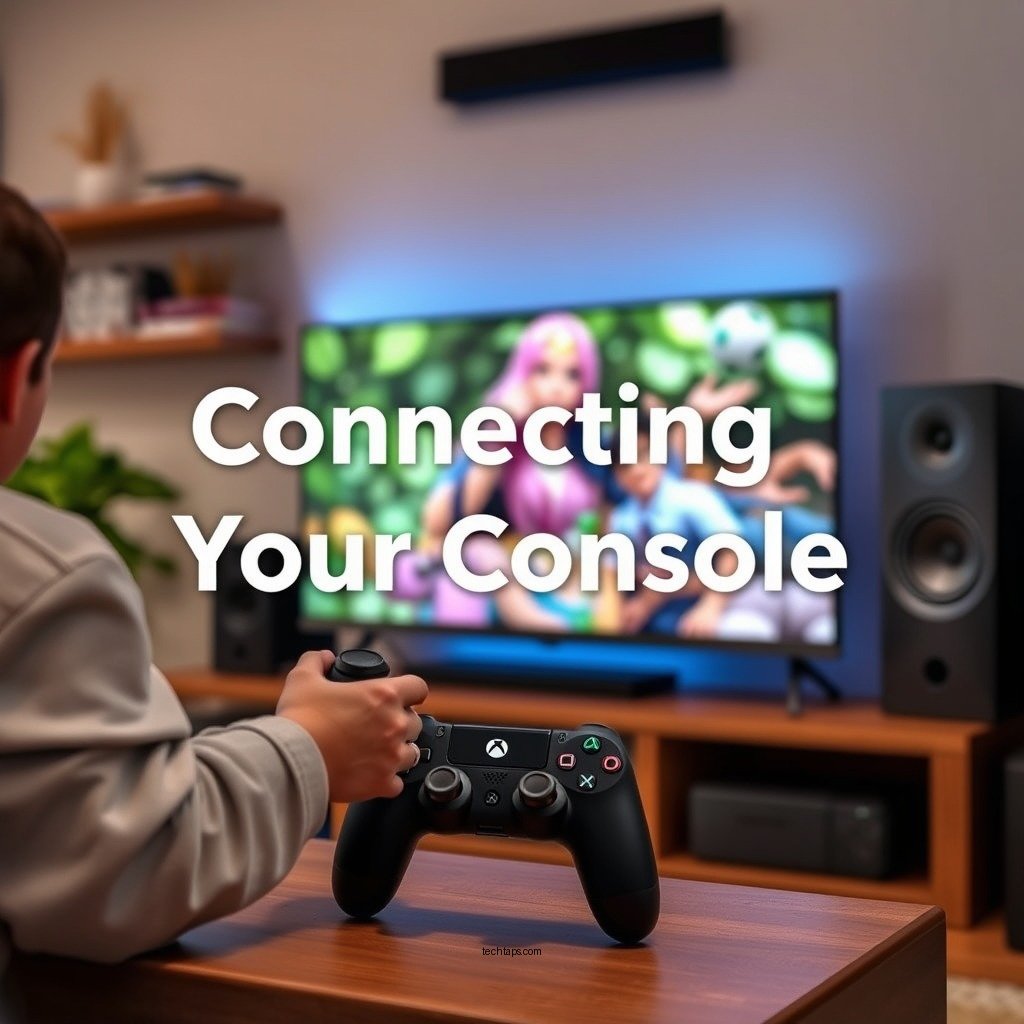
Connecting your gaming console to your surround sound system correctly is vital for achieving the best audio experience.
1. Use HDMI Cables: Always opt for HDMI cables for the best audio and video quality. They support high-definition audio formats and simplify connectivity by carrying both audio and video signals through a single cable.
2. Connections: Connect your gaming console to the AV receiver using the HDMI OUT port on the console and one of the HDMI IN ports on the receiver. Your receiver should have a dedicated input for your console, and you may label it for easy identification.
3. Assign Inputs: After connecting your console, navigate to the AV receiver’s settings to ensure that the input source is correctly assigned. This step is crucial for ensuring the audio from the console is routed through your surround sound system.
Configuring Audio Settings
Once your console is connected to the receiver, it’s time to configure the audio settings for the best experience.
1. Console Audio Settings: Access your gaming console’s audio settings menu. Depending on the console you are using, you may find options for audio output formats. Select the surround sound output option, which might be labeled as 5.1 or 7.1 surround sound.
2. Receiver Settings: Navigate to the audio settings on your AV receiver. Ensure it is set to the correct input source and surround sound mode. Many modern receivers have an auto-detect feature that selects the optimal audio format based on the incoming signal.
3. Speaker Configuration: Adjust the volume levels for each speaker. Most receivers allow you to individually set levels for each channel to ensure a balanced sound experience.
Top 7 AV Receivers for Gaming Consoles (2024)
| # | Model | Channels | Dolby Atmos | Price |
|---|---|---|---|---|
| 1 | Denon AVR-S750H | 7.2 | Yes | $599 |
| 2 | Yamaha RX-V685 | 7.2 | Yes | $649 |
| 3 | Sony STR-DN1080 | 7.2 | Yes | $599 |
| 4 | Onkyo TX-NR696 | 7.2 | Yes | $549 |
| 5 | Pioneer VSX-LX504 | 9.2 | Yes | $1,199 |
| 6 | Marantz NR1711 | 7.2 | Yes | $799 |
| 7 | NAD T758 V3i | 7.1 | Yes | $1,999 |
Speaker Placement Tips
Proper speaker placement is vital for achieving an immersive sound experience. Follow these guidelines to position your speakers effectively:1. Front Speakers: Place the front left and right speakers equidistant from the TV, ideally forming a 30-degree angle with the listening position. The center speaker should be directly above or below the screen for clear dialogue.
2. Surround Speakers: Position the surround speakers on the side walls, slightly above ear level when sitting. They should be angled towards the listening area to enhance the surround effect.
3. Subwoofer: The subwoofer can be placed anywhere in the room, but for optimal bass response, try different locations and select the one that produces the best sound. Be aware that placing the subwoofer in a corner can sometimes amplify bass frequencies too much.
4. Follow Recommendations: Many manufacturers provide ideal distance and angle recommendations based on room size. Adhering to these guidelines helps create a balanced audio experience.
Calibrating Your System
After setting up and placing your speakers, the next step involves calibrating your audio system for optimal performance.
1. Automatic Calibration: Most modern receivers come with an automatic calibration feature. Using the included microphone, the receiver will analyze the room acoustics and adjust speaker levels accordingly. This feature is particularly useful for beginners.
2. Manual Calibration: If you prefer a more personalized touch, manually adjust each speaker’s levels using the receiver’s settings. Pay attention to the distance settings as well, ensuring that the receiver knows how far each speaker is from your listening position.
3. Test Tones: Utilize test tones or audio calibration discs to fine-tune speaker levels and ensure that sound is balanced across all channels.
Testing Your Setup
Now that your surround sound system is configured and calibrated, it’s time to put it to the test.
1. Play Diverse Games: Choose a variety of game genres that feature surround sound audio. Action games with explosions, racing games with engine sounds, and narrative-driven titles with dialogue will all provide different audio experiences.
2. Evaluate Sound Performance: Pay attention to how well the sound surrounds you. Are the explosions feeling impactful? Do you hear footsteps approaching from behind? This evaluation will help you determine if further adjustments are needed.
3. Personal Adjustments: Based on your findings, return to the receiver settings to make any necessary adjustments to speaker levels or configurations. Remember, every room has unique acoustics, and small tweaks can lead to significant improvements.
Troubleshooting Common Issues
Even after a successful setup, you may encounter some common audio issues. Here are a few troubleshooting tips:
1. Check Connections: If sound is not working or is distorted, double-check all cable connections. Ensure that cables are securely connected to the correct ports on both the console and the receiver.
2. Input Settings: Verify that the receiver is set to the correct input source. If you have multiple devices connected, it’s easy to accidentally select the wrong one.
3. Surround Sound Mode: Ensure that your receiver is set to the correct surround sound mode. If it’s set to stereo or another mode, you may not be receiving the full surround sound experience.
4. Speaker Functionality: Test each speaker individually to make sure they are functioning correctly. Many receivers have a built-in test tone feature to assist in this process.
By following these steps, you can enjoy an immersive audio experience while gaming. Take the time to refine your setup and enjoy the enhanced atmosphere that surround sound brings to your gaming sessions. Whether you’re playing solo or with friends, a well-configured sound system can elevate your gameplay, making every moment more engaging and entertaining.
Frequently Asked Questions
What equipment do I need to set up a full surround sound system for my gaming console?
To set up a full surround sound system for your gaming console, you’ll need a compatible AV receiver, surround sound speakers (usually five or more), and a subwoofer. Additionally, ensure you have the necessary cables, like HDMI or optical audio cables, to connect your console to the receiver. A dedicated speaker stand or wall mounts may also enhance your audio setup.
How do I connect my gaming console to a surround sound system?
To connect your gaming console to a surround sound system, plug the HDMI cable from the console into the HDMI input on your AV receiver. Then, connect the AV receiver to your TV using another HDMI cable from the HDMI output. Make sure to configure the audio settings on your console to output surround sound for the best gaming experience.
Why is my surround sound not working with my gaming console?
If your surround sound is not working with your gaming console, check to ensure that all connections are secure and that the correct audio output settings are selected on both the console and the AV receiver. Additionally, verify that the speaker configuration is set up properly in the receiver’s settings, as incorrect configurations can lead to sound issues.
What is the best placement for surround sound speakers in a gaming setup?
The best placement for surround sound speakers in a gaming setup involves positioning the front left and right speakers at ear level, ideally 30 degrees from the center for optimal soundstage. Place the center speaker directly above or below your TV, while the rear surround speakers should be positioned slightly above ear level and to the sides or behind the gaming area for immersive sound.
Which surround sound format is best for gaming consoles?
The best surround sound format for gaming consoles is typically Dolby Atmos, as it provides an immersive audio experience with three-dimensional sound placement. Many modern games are designed to take advantage of this format, enhancing gameplay by allowing you to hear sounds from above, below, and around you, creating a more engaging environment.
References
- Surround sound
https://en.wikipedia.org/wiki/Surround_sound - https://www.lifewire.com/how-to-set-up-surround-sound-1844722
https://www.lifewire.com/how-to-set-up-surround-sound-1844722 - Google Scholar Google Scholar
https://scholar.google.com/scholar?q=How+to+Set+Up+a+Full+Surround+Sound+System+for+Gaming+Consoles - Google Scholar Google Scholar
https://scholar.google.com/scholar?q=surround+sound+setup+gaming+consoles - Google Scholar Google Scholar
https://scholar.google.com/scholar?q=home+theater+surround+sound+configuration - How to Set Up a Full Surround Sound System for Gaming Consoles – Search results
https://en.wikipedia.org/wiki/Special:Search?search=How+to+Set+Up+a+Full+Surround+Sound+System+for+Gaming+Consoles - https://www.ncbi.nlm.nih.gov/search/research-articles/?term=How+to+Set+Up+a+Full+Surround+Sound+System+for+Gaming+Consoles
https://www.ncbi.nlm.nih.gov/search/research-articles/?term=How+to+Set+Up+a+Full+Surround+Sound+System+for+Gaming+Consoles

1 Comment