
Dealing with bass distortion in your Cambridge Audio system can often be resolved by adjusting settings and equipment placement. By taking a systematic approach to identify and fix these issues, you can ensure that your audio experience is crisp and clear, free from unwanted distortion that can mar your enjoyment of music or movies.



Understanding bass distortion requires an awareness of its definition, causes, and symptoms. By comprehensively addressing each aspect, you can enhance your listening experience significantly.
Understanding Bass Distortion
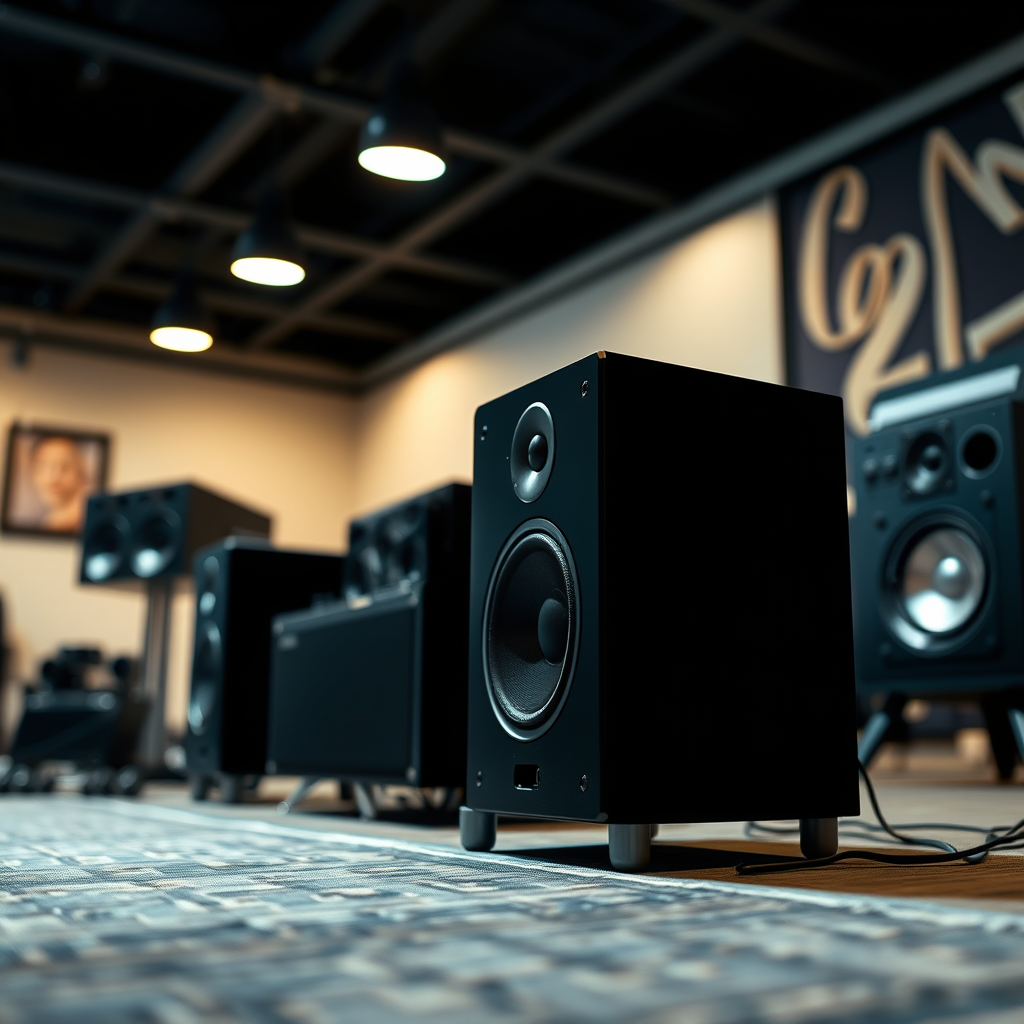
Bass distortion refers to the unwanted alteration of sound waves, particularly in the lower frequency range, usually caused by overdriving the amplifier, poor speaker placement, or inadequate audio source quality. This distortion can manifest as muddiness, lack of clarity, or even a buzzing sound that detracts from the intended audio quality.
Common symptoms of bass distortion include:
– Muddied Sound: Low frequencies overshadowing higher frequencies, making music sound less distinct.
– Buzzing or Rattling: Unpleasant noises that occur when speakers are pushed beyond their limits.
– Imbalanced Audio: A lack of harmony between bass and treble frequencies, leading to an unsatisfactory listening experience.
Recognizing these symptoms is essential in diagnosing the issue effectively.
Checking Speaker Placement
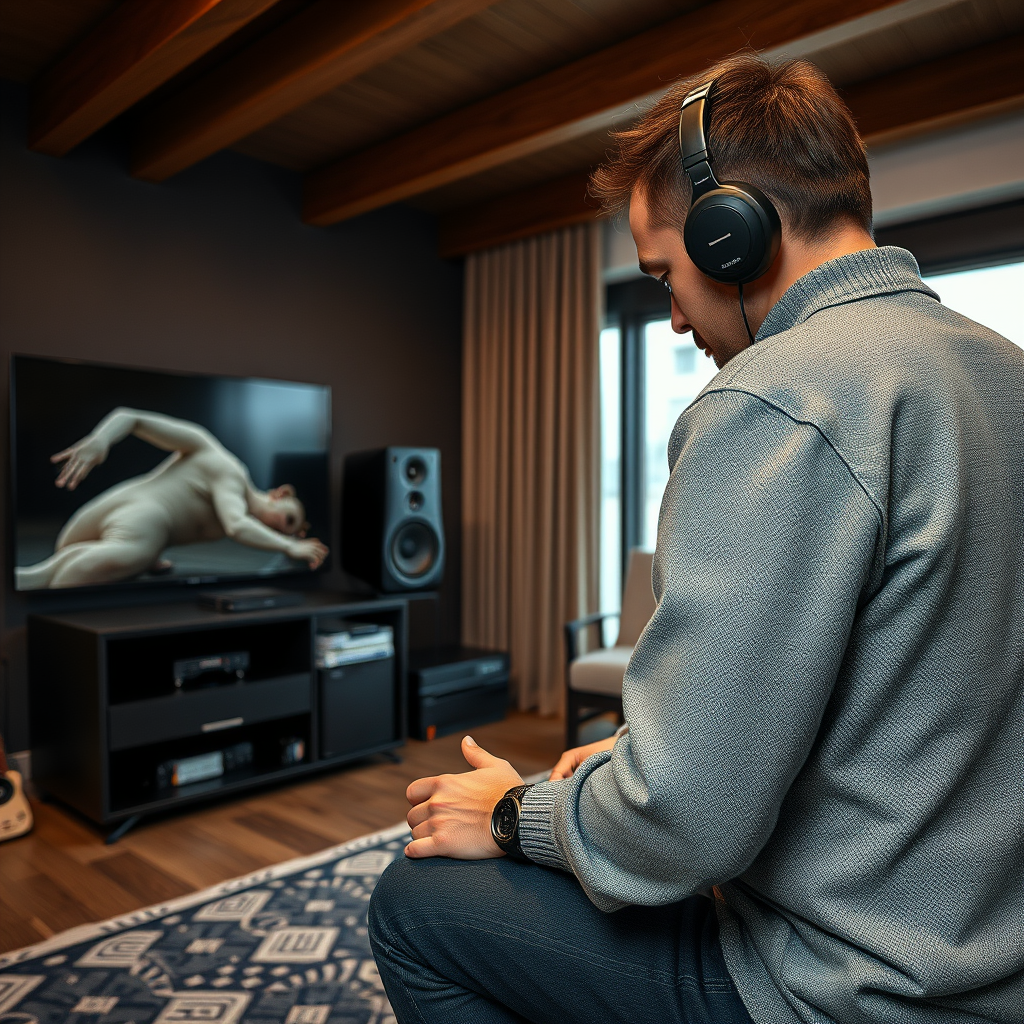
To minimize distortion, consider the following tips for speaker placement:
– Distance from Walls: Position speakers at least a foot away from walls to reduce reflections.
– Height and Angle: Ensure that speakers are at ear level when seated, and angled towards the listening area for better sound staging.
– Avoid Corners: Placing speakers in corners can amplify bass excessively, leading to distortion. Instead, use mid-room placements for a more balanced sound.
By carefully considering room acoustics and speaker positioning, you can significantly enhance your audio experience.
Adjusting Equalizer Settings
Utilizing the built-in equalizer on your Cambridge Audio system is an effective way to manage bass levels. The equalizer allows you to fine-tune the frequency response, helping to address any distortion issues.
Recommended EQ Settings for Balanced Sound
Here are some general EQ settings to start with:
– Bass (20-250 Hz): Reduce by 2-4 dB if distortion occurs.
– Midrange (250 Hz – 2 kHz): Keep this range relatively flat for clarity.
– Treble (2 kHz – 20 kHz): Slightly boost (1-3 dB) to add brightness if needed.
Experiment with subtle adjustments to find the right balance for your specific room and listening preferences.
Common Causes of Bass Distortion
| # | Cause | Impact Level (1-10) | Recommended Action |
|---|---|---|---|
| 1 | Poor Speaker Placement | 8 | Reposition speakers |
| 2 | Overdriving the Amplifier | 9 | Lower volume |
| 3 | Incompatible Source Quality | 7 | Check source quality |
| 4 | Poor Cable Quality | 6 | Upgrade cables |
| 5 | Room Acoustics | 8 | Improve room treatment |
| 6 | Insufficient Power | 7 | Check power ratings |
| 7 | Signal Interference | 5 | Relocate cables |
Inspecting Cables and Connections
Using quality cables is essential to reduce interference and ensure a clean audio signal in your Cambridge Audio system. Poor-quality or damaged cables can significantly contribute to bass distortion, causing unwanted noise and interruptions.
To enhance performance, inspect your cables and connections:
– Visual Inspection: Look for any visible damage or wear on cables.
– Secure Connections: Ensure that all connections are tight and seated properly to avoid signal loss.
– Upgrade Cables: Consider investing in high-quality speaker cables and interconnects designed to minimize interference.
By addressing cable quality and connections, you can often eliminate distortion issues before they arise.
Testing Different Sources
Sometimes, the source of distortion may be specific to the audio source being used. It is crucial to determine whether the distortion is a result of your audio equipment or the source itself.
To identify the root cause:
– Test Multiple Sources: Play audio from different sources, such as streaming services, CDs, or vinyl records.
– Compare Quality: Note the difference in sound quality between sources to identify any inconsistencies.
This step will help you pinpoint whether the issue lies with your Cambridge Audio system or the audio files being played.
Utilizing Software Solutions
In the digital age, software tools can assist in diagnosing and resolving audio issues. Various applications can analyze sound quality and suggest adjustments, helping you tackle persistent distortion problems.
Some popular software solutions include:
– Room EQ Wizard: A tool for measuring and analyzing room acoustics and speaker performance.
– Soundcheck: Software that assists in identifying frequency response issues.
Implementing software fixes can be an effective way to enhance your audio system, particularly if physical adjustments alone do not resolve the issue.
Seeking Professional Help
If you have exhausted all troubleshooting options and still experience bass distortion, it may be time to consult an audio expert. Professional technicians can provide insights and solutions tailored to your specific setup.
When considering professional help, keep these points in mind:
– Expertise Matters: Look for technicians with experience in high-fidelity audio systems.
– Local Resources: Seek recommendations or read reviews to find reliable audio service providers.
Investing in professional assistance can save you time and frustration, ultimately leading to a superior audio experience.
By following these steps, you can effectively troubleshoot and fix bass distortion issues in your Cambridge Audio system. Start by evaluating your setup and making necessary adjustments, ensuring you enjoy high-quality sound in your listening environment. With careful attention to speaker placement, equalizer settings, and potential sources of distortion, you can achieve the rich, clear audio quality that Cambridge Audio is known for.
Frequently Asked Questions
What are common causes of bass distortion in a Cambridge Audio system?
Common causes of bass distortion in a Cambridge Audio system include improper speaker placement, overdriving the amplifier, and using low-quality audio sources. Additionally, settings like bass boost or loudness can exacerbate distortion issues, especially if the speakers are not designed to handle high bass levels.
How can I adjust my Cambridge Audio settings to reduce bass distortion?
To reduce bass distortion in your Cambridge Audio system, start by lowering the bass level in your equalizer settings. Experiment with the crossover frequency if you’re using a subwoofer, and ensure that the volume levels are not excessively high to prevent clipping. Additionally, consider using a room correction feature if available, to enhance sound quality.
Why does my Cambridge Audio subwoofer produce distorted bass sounds?
A distorted bass sound from your Cambridge Audio subwoofer can result from incorrect phase settings, poor placement, or inadequate power supply. Ensuring that the subwoofer is properly calibrated and positioned away from walls or corners can significantly improve sound quality. Checking the connections and using quality cables also helps prevent distortion.
What is the best way to position speakers to minimize bass distortion in a Cambridge Audio system?
The best way to position speakers to minimize bass distortion in a Cambridge Audio system is to place them at least a few feet away from walls or corners, as this can reduce unwanted resonance. Ideally, speakers should form an equilateral triangle with your listening position, allowing for optimal sound distribution. Experimenting with speaker height and angle can also yield better bass response.
Which audio formats are best to use to avoid bass distortion in my Cambridge Audio system?
To avoid bass distortion in your Cambridge Audio system, it’s best to use high-quality audio formats such as FLAC or WAV, which offer lossless sound. Streaming from high-bitrate services or using well-mastered CDs can also help maintain sound integrity, reducing the risk of distortion during playback. Always ensure that your source files are not overly compressed or low in quality.
References
- https://www.cambridgeaudio.com/usa/en/support/faq/how-do-i-fix-bass-distortion-issues
https://www.cambridgeaudio.com/usa/en/support/faq/how-do-i-fix-bass-distortion-issues - https://www.audioholics.com/audio-articles/how-to-fix-bass-distortion-in-home-theater-systems
https://www.audioholics.com/audio-articles/how-to-fix-bass-distortion-in-home-theater-systems - Google Scholar Google Scholar
https://scholar.google.com/scholar?q=Bass+Distortion+in+Audio+Systems - Google Scholar Google Scholar
https://scholar.google.com/scholar?q=Cambridge+Audio+Bass+Distortion - Google Scholar Google Scholar
https://scholar.google.com/scholar?q=Resolving+Bass+Distortion+in+Audio+Systems - https://www.soundandvision.com/content/how-deal-bass-distortion-your-system
https://www.soundandvision.com/content/how-deal-bass-distortion-your-system - Google Scholar Google Scholar
https://scholar.google.com/scholar?q=How+to+Solve+Bass+Distortion+Issues+in+a+Cambridge+Audio+System - How to Solve Bass Distortion Issues in a Cambridge Audio System – Search results
https://en.wikipedia.org/wiki/Special:Search?search=How+to+Solve+Bass+Distortion+Issues+in+a+Cambridge+Audio+System - https://www.ncbi.nlm.nih.gov/search/research-articles/?term=How+to+Solve+Bass+Distortion+Issues+in+a+Cambridge+Audio+System
https://www.ncbi.nlm.nih.gov/search/research-articles/?term=How+to+Solve+Bass+Distortion+Issues+in+a+Cambridge+Audio+System



