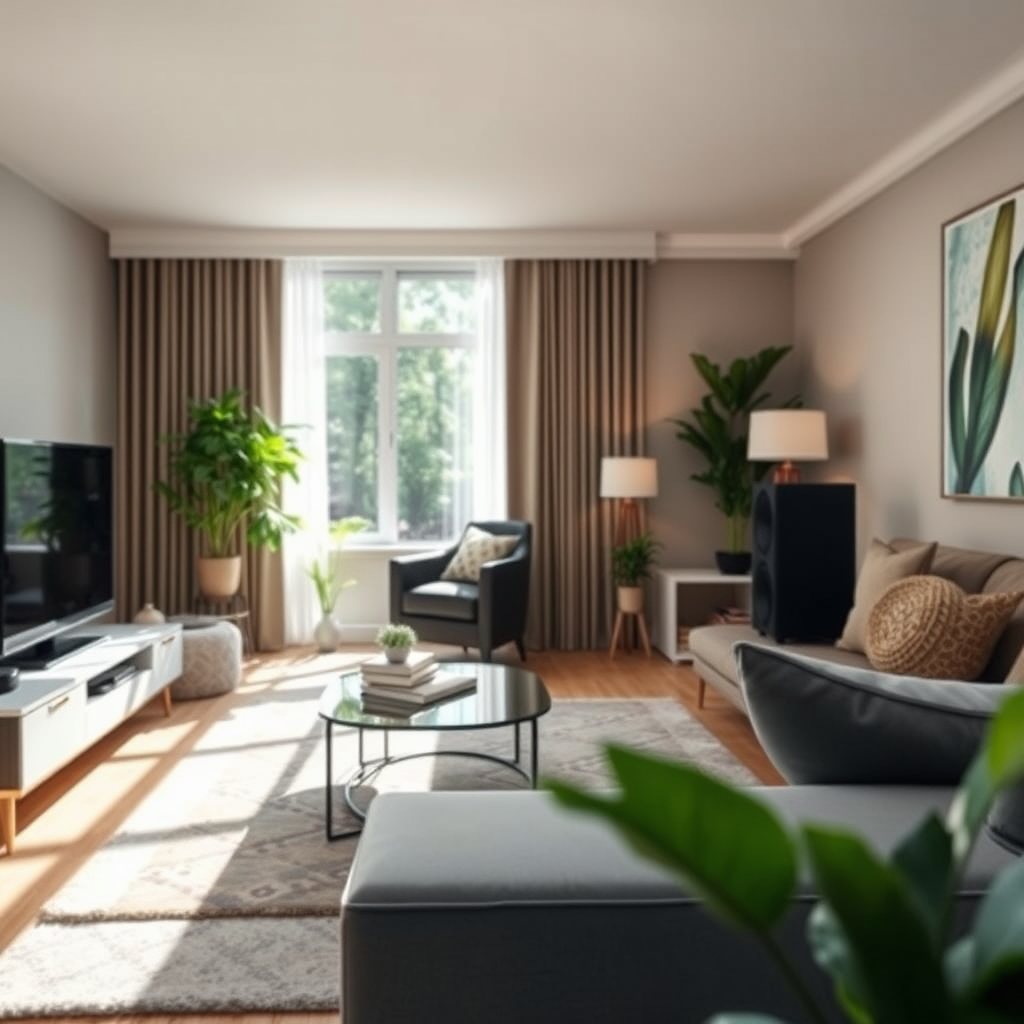
Setting up a multi-room audio system allows you to enjoy your favorite tunes throughout your home seamlessly. To create this immersive experience, you’ll need to choose the right equipment, understand the layout of your space, and follow a few straightforward installation steps. By the end of this guide, you’ll be well-equipped to bring music to every corner of your home, creating a harmonious atmosphere that enhances relaxation, entertainment, and social gatherings.




Choosing the Right Equipment
The first step in your multi-room audio journey is selecting the right equipment. Start by determining your audio source options. Do you prefer streaming services like Spotify, Apple Music, or Amazon Music? Perhaps you have a collection of local media files or vinyl records? Knowing your preferred audio sources is crucial as it helps narrow down your equipment choices.
Next, consider the compatible multi-room audio devices. Options abound, from smart speakers like Sonos and Amazon Echo to high-fidelity speakers from brands like Bose and Bowers & Wilkins. If you’re leaning towards a more traditional setup, a receiver that supports multiple zones may be the way to go. When choosing, don’t forget to factor in sound quality and wireless capabilities; a system with solid wireless performance allows for flexibility in speaker placement without the hassle of running wires through your home.
Lastly, check for compatibility with your existing smart home setup. Many modern audio devices can integrate with smart home assistants, making it easier to control your audio experience through voice commands or a smartphone app.
Planning Your Layout
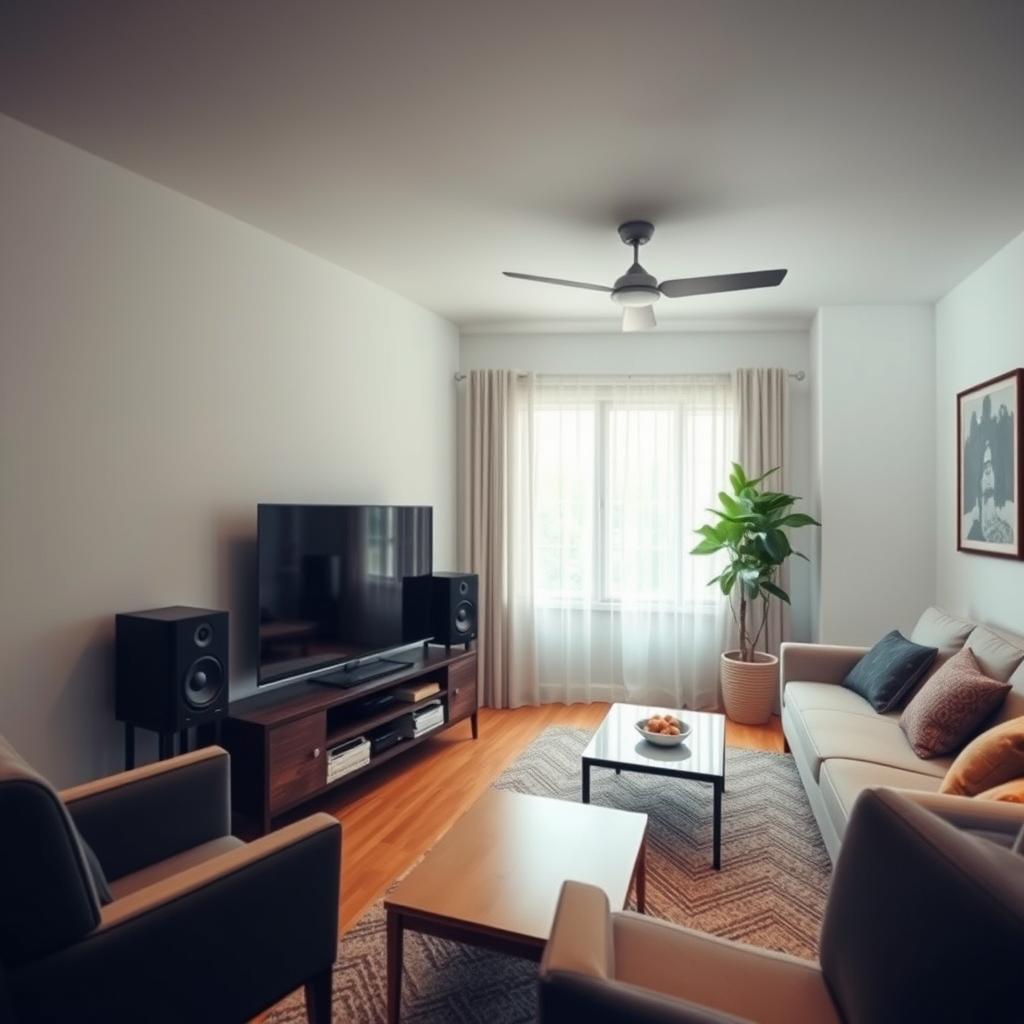
Once you have your equipment in mind, it’s time to plan the layout of your audio system. Begin by assessing the size and layout of each room where music will be played. Take note of any architectural features like walls or furniture that might affect sound distribution. For example, a large open-concept living area might require more speakers or different placements compared to a cozy bedroom.
Next, decide on speaker placement for optimal sound distribution. Ideally, speakers should be positioned at ear level when you’re seated, and away from corners to avoid unwanted bass buildup. For instance, placing speakers in the corners can sometimes lead to muffled sound, while positioning them along the walls can enhance clarity and balance.
If you’re opting for a wired system, make plans for running the wiring. Ensure that you have easy access to power outlets and consider using cable management solutions to keep things tidy and out of sight.
Setting Up the Network
A robust network is essential for a seamless multi-room audio experience, especially if you’re using wireless speakers. Begin by ensuring you have a strong Wi-Fi network throughout your home. If your living space is large or has thick walls, consider investing in a dedicated router or additional access points. Mesh Wi-Fi systems, for example, are excellent for providing consistent coverage in larger homes.
Before installation, test network connectivity in each room where you plan to place speakers. Use a smartphone or tablet to check the signal strength; this will help you identify potential dead spots that may need addressing before setup.
Installing Your Audio System
Now comes the exciting part: installation! Start by following the manufacturer instructions for installing your speakers and receivers. If you’re using wireless devices, this usually involves plugging them in and connecting them to your Wi-Fi network. For wired systems, carefully run the speaker wire to the designated locations and connect them to your audio receiver.
Once everything is powered on, connect your devices to your network. Most modern audio systems come with apps or software that guide you through the configuration process. This step often involves creating a user account, selecting your audio sources, and assigning zones for different rooms.
Integrating Control Options
To truly enjoy your multi-room audio system, explore smart home integrations for voice control or app-based management. Many systems allow you to control your audio experience from your smartphone, tablet, or through voice commands via devices like Google Home or Amazon Alexa. This level of control adds convenience, letting you adjust volume, change tracks, or switch between audio sources effortlessly.
Additionally, consider setting up zones for different rooms. This feature allows you to play different audio in each room or sync music across multiple spaces for a unified listening experience. It’s perfect for parties, where you want lively music in the living room while keeping things mellow in the bedroom.
Finally, customize settings for each room. Some systems allow you to adjust bass, treble, and balance, enhancing the audio experience based on room acoustics and personal preferences.
Testing and Troubleshooting
Before diving into your audio experience, it’s essential to test the system. Play audio in each room to ensure sound quality and connectivity are up to par. Pay attention to clarity, volume levels, and any potential lag between rooms, especially if you’re using a wireless setup.
If you encounter issues, don’t fret! Adjust settings as needed for balance and volume control. Common problems include connectivity drops or audio lag. If you experience these, check your network stability and consider repositioning your speakers or router for better connection quality.
Enjoying Your Multi-Room Audio System
Once everything is set up and tested, it’s time to enjoy your new multi-room audio system! Familiarize yourself with your control options and features. If you have family members or roommates, share usage tips to ensure everyone can access and enjoy the system easily.
Lastly, don’t forget to regularly update your software and firmware for optimal performance. Audio systems often receive updates that can improve connectivity, introduce new features, or enhance sound quality.
Setting up a multi-room audio system can transform your home into a vibrant audio environment. By selecting the right equipment, planning your layout, and following the installation steps, you can create a seamless music experience throughout your space. With a little effort, you’ll be enjoying your favorite tunes in every corner of your home in no time!
Frequently Asked Questions
What are the essential components needed to set up a multi-room audio system?
To set up a multi-room audio system, you’ll need several key components including audio sources (like streaming devices or CD players), multi-room speakers or sound systems, a central hub or controller (which can be a dedicated device or an app), and a reliable Wi-Fi network to connect everything. Additionally, consider whether you want wired or wireless speakers, as this will influence your installation process and overall system flexibility.
How do I choose the right speakers for my multi-room audio system?
Choosing the right speakers involves considering several factors such as sound quality, size of the rooms, and connectivity options. It’s essential to select speakers that are compatible with your chosen audio system, whether wired or wireless, and to ensure they have good reviews for sound performance. Additionally, consider whether you want in-ceiling, in-wall, or freestanding speakers based on aesthetics and space requirements.
Why is a reliable Wi-Fi network important for a multi-room audio system?
A reliable Wi-Fi network is crucial for a multi-room audio system because it ensures seamless streaming and communication between devices. Poor Wi-Fi can lead to interruptions in audio playback, delays, or even disconnections, ruining your listening experience. To enhance performance, consider using a mesh Wi-Fi system or range extenders in larger homes to cover all areas where speakers are located.
What are the best multi-room audio systems available in 2023?
As of 2023, some of the best multi-room audio systems include Sonos, Bose SoundTouch, and Google Nest Audio. Sonos is praised for its versatile speaker options and excellent sound quality, while Bose offers a robust ecosystem with great integration capabilities. Google Nest Audio is a budget-friendly option with smart features, making it suitable for users looking for voice control and smart home integration.
How can I control my multi-room audio system effectively?
You can control your multi-room audio system effectively through dedicated apps on your smartphone or tablet, voice commands via smart speakers, or physical remotes provided with some systems. Most modern multi-room systems allow for centralized control, enabling you to play different audio in each room or synchronize playback across multiple areas with ease. Familiarizing yourself with the features of your chosen system’s app can enhance your overall experience and help you maximize its capabilities.
References
- Multi-room audio
- https://www.lifewire.com/how-to-set-up-a-multi-room-audio-system-1846841
- https://www.cnet.com/home/audio/how-to-set-up-a-multi-room-audio-system/
- https://www.techhive.com/article/3198512/how-to-set-up-a-multi-room-audio-system.html
- https://www.theverge.com/2019/11/5/20948775/multi-room-audio-guide-smart-speakers-setup-spotify-apple-music
- https://www.soundguys.com/multi-room-audio-26412/



