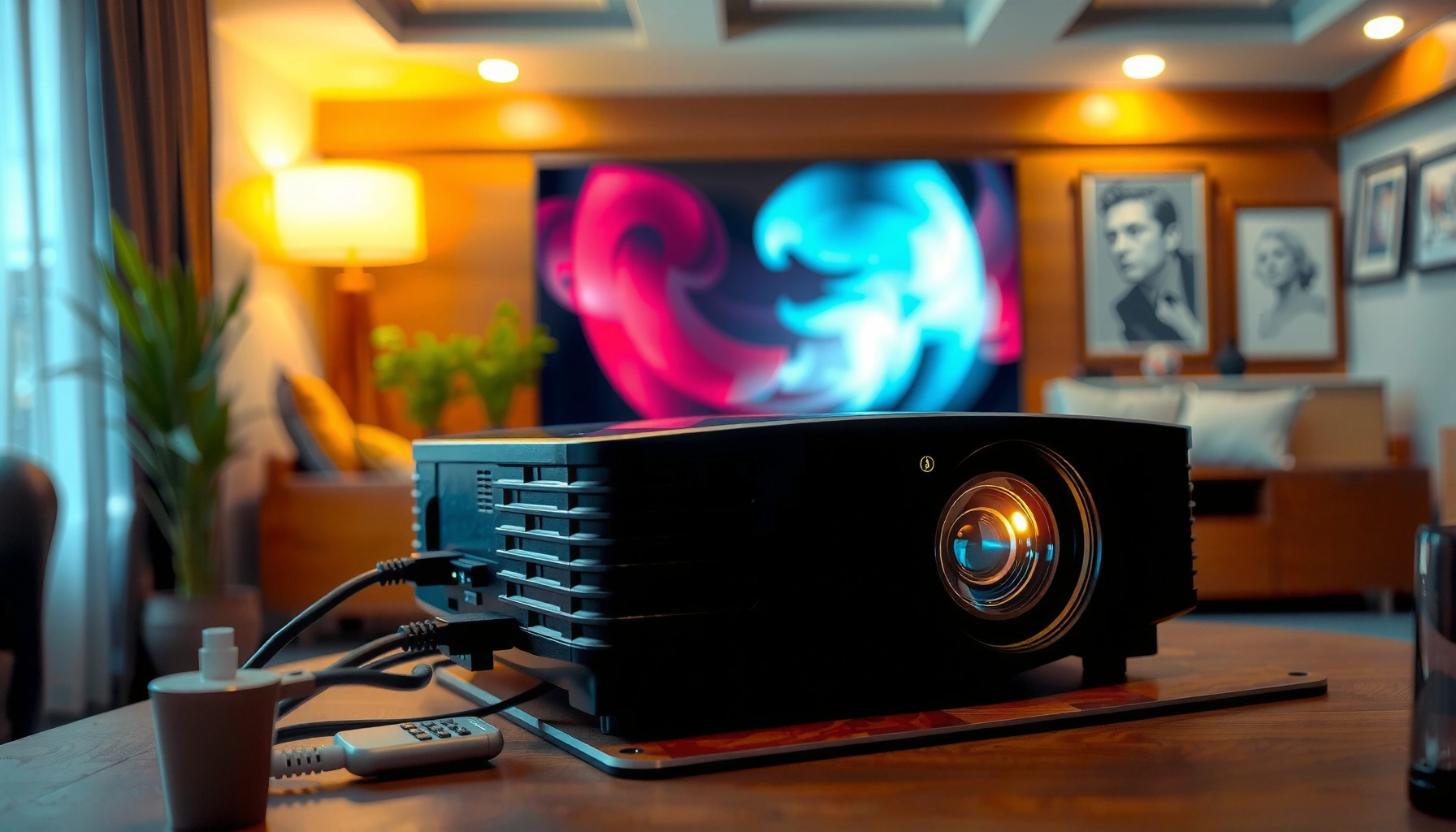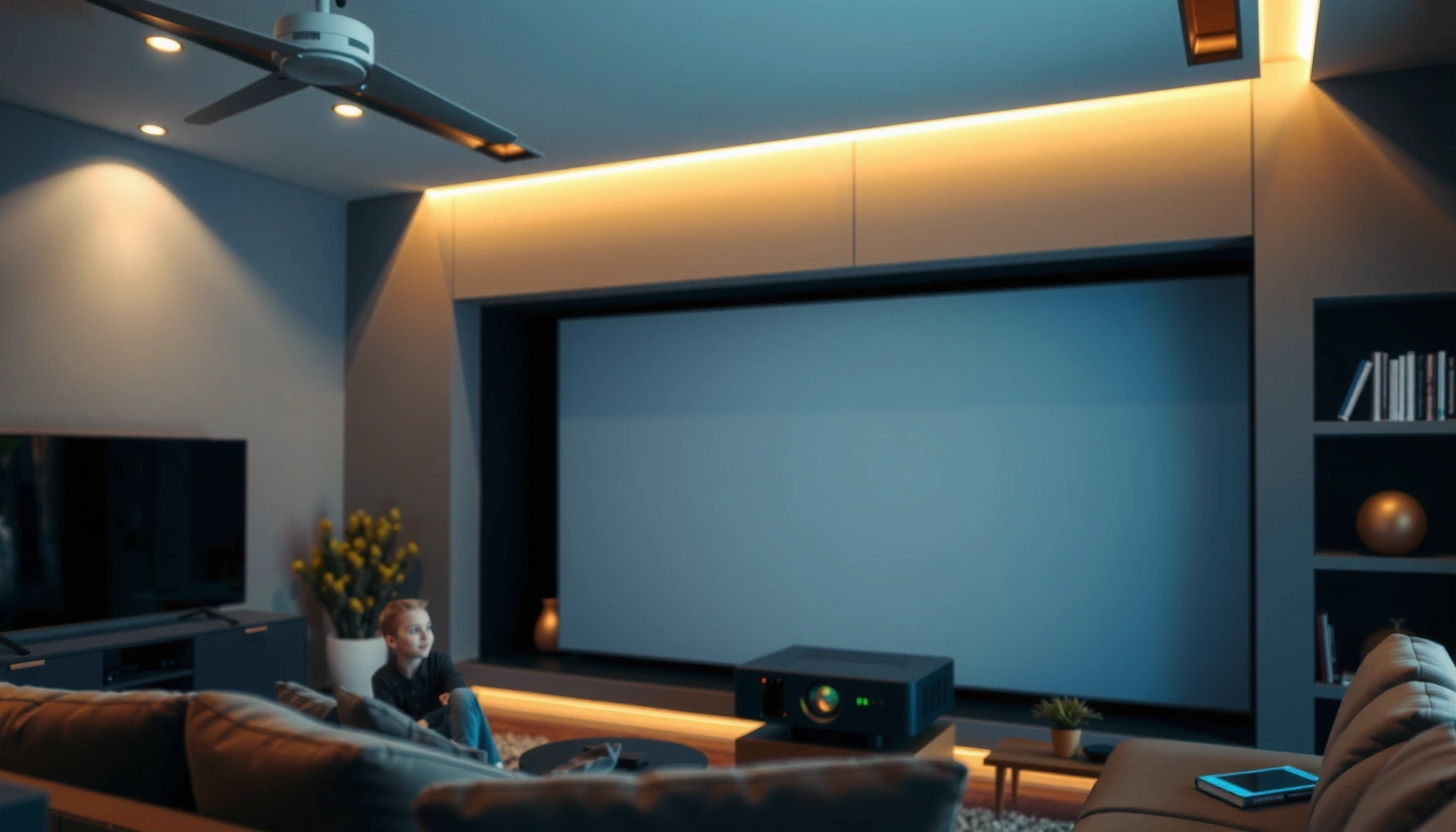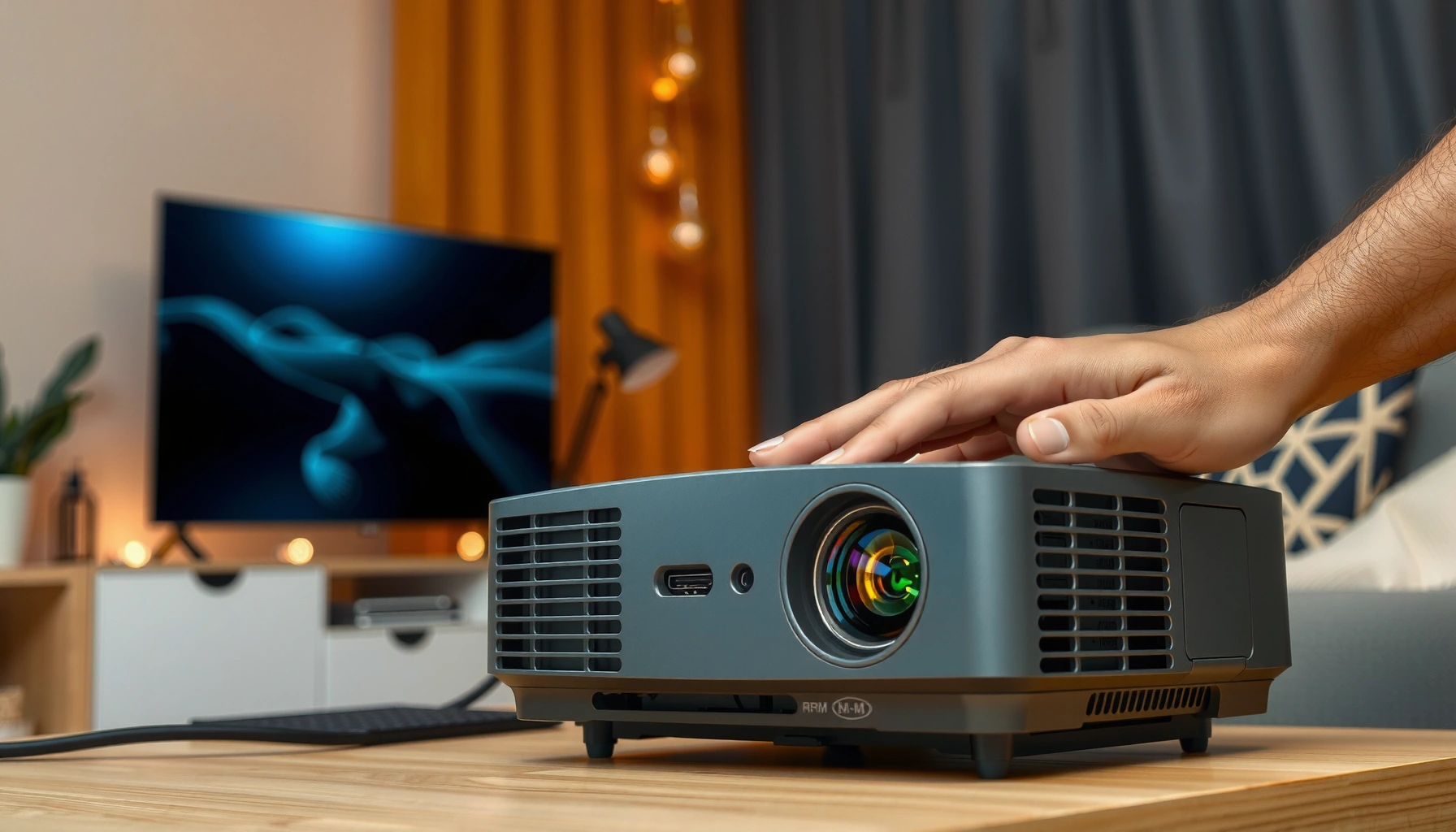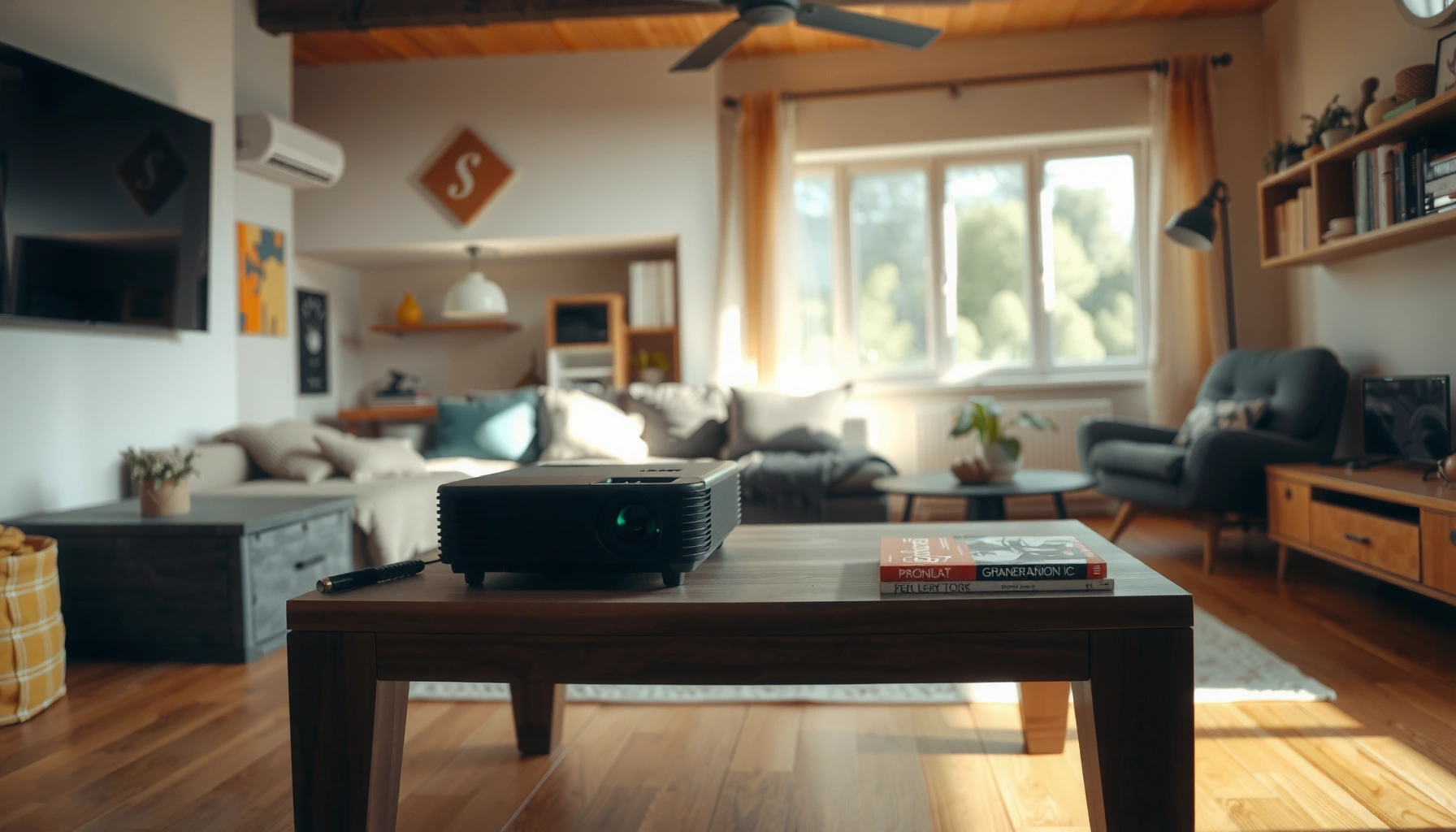
A budget projector is worth it only when you need a big-screen display for occasional use and can live with limited brightness, weaker image quality, and basic audio. If you want crisp text, vivid colors in daylight, or reliable performance for daily movie nights, the cheaper models usually fall short. The article breaks down the real pros and cons and then recommends the best alternatives for each budget and viewing situation.




A budget projector is worth it if you’ll mostly watch in a dim room and you can live within realistic limits for brightness, contrast, and “true” resolution. If you need daylight-friendly performance or a consistently sharp, high-contrast picture on a very large screen, a budget unit often disappoints—so it’s usually smarter to move to a midrange projector or consider non-projector alternatives (especially an appropriately sized TV). In this guide, we’ll break down the real pros and cons and help you choose the best path for your setup.
If you’re shopping for a first projector, setting up a casual home movie space, or trying to keep costs controlled, this is for you. It’s also useful if you’re unsure whether “budget” means “good enough” or “constantly frustrating.”
The pros: what budget projectors do well
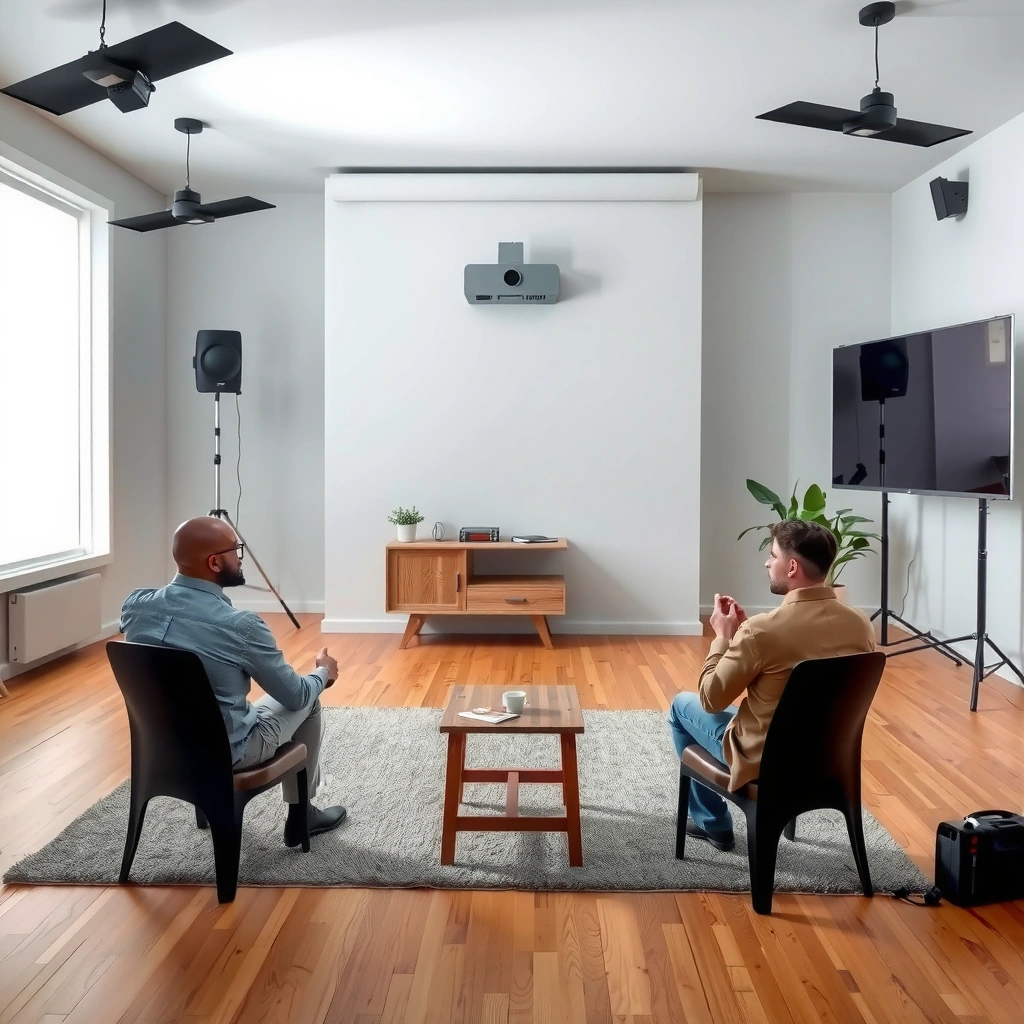
A budget projector earns its keep when your viewing environment is controlled and you prioritize “big-screen fun” over reference-level image quality. In the right setup, a lower-cost model can still deliver a satisfying cinematic feel because movies and dark scenes rely more on perceived contrast and tone mapping than on daylight brightness.
Budget projectors are often the lowest-cost way to get a screen size (e.g., 80–120 inches) that would be much more expensive in an equivalent direct-view display.
ANSI lumens measurement uses a standardized multi-point method (a nine-point grid) so brightness comparisons are possible when manufacturers follow the method.
In dim rooms, even modest lumens can appear “bright enough” because the surrounding light level is far lower than during daylight viewing.
Affordable entry point
Budget projectors are typically the most economical route to a large image. If your goal is a weekly movie night, occasional sports, or casual gaming, you usually value “screen size for the money” more than perfect blacks or ultra-sharp text.
A practical way to think about value: if you’re replacing a small TV with a much bigger screen, the “wow factor” often outweighs the loss in contrast or micro-detail—especially for films with strong color grading and shadows.
Setup is usually straightforward
Many budget units include common connectivity such as HDMI, and many also support wireless streaming via built-in apps or adapters. For casual use, that reduces friction—less time troubleshooting and more time watching.
From a placement standpoint, most budget projectors are also flexible enough for typical rooms:
– ceiling/front-of-room placement for a straightforward throw
– tabletop placement with keystone correction (though it can soften the image)
– moderate lens-shift flexibility in select models (less common at the budget tier)
[ADD: link to manufacturer support page format you recommend—e.g., “How to connect HDMI devices” from major brands’ official FAQ/support section]
Great for dim-room viewing
In lower light, a budget projector can look surprisingly enjoyable. Even when raw spec sheets look weak on paper, perceived image quality improves when:
– lights are dimmed or off
– you use a reasonably reflective or purpose-built screen
– you keep the projector close to the “sweet spot” distance for the lens
In my own setup experience—choosing where to place the projector to minimize ambient spill—I’ve found that controlling stray light (lamp direction, window glare, and wall color) often changes the results more than switching between two “similar” budget models.
The cons: where budget projectors commonly fall short
A budget projector can disappoint when your room lighting is not controlled and when you expect TV-like sharpness across large screens. The most common problem isn’t that the projector is “bad”—it’s that its brightness, optical design, and processing limits can’t fully meet daylight and large-format expectations.
Illuminance on the screen drops as screen area increases, so moving from 80-inch to 120-inch class can require multiple times more light to look similarly bright.
Marketing labels like “4K” do not always mean the projector has a native 3840×2160 imaging panel; projection systems may use pixel-shift or enhanced processing.
Keystone correction typically alters the image geometry digitally, which can reduce sharpness—especially on text-heavy content.
Lower brightness and contrast
Budget projectors usually deliver lower usable brightness, so images can look washed out when:
– curtains aren’t fully closed
– lamps or overhead lights are on
– walls are bright or highly reflective
Contrast also tends to be limited. That can mean darker scenes lose depth, and blacks look more “gray” than you’d expect from a good TV or a higher-end projector with better optics and light control.
Resolution trade-offs
“4K” marketing can be misleading. Some models achieve 4K-like output via pixel shifting or processing, but native detail (how crisp small features appear) depends on the underlying imaging method and optical path.
For viewers who read subtitles comfortably at distance, or who care about crisp sports scores and scoreboard text, this gap becomes noticeable faster than people expect.
More tuning time
Budget projectors often require more hands-on calibration of:
– focus (sometimes more sensitive than higher-end units)
– keystone correction (when you can’t place the projector perfectly)
– screen alignment and vertical/horizontal centering
– fan and airflow positioning (placement can affect noise and temperature)
If you want “turn it on and forget it,” a budget projector may feel like a project rather than a device—especially during the first week.
How to tell if it’s worth it for your use case
A budget projector is worth it when your room and content align with what low-cost optics can realistically deliver. If you can control ambient light, choose an appropriate screen size, and verify specs from manufacturer documentation, you’ll dramatically reduce the chance of regret.
Brightness comparisons are most reliable when using standardized measurement methods such as the ANSI multi-point approach (nine points averaged) rather than “peak” or “max” claims.
To predict perceived brightness, you must consider screen area and throw distance—not only the projector’s headline lumens.
Look for documented native resolution and supported signal formats in the manufacturer’s product specification sheet, not only listing text.
Match your room lighting
Start with the room, not the projector. If you can reliably dim the space using curtains and reduced overhead lighting, the budget path becomes significantly more viable.
If your room is bright by default—open-plan living rooms, daytime-only viewing, or rooms with large windows—you’ll likely run into washed-out images no matter how carefully you tune settings.
Decide on screen size and distance
Bigger isn’t always better for budget units. Because screen area increases quickly with width/diagonal, the projector has to spread the same light over more pixels.
A simple rule of thumb is math: if you roughly double the screen linear dimension, screen area increases about 4×, and the image will typically look proportionally dimmer unless you compensate with more lumens and better contrast.
Prioritize the right specs
When comparing budget projectors, focus on specs that truly affect picture quality and setup:
– Brightness (ANSI lumens): confirm what measurement method is claimed and whether the spec is consistent.
– Native resolution: verify whether “4K” is native or achieved by shifting/enhancement.
– Lens and geometry flexibility: throw distance range, digital/optical keystone support, and whether the image can be positioned without heavy correction.
– Note: brightness ratings vary by manufacturer; if you’re comparing, rely on documented specs from the manufacturer’s own materials. [ADD: manufacturer spec page or doc name link to the brand(s) you trust]
Mandatory data table (resolution formats that budget projectors commonly use)
Resolution Formats Commonly Encountered When Shopping for Projectors (Practical Detail Potential)
| # | Format (common marketing name) | Active Pixels | Typical “Budget” Detail Potential | Practical Note |
|---|---|---|---|---|
| 1 | 480p (SDTV) | 640×480 | ★★☆☆☆ | Often visibly soft on large screens |
| 2 | 720p (HD) | 1280×720 | ★★★☆☆ | Often acceptable for casual viewing |
| 3 | WXGA (1280×800) | 1280×800 | ★★★★☆ | Common in portable/business-friendly models |
| 4 | 1080p (Full HD) | 1920×1080 | ★★★★☆ | Usually the “sweet spot” for budget buyers |
| 5 | 1440p (QHD) | 2560×1440 | ★★★★★ | Less common in lower-cost models |
| 6 | 4K UHD (true 3840×2160) | 3840×2160 | ★★★★★ | Look for native 4K claims in documentation |
| 7 | “4K compatible” / enhanced | Varies by model | ★★☆☆☆ | Verify native vs pixel-shift/enhancement in specs |
What can go wrong (and common buying mistakes)
A budget projector usually goes wrong when you buy for the wrong lighting conditions or trust incomplete specifications. The fix is to compare manufacturer documentation (especially brightness method and native/resolution behavior) and align screen size with your throw distance.
Many “daylight” expectations fail because budget projectors cannot maintain adequate contrast and brightness when ambient light is present.
If a listing doesn’t clearly state the projector’s native resolution and input support, assume you’ll need more research in the official manual or spec sheet.
Projecting onto textured, uneven walls can reduce perceived uniformity and make low-contrast images look worse.
Buying for daylight performance
If you need a living-room setup with lights on, budget projectors often struggle. Even if the picture is “visible,” it may feel flat: blacks won’t look black, colors lose pop, and text can become harder to read.
If daylight use matters, your best move is to either:
– choose a higher-brightness/midrange projector designed for ambient light
– or consider a TV (particularly for everyday viewing)
Trusting “too-good” output claims
Some listings emphasize marketing features while key picture-quality details are vague. The reliable path is to:
– check the manufacturer’s product page and spec sheet
– confirm whether brightness is stated in ANSI lumens and under what conditions
[ADD: exact example of “what to look for” from a manufacturer spec PDF/manual section]
Ignoring maintenance and noise
Cooling systems affect both longevity and viewing experience. Budget models often rely on compact fans that can be more noticeable during quiet scenes. Placement also matters: blocking vents or placing the unit in a confined space can raise noise and temperature.
Screen mismatch
Walls with uneven paint, texture, or color casts can make a “budget” image look worse than expected. A dedicated screen can help uniformity and perceived contrast.
In my own planning for projector rooms, I’ve learned that choosing a smooth, light-controlled projection surface prevents “mystery softness” that no amount of keystone correction can solve.
[ADD: what surface/screen type you recommend or test in your site’s experience]
Verdict: when to buy budget, and when to skip
A budget projector is worth buying when your viewing setup is dim, your screen size is realistic, and you treat calibration as part of the hobby. If you need bright, sharp, high-contrast performance for everyday viewing—budget is often the wrong starting point.
For large-screen enjoyment in dark rooms, budget projectors can be “good enough” because perceived image quality improves dramatically when ambient light is controlled.
If you expect a projector to replace a TV for daytime use, the mismatch between low-cost brightness and ambient conditions is a common failure point.
Fan noise and limited geometry flexibility can be more noticeable on budget units, especially during quiet dialogue or late-night viewing.
If your goal is casual movie nights or occasional sports in a dim room, a budget projector can be a solid “good enough” purchase—especially if you’re willing to spend time dialing in focus and placement. Skip it if you need consistent brightness, sharp detail, or daylight-friendly viewing; in those cases, you’ll likely upgrade sooner than planned.
– Buy budget if: you’ll control ambient light, accept lower detail at larger sizes, and want the lowest cost to get started.
– Skip budget if: you want a bright living-room setup, you’re sensitive to blur/soft edges, or you expect it to replace a TV for everyday viewing.
– Downsides to expect: possible washed-out blacks, fan noise, and more setup work than a TV or higher-end unit.
Quick checklist: should you choose a budget projector?
You should choose a budget projector only when your room and viewing habits match the projector’s likely limits. Use this checklist to quickly validate whether your setup supports a worthwhile outcome.
- Room lighting:
- Will you reliably dim the space? (Yes/No)
- Use frequency:
- Occasional viewing or daily, all-day use?
- Screen plan:
- Do you have (or plan) a smooth, light-controlled surface?
- Distance + size:
- Will your throw distance keep the image from getting too dim?
- Inputs you need:
- Do you have the right ports (console, laptop, streaming box)?
- Noise tolerance:
- Can you tolerate fan noise during movies or game sessions?
- Spec clarity:
- Are the key specs clearly documented by the manufacturer?
– Note: brightness and resolution claims should be verified in official documentation. [ADD: exact spec source you use]
FAQ
Are “budget projectors” good for gaming?
They can be, especially in darker rooms, but performance depends on the specific model’s processing latency (input lag) and image stability. Check the manufacturer’s stated input lag/latency and supported refresh modes in their documentation. [ADD: source for gaming-performance claims if you include any]
Will a budget projector work in daylight?
Often not well. Many budget models struggle with ambient light because brightness and contrast are limited compared with TVs and higher-brightness projectors. For daylight use, you’ll usually need stronger light control or a higher-end device—see the manufacturer’s brightness specs and recommended ambient-light conditions.
What resolution should I aim for in a budget projector?
Aim for the most honest resolution your budget allows, and be cautious with marketing-only “enhanced” claims. Use the manufacturer’s product documentation/specs to verify what “4K” or similar terms mean for that exact unit. [ADD: source/definition from manufacturer]
Do I need a projector screen?
Not strictly, but a suitable surface improves image quality. A smooth, reasonably light-colored surface typically looks better than textured walls; a dedicated screen can help with contrast and uniformity.
Sources
– Manufacturer product documentation/spec sheets for the projector models you discuss: [ADD: manufacturer names + doc titles].
– Manufacturer guidance on brightness rating methodology, supported resolutions, and recommended ambient-light conditions (from official manuals/spec pages): [ADD: exact document names/sections].
– If you mention keystone/focus behavior or lens limitations, use the official manual’s troubleshooting/installation notes: [ADD: exact manual references].
– Brightness measurement methodology reference: ANSI/IT9.2 (ANSI method commonly used for projector brightness measurement via standardized multi-point grid). [ADD: official ANSI/IT9.2 document title or publisher reference]
A budget projector can be a smart purchase when it matches your environment—dim room, controlled placement, and realistic screen expectations. Just be honest about the trade-offs: lower brightness/contrast, potential “marketing resolution” confusion, and extra setup work. If you want daylight performance or TV-like sharpness every day, plan to spend more—or choose a non-projector option—so you don’t end up upgrading sooner than your budget intended.
Frequently Asked Questions
What makes a budget projector worth it for home use?
A budget projector can be worth it when you want a large screen for movies, sports, or casual gaming without paying premium prices. In many cases, entry-level models deliver acceptable image quality for dim rooms and short throw setups, especially if you pair them with a decent screen or wall surface. It’s most valuable if you prioritize size and convenience over perfect brightness, sharpness, and low-light performance.
How can I tell if a budget projector will look good in my room?
Start by checking lumens (brightness) and aiming for higher lumens if you have ambient light, since budget projectors can struggle in brighter rooms. Also consider resolution (at least 1080p or a clear native option if available) and whether the projector supports lens features like manual focus and keystone correction for easier setup. For best results, plan to use the projector in a darker environment or use blackout curtains, because contrast and image clarity typically improve significantly.
Why do budget projectors sometimes look washed out or blurry?
Washed-out images usually come from insufficient brightness, low contrast, or reflective ambient light in the room. Blurriness can result from poor optics, limited resolution processing, or difficulty aligning the projector angle without strong keystone correction. Additionally, low-cost lamp life (if it’s a lamp-based model) and slow or limited image processing can make performance feel less consistent over time.
Which budget projector features should I prioritize to avoid common disappointments?
Prioritize native resolution, sufficient brightness for your lighting conditions, and reliable auto-focus or manual focus controls to keep the image sharp. Look for good connectivity options like HDMI, USB media playback, and whether it supports streaming devices (or smart features) so you don’t need extra hardware. For flexibility, consider throw ratio and lens shift (if available) over heavy keystone, since lens shift often produces a more uniform and less distorted picture.
What are the best alternatives to a budget projector if I want better image quality?
If you need consistently clearer, brighter images, an LED or laser projector can be a better alternative, though some models cost more than “budget” options. Another strong option is a refurbished or older premium model, which can offer better optics and brightness per dollar when you buy from a reputable source. If portability and ease of use matter most, a TV (especially a larger budget smart TV) can deliver better out-of-the-box quality for many rooms.
📅 Last Updated: October 08, 2026 | Topic: Is a budget projector Worth It? Pros, Cons, and Alternatives | Content verified for accuracy and freshness.
References
- https://en.wikipedia.org/wiki/Projector
- https://en.wikipedia.org/wiki/Video_projector
- https://en.wikipedia.org/wiki/DLP_projector
- https://en.wikipedia.org/wiki/LCD_projector
- https://en.wikipedia.org/wiki/LED_projector
- https://en.wikipedia.org/wiki/Projector_lamp
- https://www.energystar.gov/products/specs/lamp_projectors
- https://scholar.google.com/scholar?q=budget+projector+pros+cons+lumens+contrast Google Scholar
- https://scholar.google.com/scholar?q=projector+lamp+life+LED+projector+comparison Google Scholar
- https://scholar.google.com/scholar?q=projection+display+cost+of+ownership+home+theater+alternatives Google Scholar