To get the best surround sound for PC gaming, you need to invest in high-quality audio hardware, optimize your sound settings, and choose the right software. Achieving immersive sound can truly elevate your gaming experience, allowing you to hear every footstep, explosion, and whisper in stunning clarity. This guide will walk you through essential steps to enhance your gaming experience with immersive sound, ensuring you don’t miss a single detail in your favorite titles.




Choosing the Right Audio Hardware
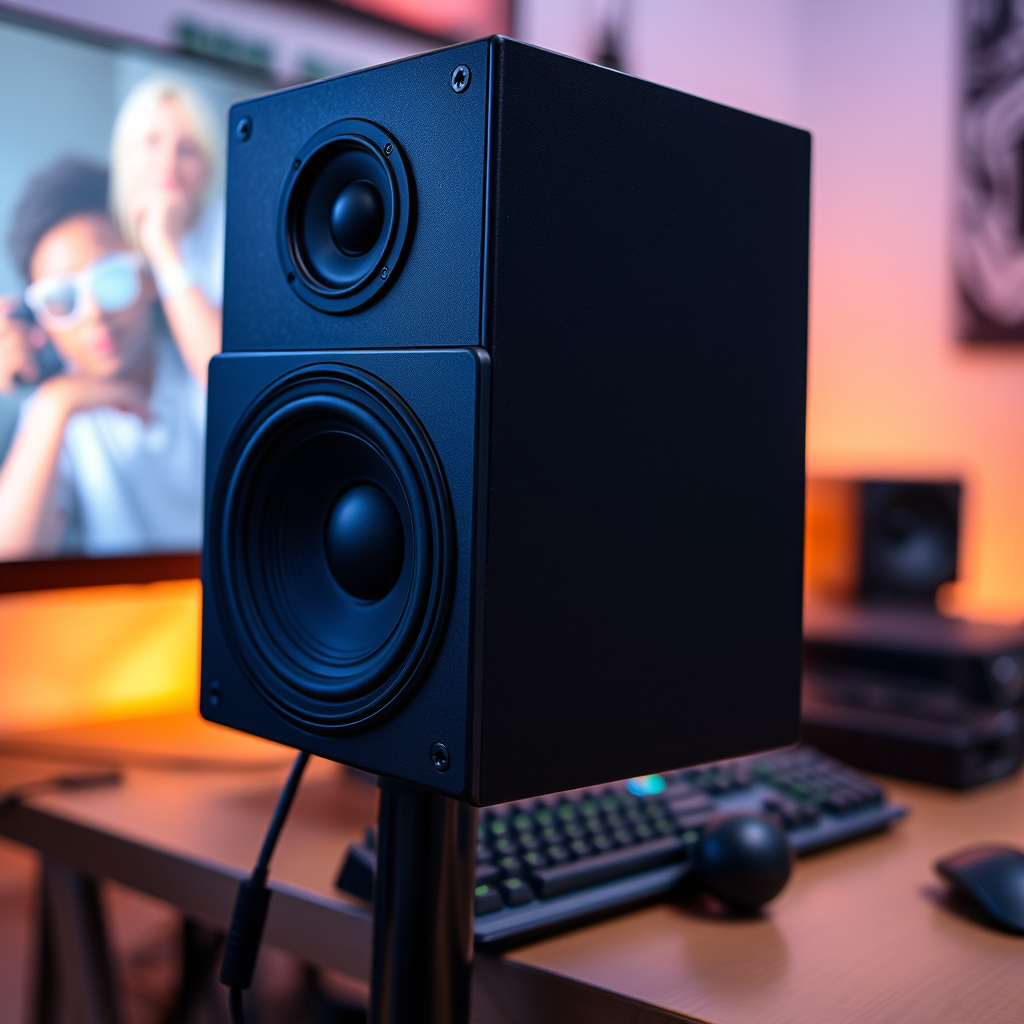
Selecting the right audio hardware is the foundation of a great surround sound experience for PC gaming. Start with a high-quality surround sound headset or speaker system designed specifically for gaming. Brands like SteelSeries, HyperX, and Razer offer headsets with surround sound capabilities that can help you pinpoint enemy locations with precision. Look for models that support 7.1 surround sound, as they provide the most immersive audio experience.
If you prefer a speaker system, consider investing in a dedicated surround sound speaker setup. Systems from Logitech and Creative Labs are popular choices and can fill your gaming room with rich, enveloping sound. For those serious about audio quality, external sound cards or Digital-to-Analog Converters (DACs) can make a significant difference. These devices improve sound processing, reduce latency, and can enhance overall fidelity, bringing out subtle details in your games.
Configuring Your PC Sound Settings
Once you’ve selected your audio hardware, it’s time to configure your PC’s sound settings for optimal performance. Start by accessing the audio settings in your operating system. For Windows users, right-click the sound icon in the taskbar, select ‘Sounds’, and navigate to the ‘Playback’ tab. Here, you should see your surround sound device listed. Set the output format to surround sound, typically 7.1 or 5.1, depending on your setup.
Next, adjust the speaker configuration in the sound settings to match your hardware setup. If you’re using a headset, ensure that the ‘Headphones’ option is selected and any surround sound processing is enabled. For speakers, select the appropriate configuration (like 5.1 or 7.1). This ensures that audio channels are routed correctly, giving you that immersive experience during gameplay.
Utilizing Gaming Software for Enhanced Sound
To take your audio experience to the next level, explore gaming software designed to enhance spatial audio, such as Dolby Atmos and DTS:X. These programs create a three-dimensional audio environment, allowing sounds to come from all around you, which is particularly useful in competitive gaming where spatial awareness is crucial.
Many games also offer built-in sound profiles and presets that can be customized for your audio hardware. Spend some time testing different profiles to see which one complements your gaming style best. For instance, first-person shooters may benefit from profiles that emphasize directional sound, while role-playing games might focus on ambient sounds for a more immersive atmosphere.
Positioning Your Speakers for Maximum Effect
If you’ve opted for a surround sound speaker setup, proper positioning is key to achieving maximum audio impact. Ideally, speakers should be placed at optimal angles around your gaming area. For a 5.1 setup, position the front left, front right, and center speakers at ear level, slightly angled towards your listening position. The surround speakers should be placed above ear level, positioned to your left and right, to create a full sound field.
To ensure balanced sound distribution, consider using a sound meter app to calibrate speaker placement. This can help you identify any discrepancies in audio levels across your setup and make adjustments accordingly. The goal is to create a cohesive sound stage that allows you to immerse yourself fully in your gaming experience.
Testing and Fine-Tuning Your Audio
After configuring your audio hardware and settings, it’s essential to test and fine-tune your audio. Begin by running audio tests and playing sample sounds to ensure that each channel is functioning correctly. You can find surround sound test videos on platforms like YouTube, which can help you confirm that each speaker or headphone channel is delivering sound accurately.
As you play your favorite games, take note of how the audio feels. Are certain sounds too loud or too soft? Make adjustments based on your personal preferences and the types of games you play. For instance, if you enjoy action-packed shooters, you might want to increase the volume of gunfire sounds, while in story-driven games, you may prefer softer ambient noises to enhance the narrative experience.
Maintaining Your Audio Equipment
To keep your audio equipment functioning at peak performance, regular maintenance is crucial. Begin by cleaning your audio hardware to prevent dust and debris from affecting sound quality. For headsets, clean the ear cushions and cables, while speakers may require dusting and occasional repositioning to avoid sound obstruction.
Additionally, don’t forget to update your drivers and software regularly. Audio manufacturers often release updates that include enhancements, bug fixes, and new features. Staying current with these updates can ensure that you’re getting the best possible audio quality and performance from your setup.
Incorporating the best surround sound for your PC gaming setup requires careful selection of hardware, proper configuration, and continuous fine-tuning. By following these steps, you can immerse yourself in a more engaging and dynamic gaming experience. Start optimizing your setup today for a sound upgrade that elevates your gameplay!
Frequently Asked Questions
What is surround sound and why is it important for PC gaming?
Surround sound refers to a multi-channel audio system that creates a 360-degree sound environment, making gameplay more immersive. For PC gaming, having surround sound enhances the audio experience by allowing players to hear sounds coming from different directions, which is crucial for locating opponents and discerning in-game events. This auditory depth can give gamers a competitive edge, making it vital for high-stakes gaming sessions.
How do I set up surround sound for my PC gaming system?
To set up surround sound for PC gaming, first ensure your audio hardware supports multi-channel output, such as a surround sound speaker system or a gaming headset with surround sound capabilities. Connect your speakers or headset to your PC and configure the sound settings in your operating system to select the appropriate output format (like 5.1 or 7.1 surround sound). Additionally, many games have audio settings where you can select surround sound options, enhancing your overall gaming experience.
What are the best surround sound systems or headsets for gaming?
Some of the best surround sound systems for gaming include the Logitech Z906 5.1 Surround Sound Speaker System and the Razer Nommo Pro, both offering excellent audio quality and immersive soundscapes. For headsets, the HyperX Cloud II and the SteelSeries Arctis Pro are highly regarded for their surround sound capabilities and comfort during long gaming sessions. Each of these options provides a unique listening experience, so consider your gaming style and preferences when choosing.
Why is my surround sound not working in games, and how can I fix it?
Surround sound issues in games can arise from improper audio settings, outdated drivers, or hardware compatibility problems. To fix this, start by checking the audio settings in both your operating system and the game to ensure surround sound is enabled. Additionally, make sure your sound drivers are up to date and that your audio hardware is correctly connected and configured. If problems persist, consult the game’s support forums for specific troubleshooting steps related to your setup.
Which audio formats should I look for to ensure the best surround sound experience in gaming?
When seeking the best surround sound experience in gaming, look for audio formats like Dolby Digital, DTS, and Dolby Atmos. These formats provide high-quality, immersive sound that can enhance gameplay by accurately reproducing sound effects and spatial audio cues. Many modern games support these formats, so ensuring your audio system or headset is compatible will greatly improve your gaming experience.
References
- Surround sound
- https://www.techradar.com/how-to/how-to-set-up-surround-sound-for-pc-gaming
- https://www.tomsguide.com/how-to/how-to-set-up-surround-sound-on-your-pc
- https://www.cnet.com/tech/home-theater/how-to-set-up-a-pc-gaming-surround-sound-system/
- https://support.microsoft.com/en-us/windows/configure-surround-sound-on-windows-10-3e1e4f3a-3b73-3d6d-8c68-0c007eec4cda



