


Playing FLAC and other hi-res audio formats is straightforward with the right software and hardware. This guide will equip you with essential knowledge about compatible players, necessary settings adjustments, and insider tips for enjoying high-fidelity sound. Whether you are a seasoned audiophile or new to high-resolution audio, this article will help you navigate your options effectively.
Understanding FLAC and Hi-Res Audio Formats
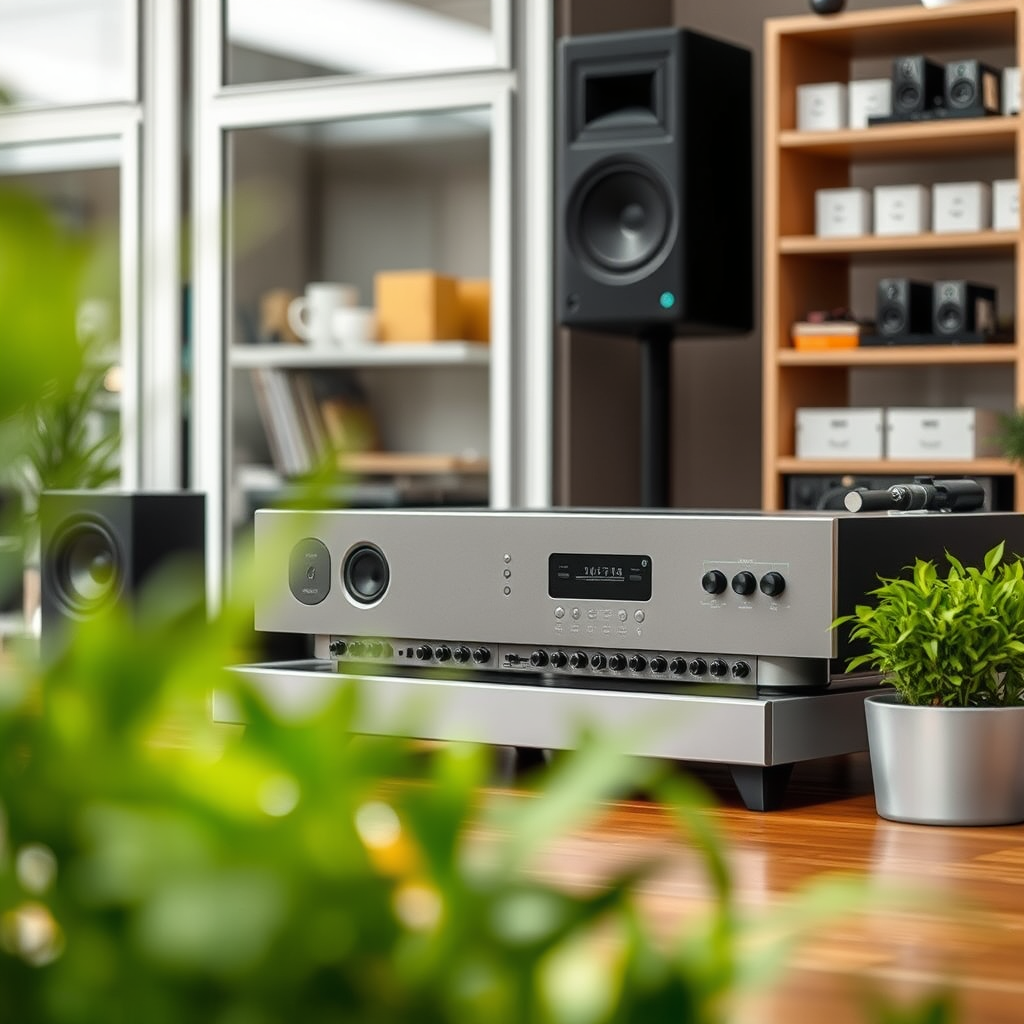
FLAC, or Free Lossless Audio Codec, is an audio format that compresses music without losing any data, resulting in high-quality sound that retains the original audio fidelity. Unlike standard formats such as MP3, which use lossy compression, FLAC offers a richer listening experience with greater detail and clarity. This makes it particularly appealing to audiophiles who appreciate high-resolution audio.
In addition to FLAC, there are several other popular hi-res formats. ALAC (Apple Lossless Audio Codec) offers similar benefits to FLAC but is optimized for Apple devices. WAV (Waveform Audio File Format) is an uncompressed format that provides excellent audio quality but at the cost of larger file sizes. DSD (Direct Stream Digital) is another high-resolution format that employs a different encoding method, often favored by enthusiasts for its unique sound characteristics. Each of these formats has its own strengths and weaknesses, making it important to choose one that best aligns with your listening preferences and hardware capabilities.
Choosing the Right Software
To fully enjoy FLAC and other hi-res audio formats, selecting the right media player is crucial. Here are some recommended options:
– VLC Media Player: A versatile, open-source media player that supports a wide range of audio formats, including FLAC. It offers a user-friendly interface and is available on multiple platforms.
– Foobar2000: Known for its extensive customization options and support for various audio formats, Foobar2000 is a favorite among audiophiles. It allows users to fine-tune playback settings for optimal sound quality.
– Audirvana: This premium software is designed specifically for high-resolution audio playback, providing advanced features like upsampling and support for various file formats. It’s ideal for those who prioritize sound quality above all else.
When choosing an audio player, look for features such as support for various formats, ease of use, and advanced audio settings. The ability to customize your listening experience can significantly enhance your enjoyment of hi-res audio.
Setting Up Your Hardware
Having compatible audio equipment is essential for the best playback experience. A Digital-to-Analog Converter (DAC) is a crucial piece of hardware that converts digital audio signals into analog, improving sound quality significantly. Pairing your DAC with high-quality headphones or speakers is also important; look for models that are capable of reproducing high-resolution audio accurately.
To optimize your audio gear for hi-res playback, consider the following tips:
1. Use High-Quality Cables: Invest in high-quality audio cables to reduce signal loss and interference.
2. Check Connections: Ensure all connections between your DAC, amplifier, and audio output devices are secure to avoid any disruptions in sound quality.
3. Consider Room Acoustics: The environment in which you listen to music can greatly impact sound quality. Experiment with speaker placement and consider acoustic treatments to enhance your listening experience.
📋 Recommended Audio Equipment for Hi-Res Playback
Top 7 Audio Equipment for Hi-Res Playback
| # | Equipment | Type | Price Range | Best For |
|---|---|---|---|---|
| 1 | AudioQuest DragonFly | DAC | $100 – $200 | Portability |
| 2 | Schiit Modi 3+ | DAC | $99 | Budget |
| 3 | Beyerdynamic DT 1990 Pro | Headphones | $599 | Studio Monitoring |
| 4 | Focal Clear | Headphones | $1,490 | High-End Listening |
| 5 | Cambridge Audio DacMagic 200M | DAC | $649 | Versatility |
| 6 | Sennheiser HD 660S | Headphones | $399 | Balanced Sound |
| 7 | Sony WH-1000XM4 | Headphones | $349 | Noise Cancelling |
Configuring Your Audio Player
Once you have the right hardware, it’s essential to configure your audio player for optimal sound quality. Here are the key steps to set up your audio output settings:
1. Bit Depth and Sample Rate: Check your audio player settings to ensure that the bit depth and sample rate match the specifications of the audio file. For high-resolution audio, aim for a minimum of 24-bit/96 kHz.
2. Playback Settings: Adjust buffer settings to reduce latency and prevent dropouts during playback. A larger buffer size may improve stability, while a smaller size can reduce latency.
3. Output Modes: Depending on your equipment, you may need to choose between Direct Sound, WASAPI, or ASIO output modes. Each has its own advantages, so experiment to find the best fit for your setup.
By fine-tuning these settings, you can significantly enhance your listening experience and ensure that you are getting the best possible sound from your hi-res audio files.
Streaming Hi-Res Audio
In addition to playing local files, many streaming services now offer hi-res audio options. Services like Tidal, Qobuz, and Amazon Music HD provide access to vast libraries of high-resolution music. Here are some tips for managing bandwidth and connectivity to ensure smooth streaming experiences:
– Wired vs. Wireless: For the best performance, consider connecting your device directly to your router via an Ethernet cable. This minimizes latency and reduces the chance of interruptions caused by Wi-Fi interference.
– Bandwidth Management: Streaming hi-res audio can consume a significant amount of bandwidth. Ensure that your internet connection can handle the demands, especially during peak usage times.
– Offline Listening: Many services offer options to download hi-res tracks for offline listening. This can be an excellent way to enjoy music without worrying about connectivity issues.
Troubleshooting Common Issues
Despite the best setups, you may encounter common problems when playing hi-res audio. Here are some typical issues and their solutions:
– Format Incompatibility: Ensure that your audio player supports the file format you are trying to play. If not, consider converting the file to a compatible format or using a different player.
– Playback Errors: If you experience dropouts or stuttering, try adjusting the buffer size or switching output modes in your audio player settings.
– Updating Software: Regularly check for updates to your audio player and drivers. Keeping your software up-to-date can resolve many performance issues and ensure compatibility with the latest formats.
By identifying and resolving these common issues, you can maintain a smooth and enjoyable listening experience.
Exploring Additional Resources
For audiophiles looking to deepen their knowledge and connect with like-minded individuals, several online resources are invaluable. Websites like Head-Fi and Audiophile Style offer forums for discussion, product reviews, and recommendations for high-res audio gear. Additionally, platforms like Bandcamp and HDtracks provide access to downloadable hi-res music and sample tracks for testing.
📈 Hi-Res Audio Formats Popularity
Popularity of Hi-Res Audio Formats (2024)
Summarizing the steps to play FLAC and other hi-res audio formats can empower you to enjoy superior sound quality in your music. By choosing the right software, configuring your player, and ensuring your hardware is up to par, you’ll be well on your way to experiencing high-fidelity audio. Don’t hesitate to explore streaming options and troubleshoot any issues you encounter to maximize your audio enjoyment. Dive into the world of hi-res audio today!
Frequently Asked Questions
What is FLAC and why is it preferred for high-resolution audio?
FLAC, or Free Lossless Audio Codec, is an audio format that compresses music files without any loss in quality. It is preferred for high-resolution audio because it retains the original sound quality of recordings, making it ideal for audiophiles who seek a rich listening experience.
How can I play FLAC files on my computer?
To play FLAC files on your computer, you can use media players that support this format, such as VLC Media Player, Foobar2000, or Winamp. Simply download one of these players, install it, and open your FLAC files directly within the application for high-quality playback.
Which devices support high-resolution audio formats like FLAC?
Many modern devices support high-resolution audio formats, including smartphones, tablets, computers, and dedicated digital audio players. Look for devices that specifically mention support for FLAC and other hi-res formats in their specifications to ensure optimal playback.
Why can’t I play FLAC files on my standard music player?
Standard music players, such as Windows Media Player or iTunes, often do not support FLAC files natively. This limitation can be resolved by using alternative media players that are compatible with FLAC, or by converting FLAC files to a format like MP3 or AAC, which are more widely supported.
What is the best software for converting FLAC to other audio formats?
The best software for converting FLAC to other audio formats includes programs like dBpoweramp, Audacity, and Freemake Audio Converter. These tools offer easy-to-use interfaces and support a range of formats, allowing you to convert FLAC files while maintaining high audio quality.
References
- FLAC
https://en.wikipedia.org/wiki/FLAC - https://www.ncbi.nlm.nih.gov/pmc/articles/PMC6461680/
https://www.ncbi.nlm.nih.gov/pmc/articles/PMC6461680/ - https://www.sciencedirect.com/topics/computer-science/flac
https://www.sciencedirect.com/topics/computer-science/flac - Google Scholar Google Scholar
https://scholar.google.com/scholar?q=how+to+play+FLAC+and+hi-res+audio+formats - Google Scholar Google Scholar
https://scholar.google.com/scholar?q=high-resolution+audio+formats - https://www.bbc.com/news/technology-41393033
https://www.bbc.com/news/technology-41393033 - https://www.reuters.com/article/us-audio-highres-idUSKBN1YB2G4
https://www.reuters.com/article/us-audio-highres-idUSKBN1YB2G4 - https://www.nature.com/articles/s41598-018-21334-2
https://www.nature.com/articles/s41598-018-21334-2 - Endocrinology – Costs and insurance – Mayo Clinic
https://www.mayoclinic.org/tests-procedures/audio-testing/about/pac-20392637 - https://www.ozon.ru/context/detail/id/144525187/
https://www.ozon.ru/context/detail/id/144525187/



